Get 10% back in Relic Coins on every order
Battlefield 1 Revolution & Battlefield 1943 Bundle cover

Xbox OneGlobal· Key

Battlefield 1 Revolution & Battlefield 1943 Bundle

€10.48

+€1.05 cashback eligibility in Relic Coins

Check before you play

Platform
Xbox One
Region
Global
Product type
Key
Developer
EA Digital Illusions CE
Publisher
Electronic Arts
Supplier release date
2017-08-22
Genres
Action, Adventure, FPS

About this product

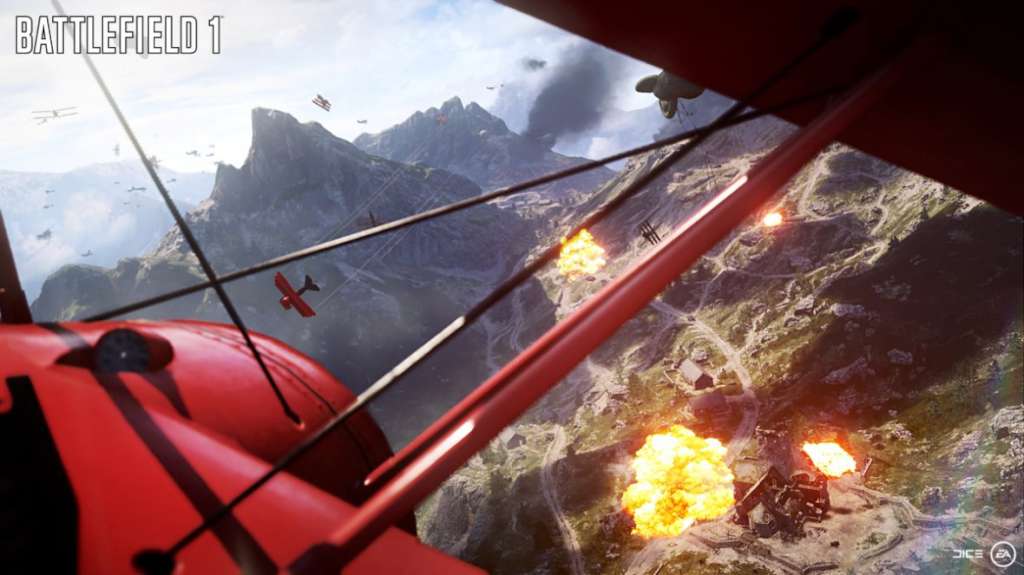
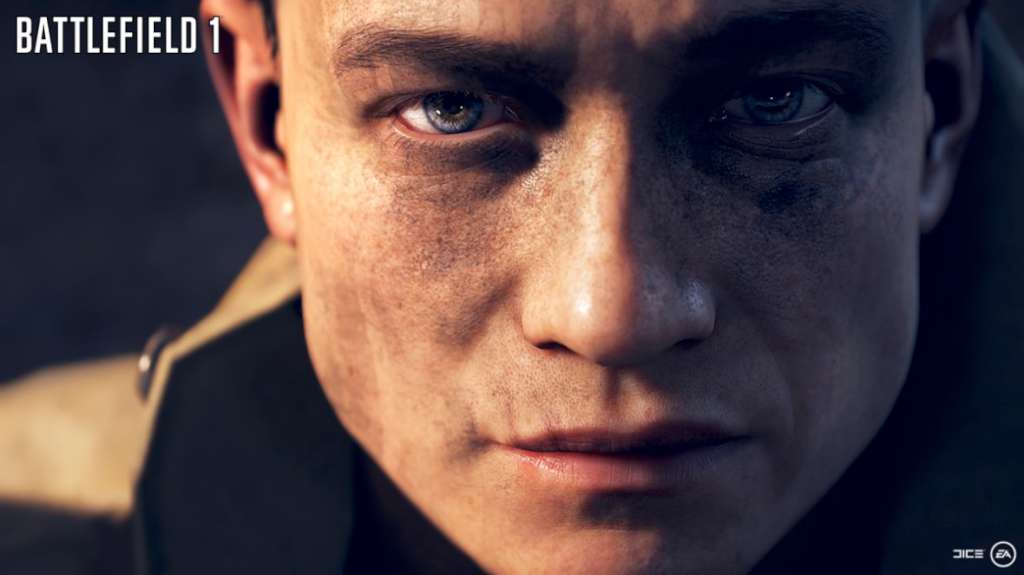
Includes 2 Items: Battlefield 1 and Battlefield 1 Premium Pass. Battlefield 1 is the fourteenth installment of the critically acclaimed FPS series from Electronic Arts. It follows the tradition of excellence that gamers everywhere have come to expect. This time around you’ll travel back in time to World War I, a setting never before explore in any Battlefield game. Earn your stripes with top-notch teamwork as you battle your way through history. Multiple storylines let you explore the reality of World War I from different perspectives. Battlefield 1 is a gritty, realistic portrayal of the Great War. Men were made in the trenches. Are you brave enough to join them? Battlefield 1943 Utilizing the same Frostbite engine as the Bad Company series, Battlefield 1943 took players back to WWII across four Pacific Theatre maps. Delivering the award-winning online vehicle warfare experience DICE is world-renowned for, Battlefield 1943 quickly became a best-selling game in the history of both Xbox Live Arcade and PlayStation Network Store.

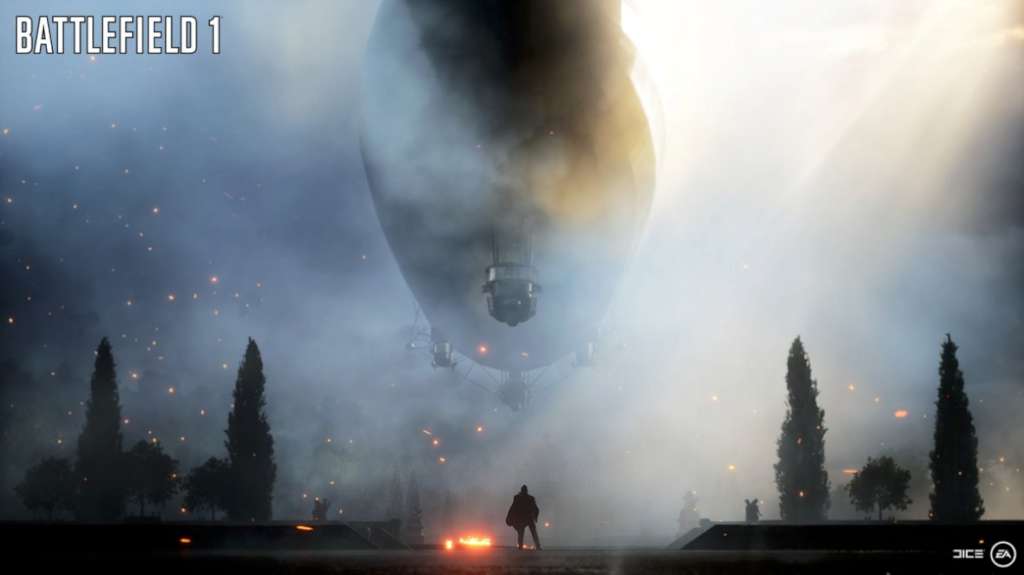
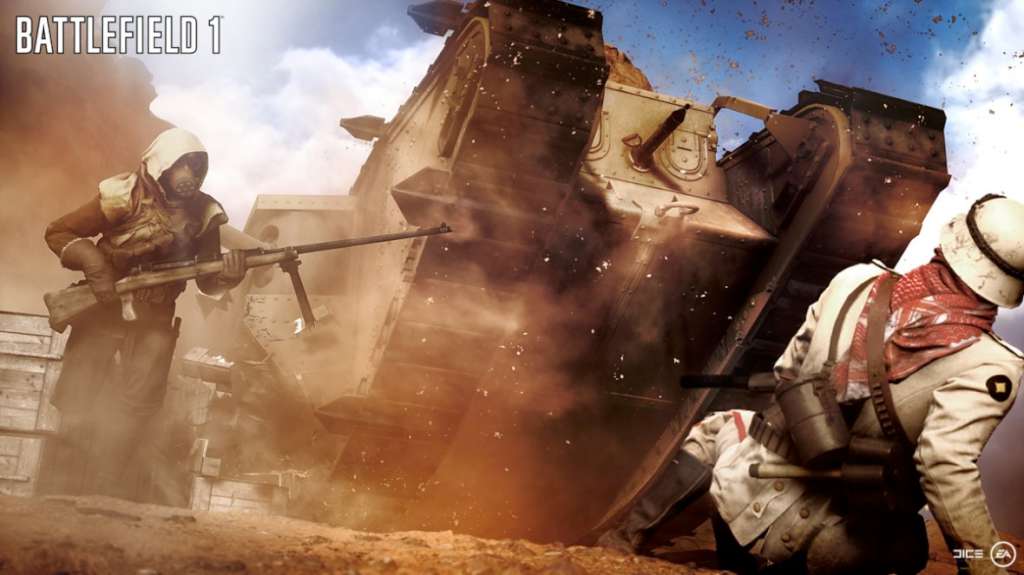
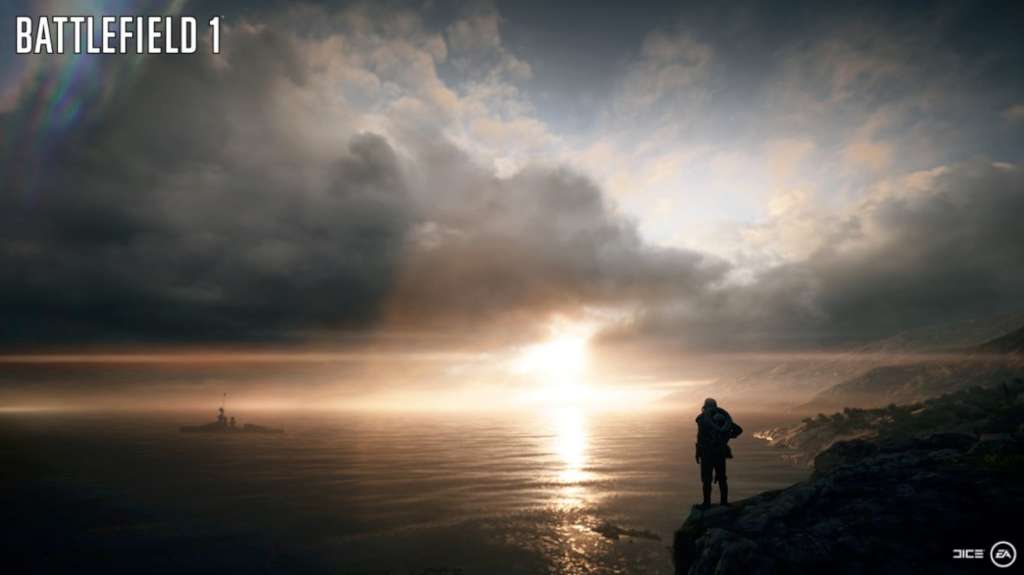
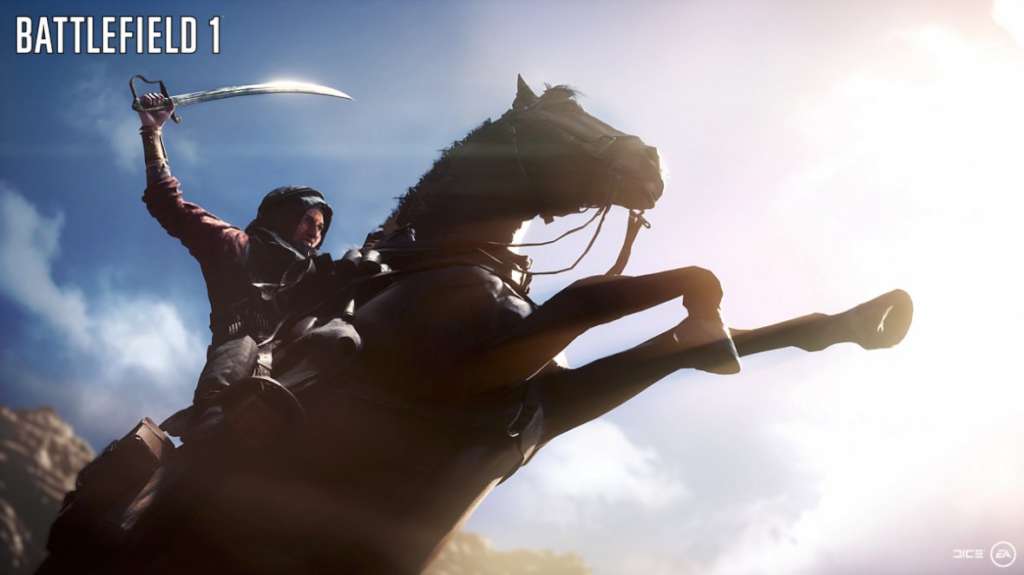
Battlefield 1 Revolution & Battlefield 1943 Bundle screenshotBattlefield 1 Revolution & Battlefield 1943 Bundle screenshotBattlefield 1 Revolution & Battlefield 1943 Bundle screenshotBattlefield 1 Revolution & Battlefield 1943 Bundle screenshotBattlefield 1 Revolution & Battlefield 1943 Bundle screenshotBattlefield 1 Revolution & Battlefield 1943 Bundle screenshot

How to redeem

  1. 1Check your Xbox One account and the listed region before purchasing.
  2. 2Find your code and supplier activation instructions in your confirmed order.
  3. 3Open the redeem-code section on Xbox One, enter the code and follow the platform’s prompts.

Supplier instructions

Go to https://www.xbox.com Login to your account Hover over your account link (the top right of the screen) a menu will appear, click on the "Redeem Code" button. On the next page, click "Redeem" Enter your code Click "Confirm" Click "Confirm" again to assign the key to your account.

You might also like