
SteamGlobal· Key
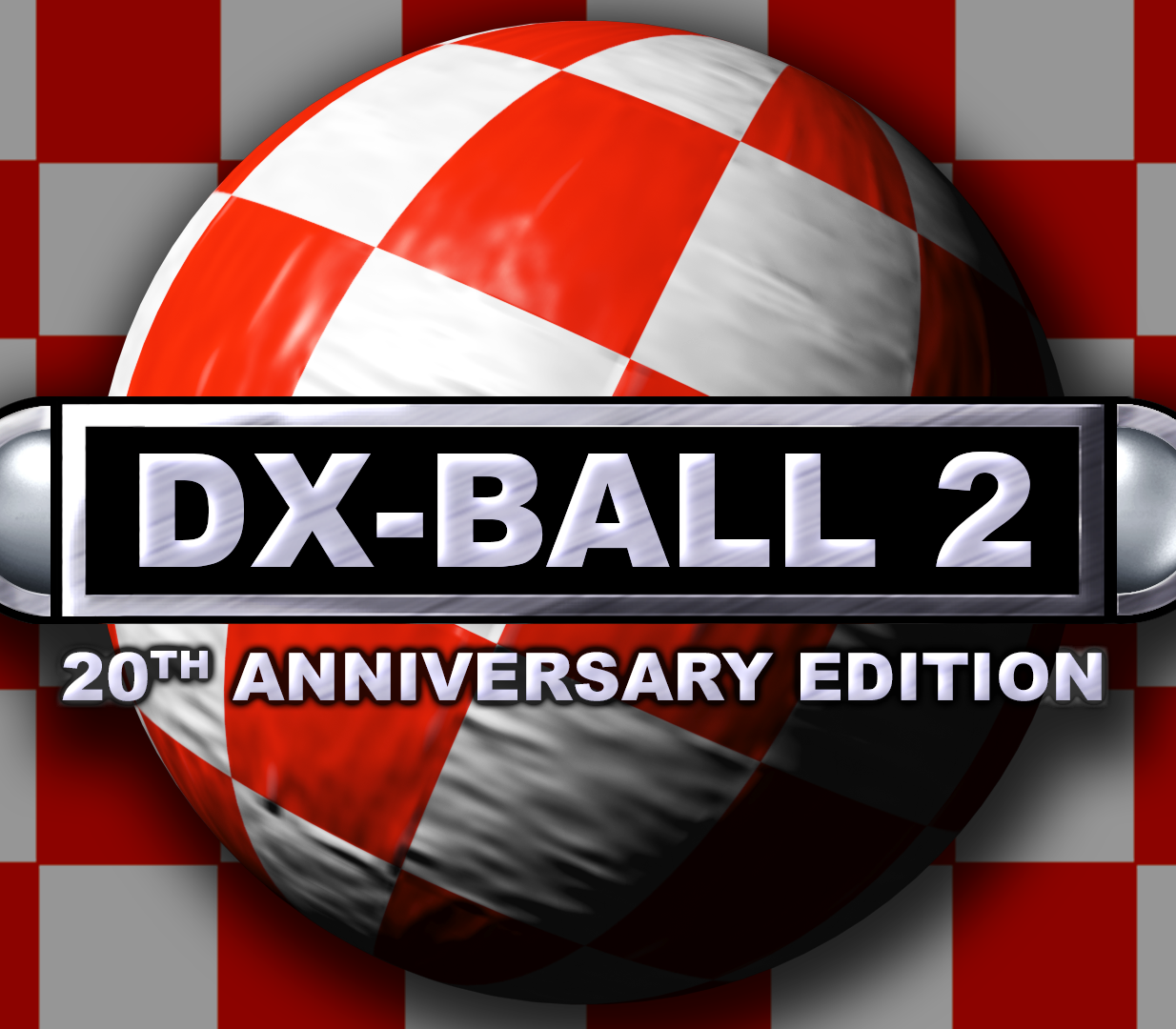
DX-Ball 2: 20th Anniversary Edition
€4.85
+€0.49 cashback eligibility in Relic Coins
Check before you play
- Platform
- Steam
- Region
- Global
- Product type
- Key
- Supplier release date
- 2018-11-21
- Genres
- Indie, Casual
SteamGlobal· Key
€4.85
+€0.49 cashback eligibility in Relic Coins
After more than 5 million downloads, the king of break-out games is back in a special 20th Anniversary Edition. Seumas McNally's fan-favourite DX-Ball 2 has been re-mastered for modern PCs while retaining all of the classic brick-breaking action and unique graphic style of the late 90's original. Features 150 Boards from the original Board Pack 1 (aka Full Version) plus the all-new anniversary boardset and widescreen variants. Switch between new high-res board textures or the original 90's graphics at any time. 20 classic power-ups plus the all-new punch paddle, gravity-ball, lightning and more! Compete for the best score with new online leaderboards. Includes editing tools and full workshop support for creating and sharing custom boardsets with the community. Collect in-game charms for extra points and achievements. Play in "Classic" mode with only the original features and graphics.


Go to: http://store.steampowered.com/ and download STEAM client Click "Install Steam" (from the upper right corner) Install and start application, login with your Account name and Password (create one if you don't have). Please follow these instructions to activate a new retail purchase on Steam: Launch Steam and log into your Steam account. Click the Games Menu. Choose Activate a Product on Steam... Follow the onscreen instructions to complete the process. After successful code verification go to the "MY GAMES" tab and start downloading.