Get 10% back in Relic Coins on every order
Equilinox cover

SteamGlobal· Key

Equilinox

€0.36

+€0.04 cashback eligibility in Relic Coins

Check before you play

Platform
Steam
Region
Global
Product type
Key
Developer
ThinMatrix
Publisher
ThinMatrix
Supplier release date
2018-11-23
Genres
Simulation, Indie, Casual

About this product

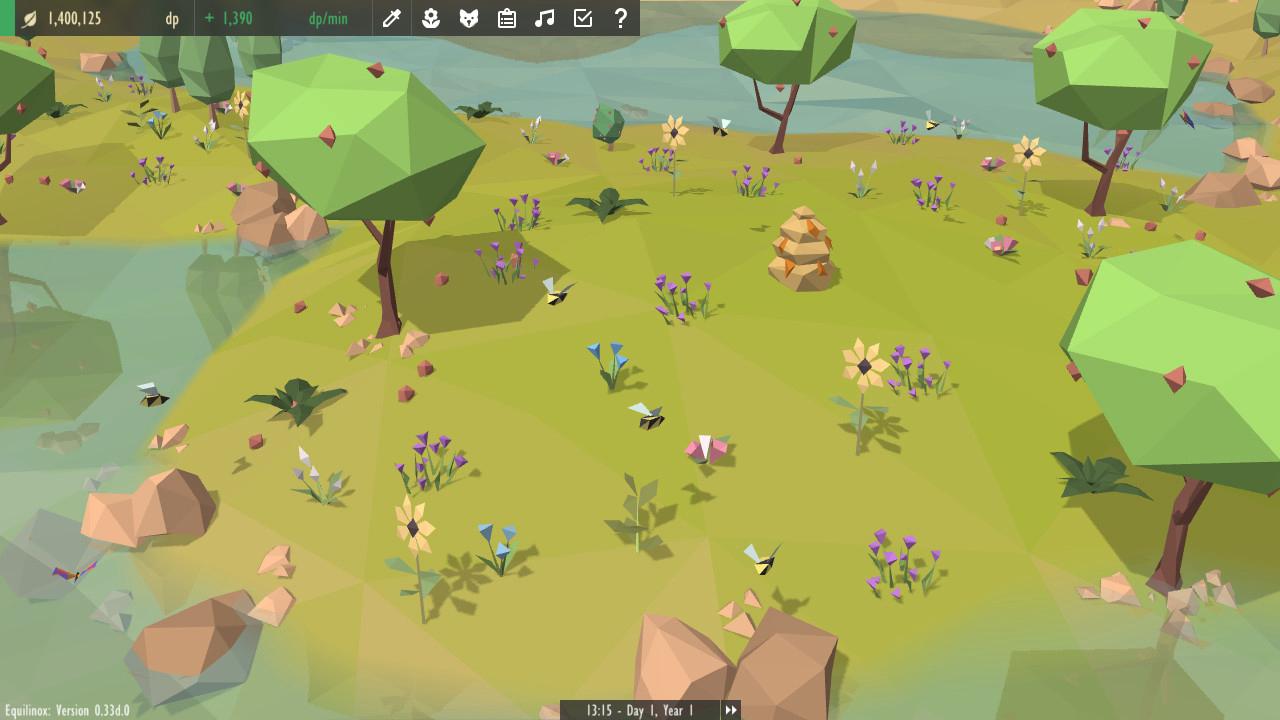
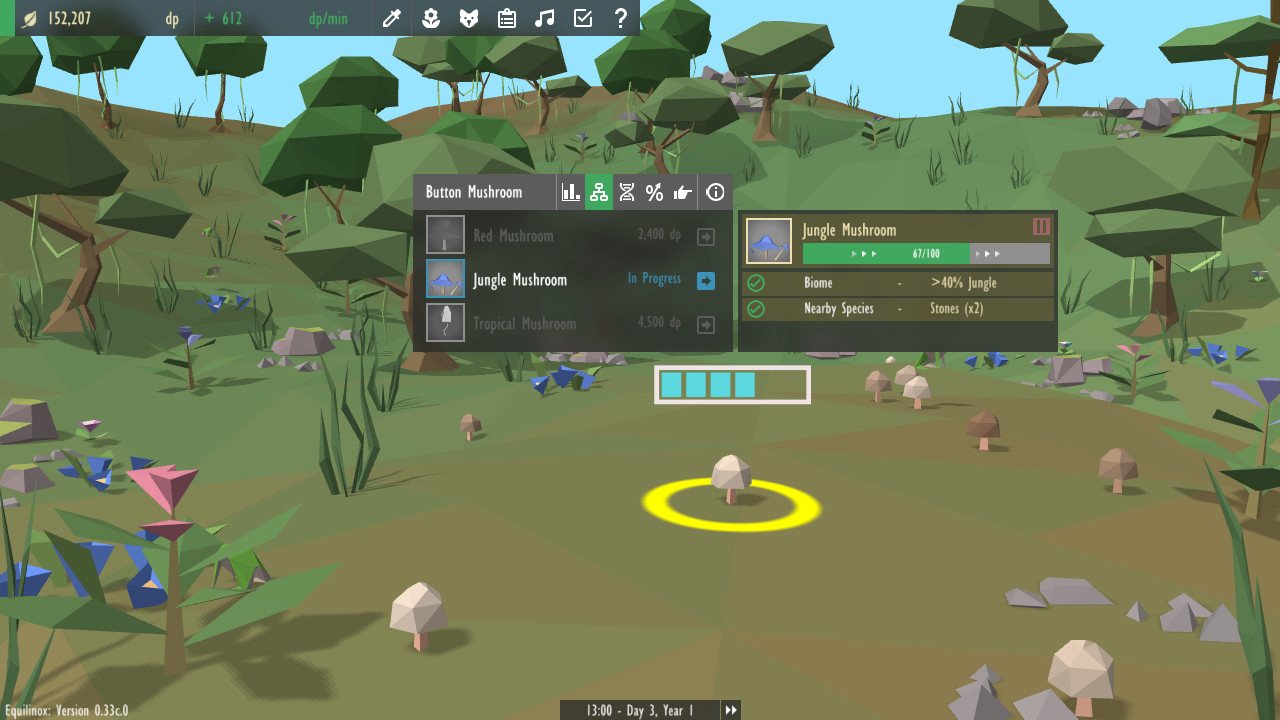
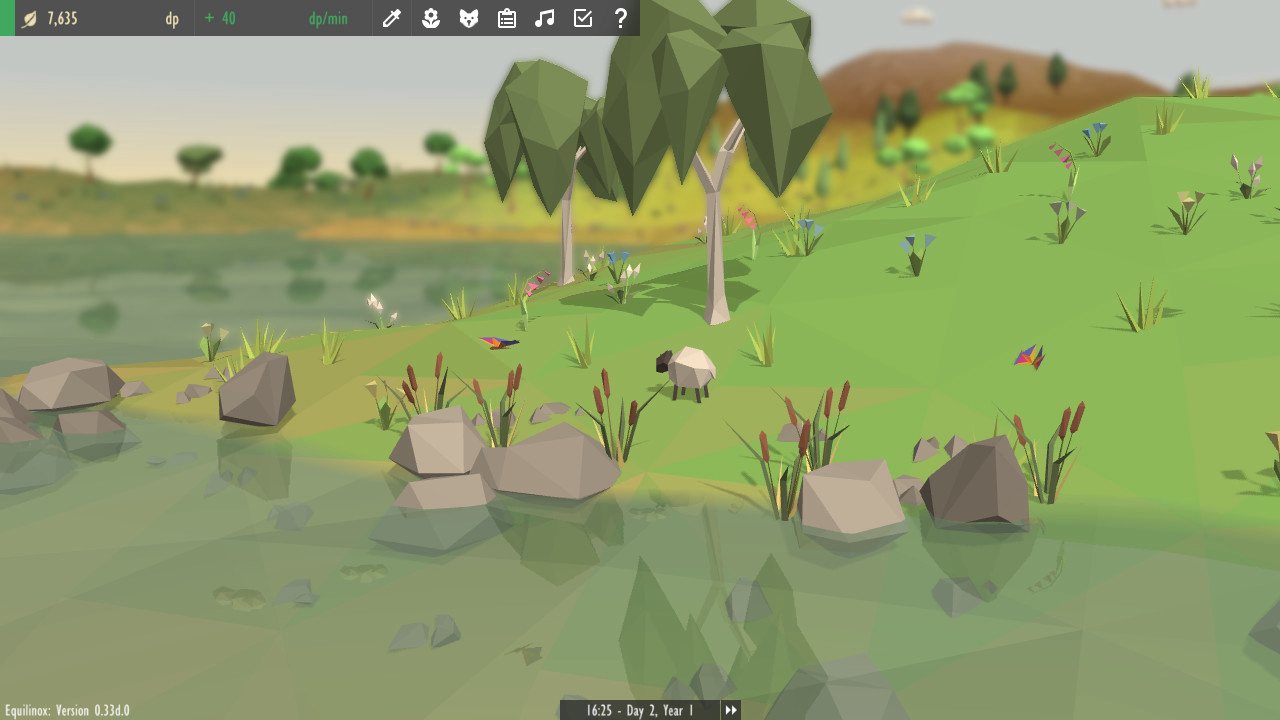
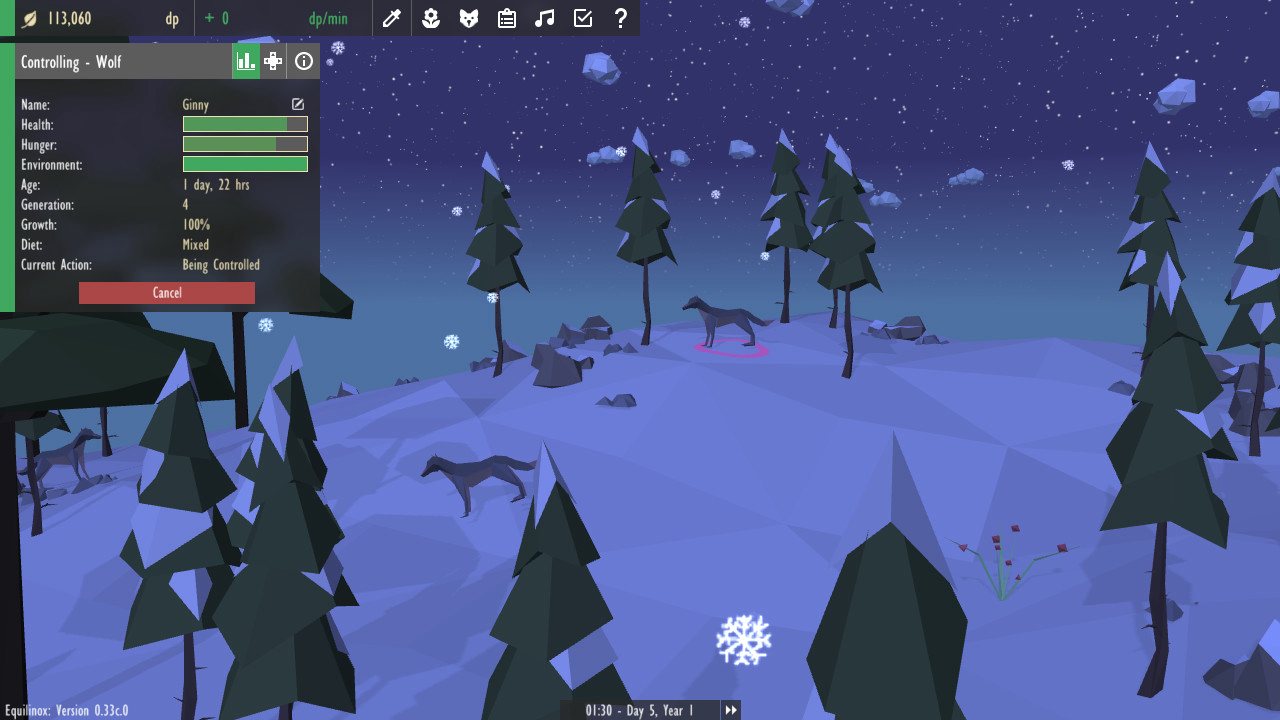
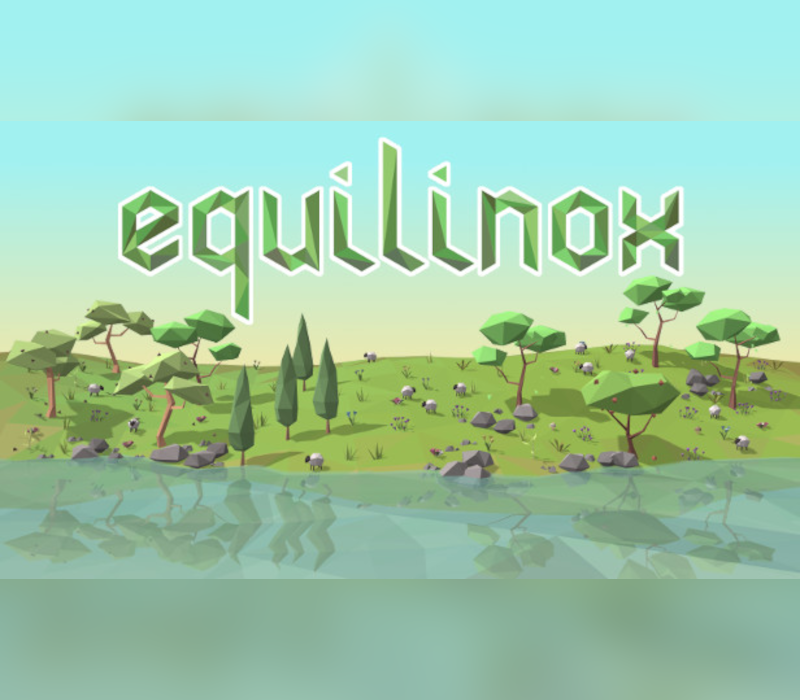
Equilinox is a sandbox nature game in which you can create and nurture your own diverse, dynamic, evolving ecosystem of plants and animals! Create You create ecosystems by placing plants and animals into your world. Different plants will make the terrain more fertile allowing wildlife to flourish, while animals will begin to earn you points which can be used to purchase various in-game resources. Nurture Every plant and animal has its own life-cycle, behaviors and requirements, so you need to ensure that each species is satisfied with its environment, has enough resources, and that the ecosystems are balanced. Healthy, happy animals will live longer, breed more, and earn you more points. Evolve The points you earn can also be used to genetically modify your species, allowing you to manipulate the traits and behaviors of your species for various benefits. You can also evolve your current wildlife to unlock more exotic plants, trees and creatures. Progress There are multiple in-game tasks that can be completed to gain rewards such as extra diversity points or new content. Some tasks can be repeated, making it possible to farm certain plants and animals to receive a regular income of diversity points.

Equilinox screenshotEquilinox screenshotEquilinox screenshotEquilinox screenshotEquilinox screenshotEquilinox screenshot

How to redeem

  1. 1Check your Steam account and the listed region before purchasing.
  2. 2Find your code and supplier activation instructions in your confirmed order.
  3. 3Open the redeem-code section on Steam, enter the code and follow the platform’s prompts.

Supplier instructions

Go to: http://store.steampowered.com/ and download STEAM client Click "Install Steam" (from the upper right corner) Install and start application, login with your Account name and Password (create one if you don't have). Please follow these instructions to activate a new retail purchase on Steam: Launch Steam and log into your Steam account. Click the Games Menu. Choose Activate a Product on Steam... Follow the onscreen instructions to complete the process. After successful code verification go to the "MY GAMES" tab and start downloading.

You might also like