Get 10% back in Relic Coins on every order
Tank Warfare - Chewy Gooey Pass DLC cover

SteamGlobal· DLC

Tank Warfare - Chewy Gooey Pass DLC

€0.41

+€0.04 cashback eligibility in Relic Coins

Check before you play

Platform
Steam
Region
Global
Product type
DLC

Check the required base game and edition before purchasing this add-on.

Developer
Graviteam
Supplier release date
2018-11-06
Genres
Strategy, Simulation

About this product

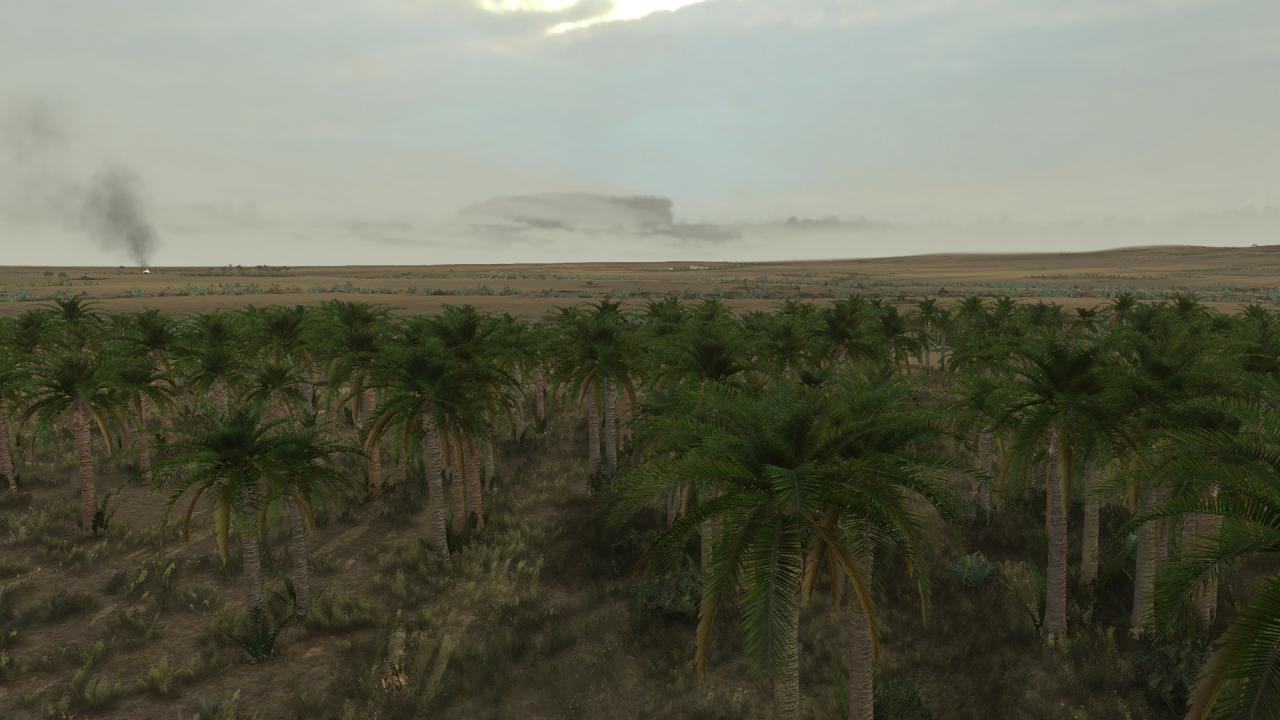
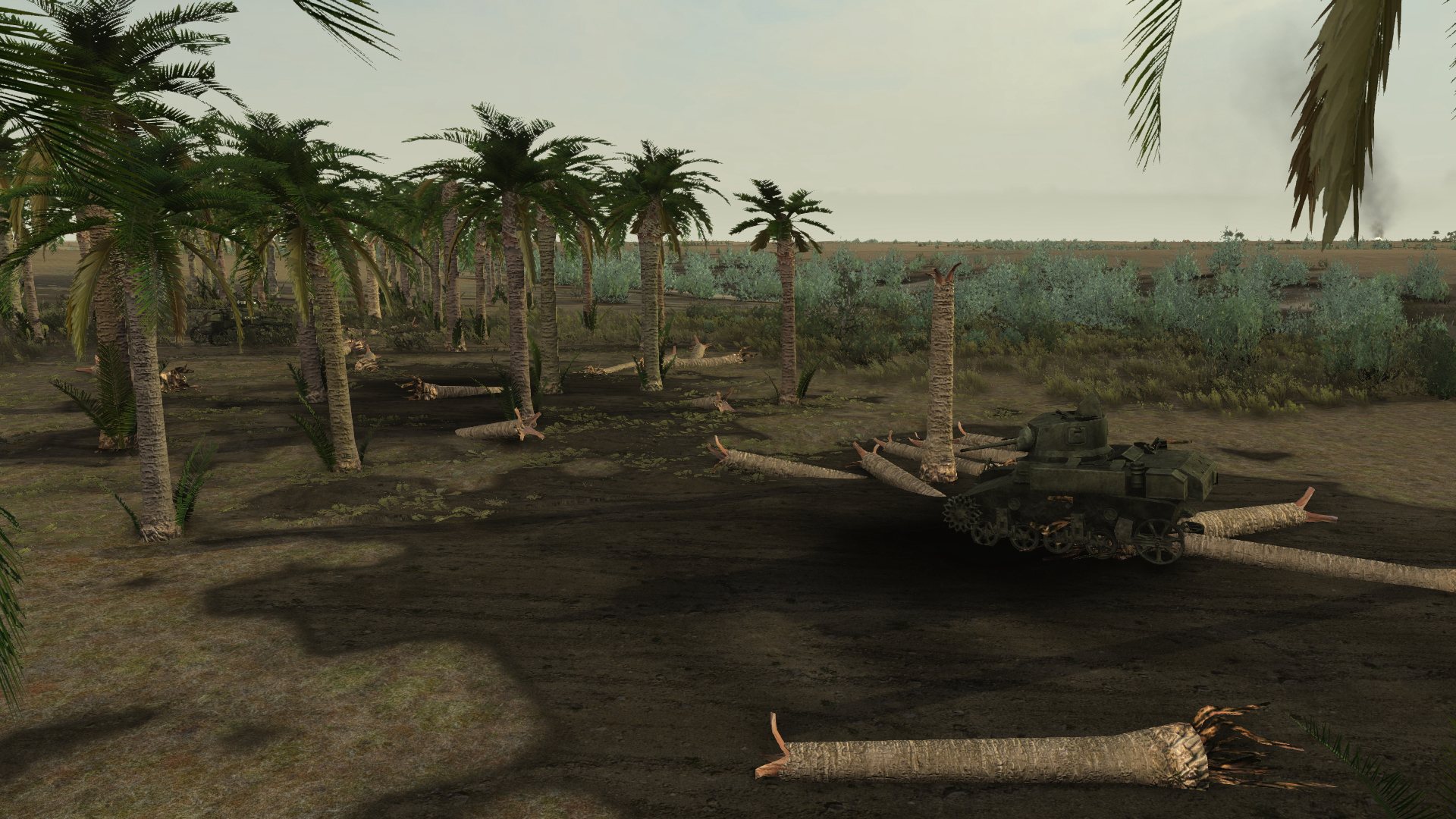
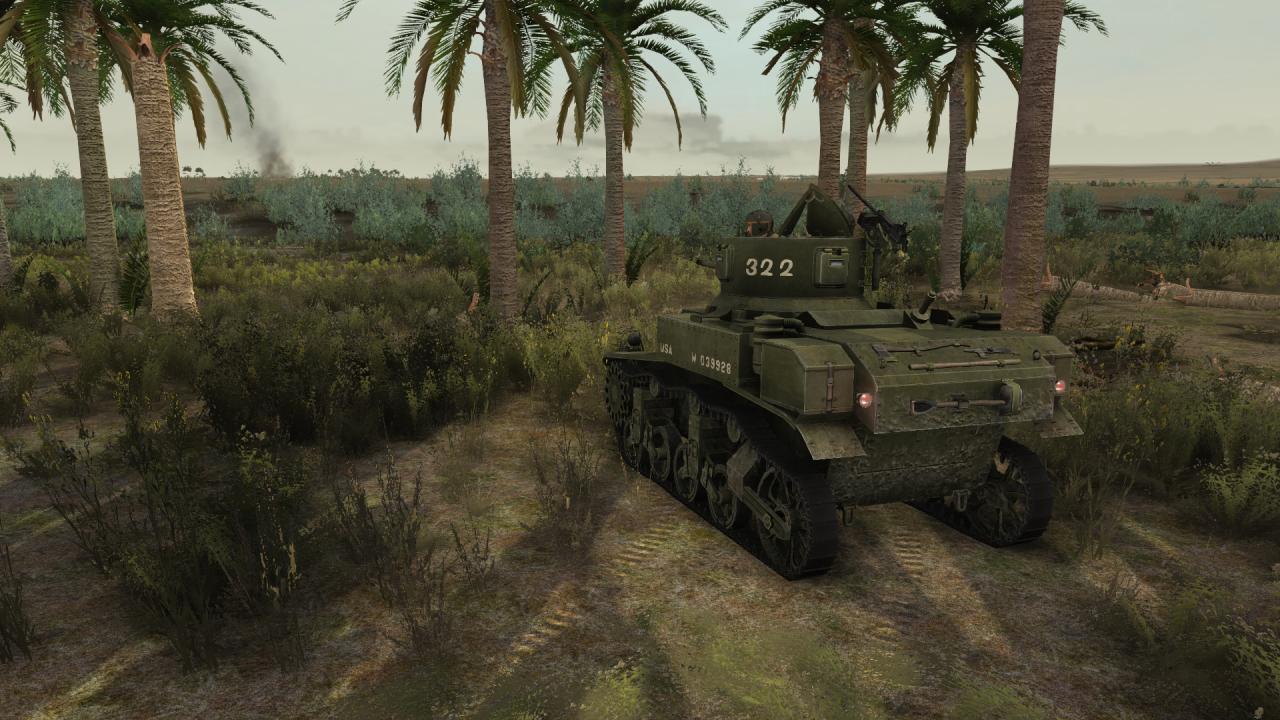
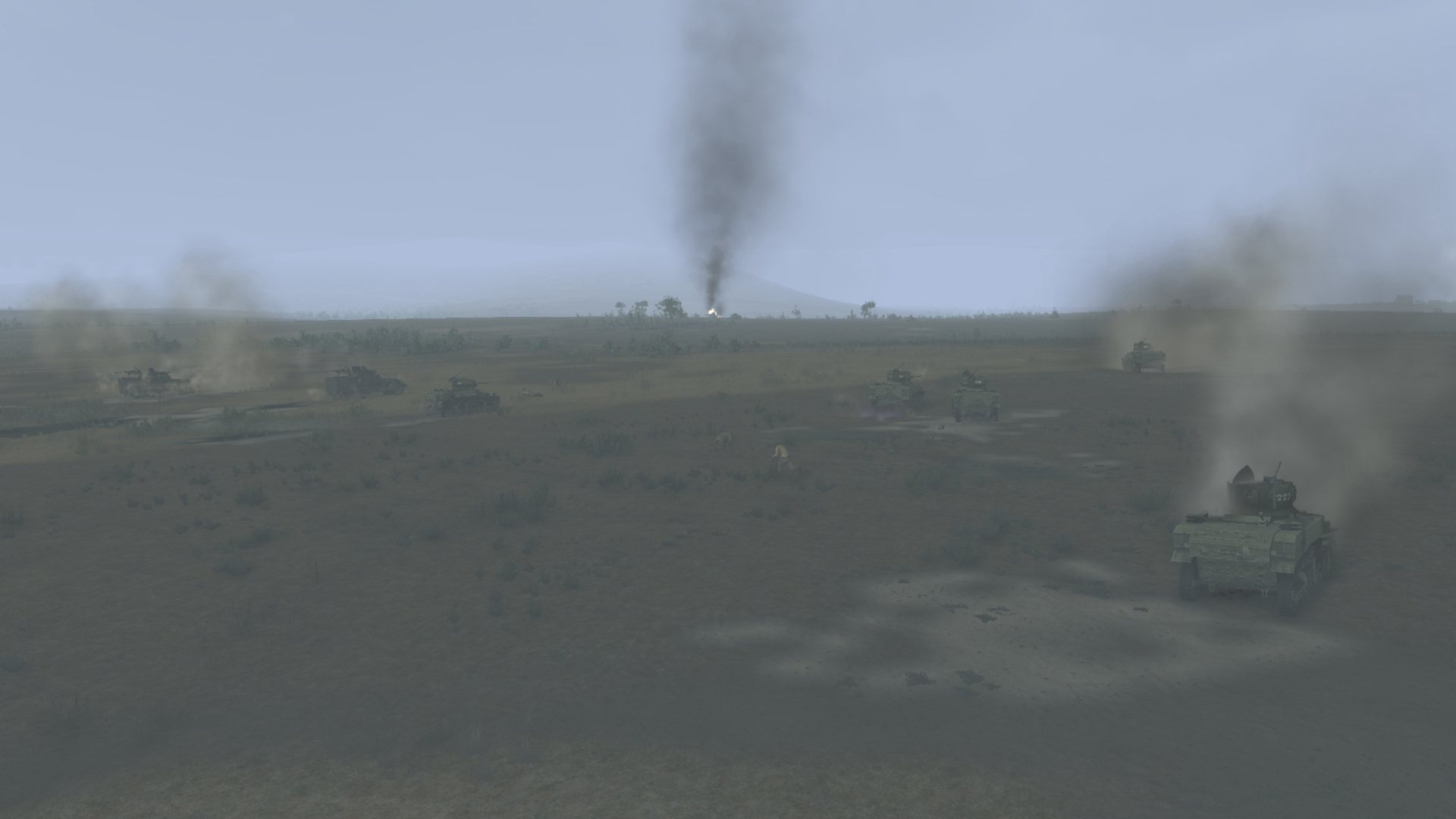
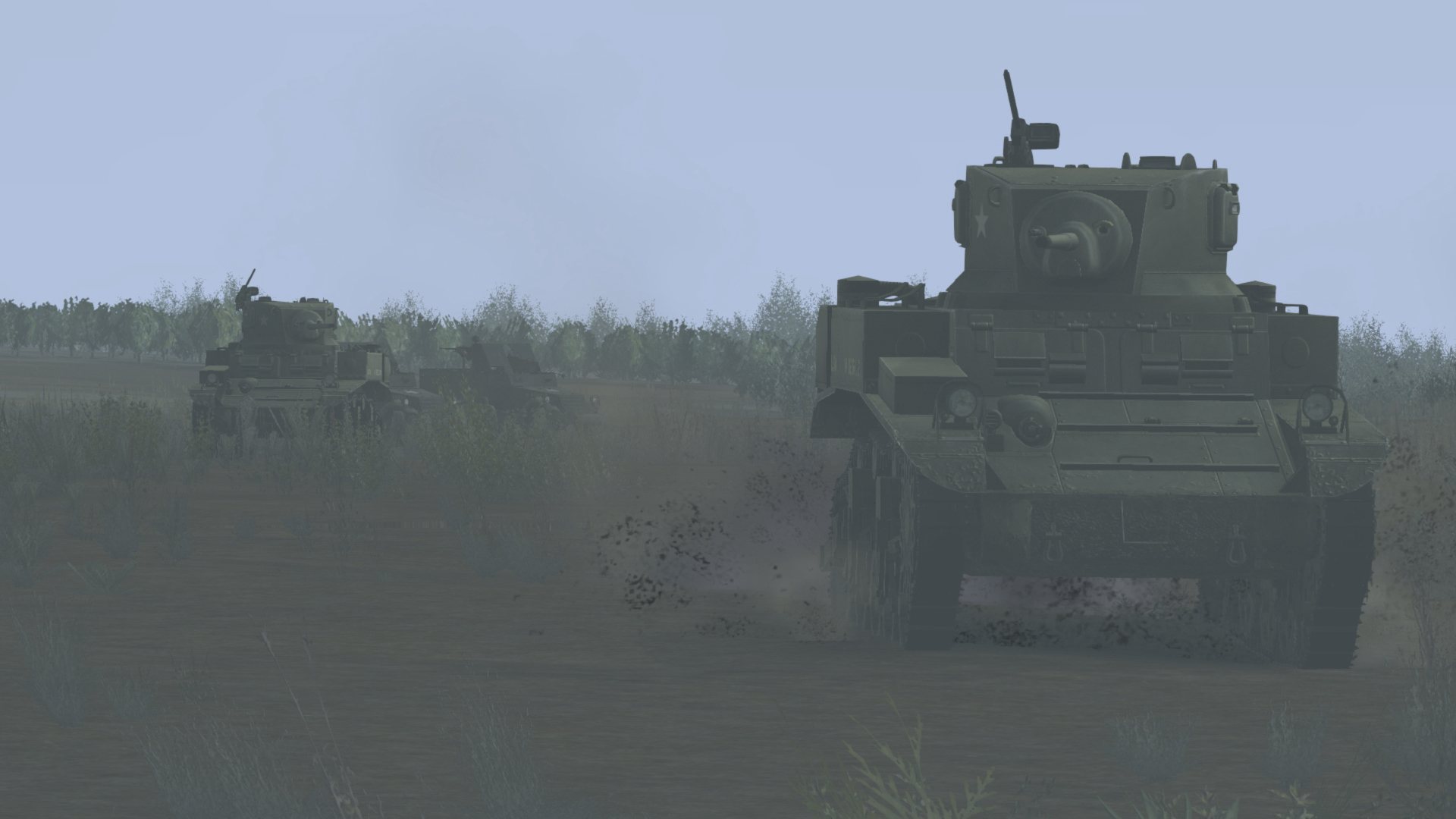
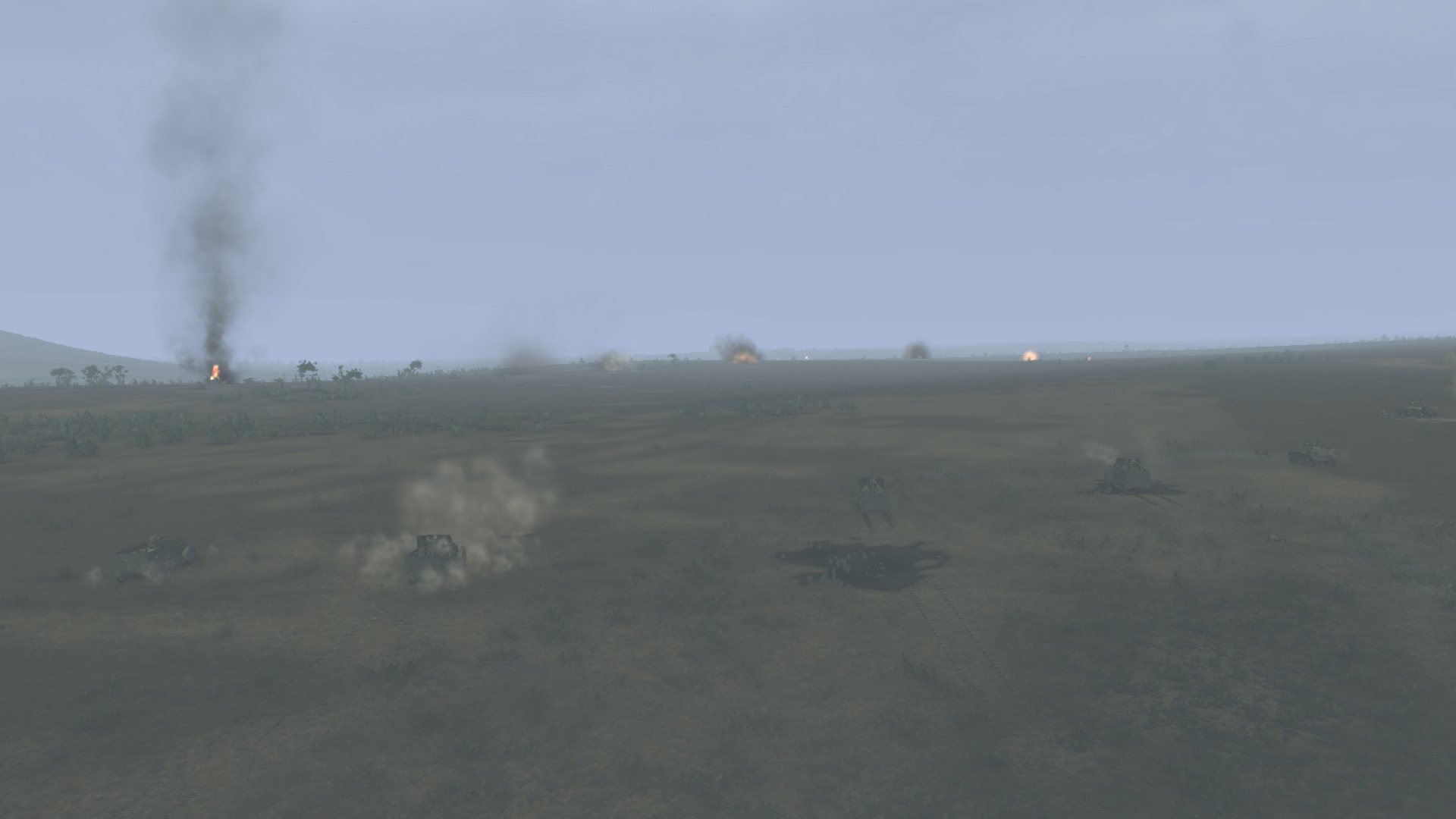
November 25, 1942, part of the battle group «Blade» consisting of the US 1st Tank Battalion, attacked the German positions in the Chouigui Pass area. Despite the stubborn resistance of the German forces and air support, the pass was captured by the forces of A/1 tbn company. Tanks of C/1 tbn company captured the bridge near Tebourba and attacked the German airfield near Djedeida, destroying more than 20 aircraft and about 36 vehicles. After this raid, the battalion's tanks took defense at the pass. The German command assembled a battle group led by Major Witzig, which was to counterattack the US positions in the Chouigui Pass. Features Two operations of 4 turns for each of the parties (Chouigui, November 25, 1942). Area of over 36 sq. km: ridges and semi-desert with harsh terrain and extensive gullies. Historical organizational structure of units at the time of the offensive.

Tank Warfare - Chewy Gooey Pass DLC screenshotTank Warfare - Chewy Gooey Pass DLC screenshotTank Warfare - Chewy Gooey Pass DLC screenshotTank Warfare - Chewy Gooey Pass DLC screenshotTank Warfare - Chewy Gooey Pass DLC screenshotTank Warfare - Chewy Gooey Pass DLC screenshot

How to redeem

  1. 1Check the required base game, platform and edition before purchasing.
  2. 2Find the code or supplier activation instructions in your confirmed order.
  3. 3Redeem on Steam using the supplied instructions, then install the add-on with the compatible base game.

Supplier instructions

Go to: http://store.steampowered.com/ and download STEAM client Click "Install Steam" (from the upper right corner) Install and start application, login with your Account name and Password (create one if you don't have). Please follow these instructions to activate a new retail purchase on Steam: Launch Steam and log into your Steam account. Click the Games Menu. Choose Activate a Product on Steam... Follow the onscreen instructions to complete the process. After successful code verification go to the "MY GAMES" tab and start downloading.

You might also like