

SteamGlobal· Key
Rapture Rejects
€0.19
+€0.02 cashback eligibility in Relic Coins
Check before you play
- Platform
- Steam
- Region
- Global
- Product type
- Key
- Developer
- Galvanic Games
- Publisher
- tinyBuild
- Supplier release date
- 2018-11-29
- Genres
- Action, Indie
SteamGlobal· Key
€0.19
+€0.02 cashback eligibility in Relic Coins
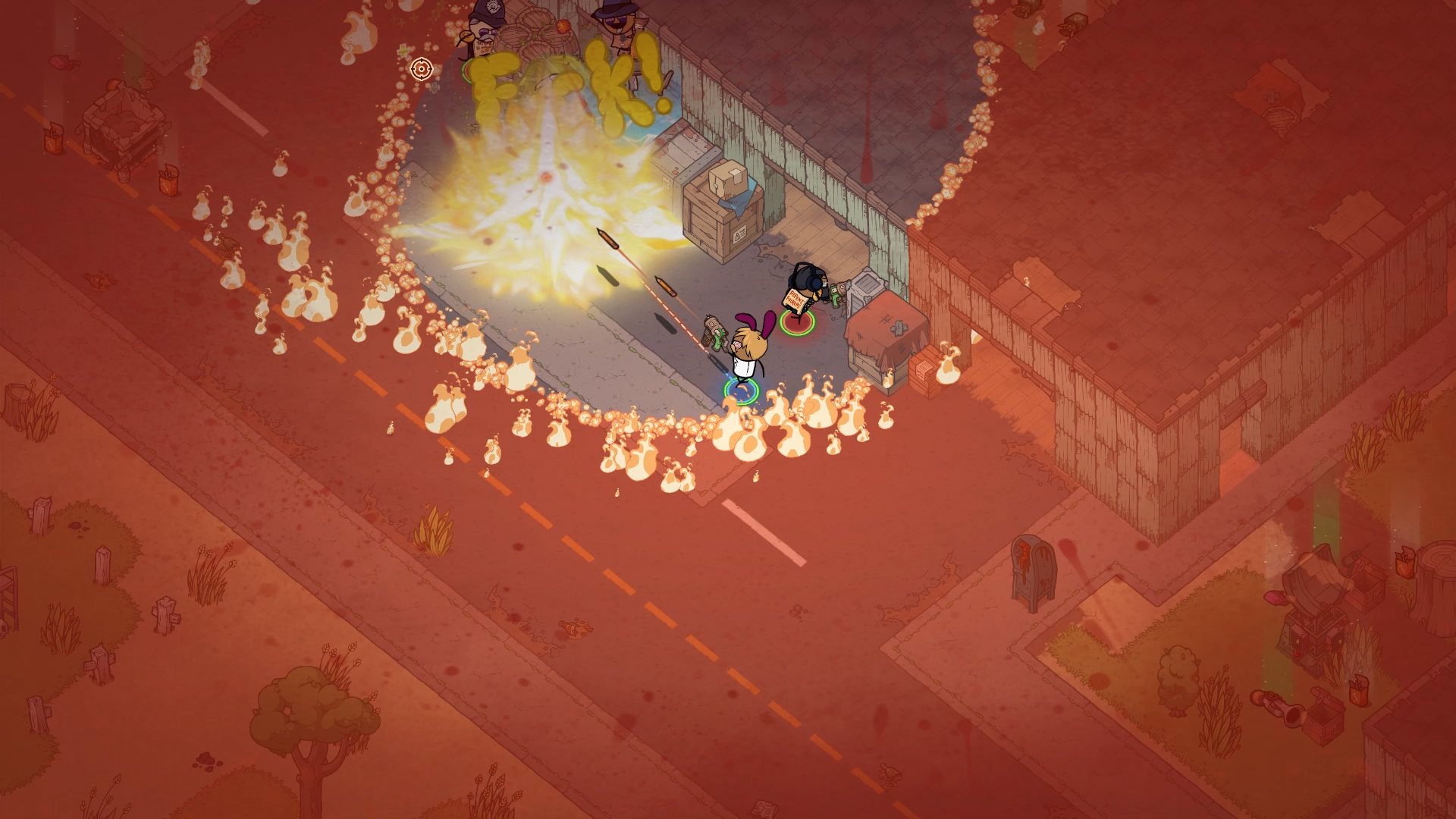
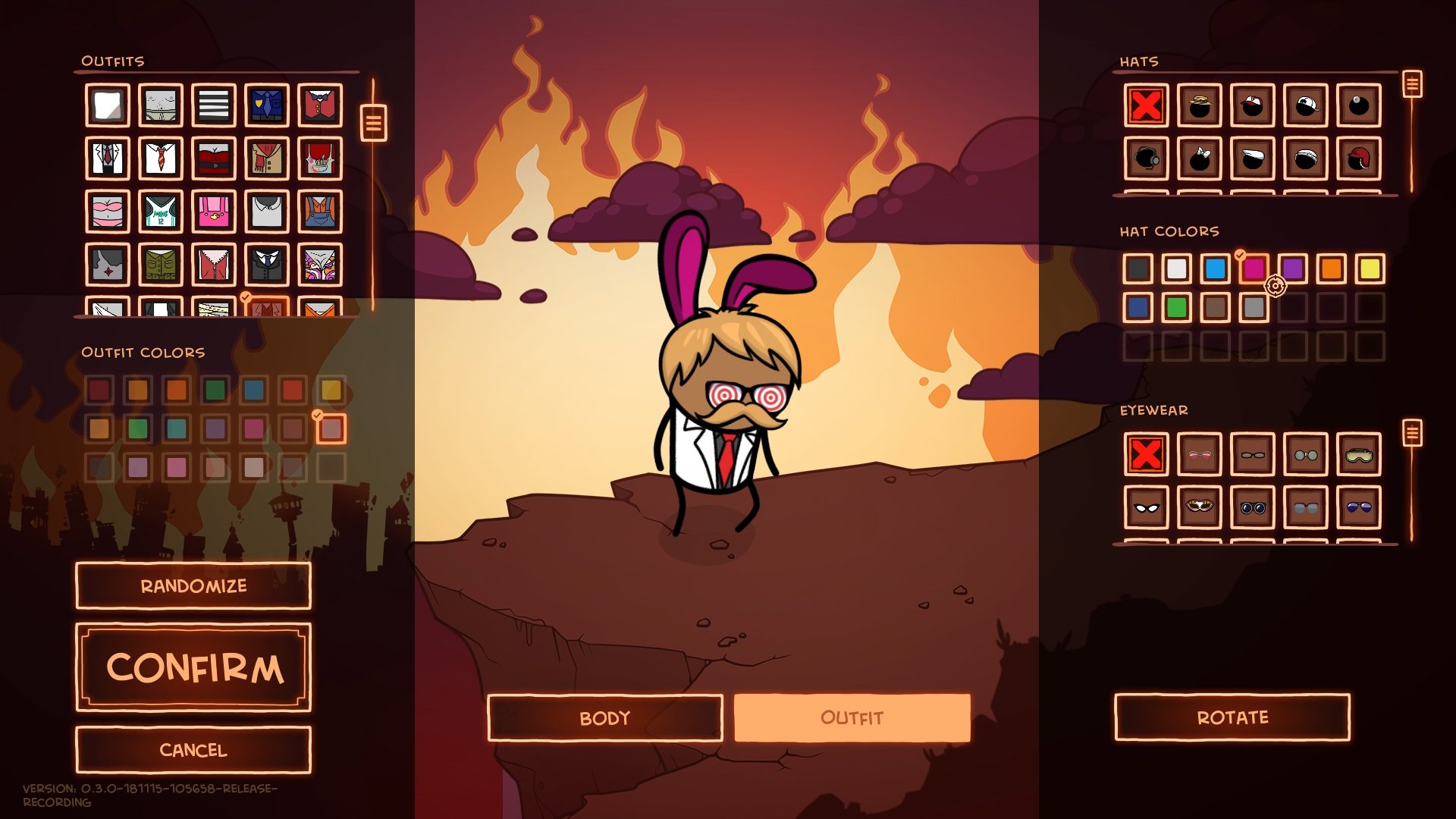
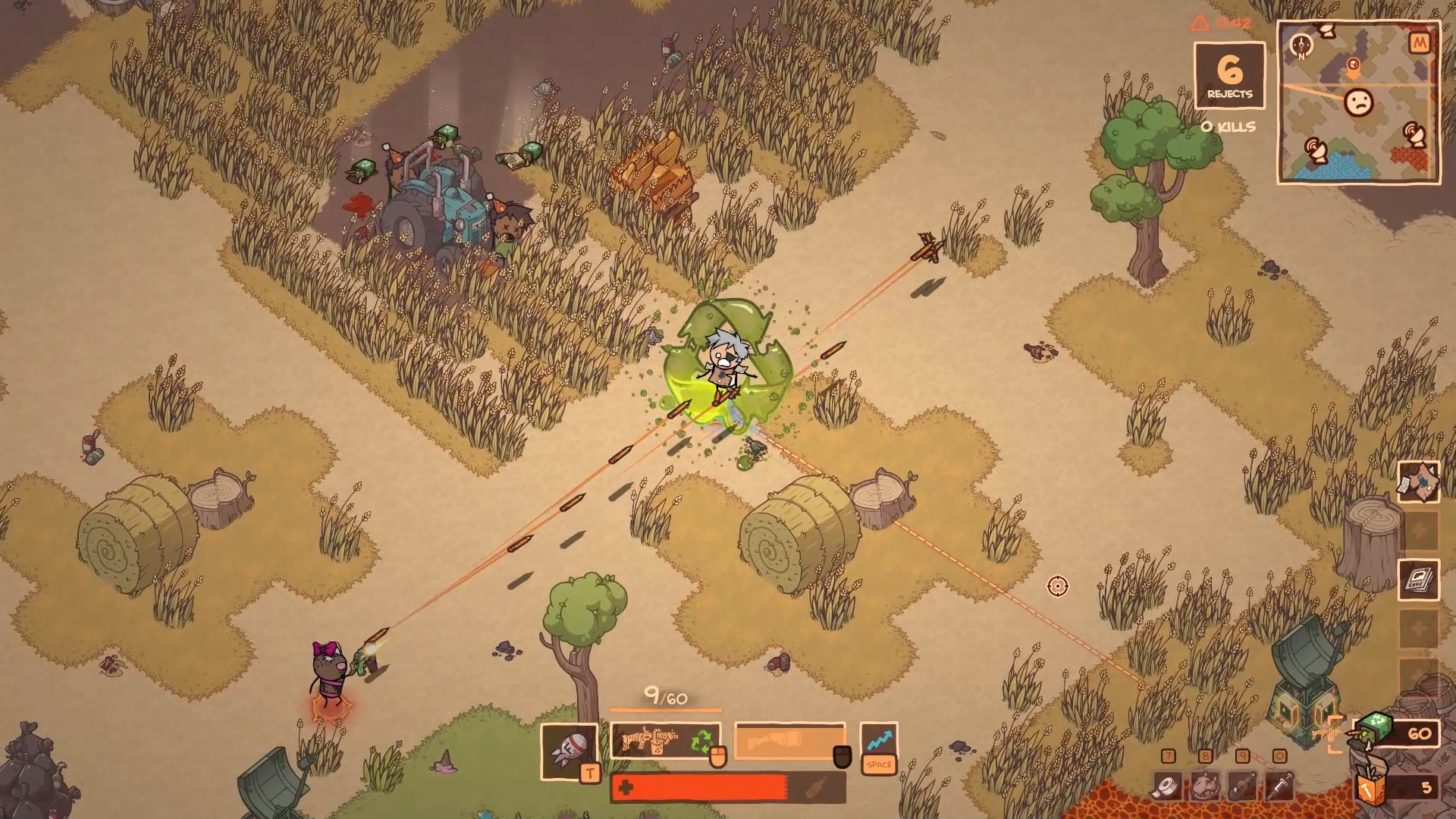
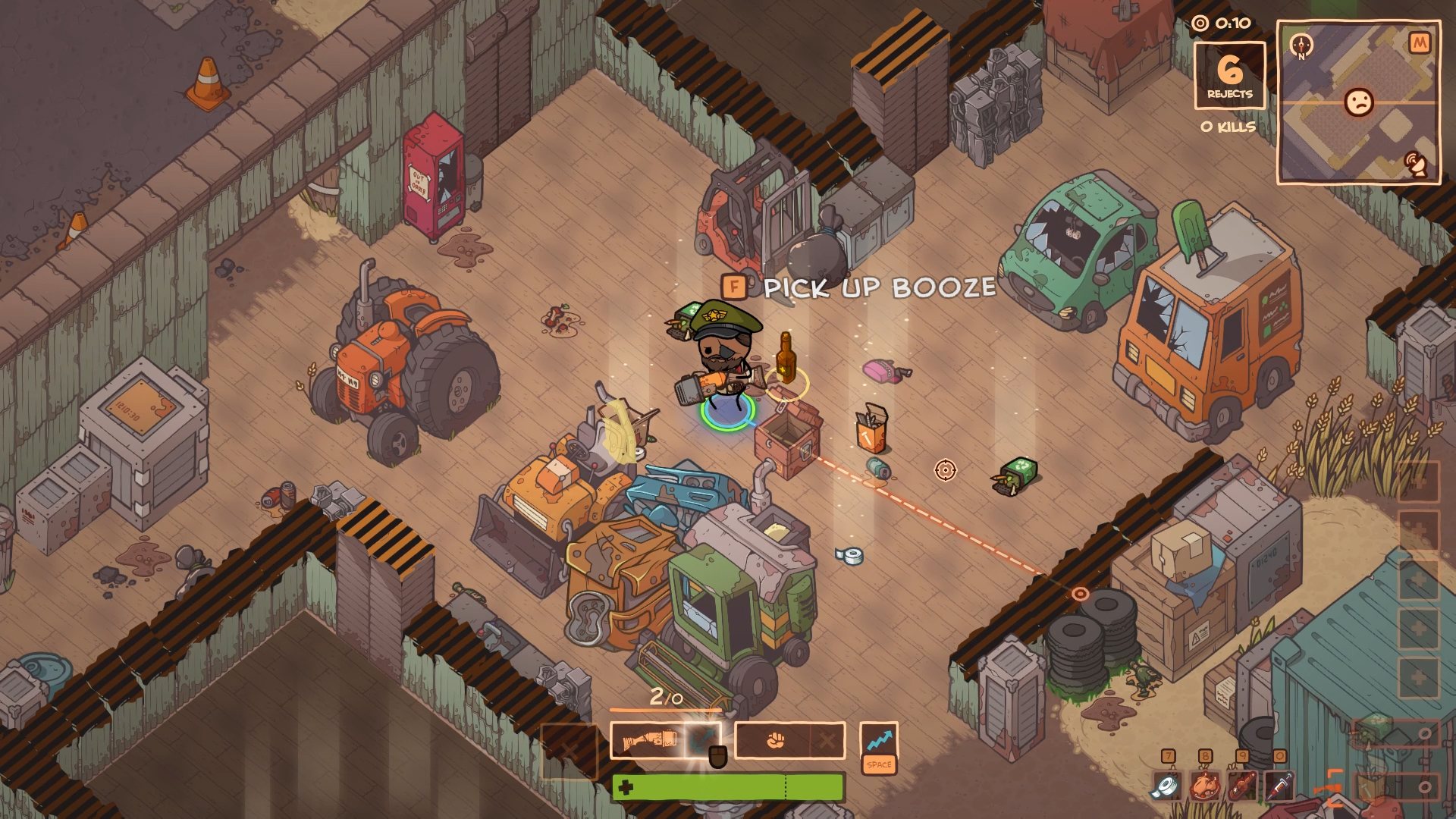
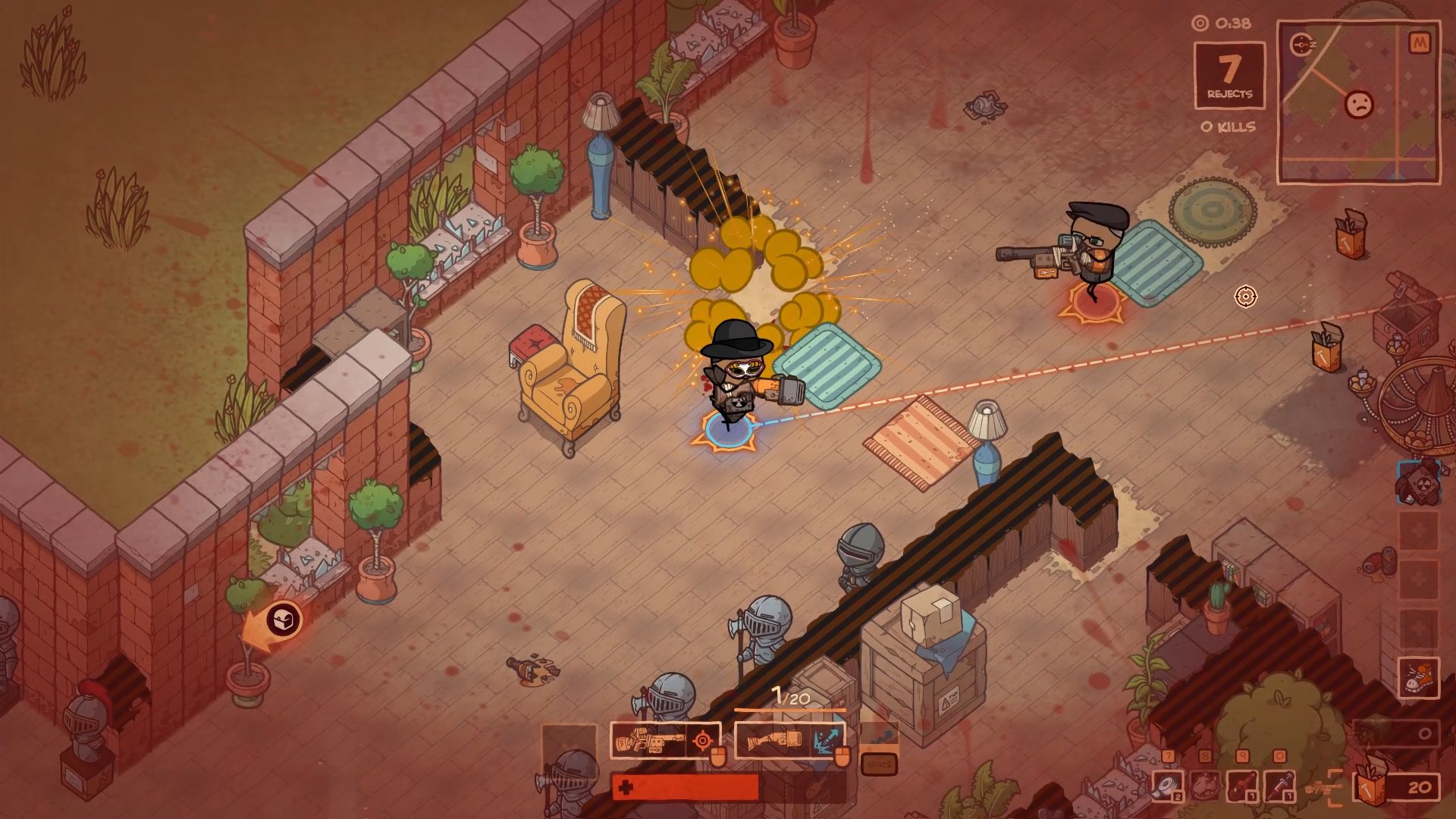
THE RAPTURE HAS HAPPENED. YOU DIDN'T MAKE THE CUT. Rapture Rejects is a dark comedy Battle Royale game based on the Cyanide & Happiness web comics.50 players drop into a world that only one can survive in. Scavenge for resources and fight off enemies until there is only one person left. That person gets to go to heaven. Created by Galvanic and tinybuild in close cooperation with Cyanide & Happiness, Rapture Rejects takes the Battle Royale genre into a brand new direction with a topdown isometric perspective. This allows for much more accessible gameplay and fancy character customization that's very easy to distinguish. Add all the Cyanide & Happiness humor into the mix, and you've got a game nobody should really be playing. Features Rapture Rejects is a top down isometric last man standing game set in the apocalyptic Cyanide & Happiness universe. When God leaves the worst of us to fight for ourselves, all that’s left to do is to kill each other. Scavenge for weapons and kill every other person on Earth, to impress the almighty enough to let you into Heaven.
Go to: http://store.steampowered.com/ and download STEAM client Click "Install Steam" (from the upper right corner) Install and start application, login with your Account name and Password (create one if you don't have). Please follow these instructions to activate a new retail purchase on Steam: Launch Steam and log into your Steam account. Click the Games Menu. Choose Activate a Product on Steam... Follow the onscreen instructions to complete the process. After successful code verification go to the "MY GAMES" tab and start downloading.