Get 10% back in Relic Coins on every order
Halo Wars: Definitive Edition / Windows 10 cover

Xbox OneUnited States· Key

Halo Wars: Definitive Edition / Windows 10

€12.12

+€1.21 cashback eligibility in Relic Coins

Check before you play

Platform
Xbox One
Region
United States
Product type
Key
Developer
Microsoft Game Studios, Microsoft
Publisher
Microsoft Game Studios
Supplier release date
2017-02-21
Genres
Action, Strategy

About this product

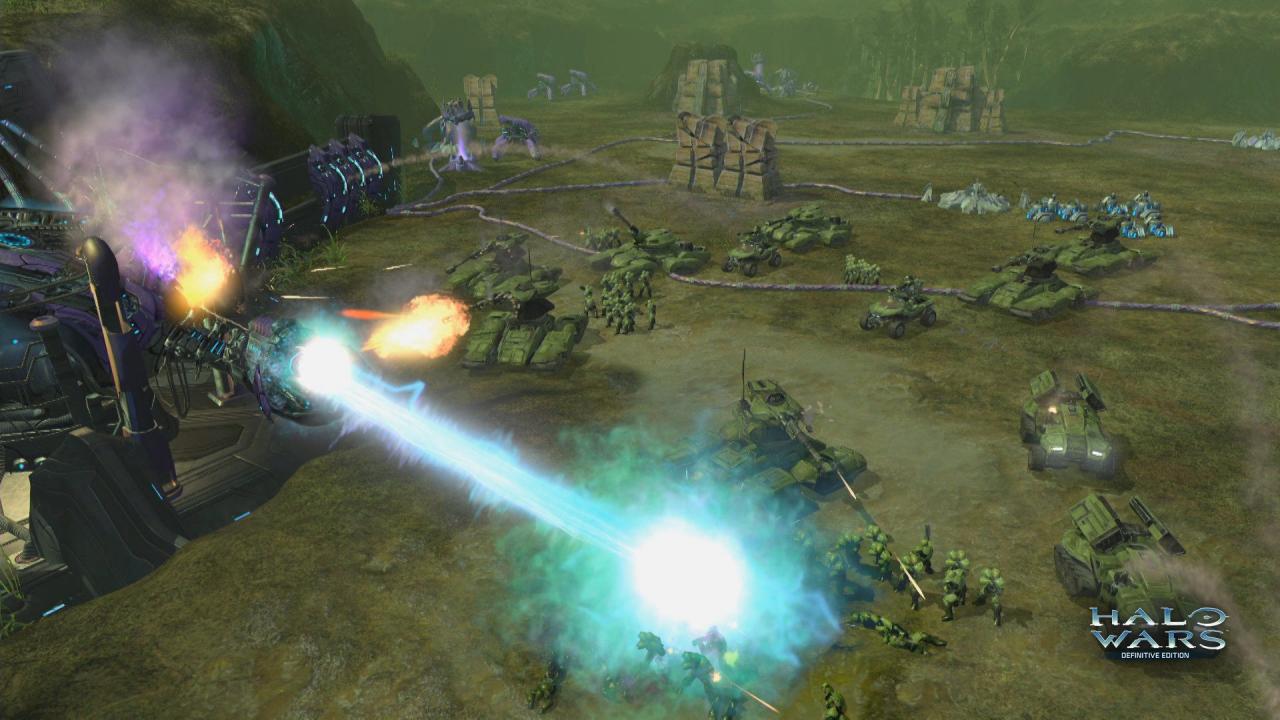
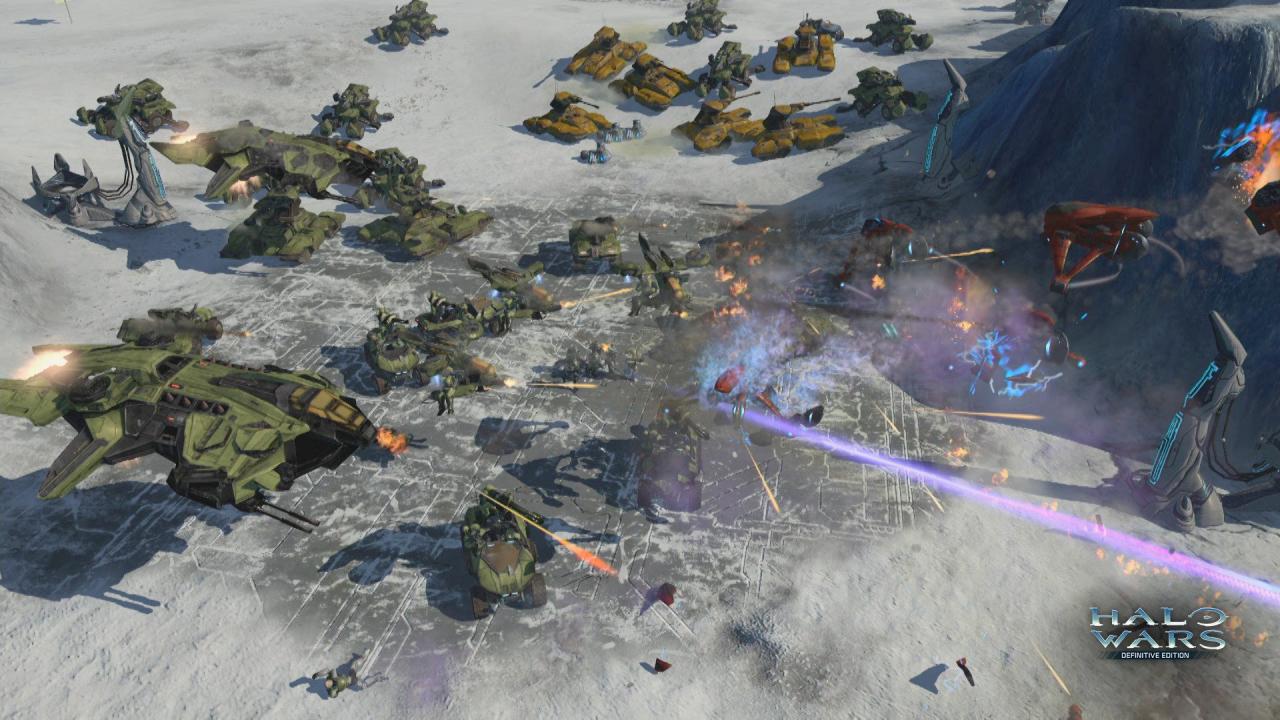
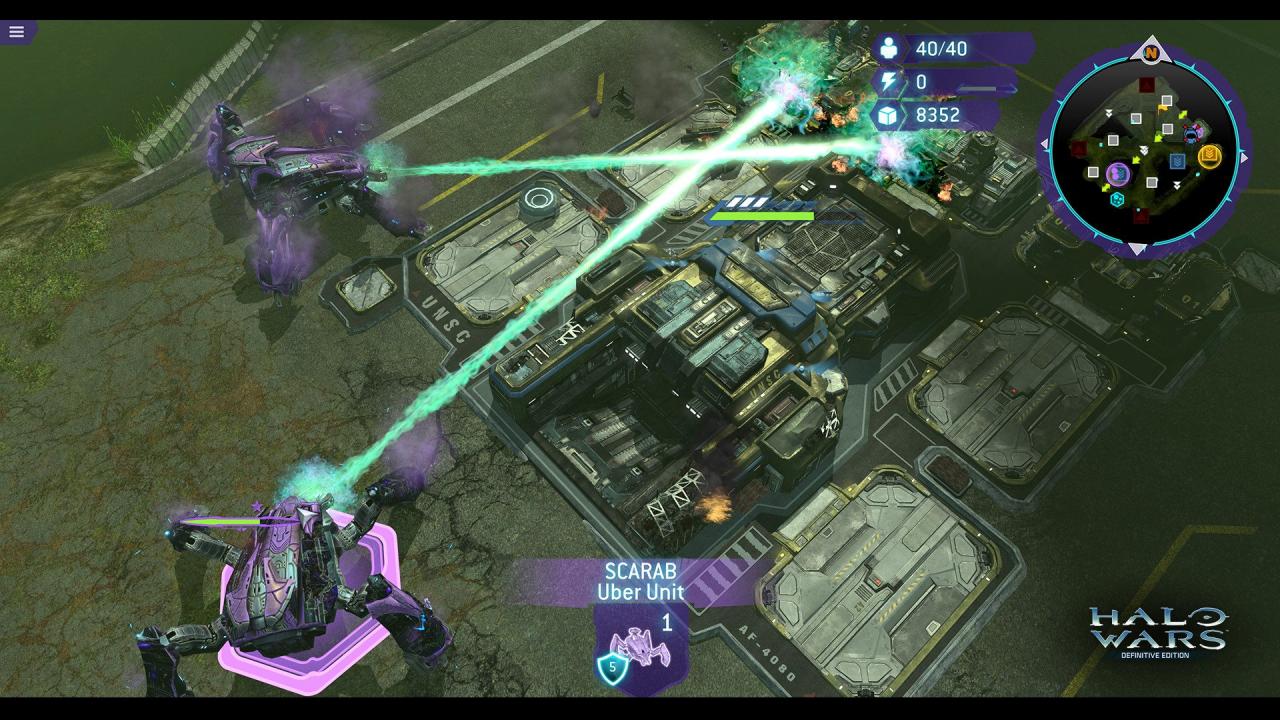
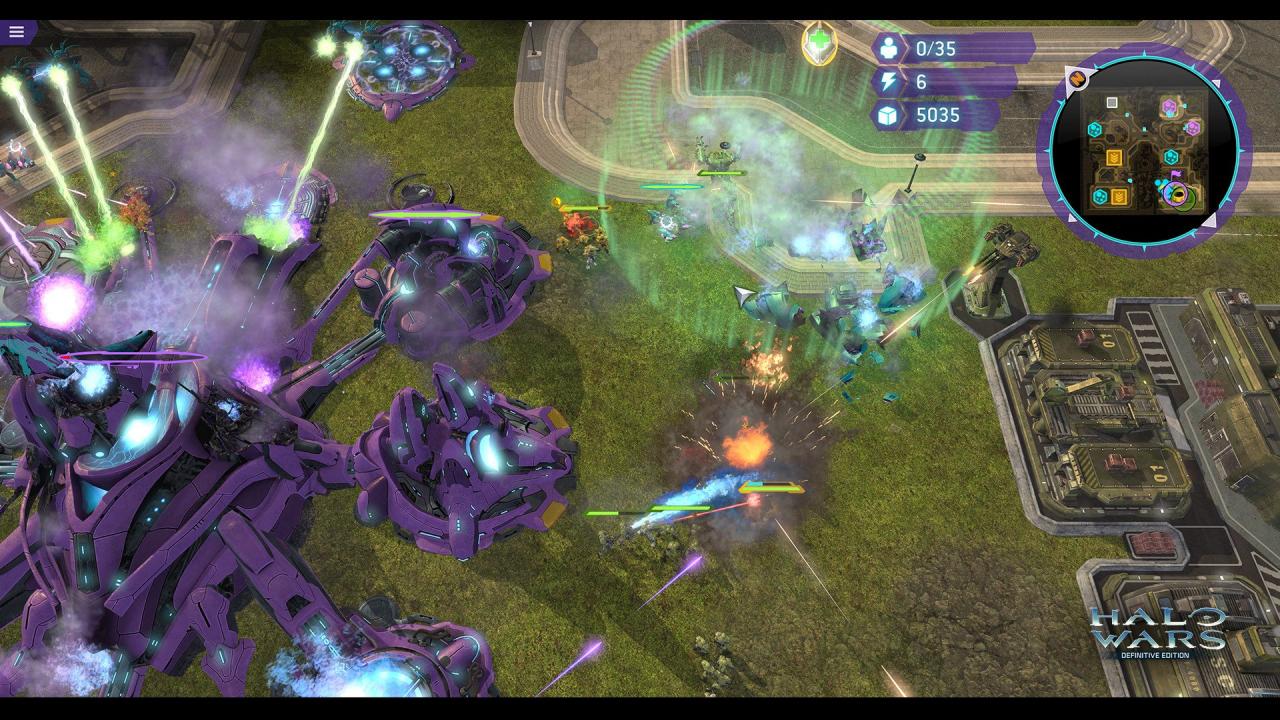
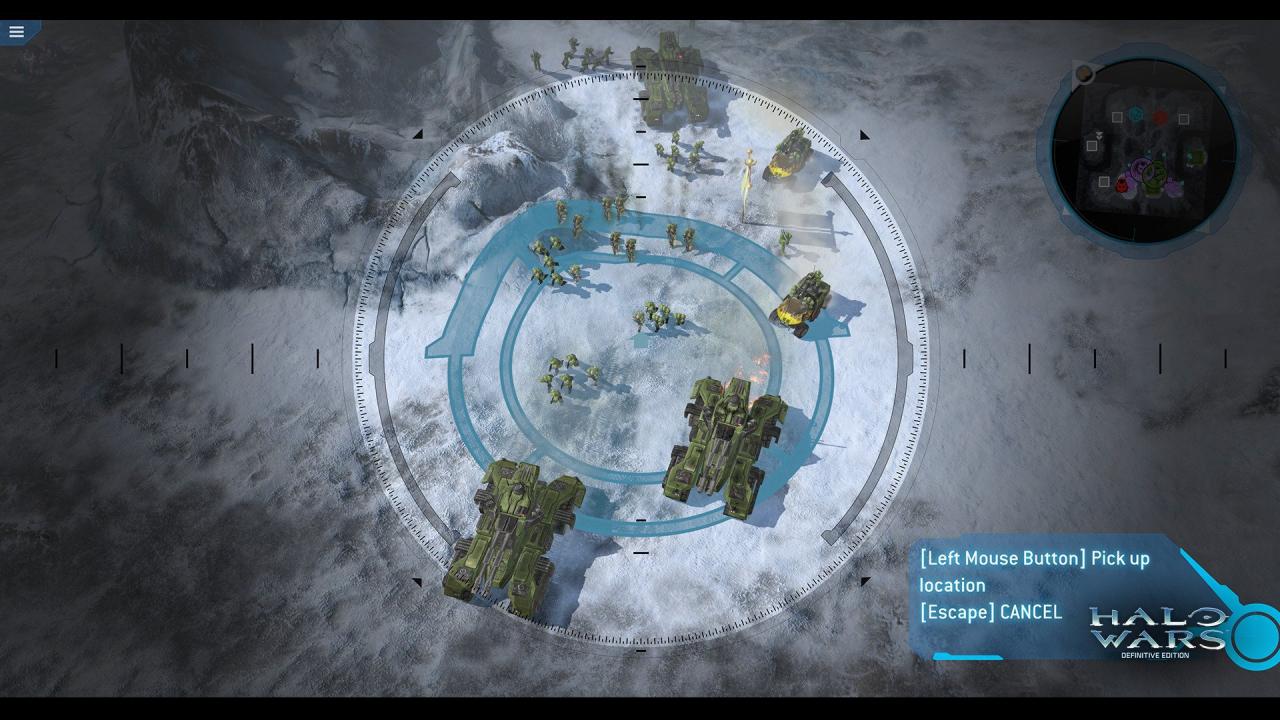
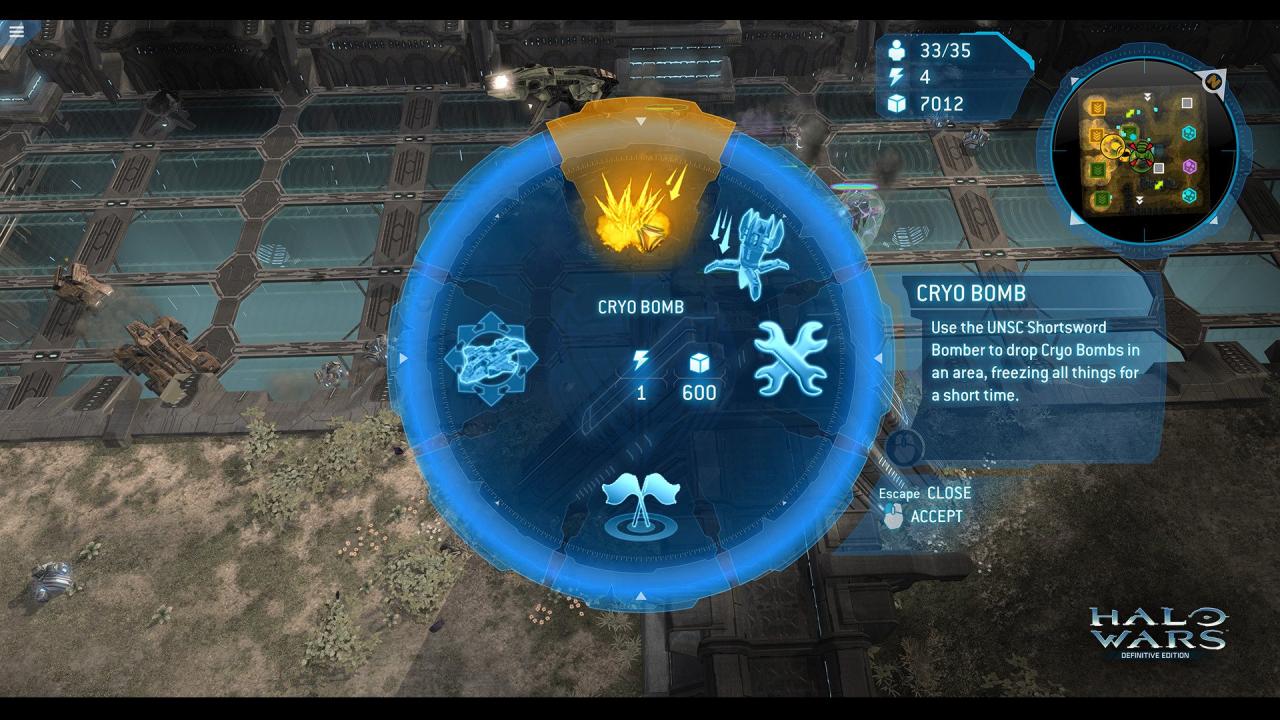
Halo Wars: Definitive Edition is an enhanced version of the real-time strategy classic, Halo Wars, updated to run natively on Xbox One and Windows 10. Set early in the iconic war between the Covenant and UNSC - made famous by the Halo FPS games - Halo Wars: Definitive Edition provides a unique angle on the war while bringing new heroes to the battlefield. Control large Halo armies and direct them in action-packed warfare. Halo Wars: Definitive Edition includes improved graphics, new achievements and all the DLC from the landmark game. Re-live the epic campaign or compete in online multiplayer battles with armies of powerful Halo forces at your command. Features Optimized to run natively on Xbox One and Windows 10 Improved visual effects, graphics and audio Up to 4K resolution on Windows 10 PC All of the DLC created for the original game New achievements Bonus content

Halo Wars: Definitive Edition / Windows 10 screenshotHalo Wars: Definitive Edition / Windows 10 screenshotHalo Wars: Definitive Edition / Windows 10 screenshotHalo Wars: Definitive Edition / Windows 10 screenshotHalo Wars: Definitive Edition / Windows 10 screenshotHalo Wars: Definitive Edition / Windows 10 screenshot

How to redeem

  1. 1Check your Xbox One account and the listed region before purchasing.
  2. 2Find your code and supplier activation instructions in your confirmed order.
  3. 3Open the redeem-code section on Xbox One, enter the code and follow the platform’s prompts.

Supplier instructions

In order to use the key follow the instruction below: Go to https://www.xbox.com Login to your account Hover over your account link (the top right of the screen) a menu will appear, click on the "Redeem Code" button. On the next page, click "Redeem" Enter your code Click "Confirm" Click "Confirm" again to assign the key to your account. In order to download and install your game on Windows 10 follow the instructions below: Using your Microsoft account, sign in to the PC where you want to install your games. On the Start screen, select the Store icon. In the Store, select Games from the menu. Browse and select the game you want to install.

You might also like