

OtherGlobal· Key
PCmover Professional (1 Use / 1 )
€13.46
+€1.35 cashback eligibility in Relic Coins
Check before you play
- Region
- Global
- Product type
- Key
- Developer
- Laplink
- Genres
- Software
OtherGlobal· Key
€13.46
+€1.35 cashback eligibility in Relic Coins
PCmover Professional is the ONLY software that automatically moves your applications, files, settings, and even user profiles from an old PC to a new one, or old operating system to a new one. And because most transferred applications are installed ready-to-use on the new PC, there’s usually no need to find old CDs, previously downloaded programs, serial numbers or license codes.* PCmover Professional is the easiest way to restore or move to a new PC without leaving anything behind, even when there are different versions of Windows on the old and new PC. Nothing is changed on the old PC and nothing is overwritten on the new PC. *Applications may require re-entry of a license code or re-activating on the new PC. Certain system settings and applications may not be transferred due to their incompatibility with the operating system on the new PC.

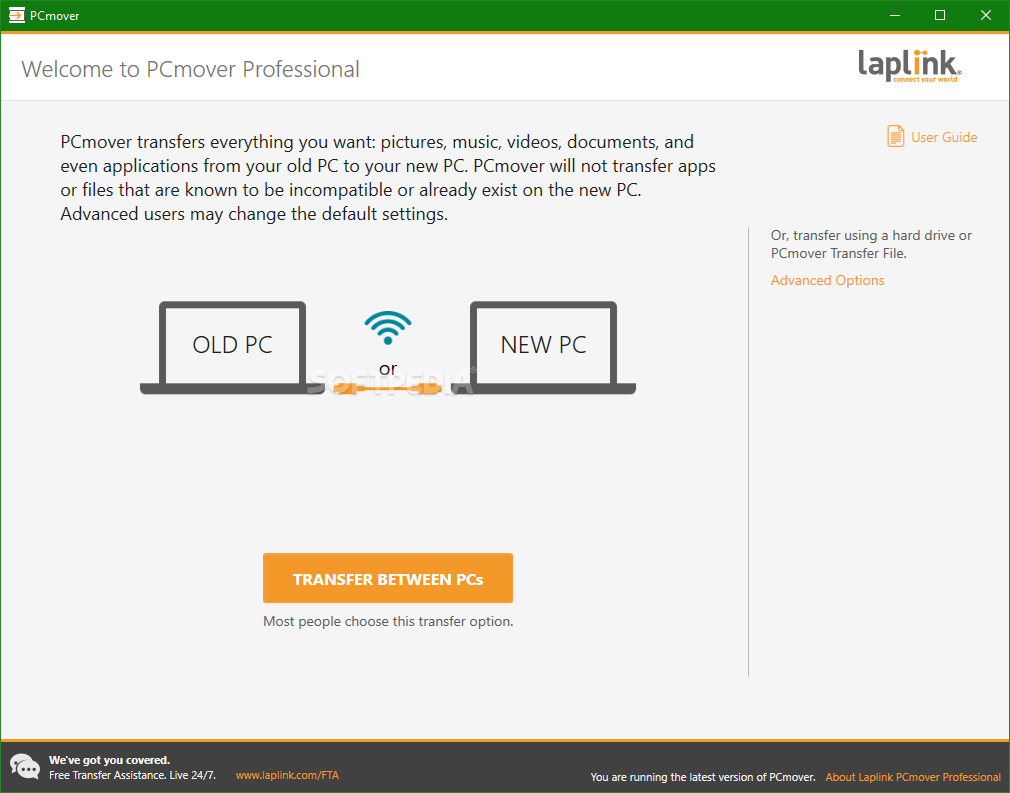
Click the Install https://dl.laplink.com/ml/pro to download your free software. Double-click on the PCmover EXE in the folder where the file was saved (typically in ‘Downloads’). The installation wizard will appear. Follow the on-screen prompts to install PCmover. Once the installation is complete, click 'Finish'. PCmover can be run from the Windows® Start menu. Use the PCmover license code ( XXXXXXXXXXXX ) provided to you when prompted for ‘Serial Number’ entry.