Get 10% back in Relic Coins on every order
Treasure Hunter Simulator cover

SteamGlobal· Key

Treasure Hunter Simulator

€0.40

+€0.04 cashback eligibility in Relic Coins

Check before you play

Platform
Steam
Region
Global
Product type
Key
Developer
Drago Entertainment
Publisher
Movie Games S.A.
Supplier release date
2018-12-06
Genres
Simulation, Indie

About this product

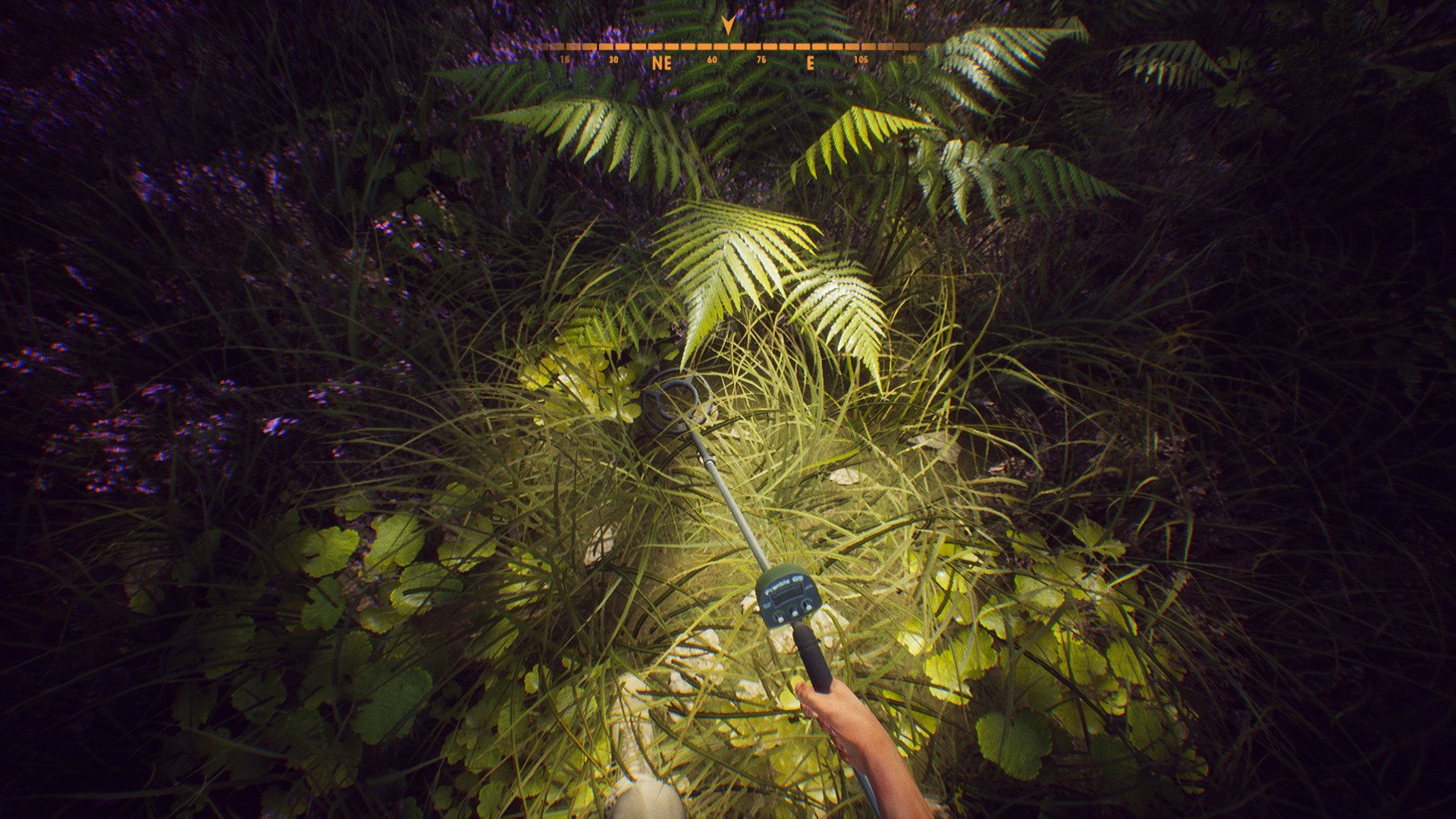
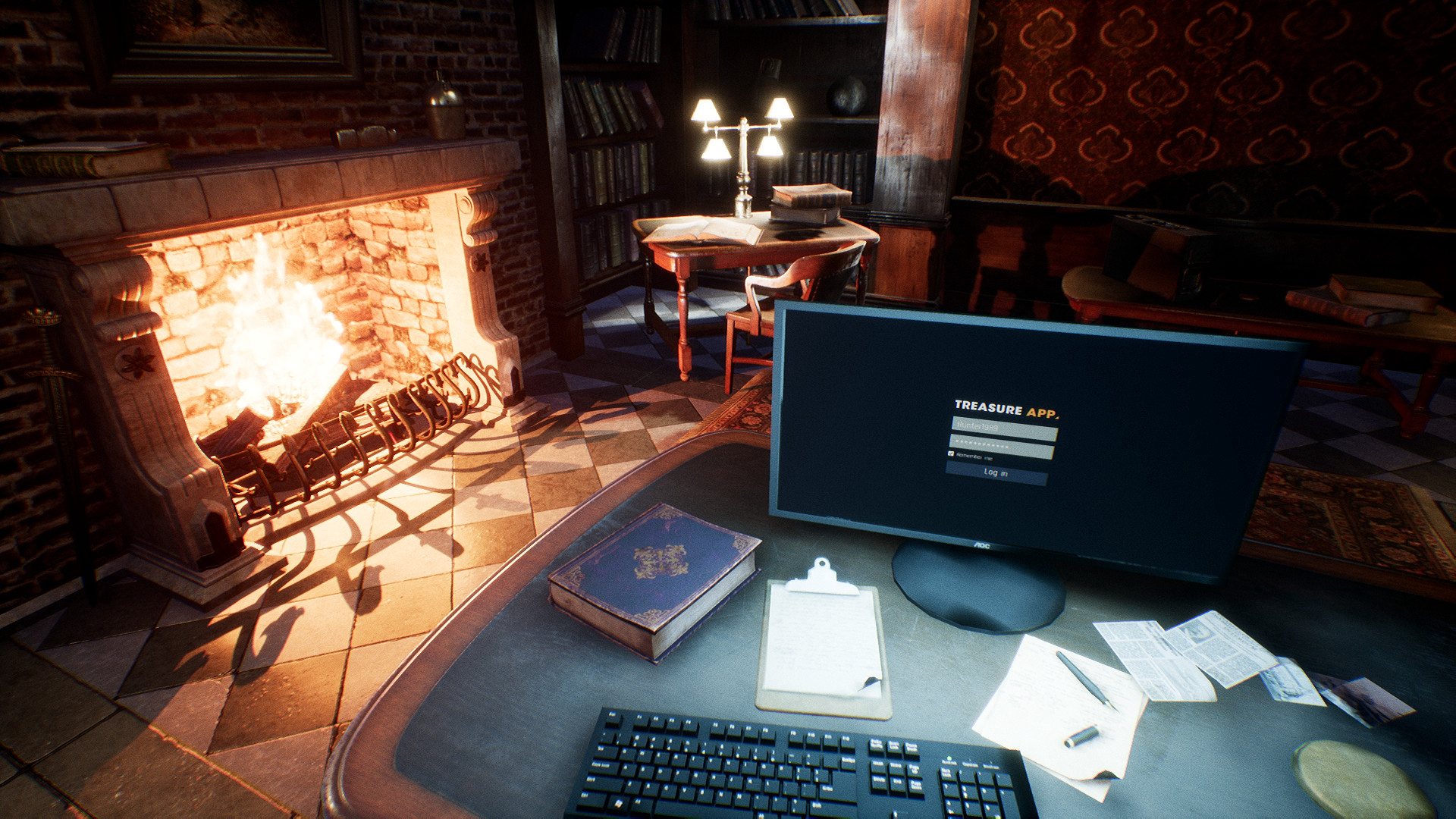
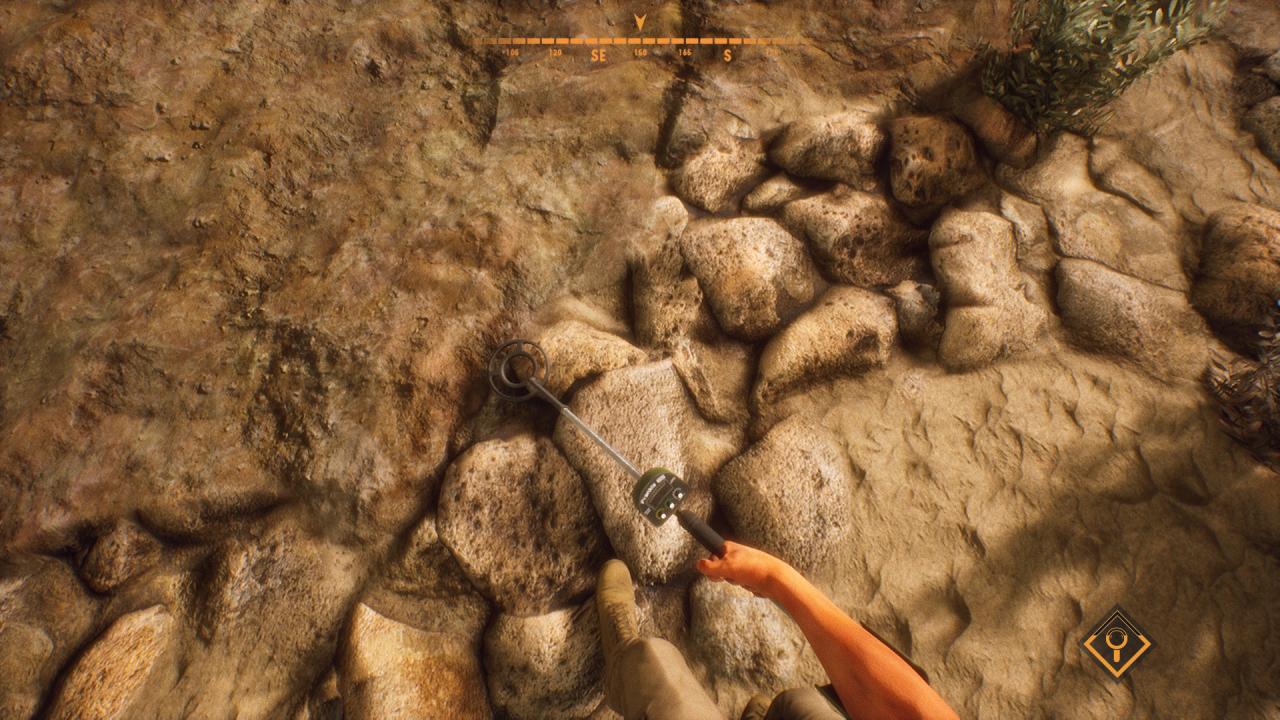
Treasure Hunter Simulator gives you a chance to explore historically improtant locations worldwide and, by using your metal detectors, to discover that past by finding interesting artefacts and getting to know their historical significance. With locations scattered all over the world, you’ll need to find something interesting and valuable in your local woods to gain the prestige and funds needed for better equipment and travel expenses to exotic, remote locations. You can decide to keep artefacts for your collection or to auction them off to travel even further or get even better gear. Treasure Hunter Simulator is not a hardcore metal detector simulator, but rather a mix of arcade and simulation. With streamlined detector mechanics the game is enjoyable not only for the fans of the genre, but casual gamers as well. Simple, intuitive gameplay elements combined with beautiful landscapes make for a truly enjoyable experience. Features 11 beautiful, handcrafted locations 8 different metal detector types to upgrade 100+ artifacts to find 10+ legendary artifacts Artifacts can be found in various conditions Identification and collection of artifacts Artifacts can be sold to bolster funds for better gear and travel expenses to remote locations

Treasure Hunter Simulator screenshotTreasure Hunter Simulator screenshotTreasure Hunter Simulator screenshotTreasure Hunter Simulator screenshotTreasure Hunter Simulator screenshotTreasure Hunter Simulator screenshot

How to redeem

  1. 1Check your Steam account and the listed region before purchasing.
  2. 2Find your code and supplier activation instructions in your confirmed order.
  3. 3Open the redeem-code section on Steam, enter the code and follow the platform’s prompts.

Supplier instructions

Go to: http://store.steampowered.com/ and download STEAM client Click "Install Steam" (from the upper right corner) Install and start application, login with your Account name and Password (create one if you don't have). Please follow these instructions to activate a new retail purchase on Steam: Launch Steam and log into your Steam account. Click the Games Menu. Choose Activate a Product on Steam... Follow the onscreen instructions to complete the process. After successful code verification go to the "MY GAMES" tab and start downloading.

You might also like