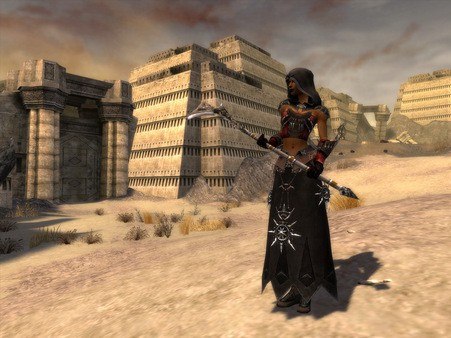
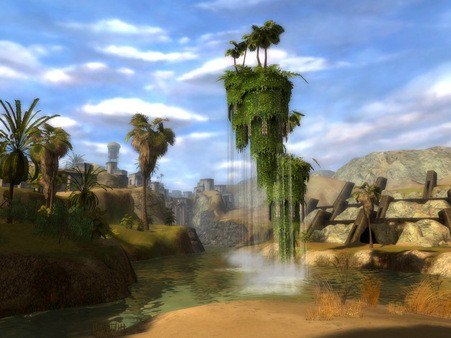
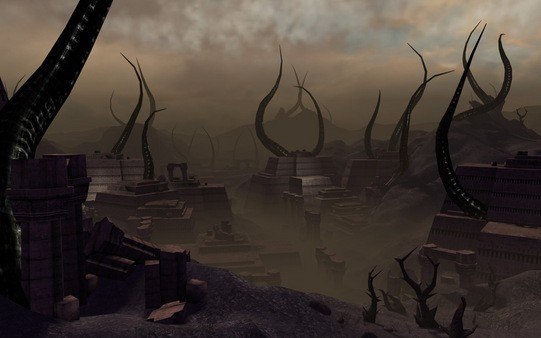
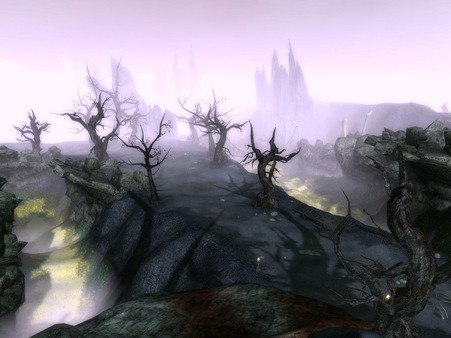
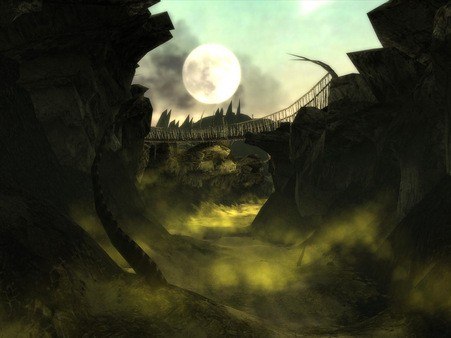
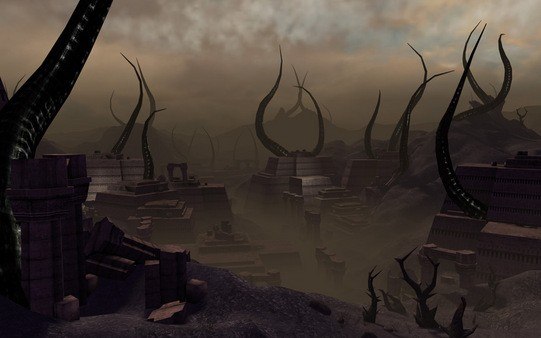
Join millions of players worldwide in this third campaign in the award-winning Guild Wars®universe. Create your own band of Heroes and lead them against a mad ruler and an outcast god who desire tGuild Wars Nightfall EU Digital Download CD Keyo bring darkness to Elona. When night falls you must fight — but you won't fight alone. Explore opulent cities, savage coasts, ancient monuments, and poisonous deserts as you determine the fate of Elona. Guild Wars Nightfall™ is the third stand-alone release from developer ArenaNet®, and features a new land, new mechanics, and new professions. Features Battle against the armies of darkness in the company of customizable Heroes that level up with you, follow your instructions in combat, and use armor, weapons, and skills of your choice. Beguile your enemies with the flashing scythe of the new Dervish profession, or empower the people of Elona with the shouts and chants of the god-touched Paragon. Find your allies quickly and build the ultimate party using the new cross-district Party Search system. Discover new ways to throw down your enemies with more than 350 new skills. No subscription fees — Buy the game and play online with no monthly fees.* * Requires product purchase and access to Internet. Player is responsible for all applicable Internet fees.