Get 10% back in Relic Coins on every order
Warhammer: Vermintide 2 - Back to Ubersreik DLC cover

SteamGlobal· DLC

Warhammer: Vermintide 2 - Back to Ubersreik DLC

€2.46

+€0.25 cashback eligibility in Relic Coins

Check before you play

Platform
Steam
Region
Global
Product type
DLC

Check the required base game and edition before purchasing this add-on.

Developer
Twistplay
Publisher
Chilled Mouse
Supplier release date
2018-12-10
Genres
Action

About this product

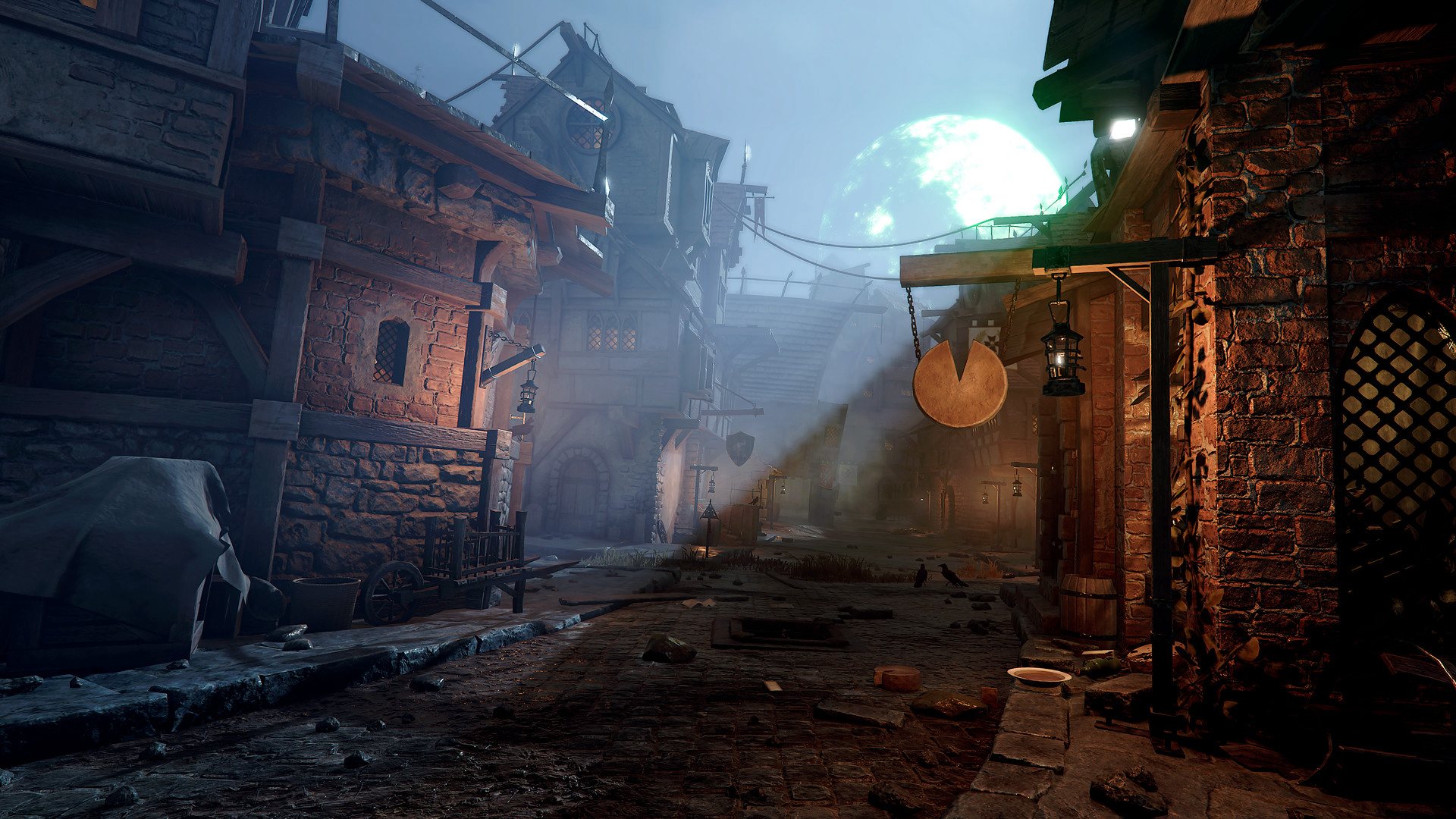
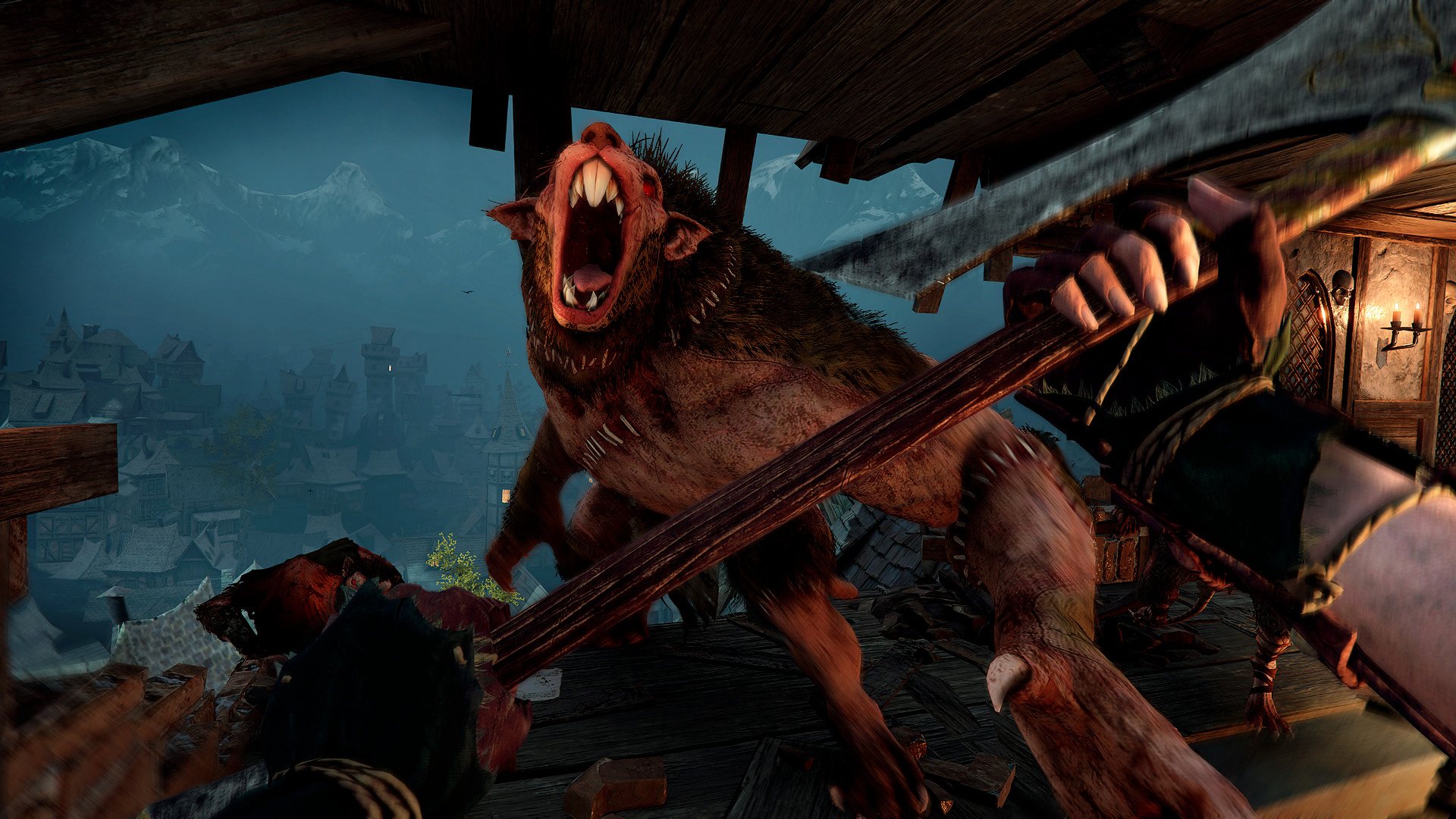
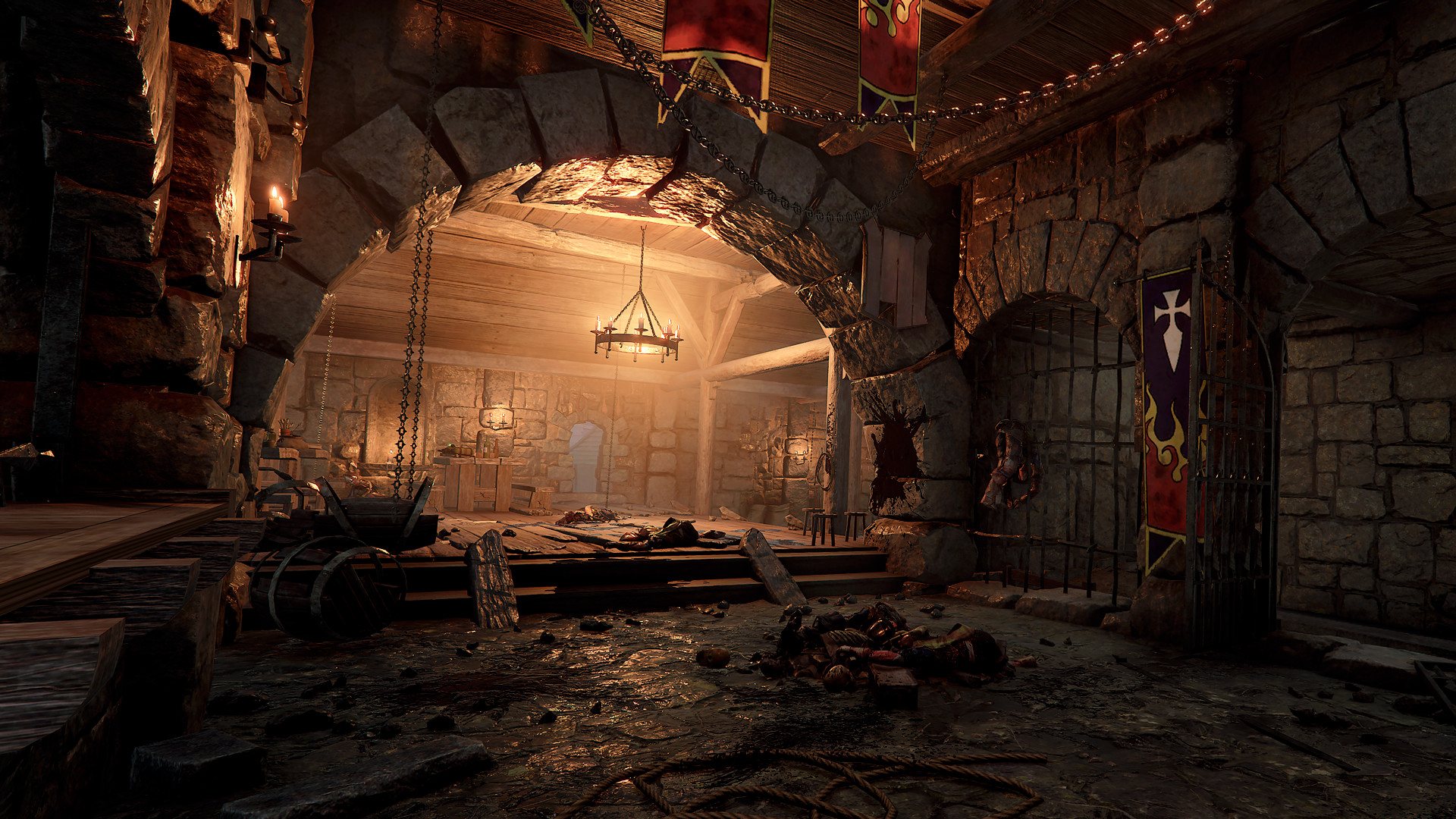
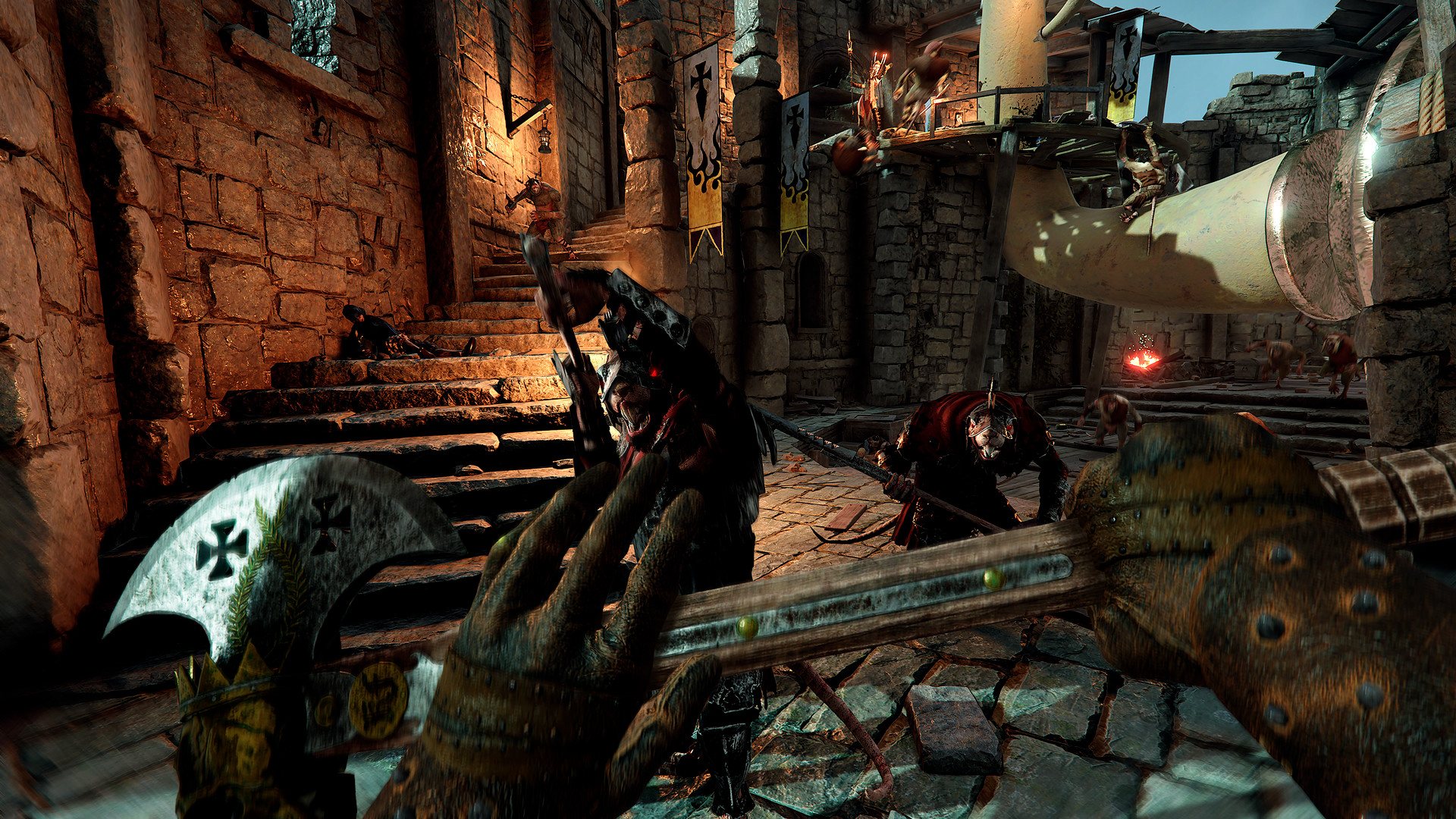
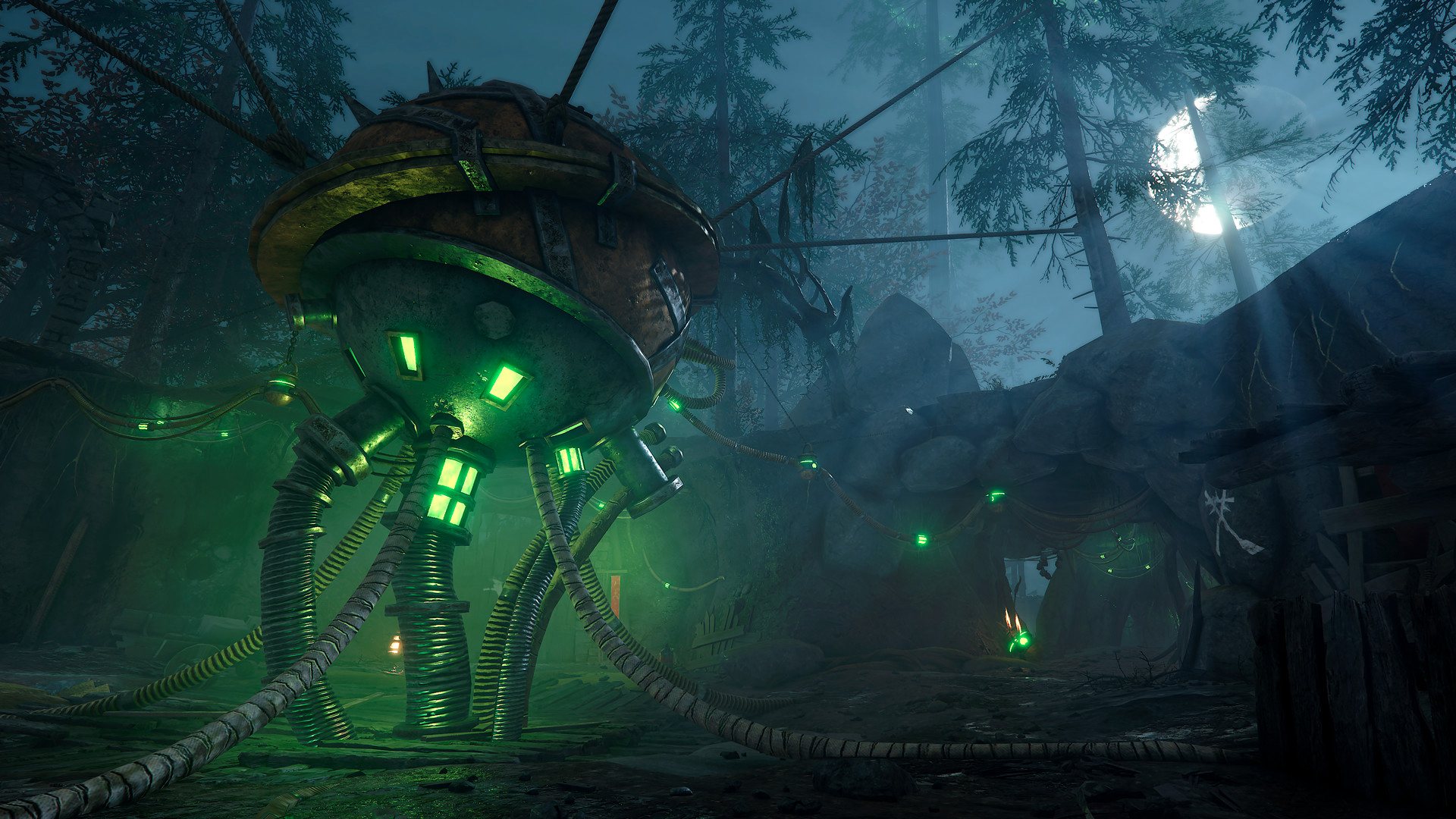
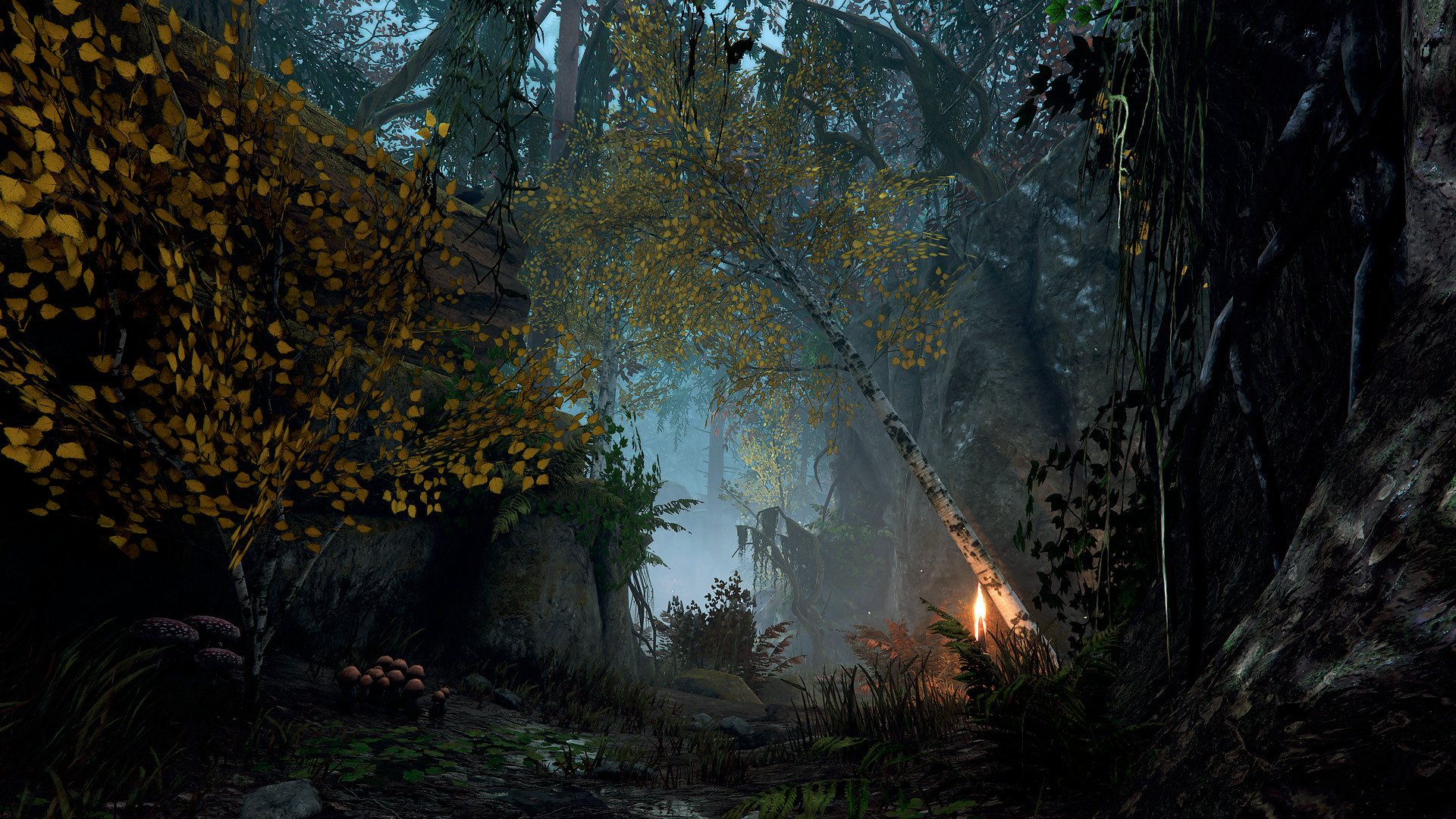
The Back to Ubersreik levels cannot be played for free through Quickplay or by joining a game in the lobby browser, unless you own the DLC or join a friend who does. Back to Ubersreik sends you back to Warhammer: End Times - Vermintide with 3 remastered Ubersreik levels. Upon the heroes discovering an Ubersreik Lodestone, Olesya - the resident spy-master and grey wizard - sends the heroes into an illusion of Ubersreik. Claimed to be the birthplace of Sigmar, the city of Ubersreik lies at the mouth of the Grey Lady Pass. As the heroes return everything appears to be … sort of the same. In the second DLC for Vermintide 2, the heroes return to Ubersreik to uncover the dark truth hidden within the city. Features 3 Remastered Ubersreik levels:The Horn of Magnus, Garden of Morr and Engines of War New Quests and Challenges New Weapons and Illusions

Warhammer: Vermintide 2 - Back to Ubersreik DLC screenshotWarhammer: Vermintide 2 - Back to Ubersreik DLC screenshotWarhammer: Vermintide 2 - Back to Ubersreik DLC screenshotWarhammer: Vermintide 2 - Back to Ubersreik DLC screenshotWarhammer: Vermintide 2 - Back to Ubersreik DLC screenshotWarhammer: Vermintide 2 - Back to Ubersreik DLC screenshot

How to redeem

  1. 1Check the required base game, platform and edition before purchasing.
  2. 2Find the code or supplier activation instructions in your confirmed order.
  3. 3Redeem on Steam using the supplied instructions, then install the add-on with the compatible base game.

Supplier instructions

Go to: http://store.steampowered.com/ and download STEAM client Click "Install Steam" (from the upper right corner) Install and start application, login with your Account name and Password (create one if you don't have). Please follow these instructions to activate a new retail purchase on Steam: Launch Steam and log into your Steam account. Click the Games Menu. Choose Activate a Product on Steam... Follow the onscreen instructions to complete the process. After successful code verification go to the "MY GAMES" tab and start downloading.

You might also like