Get 10% back in Relic Coins on every order
OMSI 2 Add-On Coachbus 250 DLC cover

SteamGlobal· DLC

OMSI 2 Add-On Coachbus 250 DLC

€8.87

+€0.89 cashback eligibility in Relic Coins

Check before you play

Platform
Steam
Region
Global
Product type
DLC

Check the required base game and edition before purchasing this add-on.

Developer
MR-Software GbR
Publisher
Aerosoft GmbH
Supplier release date
2018-12-10
Genres
Simulation

About this product

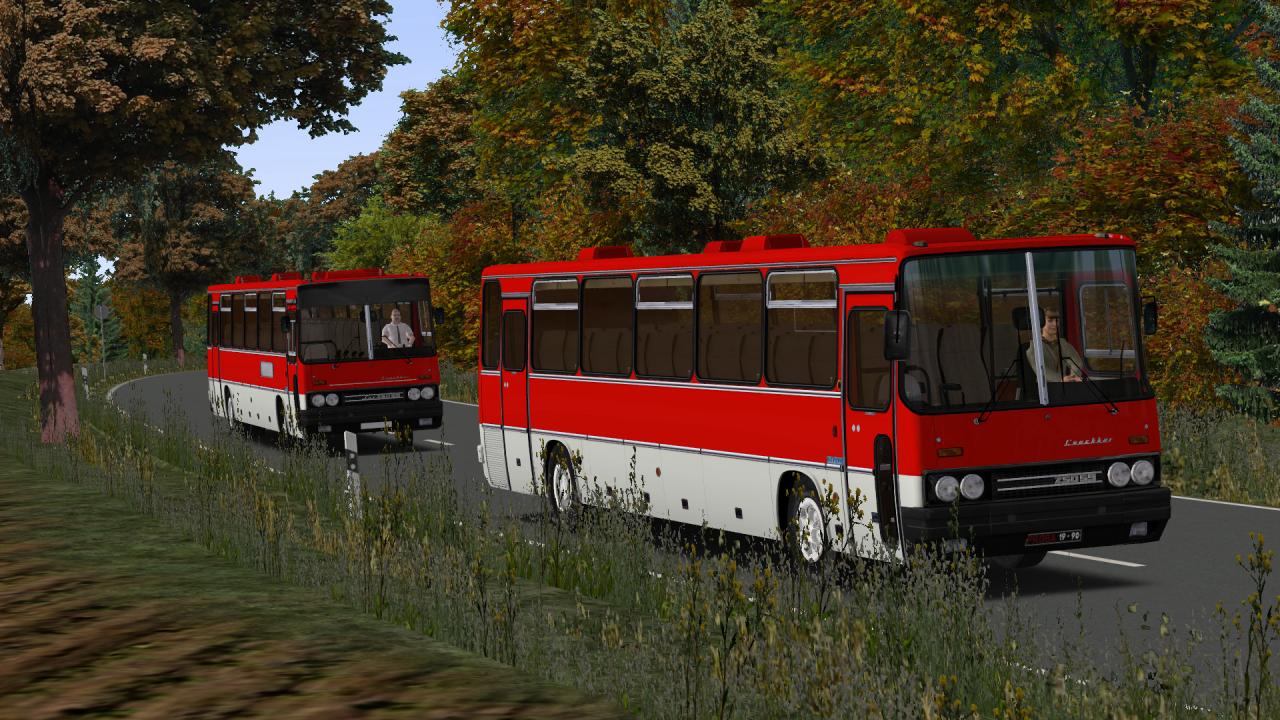
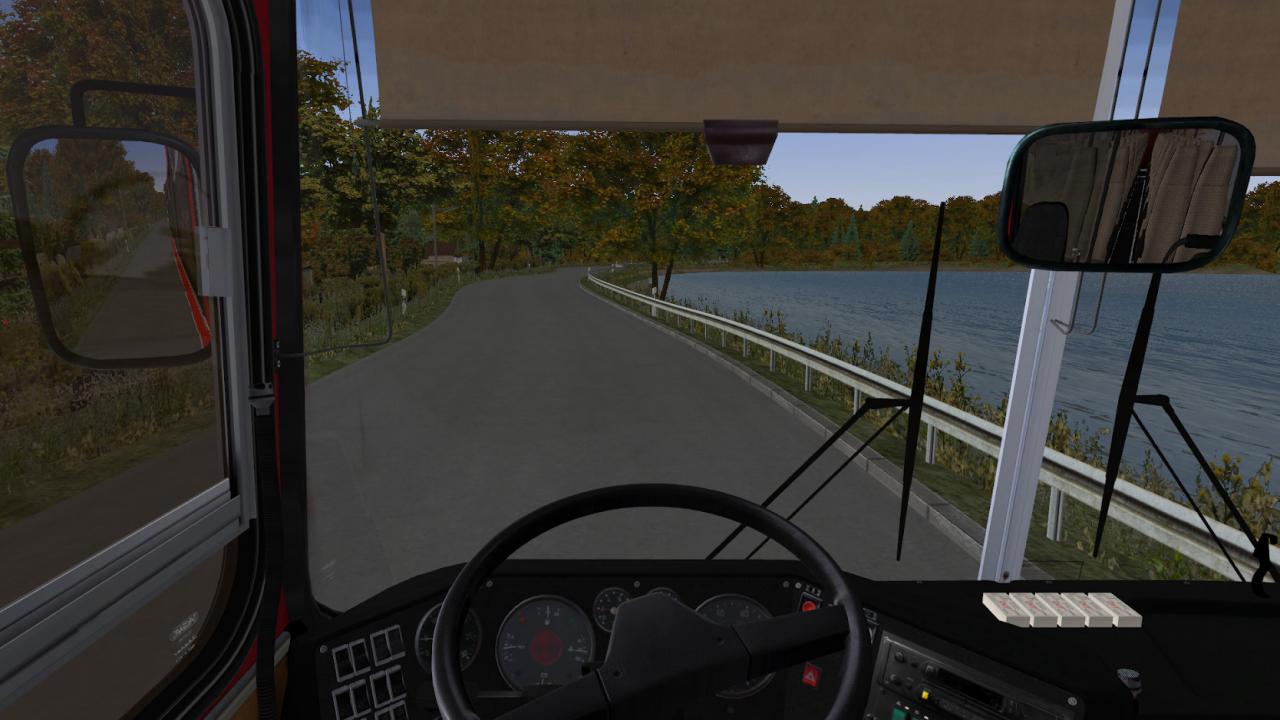
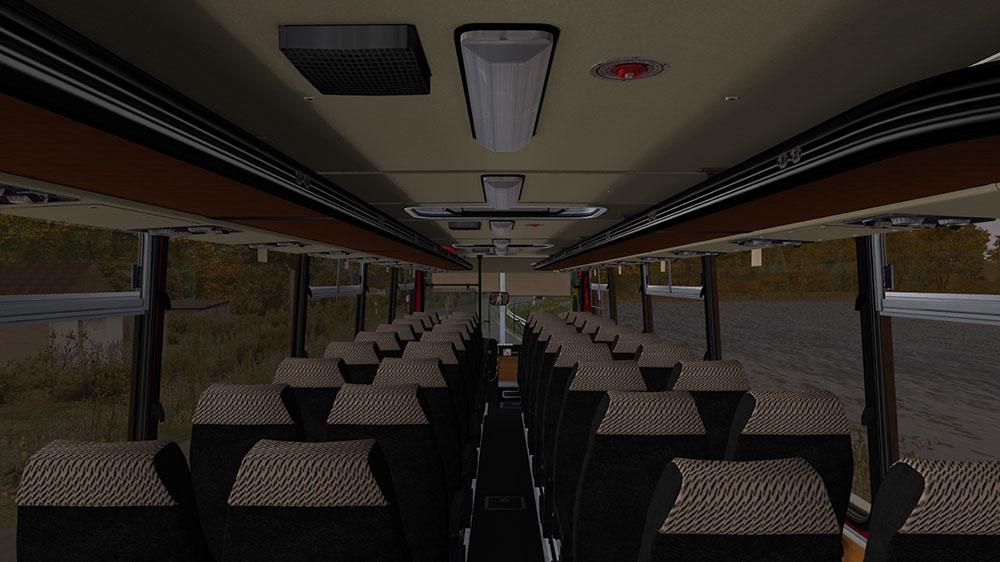
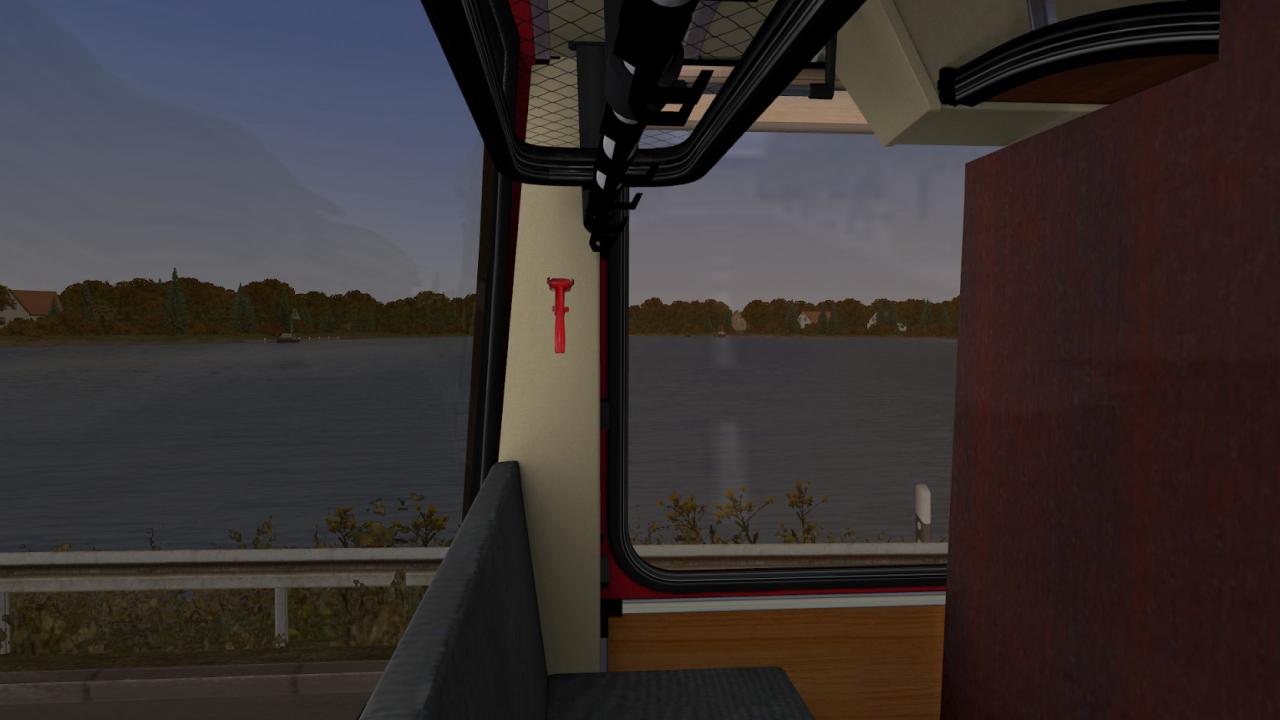
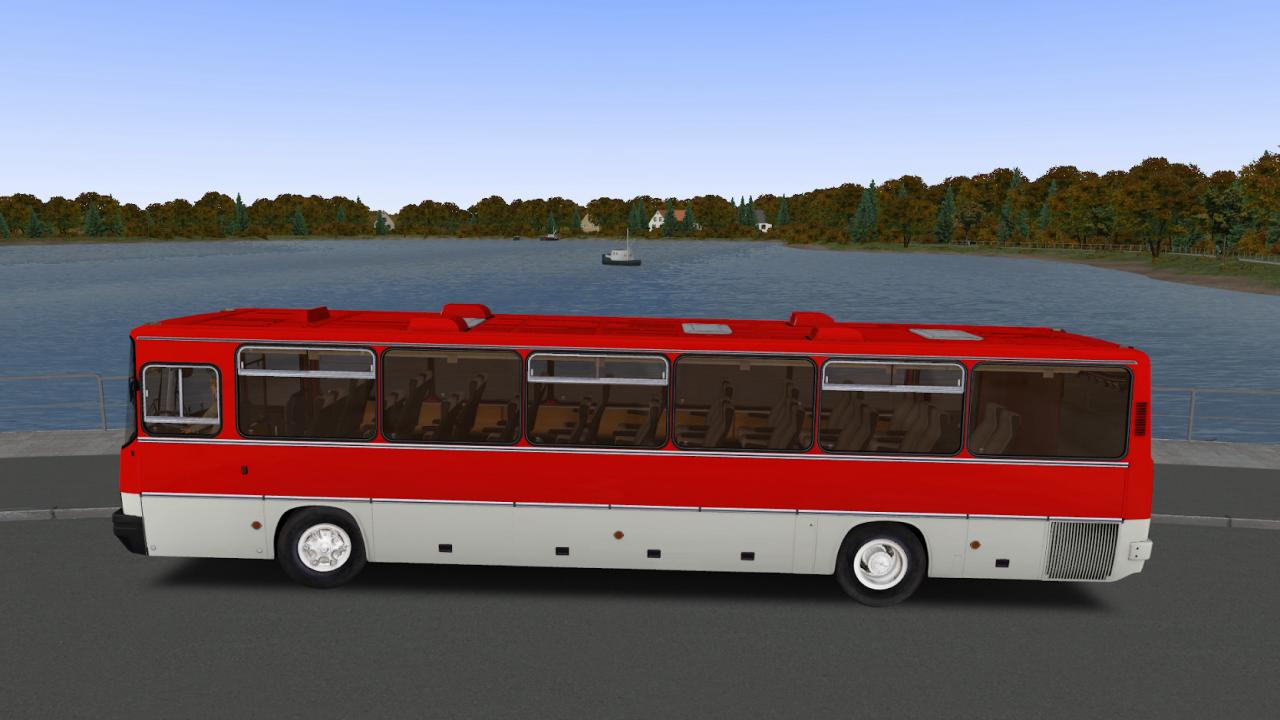
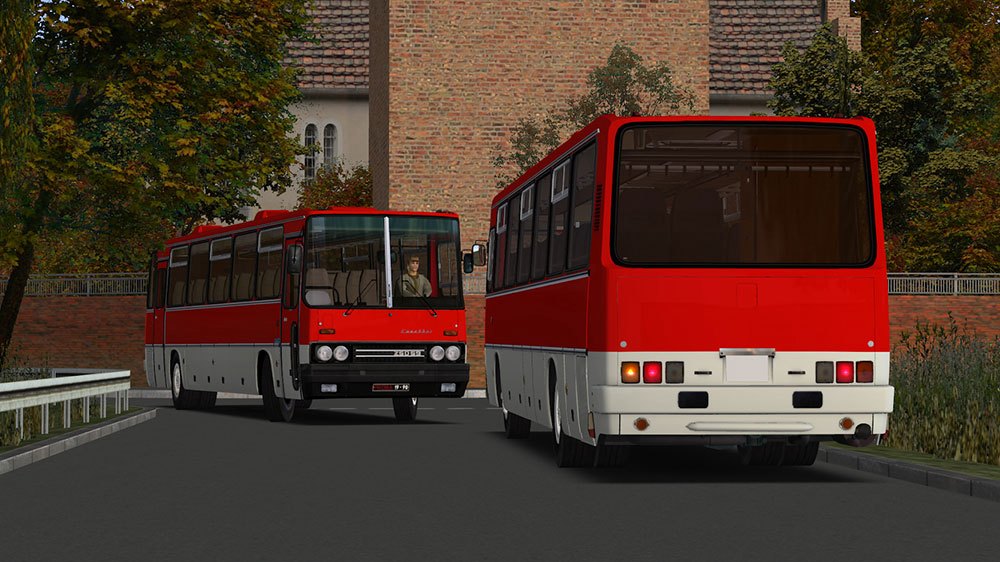
Get to know a bus from the 1960s that was built for the USSR states – discover the new Add-on Coachbus 250 now.The Ikarus 250 is a coach built from the late 1960s until the late 1990s, making it the first bus from the 200 series.The bus features a manual 6 speed transmission. Its engine is mounted in the rear and drives the rear axle using a single disk dry clutch. When empty, the coach weighs in at 10.7 t and its permissible total weight is 16 t.Depending on the country that operates it this Russian coach is built with a different engine, making it perfectly suited to local requirements. This add-on also features a total of 22 different variations of the Ikarus 250, representing numerous versions built over 5 years.Included buses:Ikarus 250.59 / 1984Ikarus 250.59 / 1984 lowIkarus 250.59 / 1986 luxIkarus 250.59 / 1986 lux lowIkarus 250.59 / 1986 Standart Ikarus 250.59 / 1986 Standart lowIkarus 250.59 / 1987 luxIkarus 250.59 / 1987 lux lowIkarus 250.59 / 1987 lux1Ikarus 250.59 / 1987 lux1 lowIkarus 250.59 / 1987 Standart Ikarus 250.59 / 1987 Standart lowIkarus 250.59 / 1988 luxIkarus 250.59 / 1988 lux lowIkarus 250.59 / 1988 lux1Ikarus 250.59 / 1988 lux1 lowIkarus 250.59 / 1988 StandartIkarus 250.59 / 1988 Standart lowIkarus 250.59 / 1990 luxIkarus 250.59 / 1990 lux lowIkarus 250.59 / 1990 StandartIkarus 250.59 / 1990 Standart low

OMSI 2 Add-On Coachbus 250 DLC screenshotOMSI 2 Add-On Coachbus 250 DLC screenshotOMSI 2 Add-On Coachbus 250 DLC screenshotOMSI 2 Add-On Coachbus 250 DLC screenshotOMSI 2 Add-On Coachbus 250 DLC screenshotOMSI 2 Add-On Coachbus 250 DLC screenshot

How to redeem

  1. 1Check the required base game, platform and edition before purchasing.
  2. 2Find the code or supplier activation instructions in your confirmed order.
  3. 3Redeem on Steam using the supplied instructions, then install the add-on with the compatible base game.

Supplier instructions

Go to: http://store.steampowered.com/ and download STEAM client Click "Install Steam" (from the upper right corner) Install and start application, login with your Account name and Password (create one if you don't have). Please follow these instructions to activate a new retail purchase on Steam: Launch Steam and log into your Steam account. Click the Games Menu. Choose Activate a Product on Steam... Follow the onscreen instructions to complete the process. After successful code verification go to the "MY GAMES" tab and start downloading.

You might also like