Get 10% back in Relic Coins on every order
Godly Corp cover

SteamGlobal· Key

Godly Corp

€0.62

+€0.06 cashback eligibility in Relic Coins

Check before you play

Platform
Steam
Region
Global
Product type
Key
Developer
TR8 Torus Studios
Publisher
Ultimate Games S.A.
Supplier release date
2018-12-13
Genres
Action, Simulation, Indie, Casual

About this product

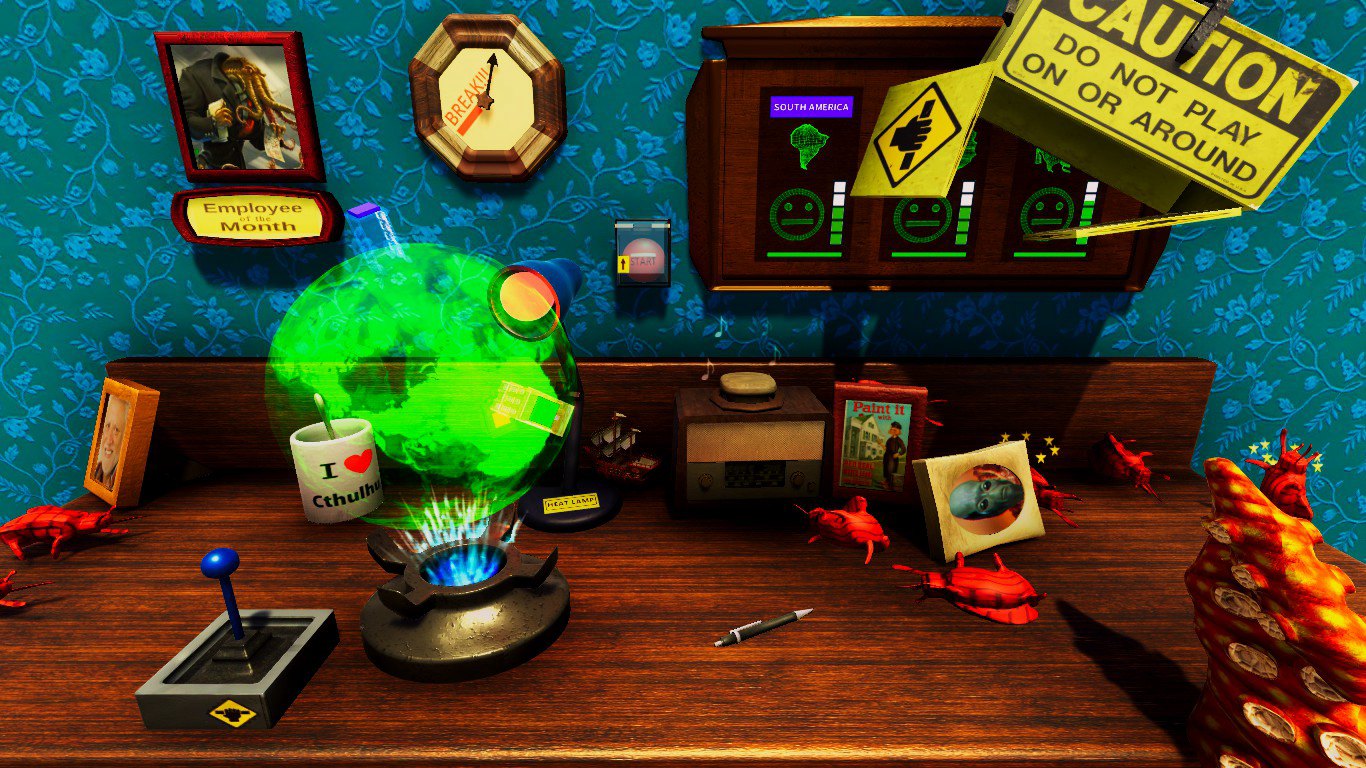
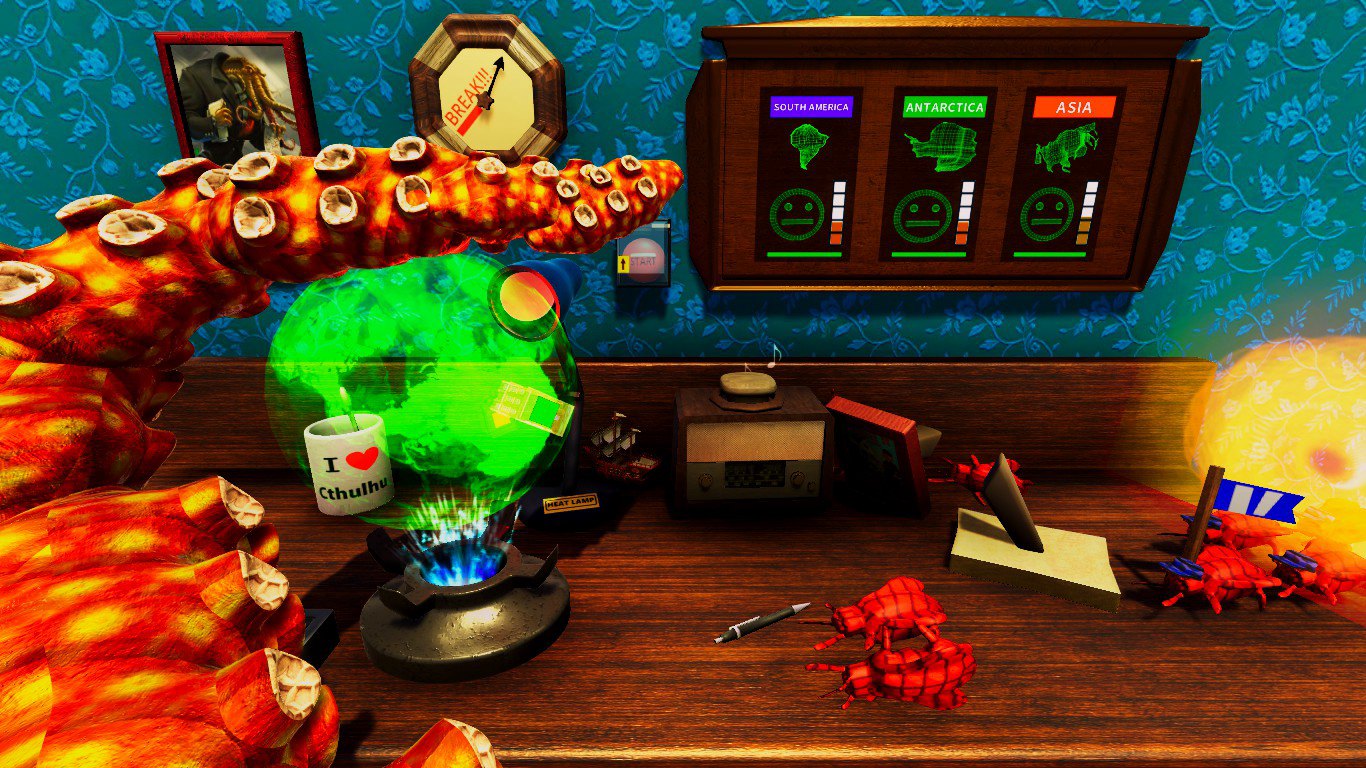
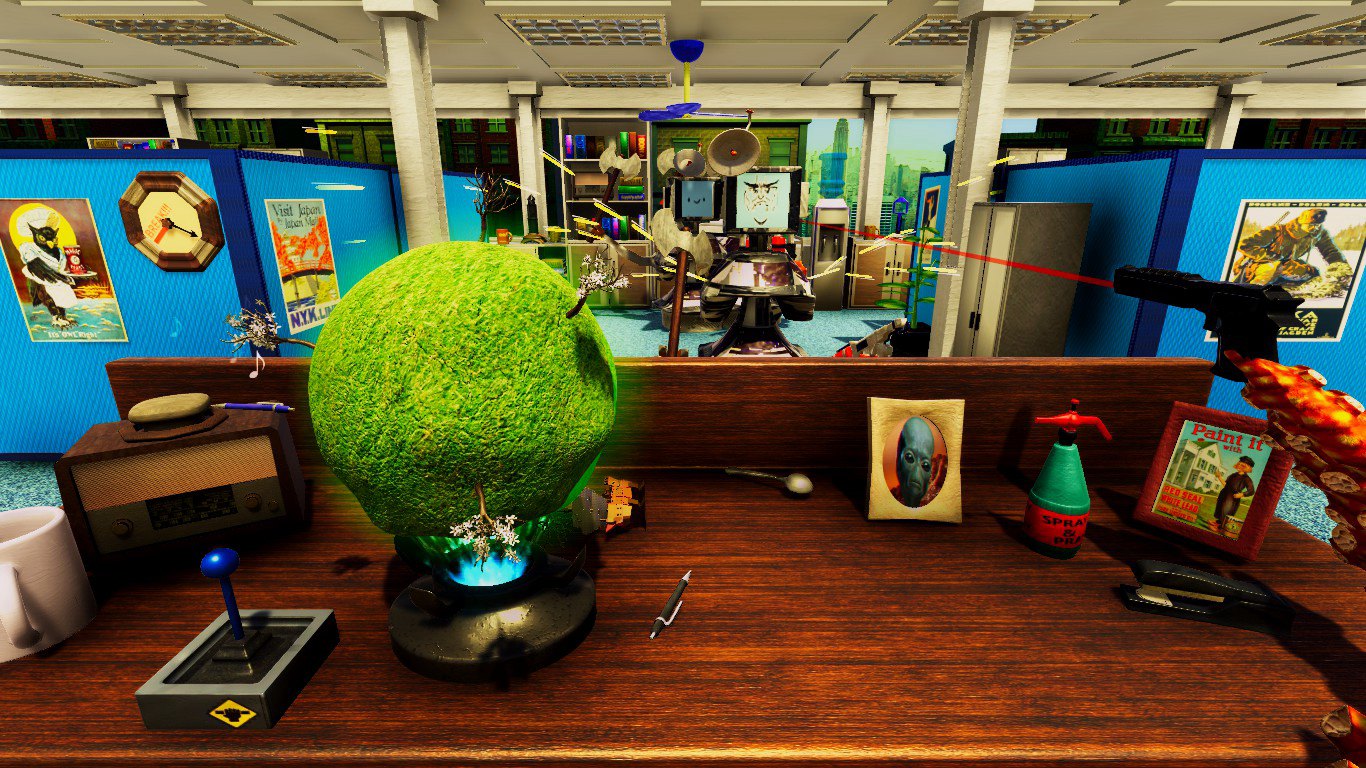
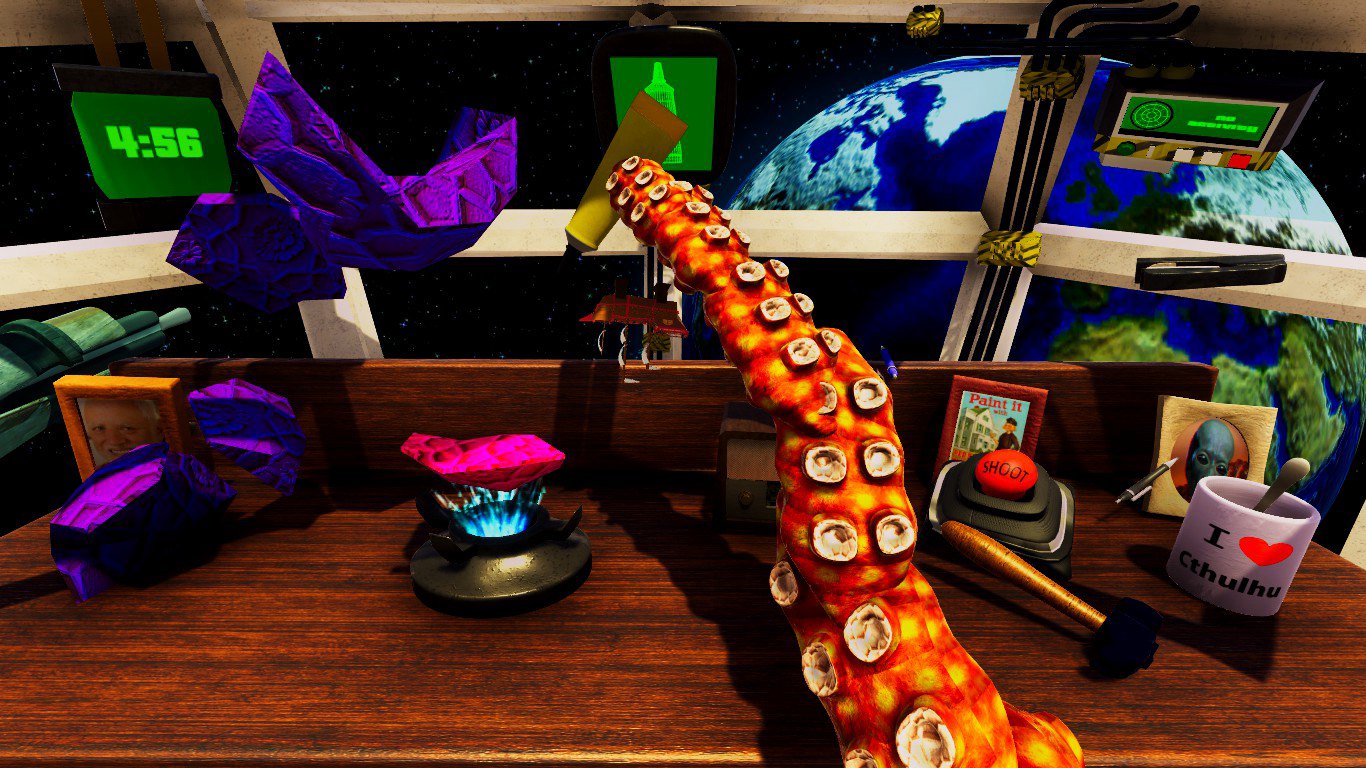
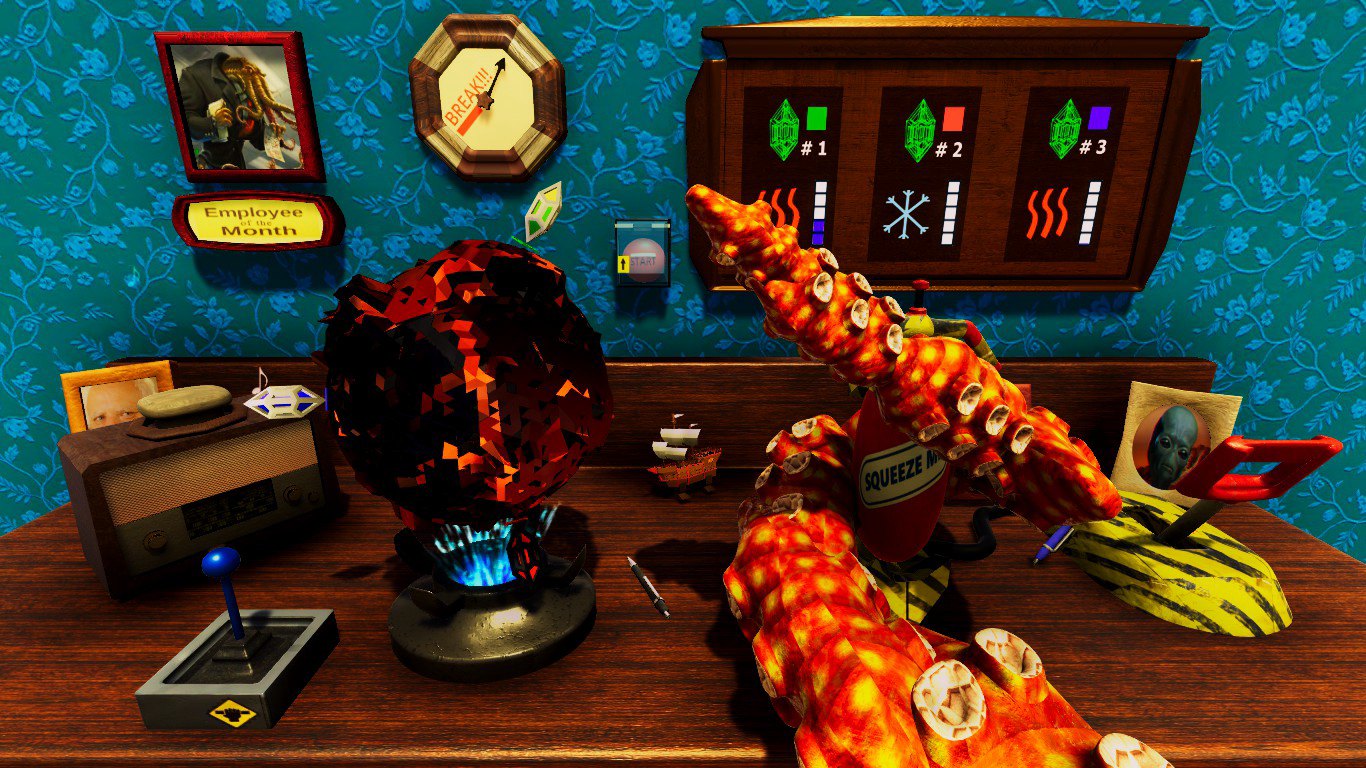
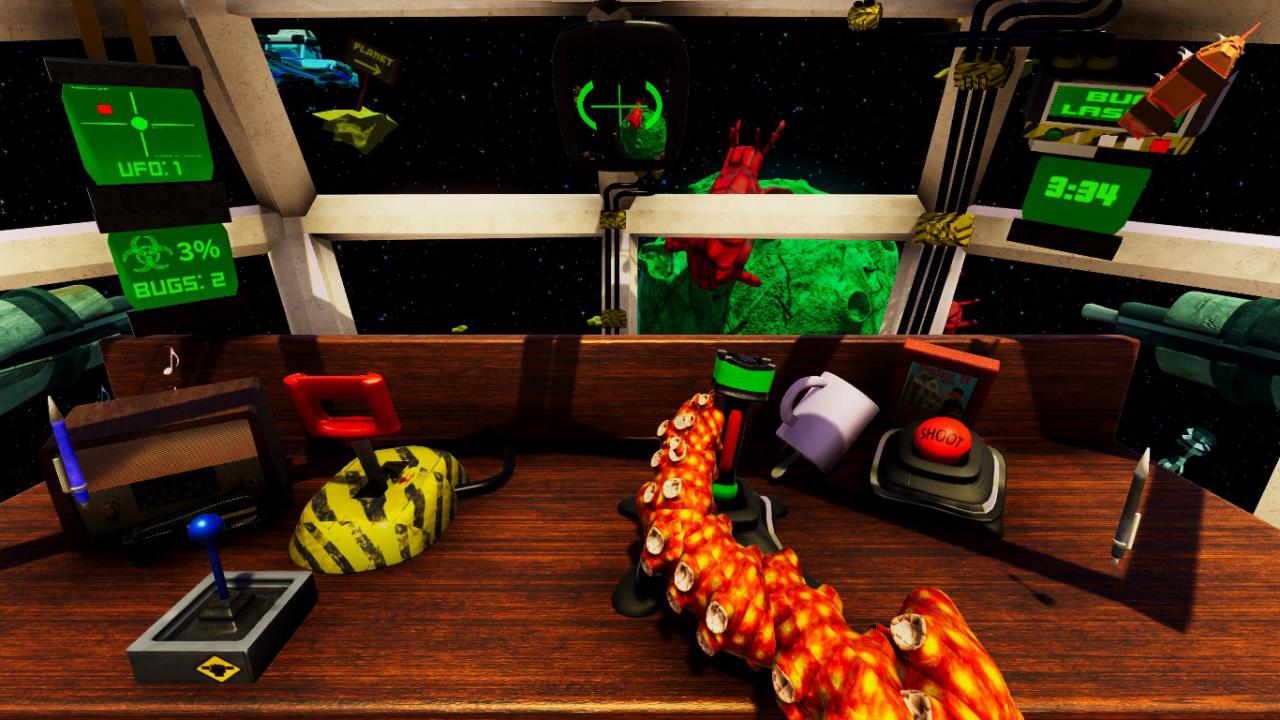
Do you want to do something meaningful in your life? Do you desire more responsibility like responsibility for the fate of the multiverse hanging in the balance? You might want to consider a career with Godly Corp, an upcoming over-the-top simulator with a focus on woobly tentacle physics! Rest assured that every mistake will bring tremendous consequences, just as you wanted!There also won't be time for you to burn out in this job as EVERY day is a completely new challenge. On Monday you will be fighting bug infestation, Tuesdays are usually the days when someone tries to rob us, Wednesday might be the casual day! If these assignments sound too easy to you then we guarantee that the more experienced you are the more interesting challenges you will get!As you can see this is a dream job! Add Godly Corp to your Wishlist and sign up today for a better tomorrow! Features Tentacle Mechanic Every level is something completely different Hilarious humor and presentation Compete on the leaderboard to be the best employee Multitasking hell Twists at every corner Hidden lore bits throughout the whole game *No healthcare is provided to the employees of Godly Corp

Godly Corp screenshotGodly Corp screenshotGodly Corp screenshotGodly Corp screenshotGodly Corp screenshotGodly Corp screenshot

How to redeem

  1. 1Check your Steam account and the listed region before purchasing.
  2. 2Find your code and supplier activation instructions in your confirmed order.
  3. 3Open the redeem-code section on Steam, enter the code and follow the platform’s prompts.

Supplier instructions

Go to: http://store.steampowered.com/ and download STEAM client Click "Install Steam" (from the upper right corner) Install and start application, login with your Account name and Password (create one if you don't have). Please follow these instructions to activate a new retail purchase on Steam: Launch Steam and log into your Steam account. Click the Games Menu. Choose Activate a Product on Steam... Follow the onscreen instructions to complete the process. After successful code verification go to the "MY GAMES" tab and start downloading.

You might also like