Get 10% back in Relic Coins on every order
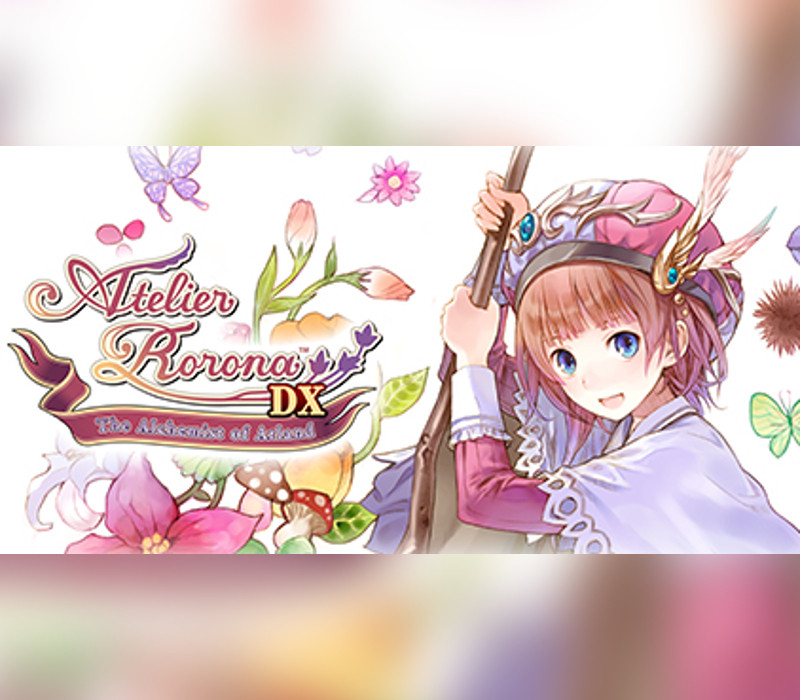
Atelier Rorona ~The Alchemist of Arland~ DX cover

SteamGlobal· Key

Atelier Rorona ~The Alchemist of Arland~ DX

€31.49

+€3.15 cashback eligibility in Relic Coins

Check before you play

Platform
Steam
Region
Global
Product type
Key
Developer
KOEI TECMO GAMES CO., LTD.
Publisher
KOEI TECMO GAMES CO., LTD.
Supplier release date
2018-12-04
Genres
RPG

About this product

First release in the Arland series. The main character Rorona must save her Atelier from being closed by the Kingdom. Using Synthesis, Exploration, and Battle, gain recognition for the Atelier and save it from being closed. See a variety of endings by obtaining a certain level of recognition in a set time period and by fulfilling certain conditions.The English version includes English voice. (Note that some events do not include English voice). Features Save the Atelier by fulfilling requests made by the Kingdom.Rorona's goal is to "gain recognition from the Kingdom to save her Atelier." By clearing the quarterly requests sent to her by the Kingdom for 3 years, Rorona can gain recognition. Earn great recognition by using Synthesis, Exploration, and Battle! Gain the ending right for your evaluation and popularity.Earn a certain level of recognition in a set period of time from the Kingdom and fulfill certain conditions to see a number of different endings. In addition to Kingdom recognition, popularity in town from fulfilling the requests of the townsfolk also plays an important role in determining the ending that you eventually end up with.

Atelier Rorona ~The Alchemist of Arland~ DX screenshotAtelier Rorona ~The Alchemist of Arland~ DX screenshotAtelier Rorona ~The Alchemist of Arland~ DX screenshotAtelier Rorona ~The Alchemist of Arland~ DX screenshotAtelier Rorona ~The Alchemist of Arland~ DX screenshotAtelier Rorona ~The Alchemist of Arland~ DX screenshot

How to redeem

  1. 1Check your Steam account and the listed region before purchasing.
  2. 2Find your code and supplier activation instructions in your confirmed order.
  3. 3Open the redeem-code section on Steam, enter the code and follow the platform’s prompts.

Supplier instructions

Go to: http://store.steampowered.com/ and download STEAM client Click "Install Steam" (from the upper right corner) Install and start application, login with your Account name and Password (create one if you don't have). Please follow these instructions to activate a new retail purchase on Steam: Launch Steam and log into your Steam account. Click the Games Menu. Choose Activate a Product on Steam... Follow the onscreen instructions to complete the process. After successful code verification go to the "MY GAMES" tab and start downloading.

You might also like