Get 10% back in Relic Coins on every order
Trickster VR: Co-op Dungeon Crawler cover

SteamGlobal· Key

Trickster VR: Co-op Dungeon Crawler

€1.93

+€0.19 cashback eligibility in Relic Coins

Check before you play

Platform
Steam
Region
Global
Product type
Key
Developer
Trickster Games
Publisher
Trickster Games
Supplier release date
2016-08-12
Genres
Action, Adventure, Indie, VR Games

About this product

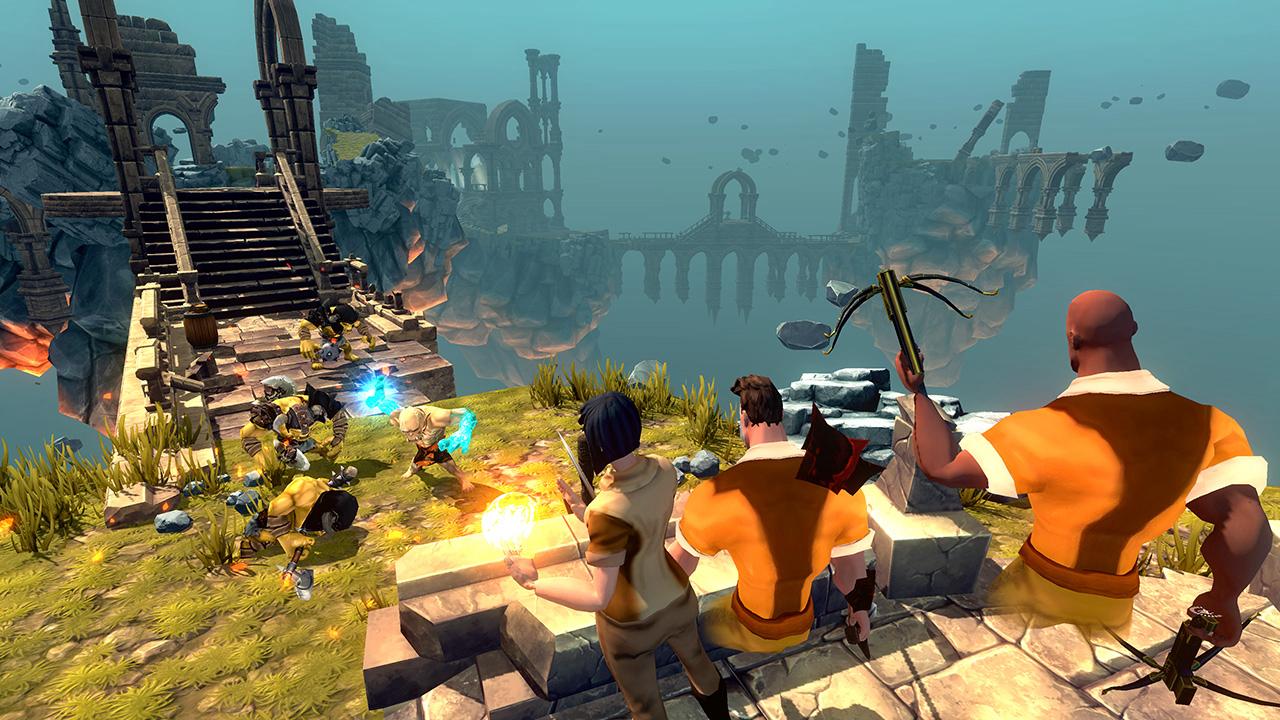
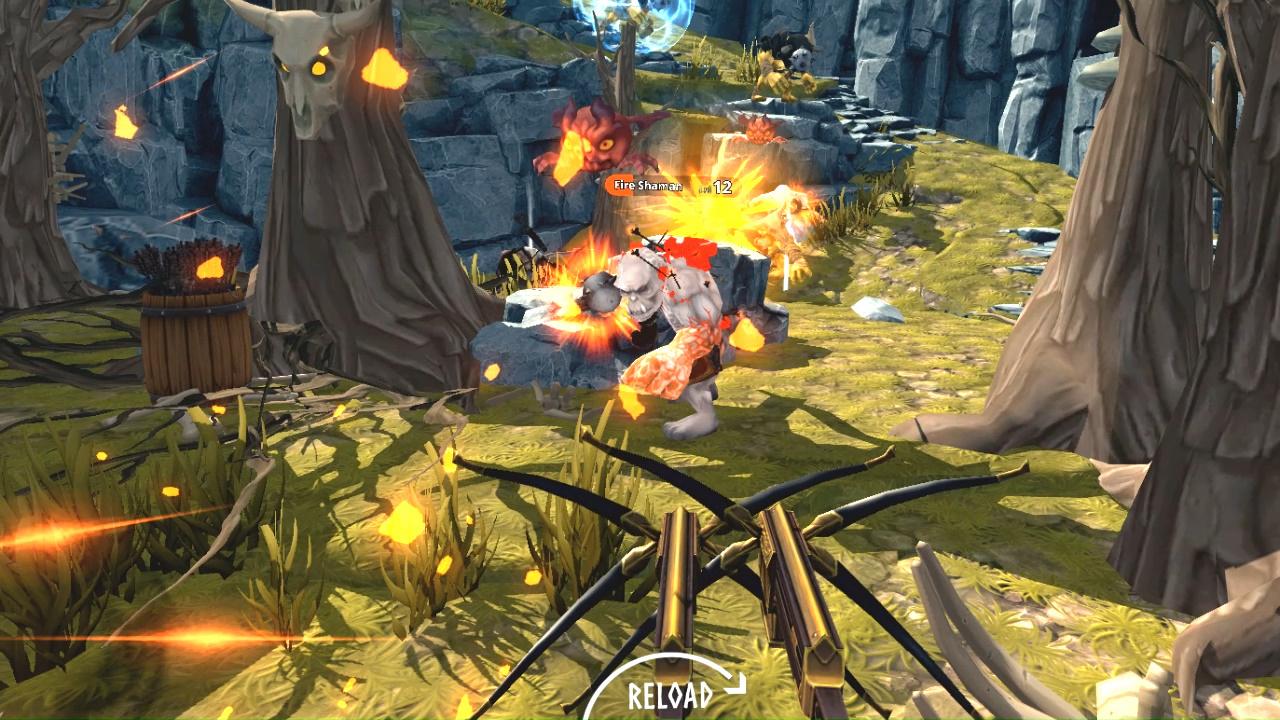
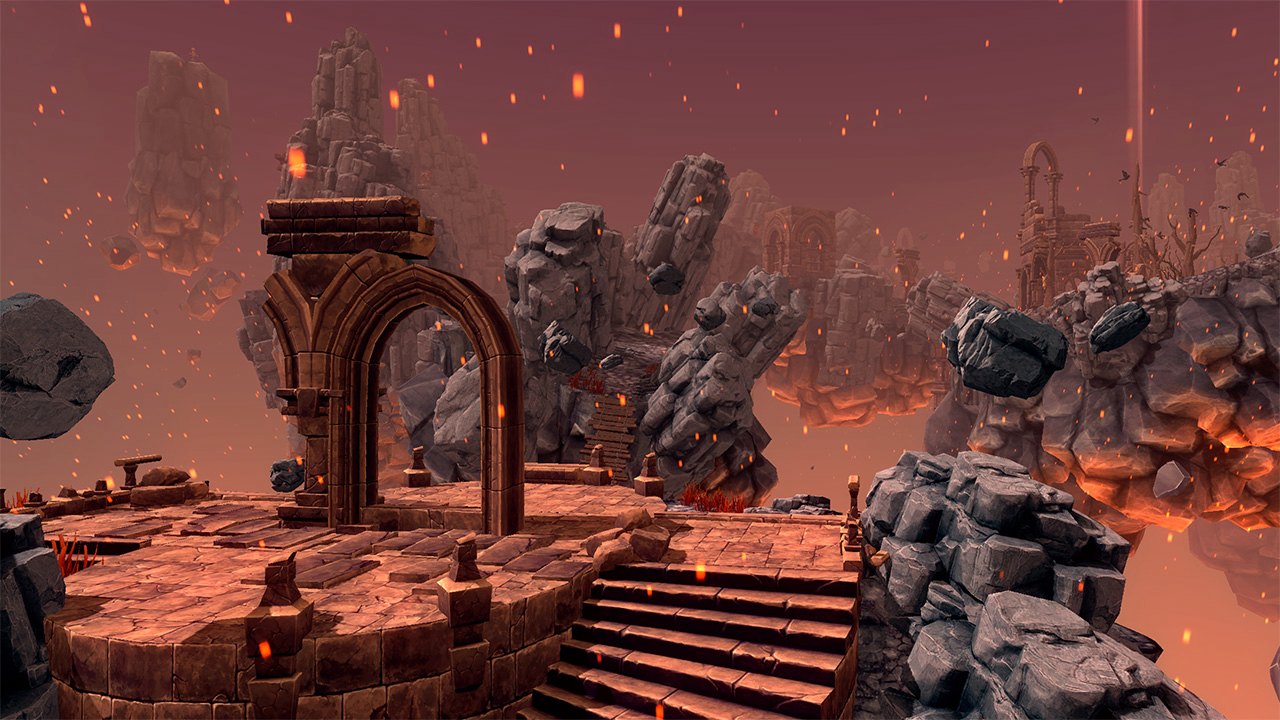
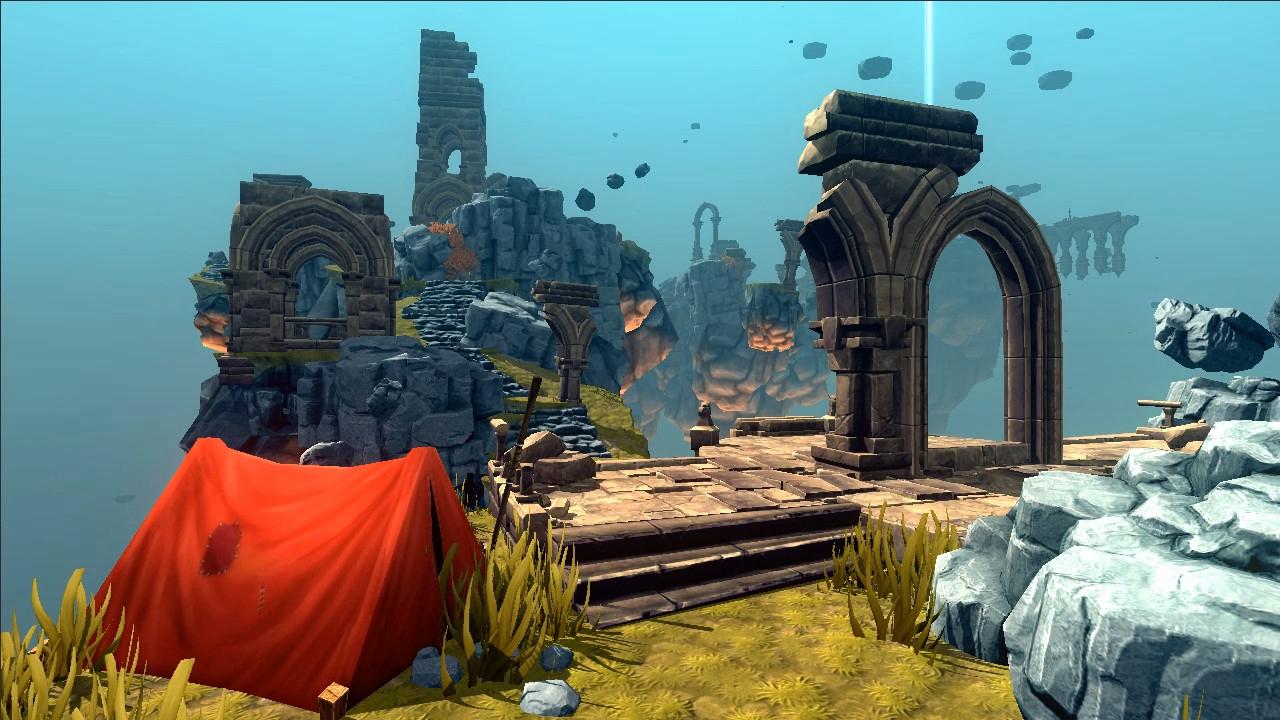
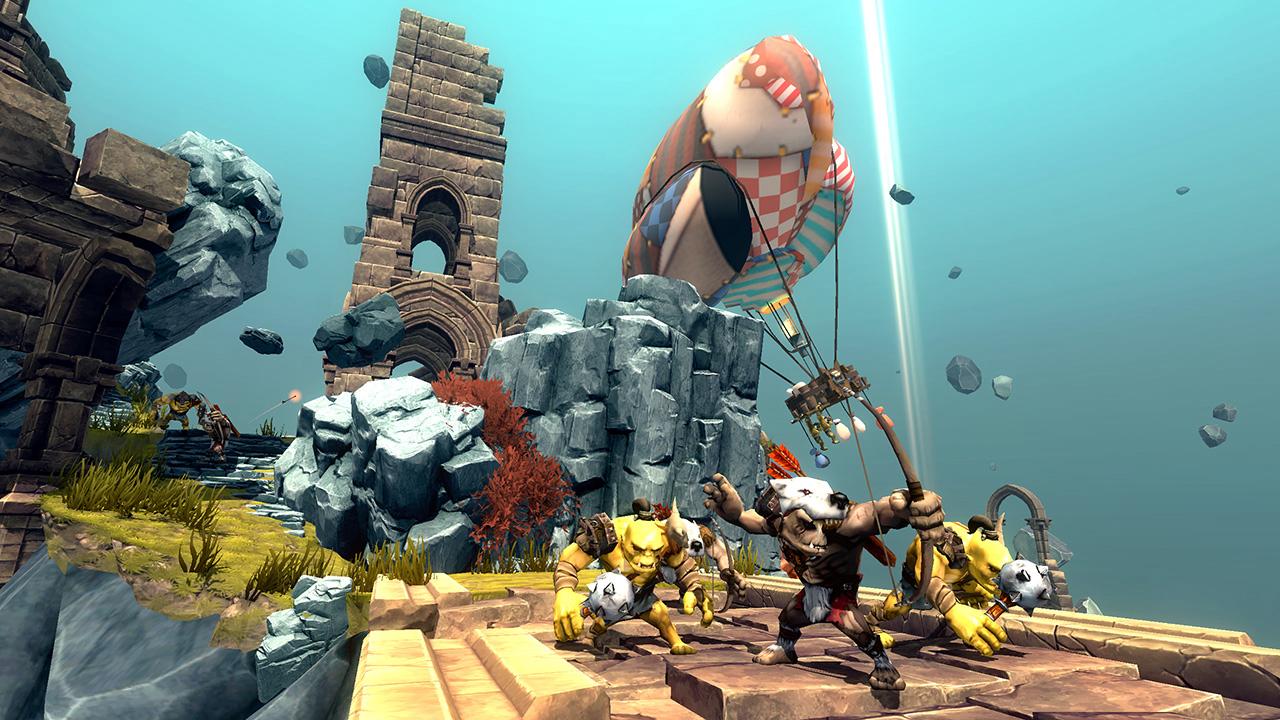
Scoring three headshots at once, while cutting down a jumping orc mid-flight. Trickster is designed to let you shine. Practice your accuracy and finesse, hunt for the weakpoints and fence the orcish chieftain in this skill oriented fantasy action. Orcs that come equipped in anything, but a lengthy health bar. Each of them packs a special set of moves and skills. You will need all your wits to escape their abilities and land those headshots. But when you do learn to outsmart them, you'll feel like a true warrior. Because, guess what - you just became one. Ever been dreaming about flipping burgers in virtual reality? We neither! Unsheathe the magic sword and give orcs hell among the ever changing landscape of burning skies and floating islands. Trickster features procedural level system that lets you visit endlessly different places over three biomes. Trickster features two different game modes and three difficulty levels, so you can pick what type of fun speaks to you the most. Adventure Mode - Take on the orcs in the procedurally generated levels, with enticing quests to complete. Wave Attack - Defend the portal to your home world from the orcish horde. Features 35 levels with a steady difficulty curve. 18 weapons with unique powers to unlock. 9 different mission types. 4 player co-op. 5 regions to explore. Oculus Home keys for Rift users.


Trickster VR: Co-op Dungeon Crawler screenshotTrickster VR: Co-op Dungeon Crawler screenshotTrickster VR: Co-op Dungeon Crawler screenshotTrickster VR: Co-op Dungeon Crawler screenshotTrickster VR: Co-op Dungeon Crawler screenshotTrickster VR: Co-op Dungeon Crawler screenshot

How to redeem

  1. 1Check your Steam account and the listed region before purchasing.
  2. 2Find your code and supplier activation instructions in your confirmed order.
  3. 3Open the redeem-code section on Steam, enter the code and follow the platform’s prompts.

Supplier instructions

Go to: http://store.steampowered.com/ and download STEAM client Click "Install Steam" (from the upper right corner) Install and start application, login with your Account name and Password (create one if you don't have). Please follow these instructions to activate a new retail purchase on Steam: Launch Steam and log into your Steam account. Click the Games Menu. Choose Activate a Product on Steam... Follow the onscreen instructions to complete the process. After successful code verification go to the "MY GAMES" tab and start downloading.

You might also like