

SteamGlobal· Key
BallisticNG
€12.81
+€1.28 cashback eligibility in Relic Coins
Check before you play
- Platform
- Steam
- Region
- Global
- Product type
- Key
- Developer
- Neognosis
- Publisher
- Neognosis
- Supplier release date
- 2018-12-15
- Genres
- Action, Racing, Indie
SteamGlobal· Key
€12.81
+€1.28 cashback eligibility in Relic Coins
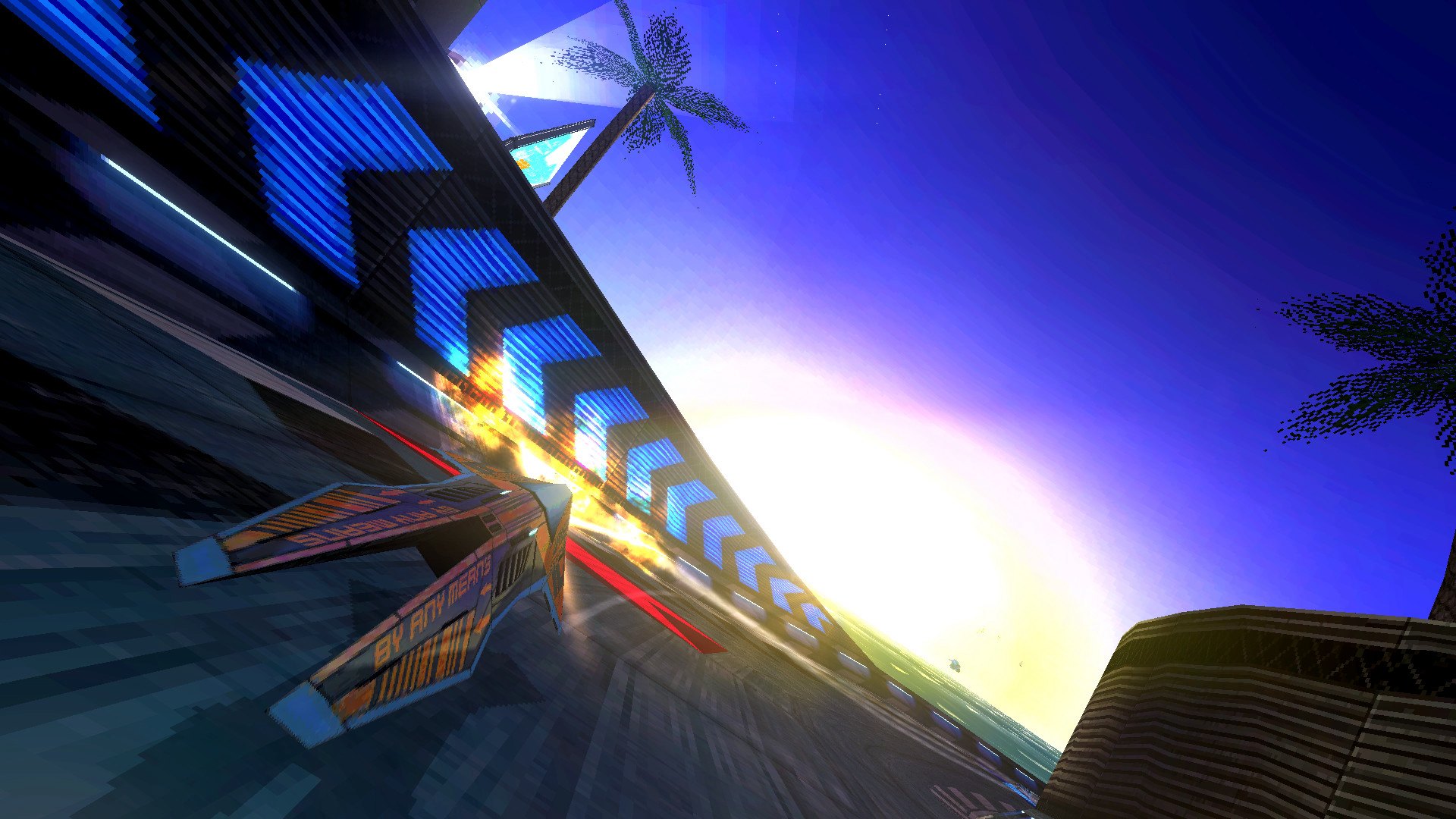
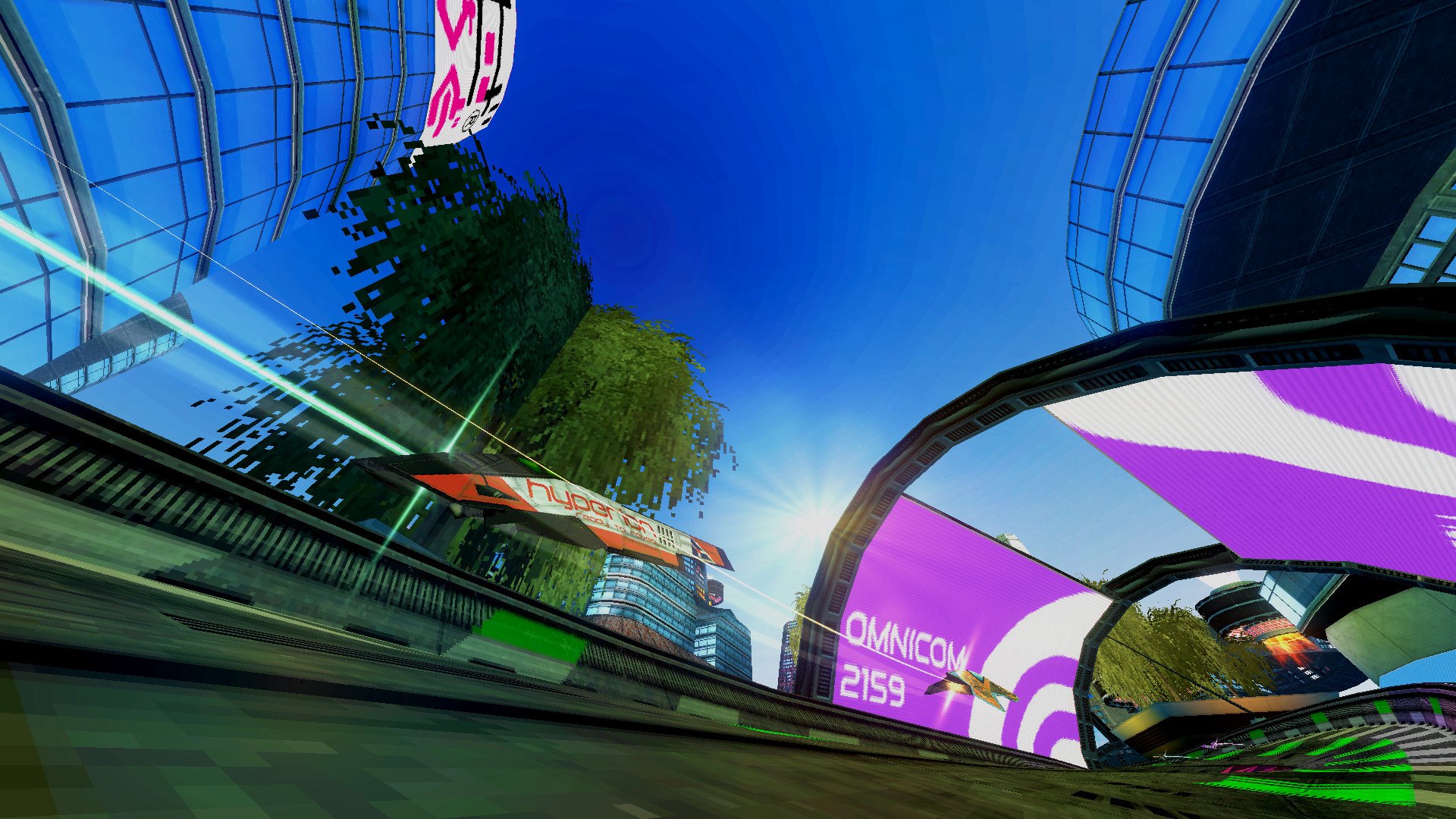
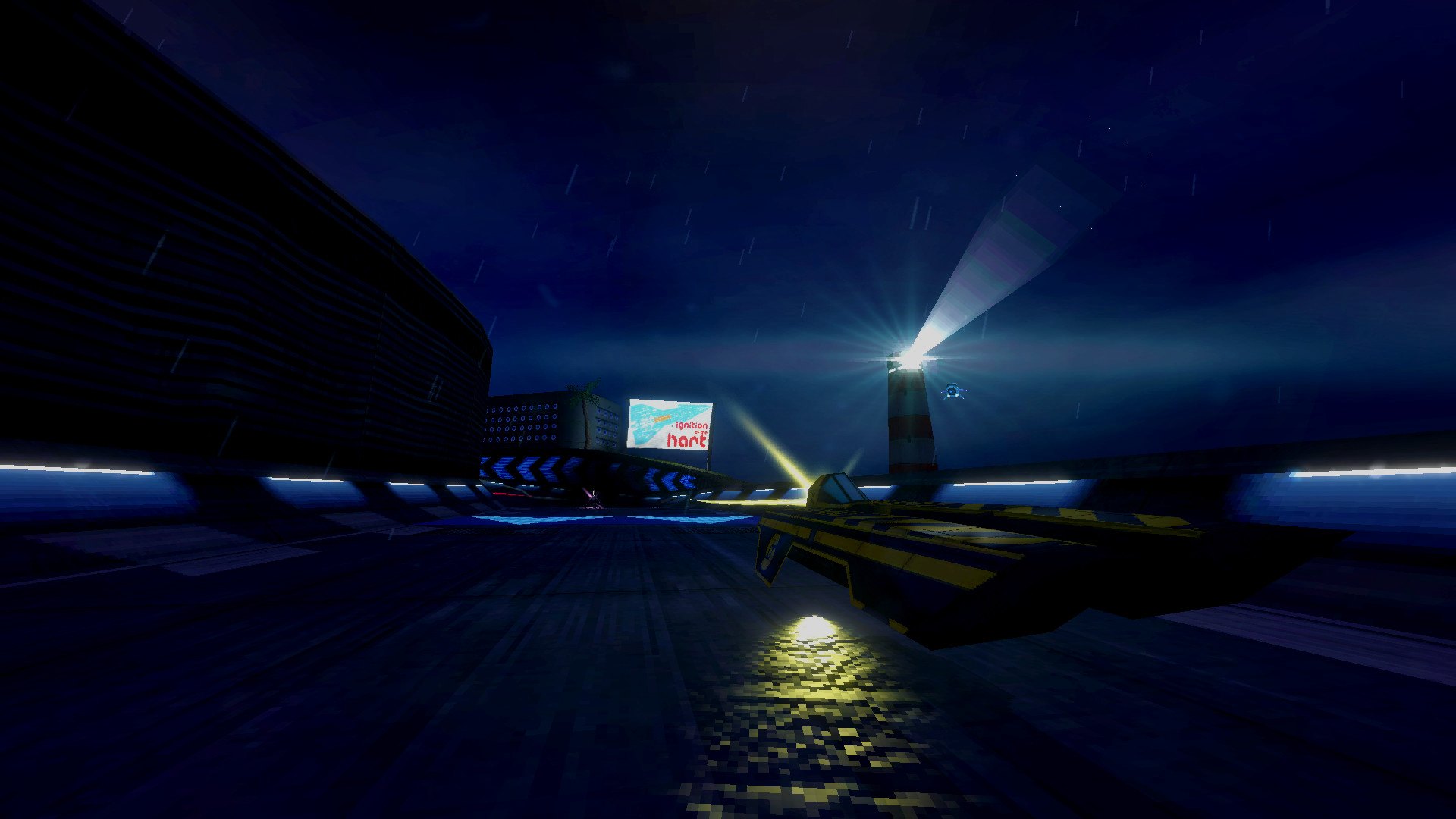
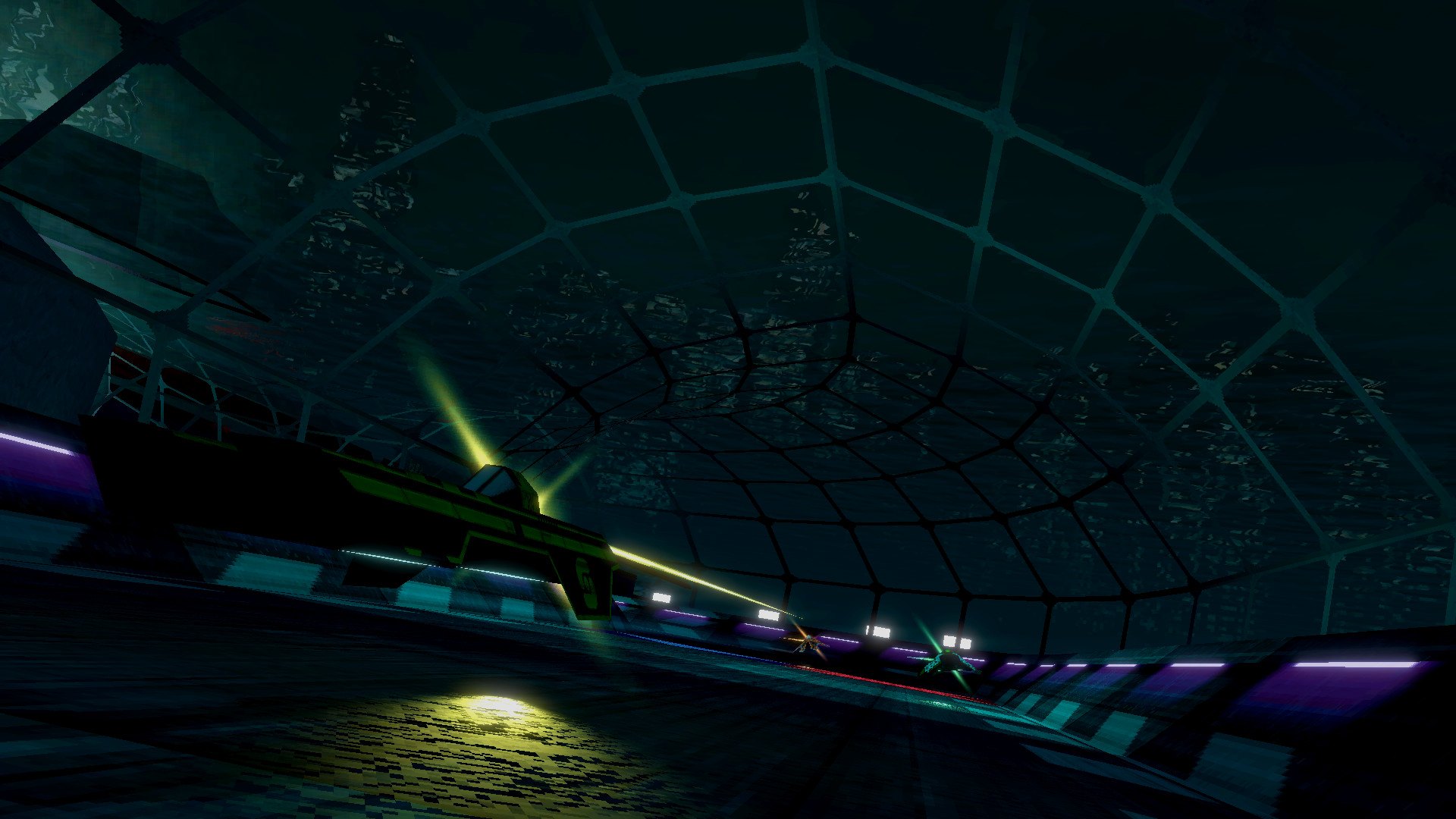
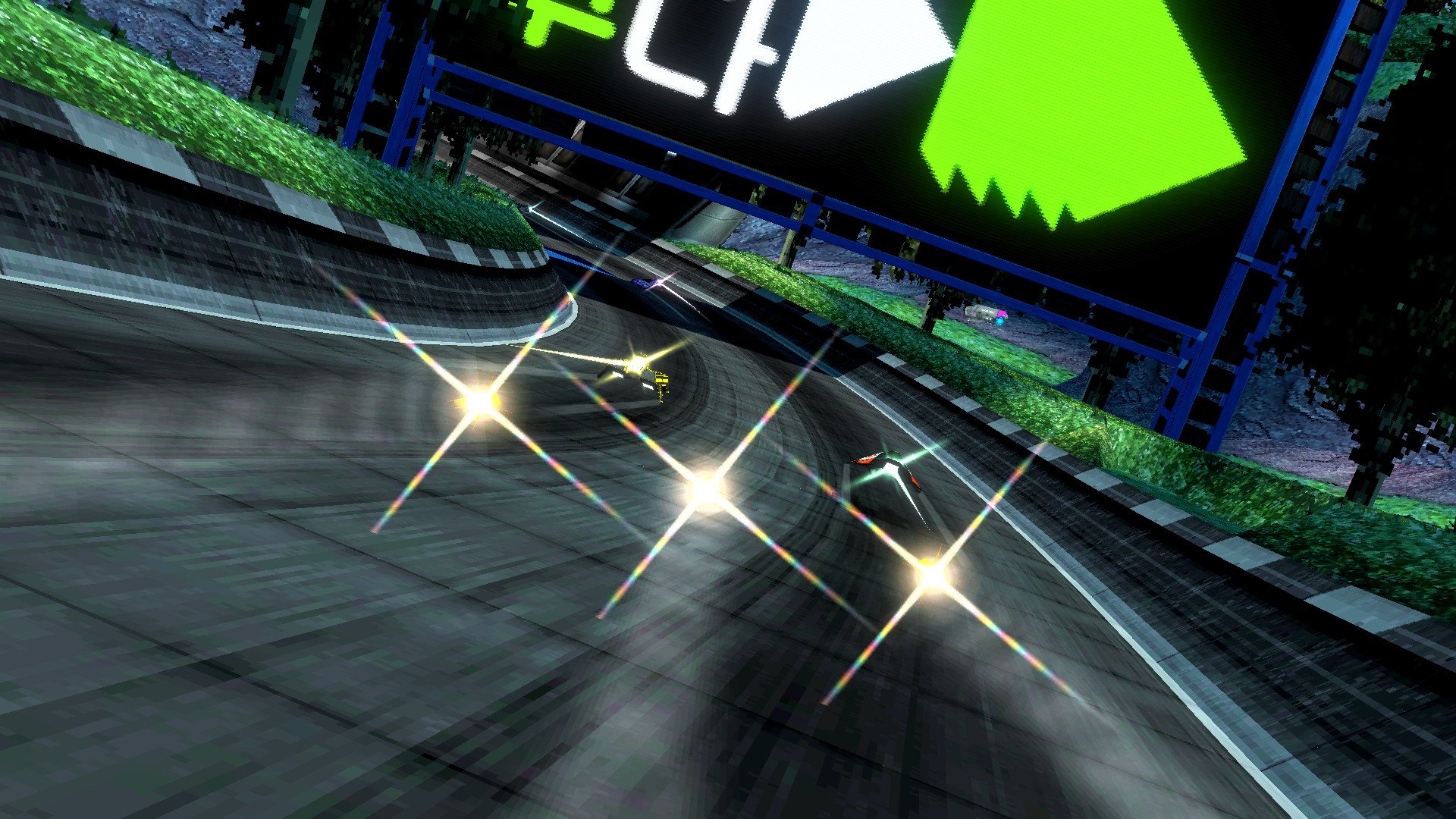
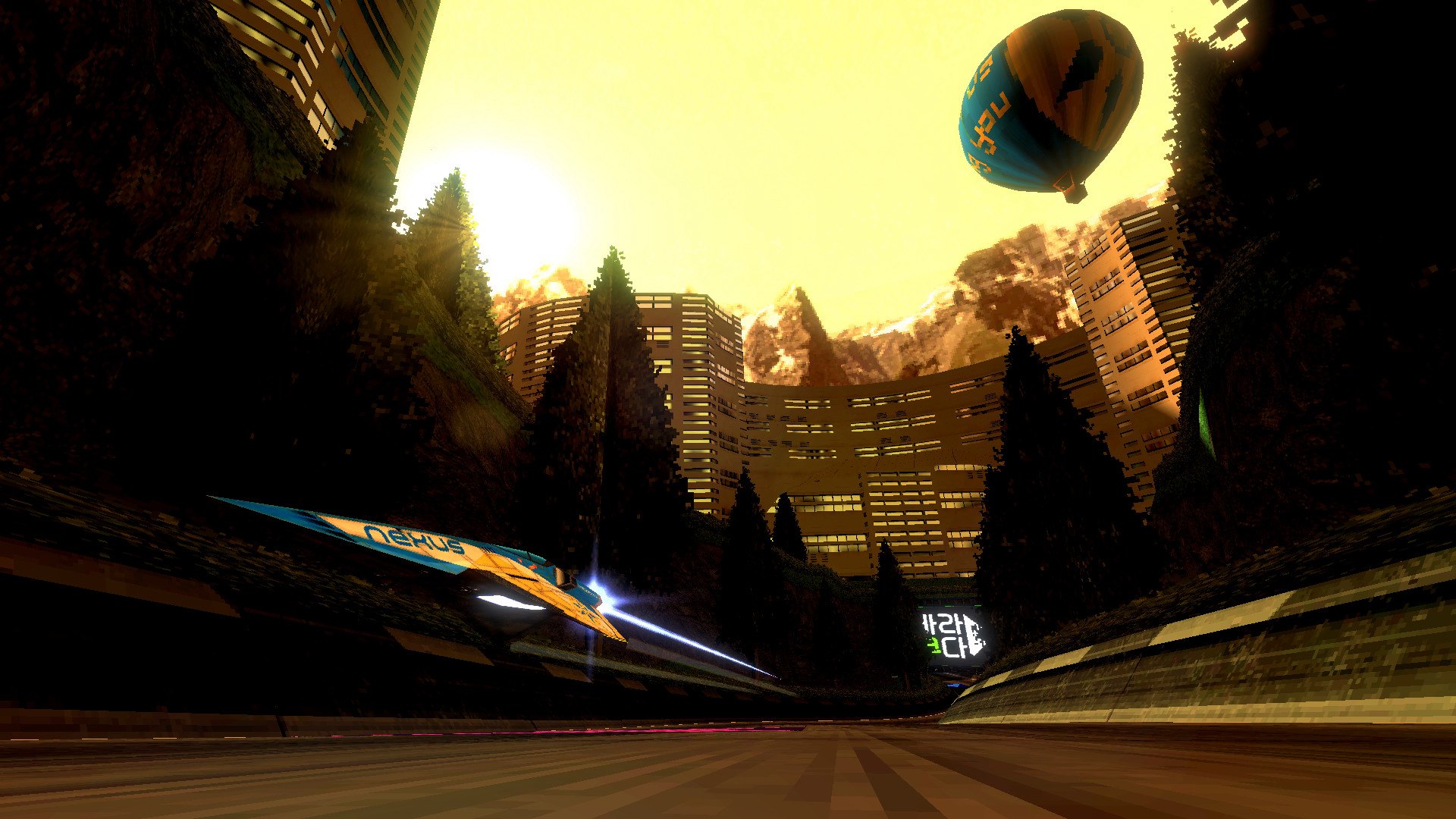
BallisticNG is an action packed anti-gravity racer developed as a lover letter to the original Wipeout trilogy. Set in the year 2159 you glide through futuristic race courses armed to the teeth with deadly weapons to aid you in taking first place. Features A large assortment of tracks set in unique locations, most playable in reverse with a flipped time of day and weather An array of unique teams to suite any playstyle An arsenal of weapons to damage and eliminate those who stand in your way Several gamemodes (Race, Survival, Time Trial, Speed Lap, Eliminator and Knockout) SteamVR compatible, everything is playable in VR! A singleplayer campaign with plenty of events to challenge your skill Two player splitscreen with multi-monitor support Direct IP multiplayer, Steam not required A thumping soundtrack featuring 3 hours of music inspired by old school electronic genres BallisticNG has indepth modding support built as an extension of the offical development tools: A spline based layout creator with instant playtest capabilities Unity engine based track configuration tools for ultimate freedom An in-game ship importer Out of the box support for C# mods Custom campaign support through XML files, no programming required
Go to: http://store.steampowered.com/ and download STEAM client Click "Install Steam" (from the upper right corner) Install and start application, login with your Account name and Password (create one if you don't have). Please follow these instructions to activate a new retail purchase on Steam: Launch Steam and log into your Steam account. Click the Games Menu. Choose Activate a Product on Steam... Follow the onscreen instructions to complete the process. After successful code verification go to the "MY GAMES" tab and start downloading.