Get 10% back in Relic Coins on every order
Lords of the Realm cover

SteamGlobal· Key

Lords of the Realm

€0.59

+€0.06 cashback eligibility in Relic Coins

Check before you play

Platform
Steam
Region
Global
Product type
Key
Developer
Impressions Games
Publisher
Impressions Games
Supplier release date
2015-03-12
Genres
Strategy, RPG, Simulation

About this product

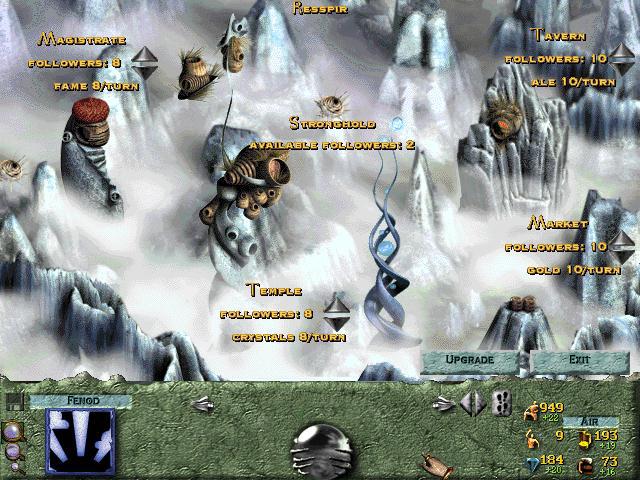
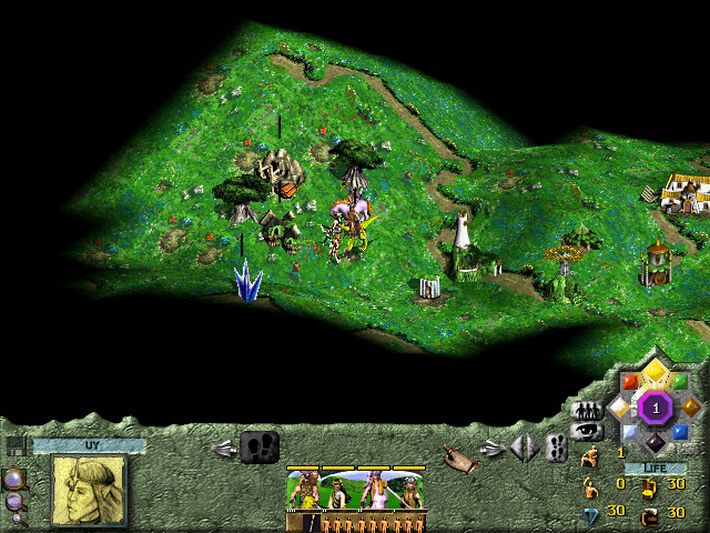
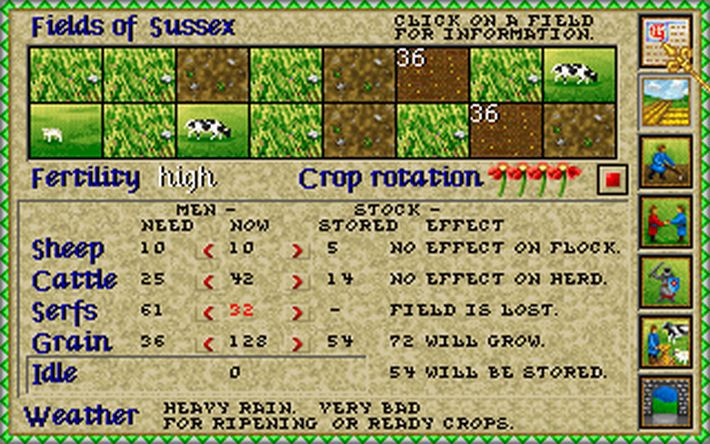
The year is 1268, the English throne lies empty, and power-hungry lords are ready to wage war for newfound power. Your people now look to you to lead them to glory and prosperity. Manage your lands, strike bargains, betray alliances and ultimately destroy your rivals in this classic combination of turn-based and real-time strategy, and become the undisputed Lord of the realm! Medieval Strategy on a Sweeping Scale You begin as the ruler of a small county, but lead wisely and keep your people secure and thriving, and soon you’ll broaden your horizons. Manage your farms, make trade negotiations, build castles, flatter and deceive your opponents and then march your armies into the lands of your rival nobles. Unify the land under your rule, and prove you have what it takes to be King. Features Fight for the crown in England against up to five AI opponents. Strengthen your kingdom across seasonal turns, mastering quandaries like crop rotation, taxation, trade, transport and even thievery! Fortify your lands and design castles with moats, towers, drawbridges, keeps and more. Conquer your rivals in challenging real-time battles that test your tactical acumen.

Lords of the Realm screenshotLords of the Realm screenshotLords of the Realm screenshotLords of the Realm screenshotLords of the Realm screenshotLords of the Realm screenshot

How to redeem

  1. 1Check your Steam account and the listed region before purchasing.
  2. 2Find your code and supplier activation instructions in your confirmed order.
  3. 3Open the redeem-code section on Steam, enter the code and follow the platform’s prompts.

Supplier instructions

Go to: http://store.steampowered.com/ and download STEAM client Click "Install Steam" (from the upper right corner) Install and start application, login with your Account name and Password (create one if you don't have). Please follow these instructions to activate a new retail purchase on Steam: Launch Steam and log into your Steam account. Click the Games Menu. Choose Activate a Product on Steam... Follow the onscreen instructions to complete the process. After successful code verification go to the "MY GAMES" tab and start downloading.

You might also like