

SteamGlobal· Key
Spaceguy: Red Space
€0.28
+€0.03 cashback eligibility in Relic Coins
Check before you play
- Platform
- Steam
- Region
- Global
- Product type
- Key
- Developer
- Droid Riot
- Publisher
- Droid Riot
- Supplier release date
- 2018-12-06
- Genres
- Action, Indie
SteamGlobal· Key
€0.28
+€0.03 cashback eligibility in Relic Coins
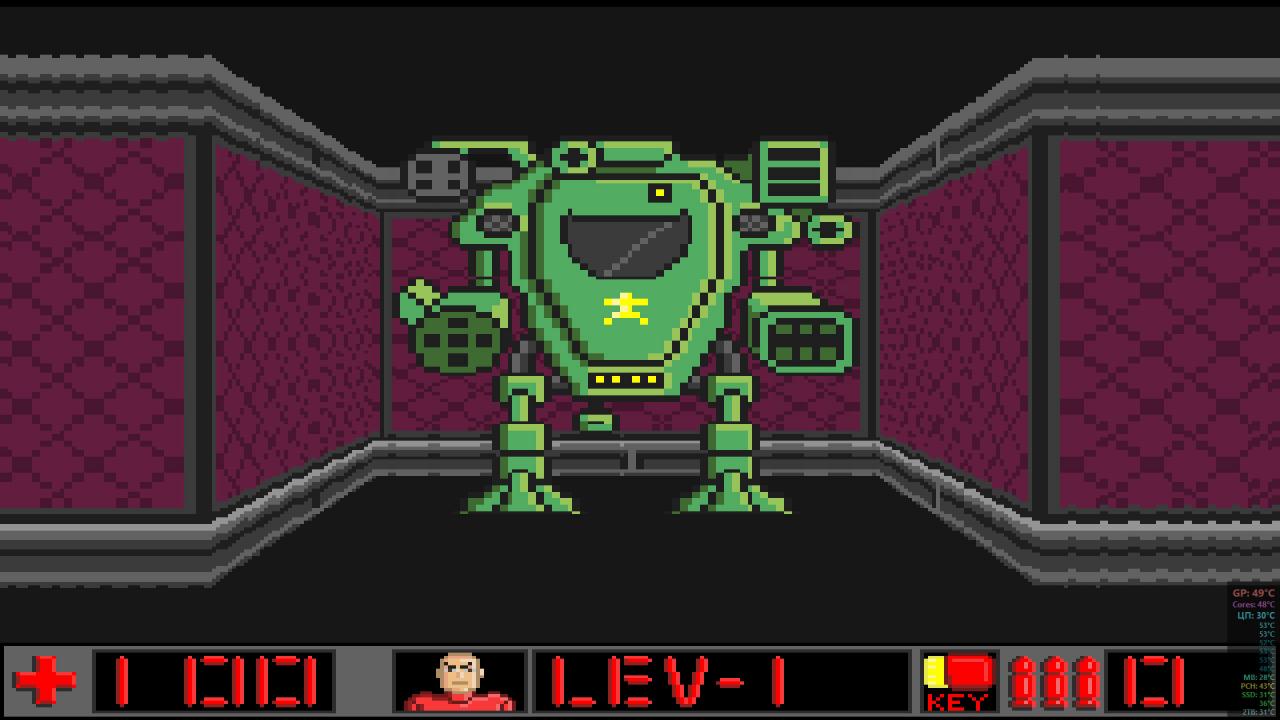
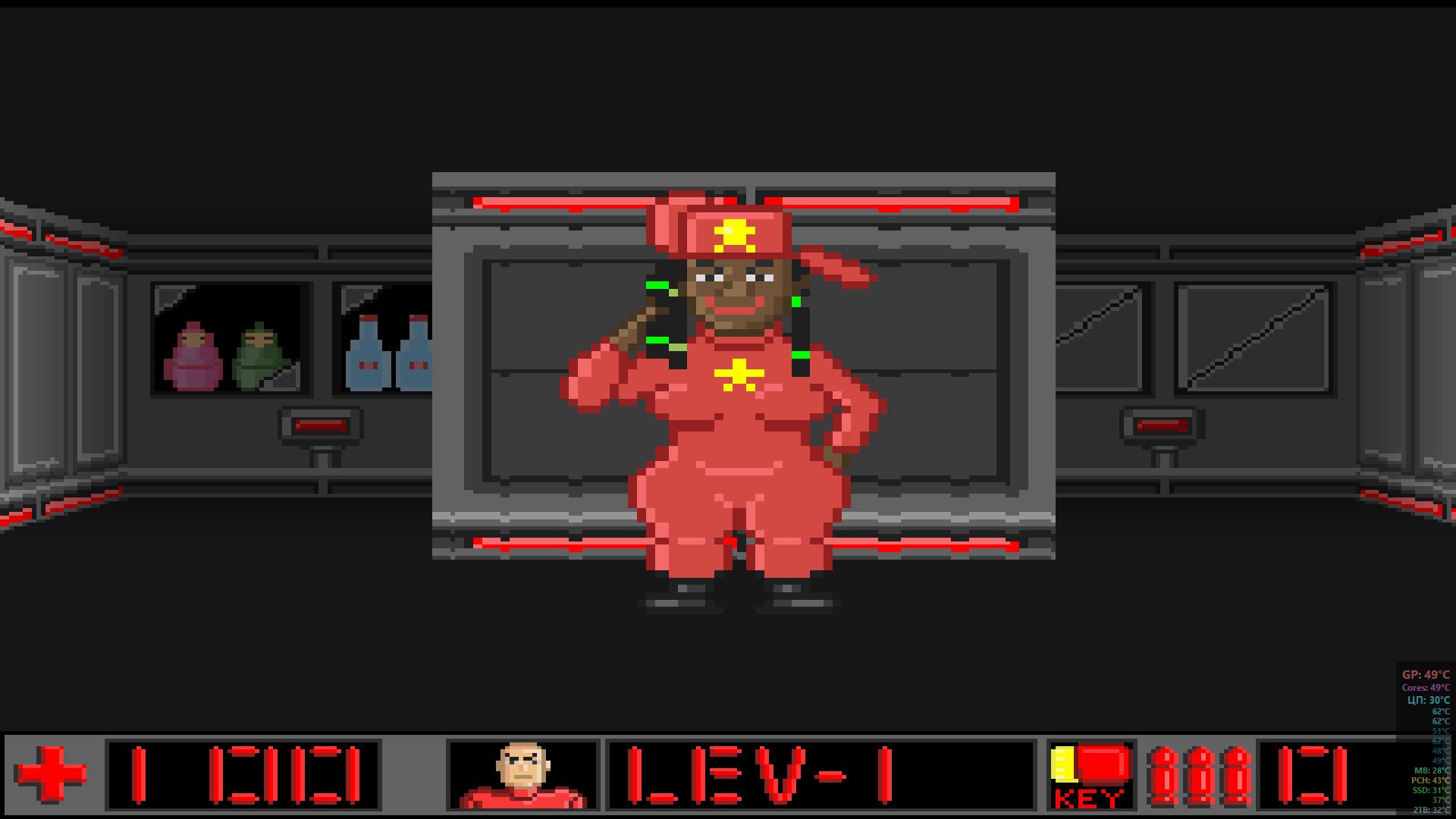
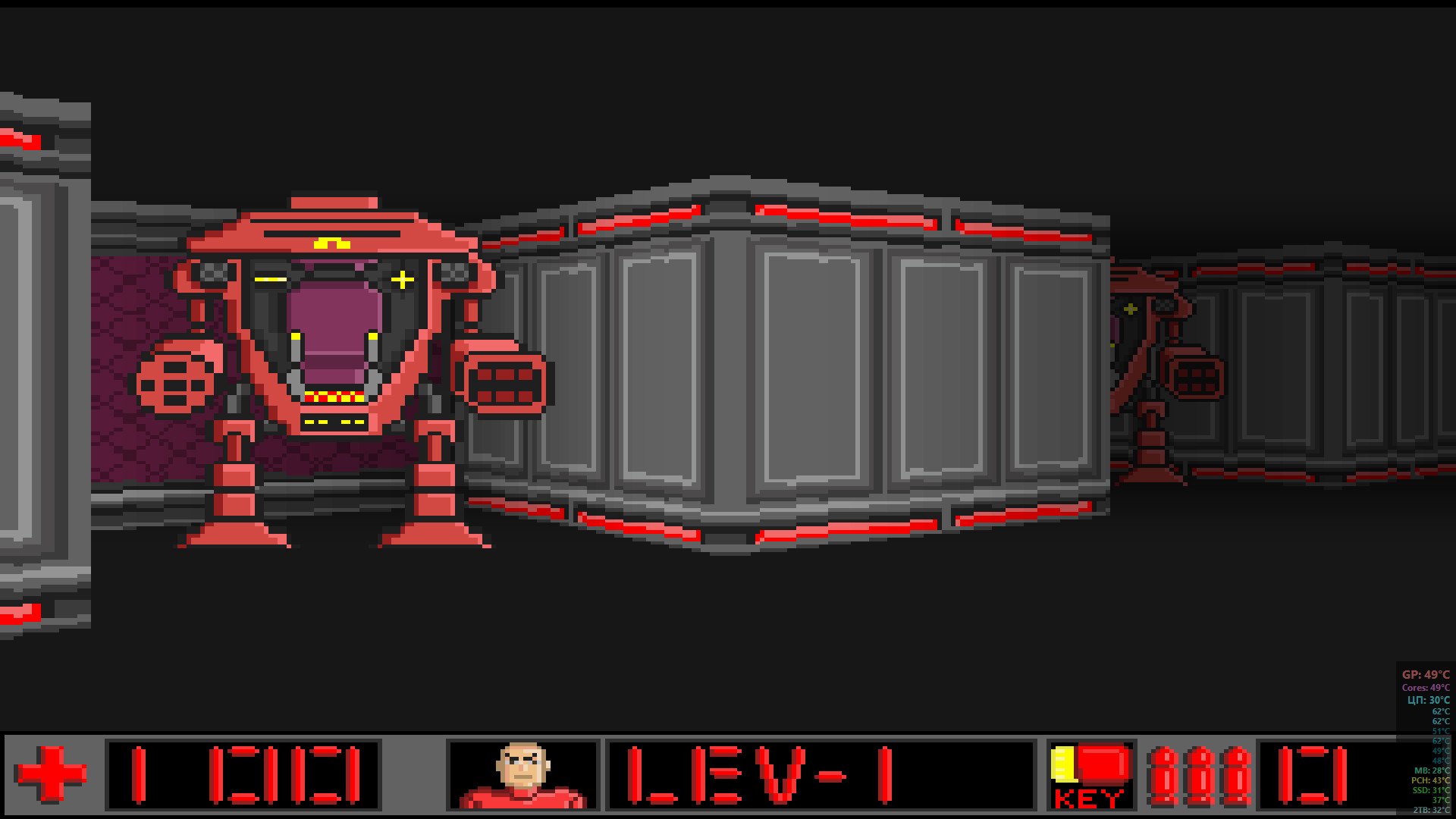
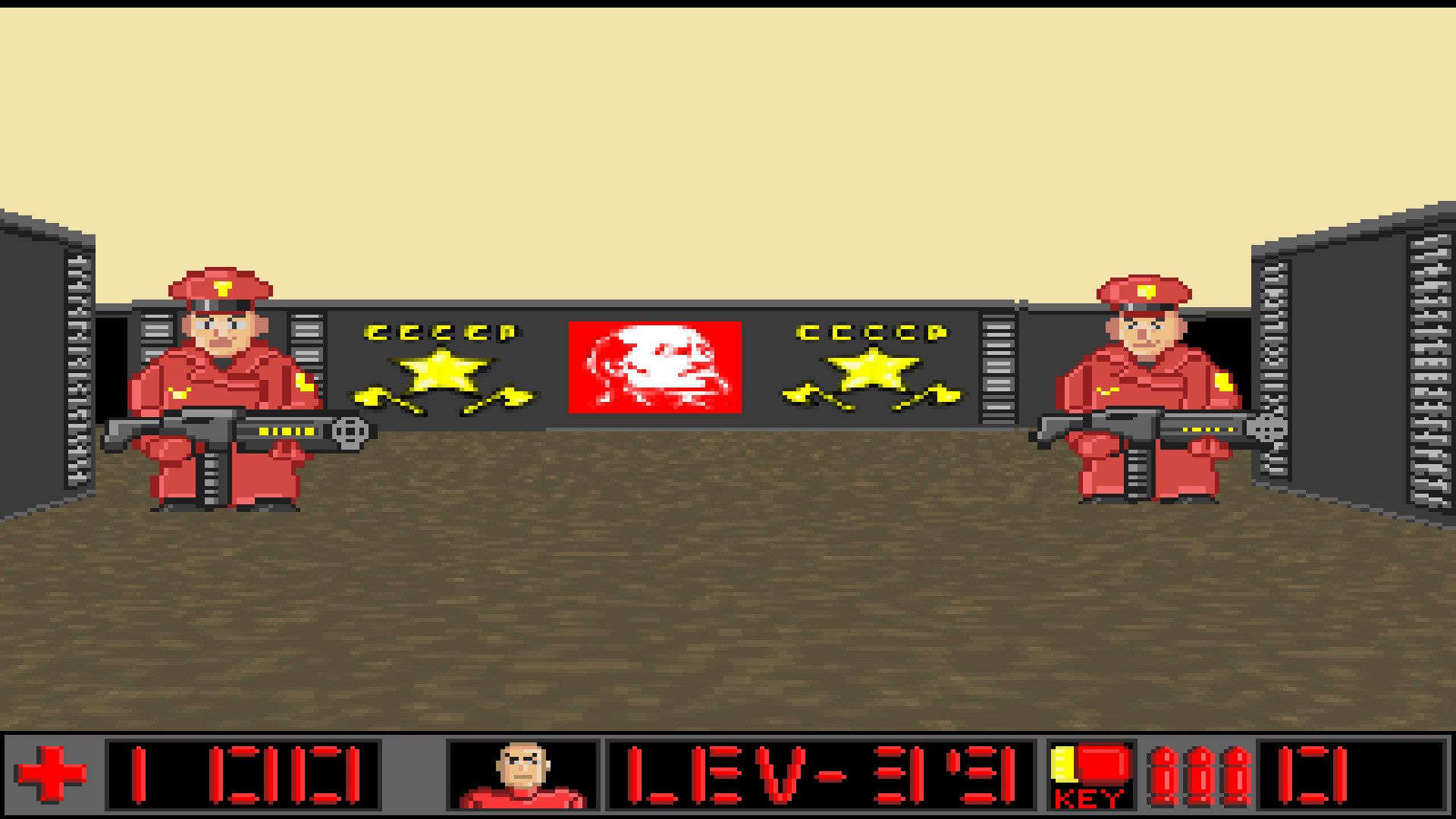
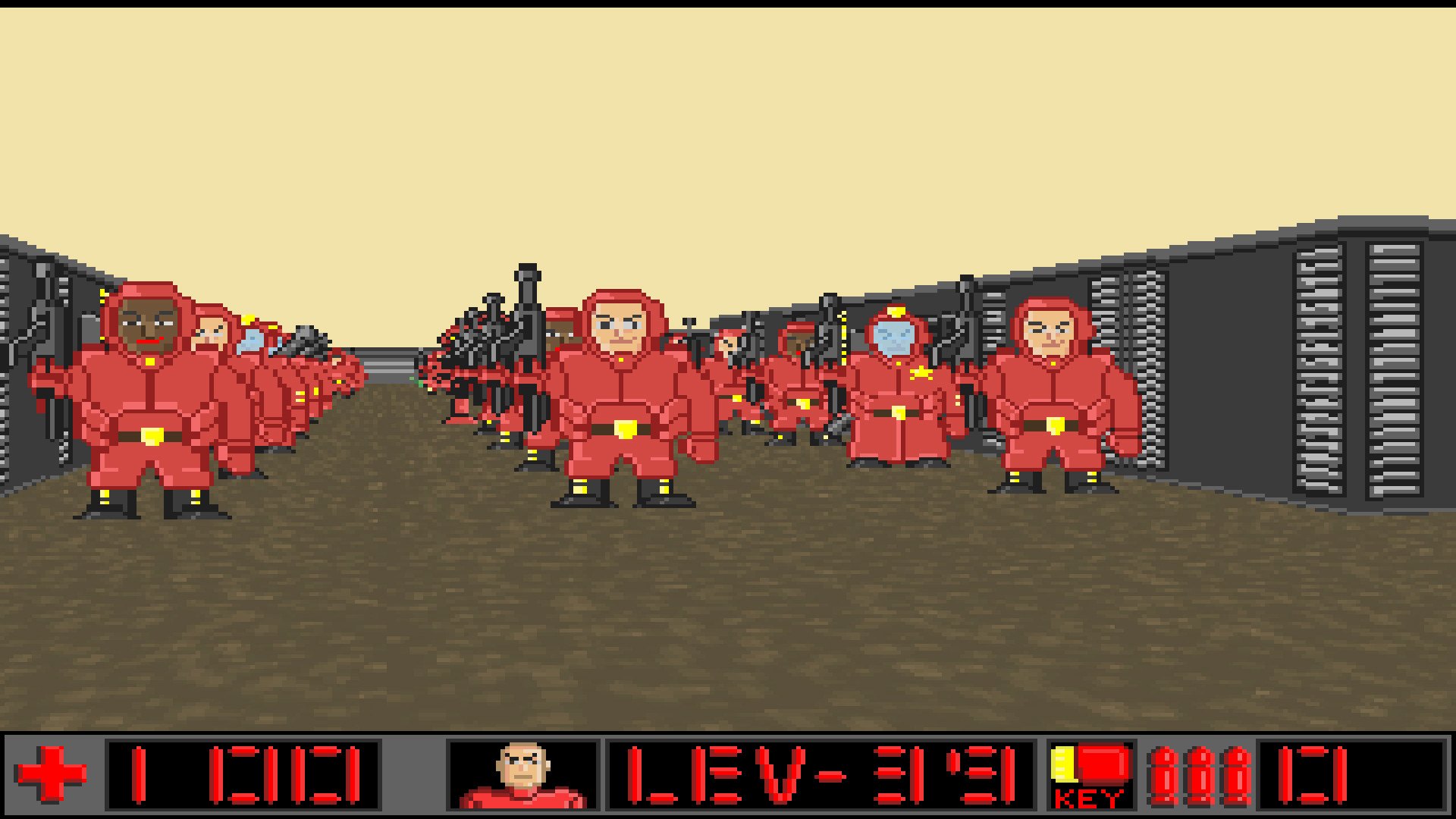
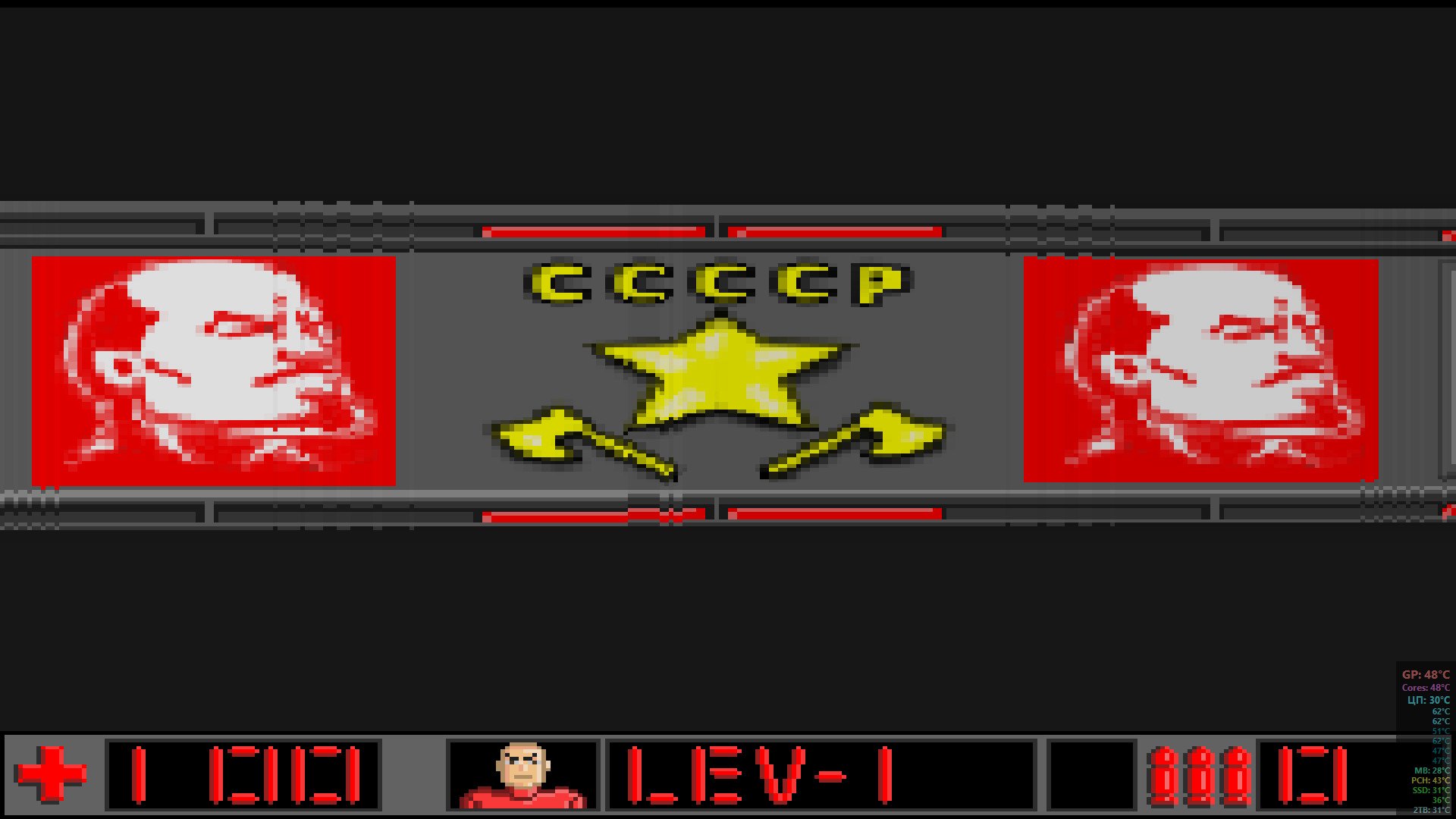
Comrade Steelin has given an order!We shall bring the communism and the social justice in the centre of our Galaxy and shall create an equitable society there! An equitable Communist society! In fact what is the communism? Above all, it is a wakening and the deliverance of creative capacities of every reasonable being! It is our duty to expand our believe all across the Galaxy in order to bring happiness for all!But the capitalists are up-and-doing – they will hamper our mission in every way and will try to eliminate us! Be strong and courageous! Onwards, comrades! Features: 30 levels of struggle for the happiness of all reasonable beings in the Galaxy more than 20 kinds of enemies of the communism more than 10 types of weapons for combat against the galactic imperialism unexpected turns of the storyline communist dictatorship all across the game Comrade, the fight will not be easy – get ready! Steelin is with us! Complete gameplay takes a fairly long time, on average, the average player spends 14 hours. The game is really a lot of content, it is both enemies and heroes. During the game, the player will be able to play with three different characters. Hope you enjoy!Our game is the mockery and the humour, but all jokes have truth to them! Communism will win!
Go to: http://store.steampowered.com/ and download STEAM client Click "Install Steam" (from the upper right corner) Install and start application, login with your Account name and Password (create one if you don't have). Please follow these instructions to activate a new retail purchase on Steam: Launch Steam and log into your Steam account. Click the Games Menu. Choose Activate a Product on Steam... Follow the onscreen instructions to complete the process. After successful code verification go to the "MY GAMES" tab and start downloading.