Get 10% back in Relic Coins on every order
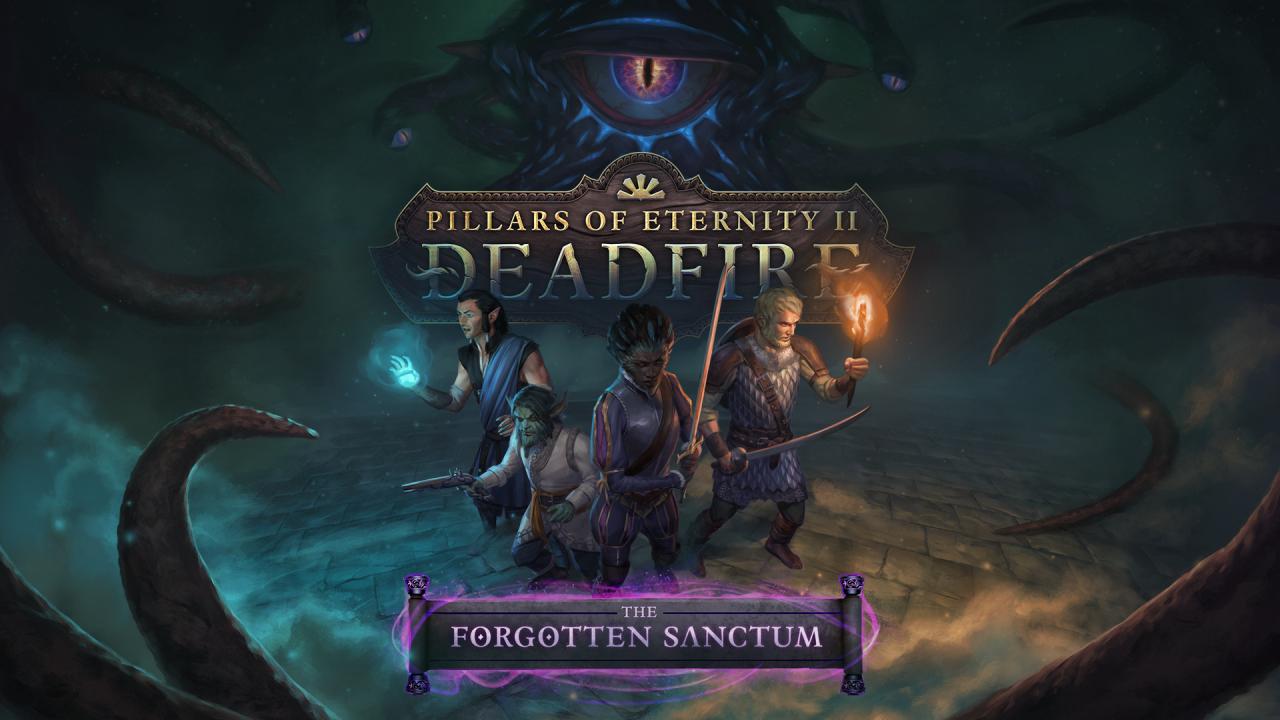
Pillars of Eternity II: Deadfire - The Forgotten Sanctum DLC cover

SteamGlobal· DLC

Pillars of Eternity II: Deadfire - The Forgotten Sanctum DLC

€1.77

+€0.18 cashback eligibility in Relic Coins

Check before you play

Platform
Steam
Region
Global
Product type
DLC

Check the required base game and edition before purchasing this add-on.

Developer
Obsidian Entertainment
Publisher
Obsidian Entertainment
Supplier release date
2018-12-13
Genres
RPG

About this product

When a violent tremor shatters the islands of the Deadfire, the greatest wizards in Eora seek out the aid of the Watcher. The archmage Maura has vanished into the depths of a newly opened dungeon located in the Black Isles and threatens to awaken what lies forgotten there. Follow Maura's trail and determine the fate of one of the Deadfire Archipelago's most closely-held secrets. Traverse an expansive dungeon built into the flesh of a sleeping god. Encounter the highest-level challenges yet faced by the Watcher and their companions. Scheme with or defy the wills of Eora's most powerful wizards.

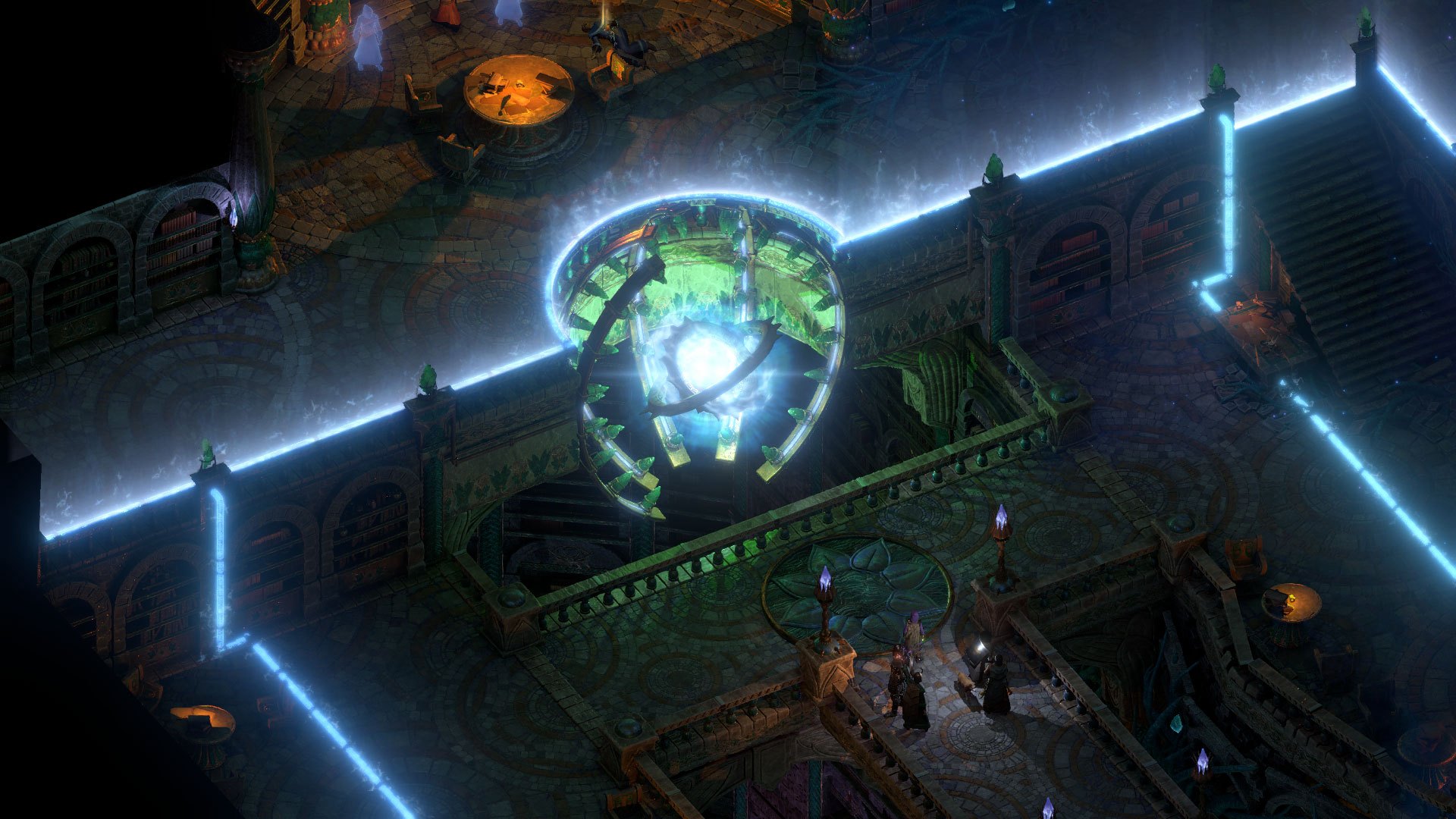
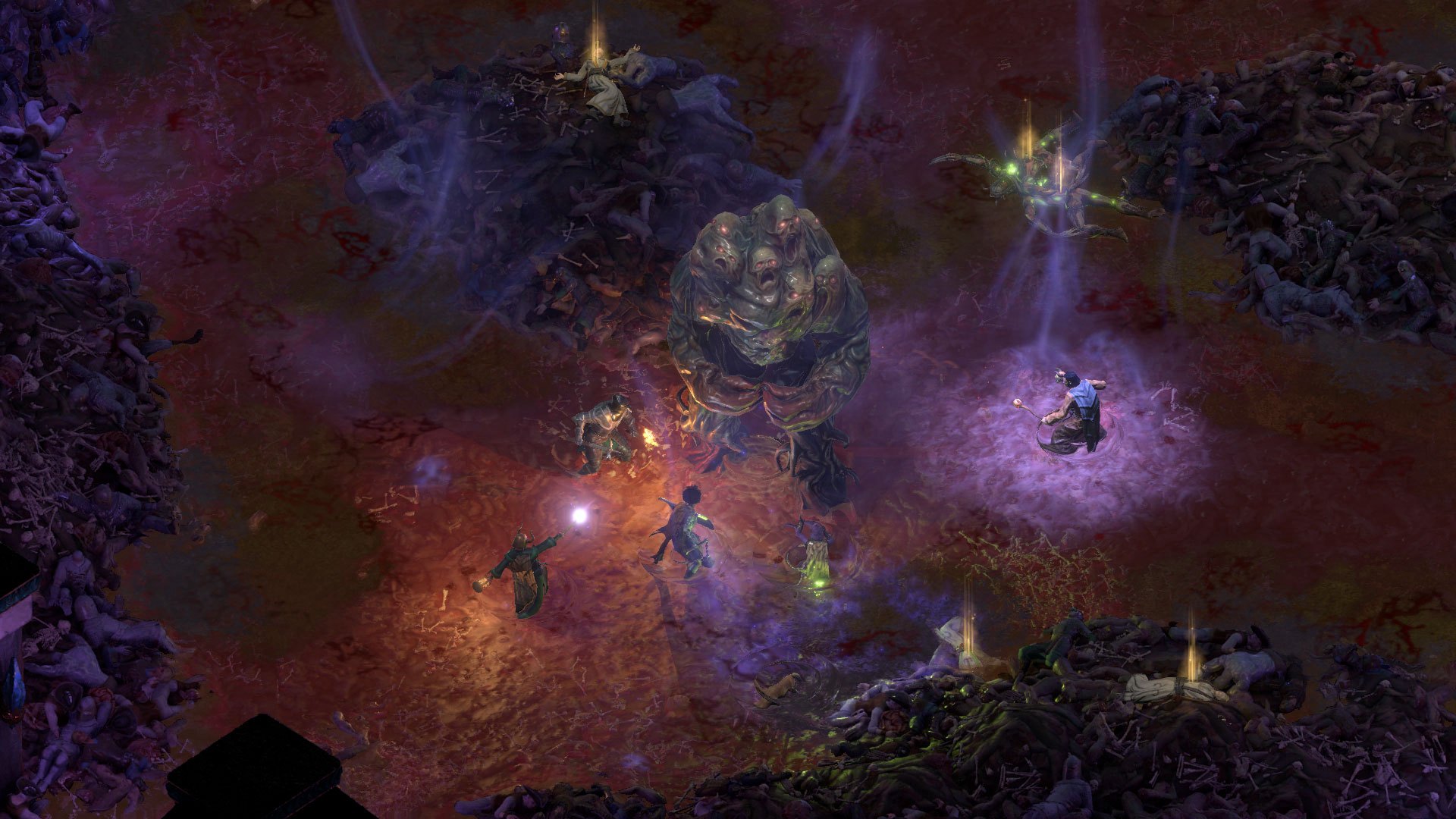
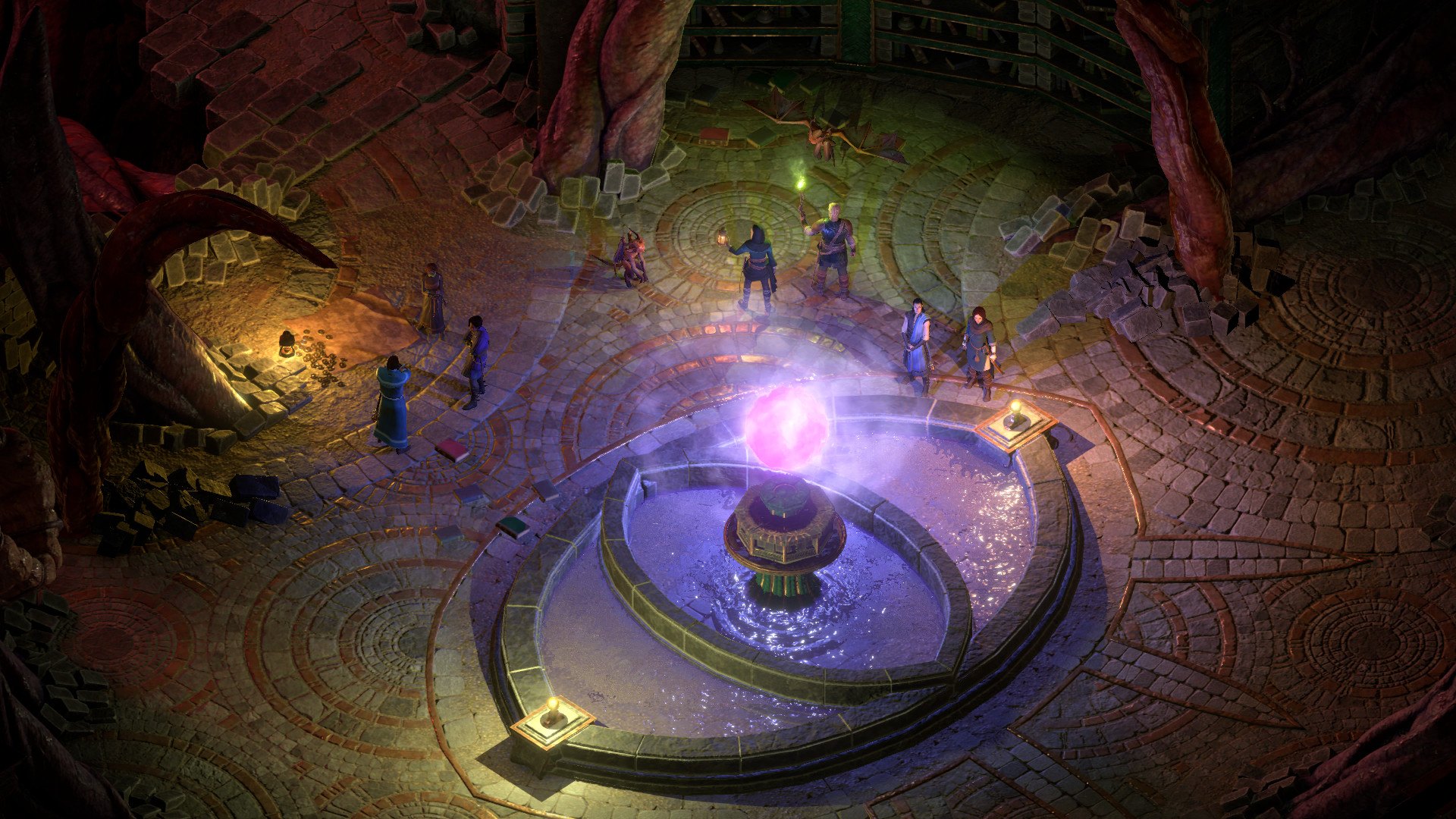
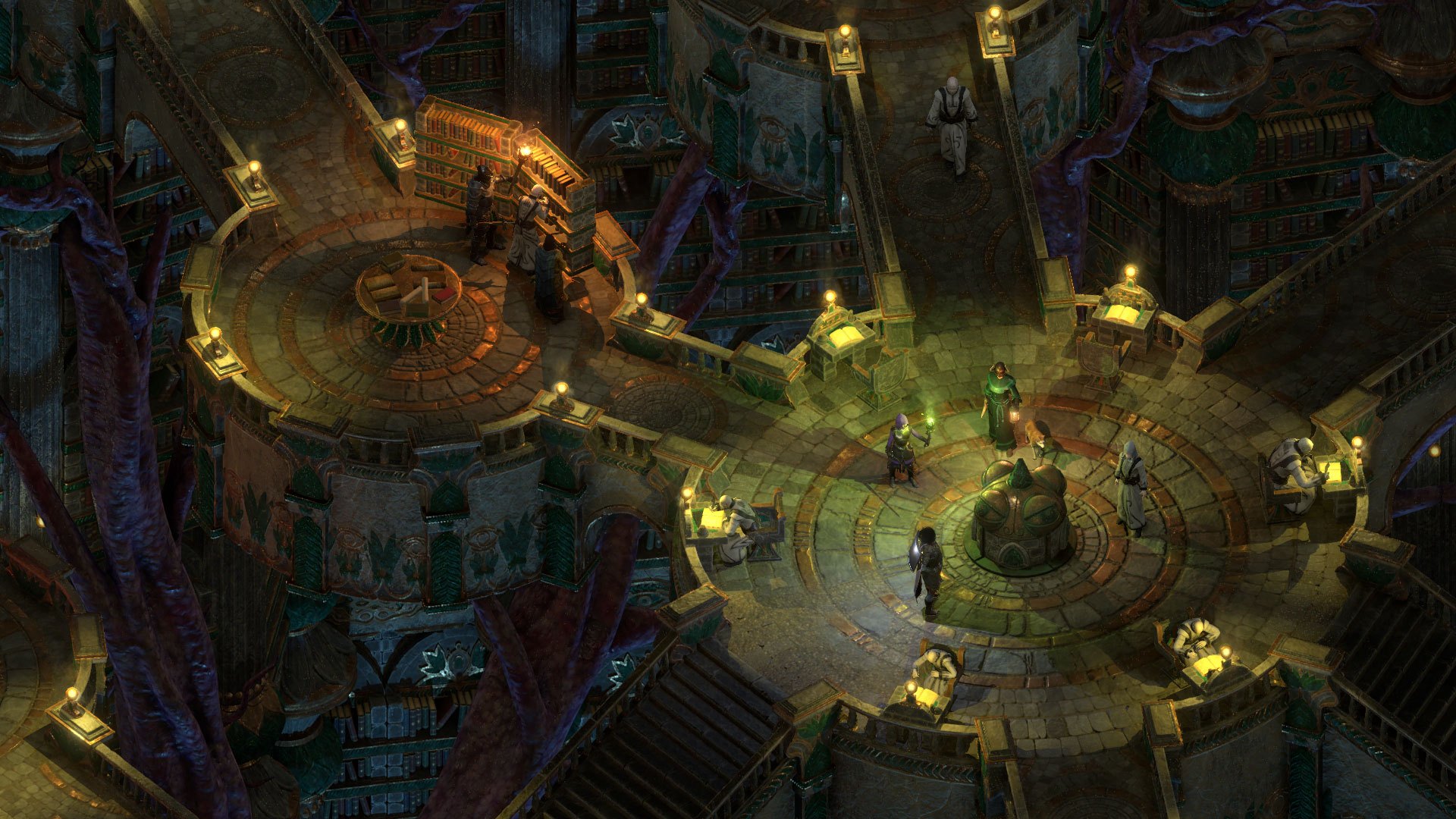
Pillars of Eternity II: Deadfire - The Forgotten Sanctum DLC screenshotPillars of Eternity II: Deadfire - The Forgotten Sanctum DLC screenshotPillars of Eternity II: Deadfire - The Forgotten Sanctum DLC screenshotPillars of Eternity II: Deadfire - The Forgotten Sanctum DLC screenshotPillars of Eternity II: Deadfire - The Forgotten Sanctum DLC screenshot

How to redeem

  1. 1Check the required base game, platform and edition before purchasing.
  2. 2Find the code or supplier activation instructions in your confirmed order.
  3. 3Redeem on Steam using the supplied instructions, then install the add-on with the compatible base game.

Supplier instructions

Go to: http://store.steampowered.com/ and download STEAM client Click "Install Steam" (from the upper right corner) Install and start application, login with your Account name and Password (create one if you don't have). Please follow these instructions to activate a new retail purchase on Steam: Launch Steam and log into your Steam account. Click the Games Menu. Choose Activate a Product on Steam... Follow the onscreen instructions to complete the process. After successful code verification go to the "MY GAMES" tab and start downloading.

You might also like