

SteamGlobal· Key
Tales From The Dragon Mountain: The Strix
€1.33
+€0.13 cashback eligibility in Relic Coins
Check before you play
- Platform
- Steam
- Region
- Global
- Product type
- Key
- Genres
- Casual, Hidden Object
SteamGlobal· Key
€1.33
+€0.13 cashback eligibility in Relic Coins
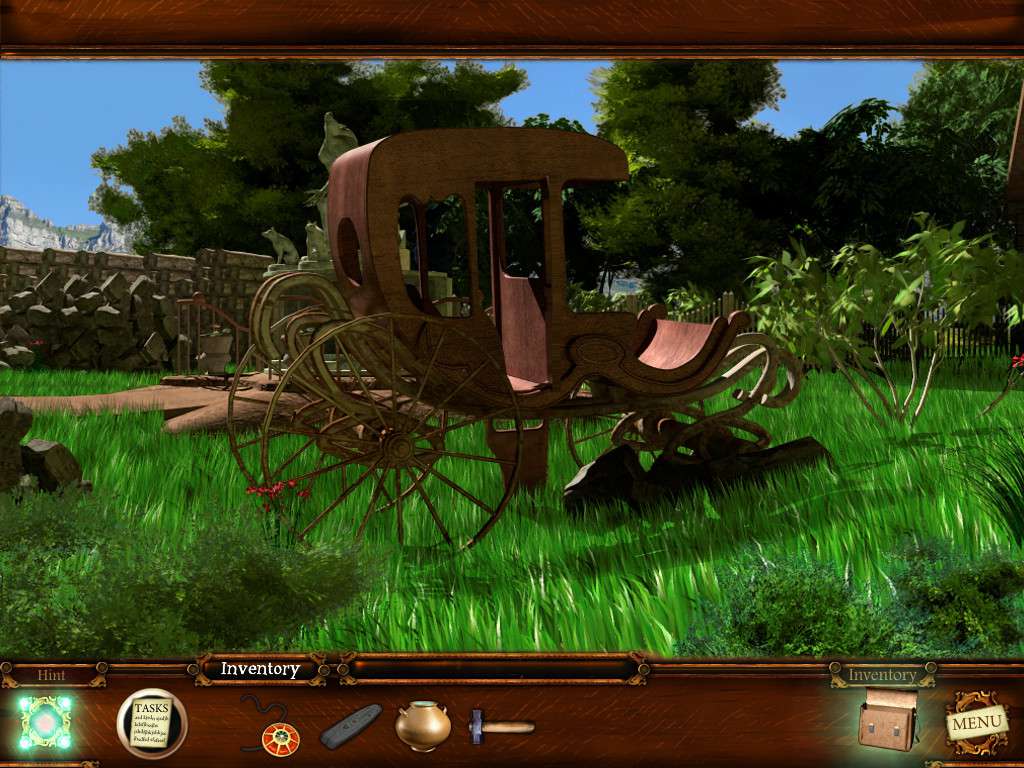
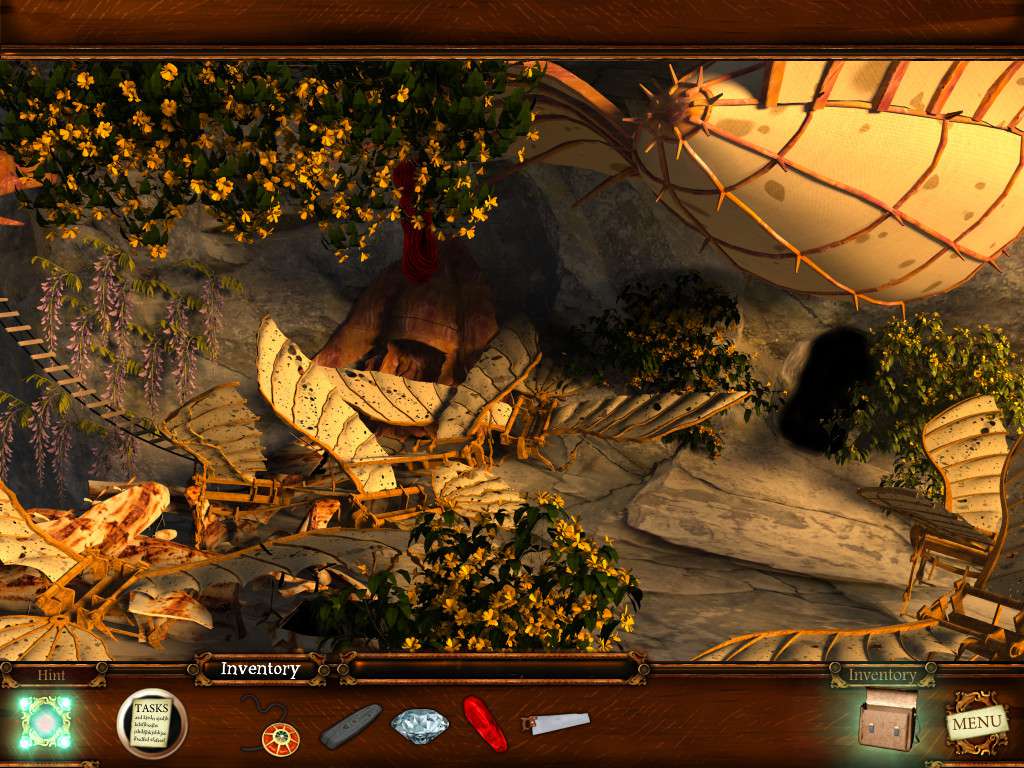
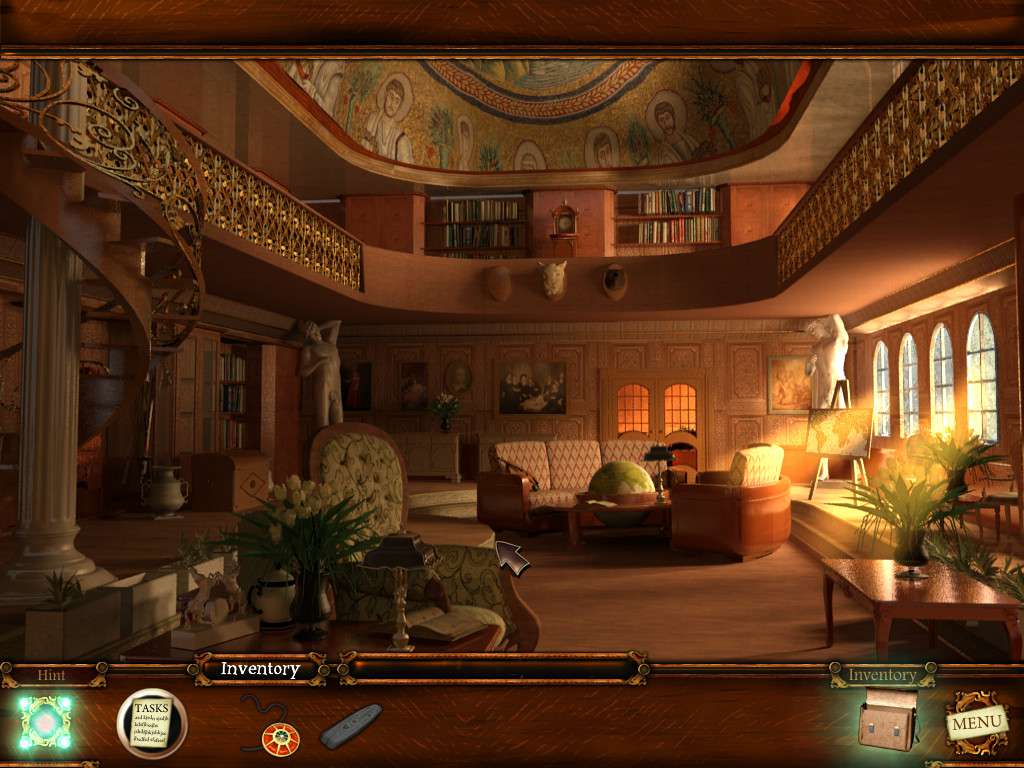
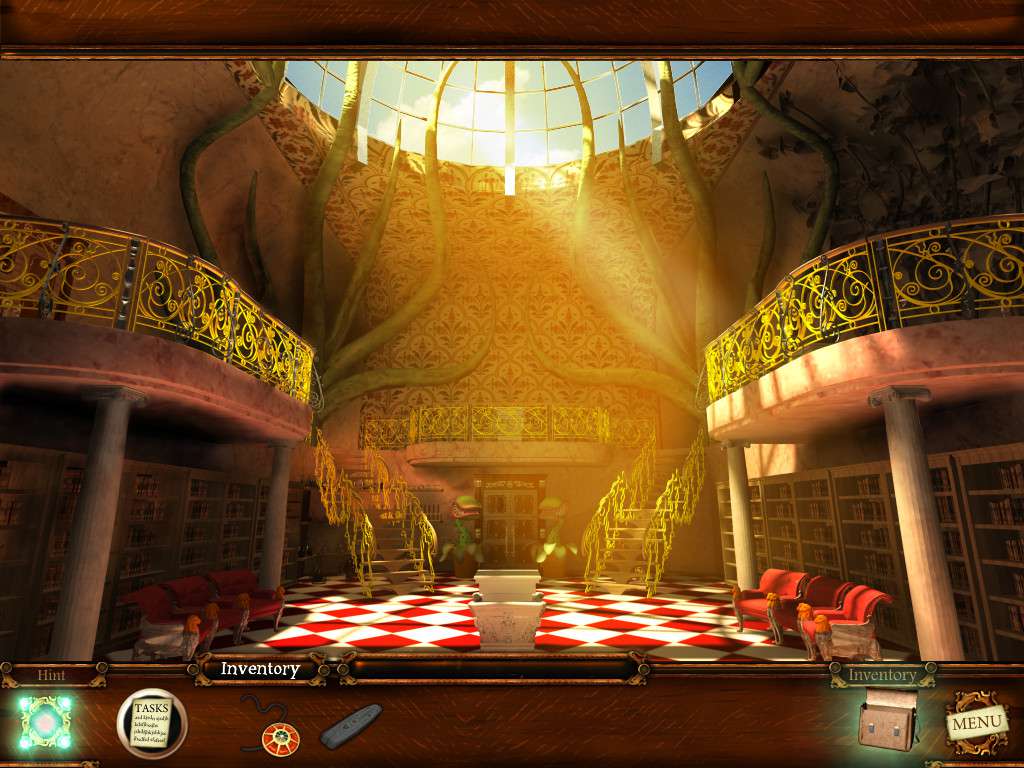
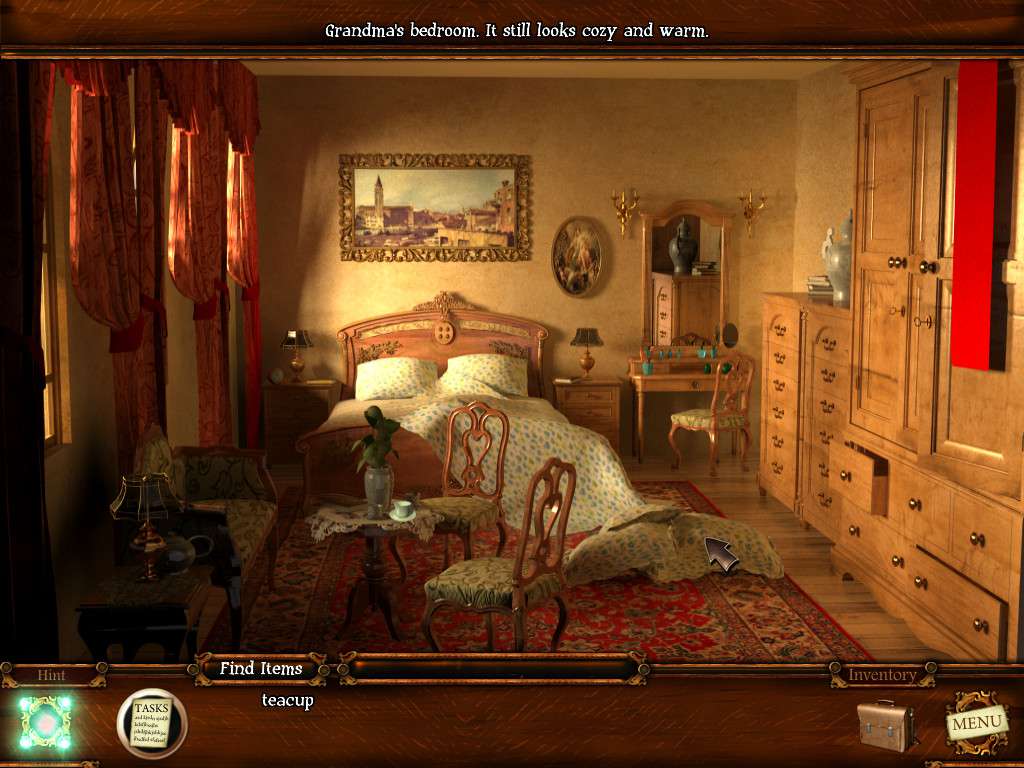
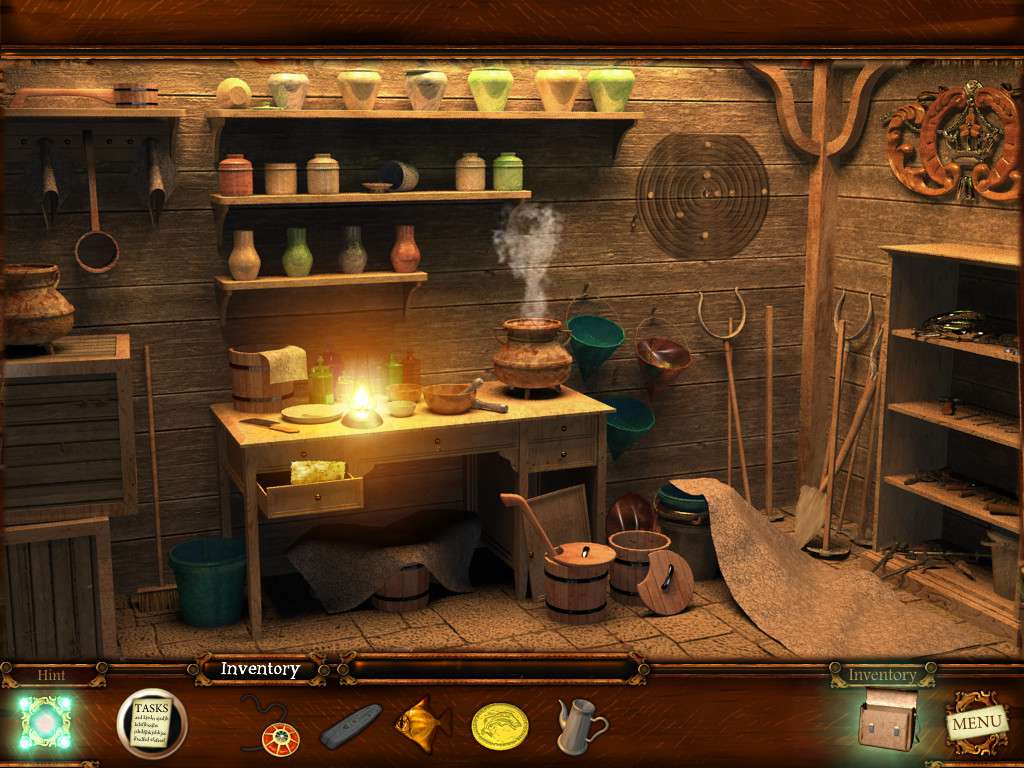
Tales From The Dragon Mountain: The Strix Steam CD Key Platform: Steam Release Date: 20 Feb 2014 Product Description Mina Lockheart's dreams became unbearable nightmares. She dreamt about her grandmother Kate and their old family house being eaten by flames. One day, Mina decided to travel back to their family estate to make peace with her own memories and feelings of loss and loneliness. But after she arrived, not even in her wildest dreams she could imagine what will happen and where the events will take her. What started as a simple trip of search for inner peace, turned out to be the greatest, unimaginable adventure of her life! Features Discover the truth about your grandmother's past Explore many unique fantasy locations Meet mythical creatures like homely, pixies and more Dozens of interesting puzzles to solve Beautiful graphics and fantasy atmosphere System Requirements PC System Requirements OS: Windows Xp / Vista / Windows 7 Processor: 1 GHz Memory: 256 MB RAM Graphics: 64 MB Hard Drive: 250 MB available space Mac System Requirements OS: Mac OX 10.4 Processor: 1 GHz Memory: 256 MB RAM Graphics: 64 MB Hard Drive: 250 MB available space
Go to: http://store.steampowered.com/ and download STEAM client Click "Install Steam" (from the upper right corner) Install and start application, login with your Account name and Password (create one if you don't have). Please follow these instructions to activate a new retail purchase on Steam: Launch Steam and log into your Steam account. Click the Games Menu. Choose Activate a Product on Steam... Follow the onscreen instructions to complete the process. After successful code verification go to the "MY GAMES" tab and start downloading.