

SteamGlobal· Key
Tribloos 2
€0.96
+€0.10 cashback eligibility in Relic Coins
Check before you play
- Platform
- Steam
- Region
- Global
- Product type
- Key
- Genres
- Strategy, Indie, Casual
SteamGlobal· Key
€0.96
+€0.10 cashback eligibility in Relic Coins
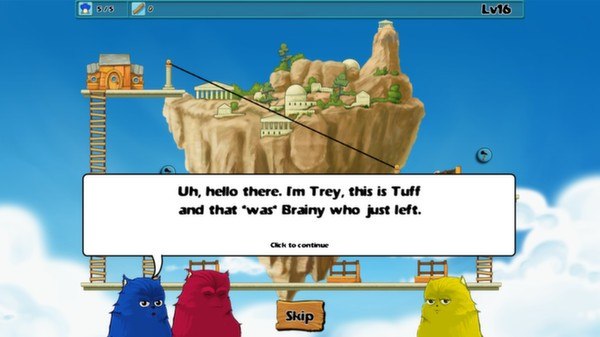
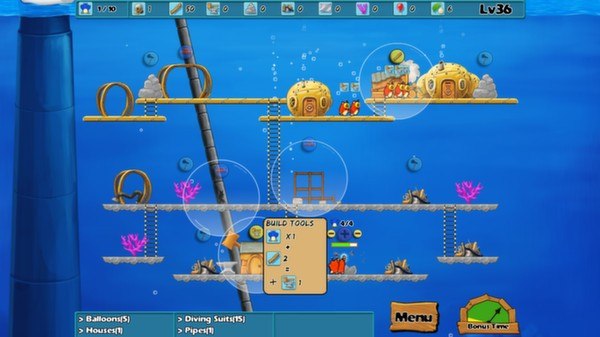
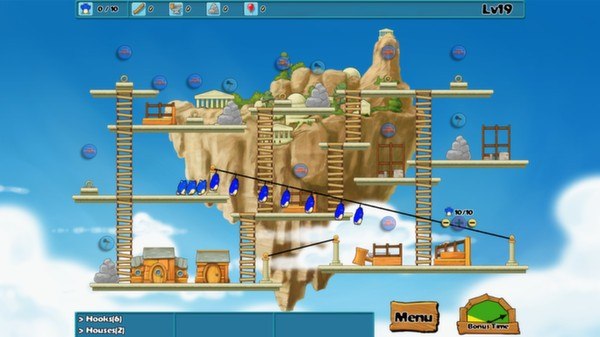
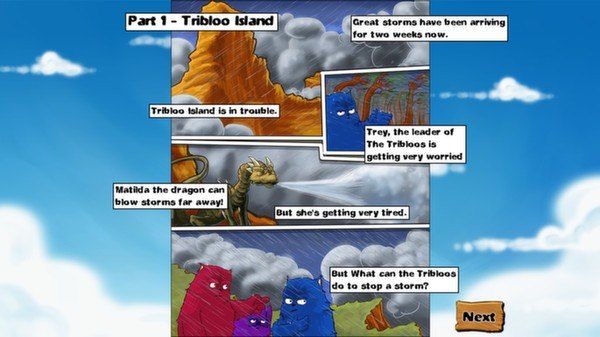
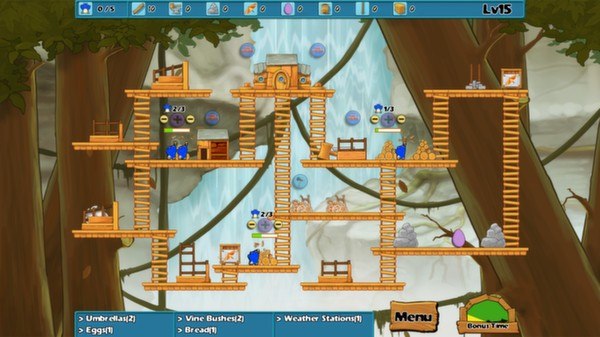
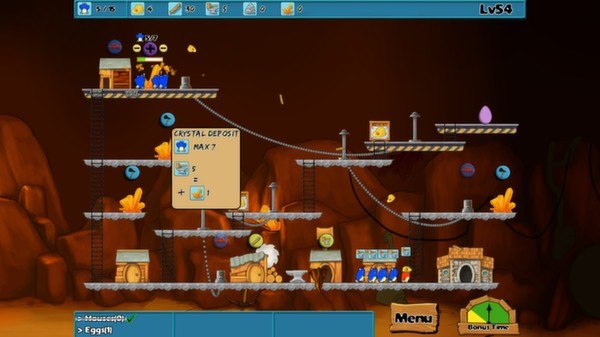
Tribloos 2 Steam Key Platform: Steam Languages: EN/FR/IT/DE/ES/NL/PT-BR/SE Release Date: 12 Jan 2013 Product Description The Tribloos 2 is the sequel to the best-selling time management game, The Tribloos. Trey's village is under threat once more. Before there was only one storm to worry about, now there have been many and Matilda the dragon is being tired out trying to blow them all away! As always, Brainy has an idea, a wild fantastic idea that will definitely work...this time...he promises! But it's going to take real team work, skill and strategic planning to make it succeed. Are you up to the task? This time the Tribloos will be travelling far away from their island home and deep into the unknown as they discover that the storms are not naturally occurring! Features Beautiful Hand Drawn graphics Over 90 levels for you to beat Fully original soundtrack System Requirements OS: Windows XP Processor: 1.2ghz Memory: 1 GB RAM Graphics: Any 3D Graphics Card DirectX: Version 9.0 Hard Drive: 100 MB available space Sound Card: Anything that makes noise
Go to: http://store.steampowered.com/ and download STEAM client Click "Install Steam" (from the upper right corner) Install and start application, login with your Account name and Password (create one if you don't have). Please follow these instructions to activate a new retail purchase on Steam: Launch Steam and log into your Steam account. Click the Games Menu. Choose Activate a Product on Steam... Follow the onscreen instructions to complete the process. After successful code verification go to the "MY GAMES" tab and start downloading.