

SteamGlobal· Key
Singularity 5 VR
€4.04
+€0.40 cashback eligibility in Relic Coins
Check before you play
- Platform
- Steam
- Region
- Global
- Product type
- Key
- Supplier release date
- 2018-12-21
- Genres
- Action, Indie, VR Games
SteamGlobal· Key
€4.04
+€0.40 cashback eligibility in Relic Coins
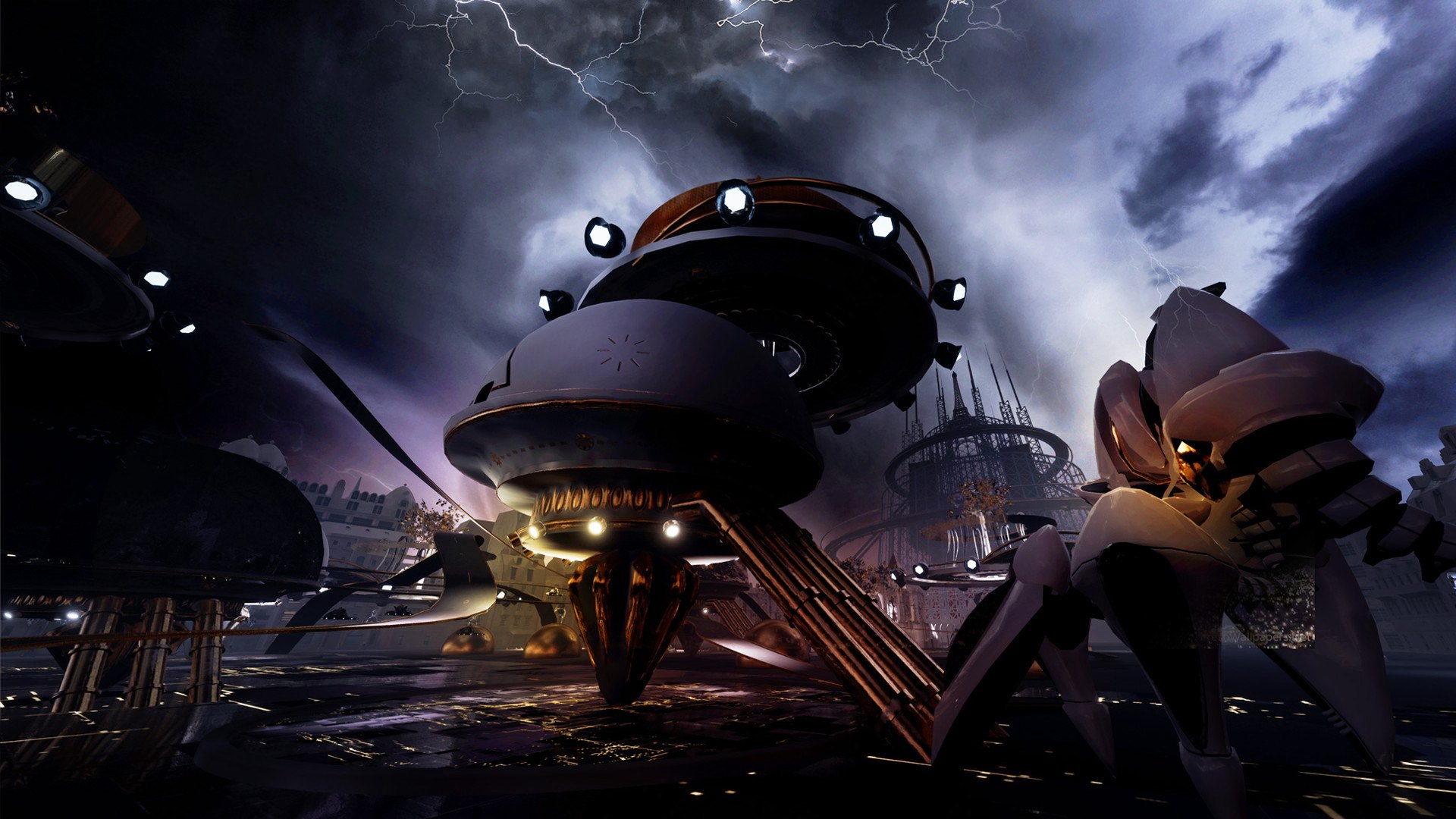
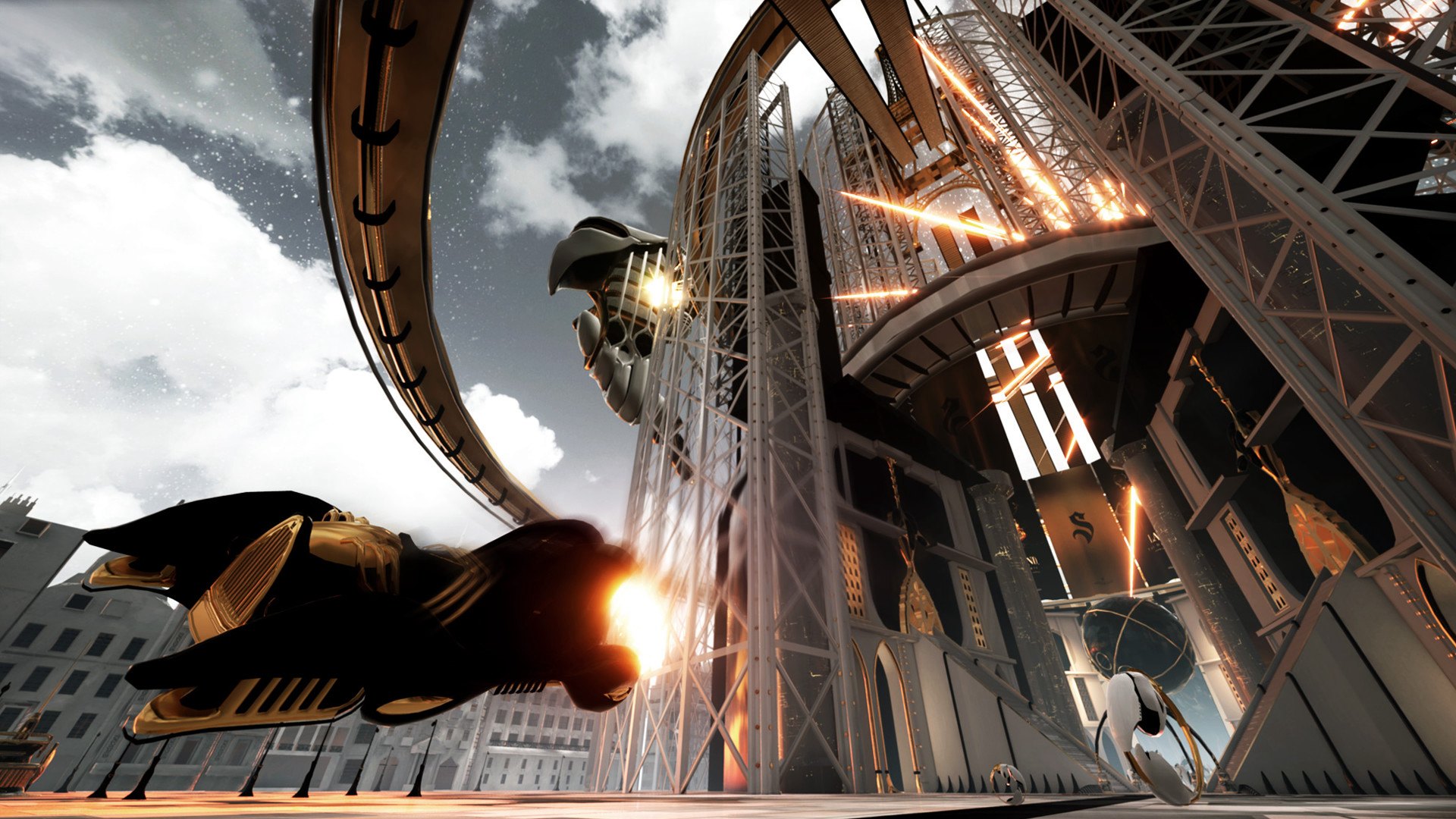
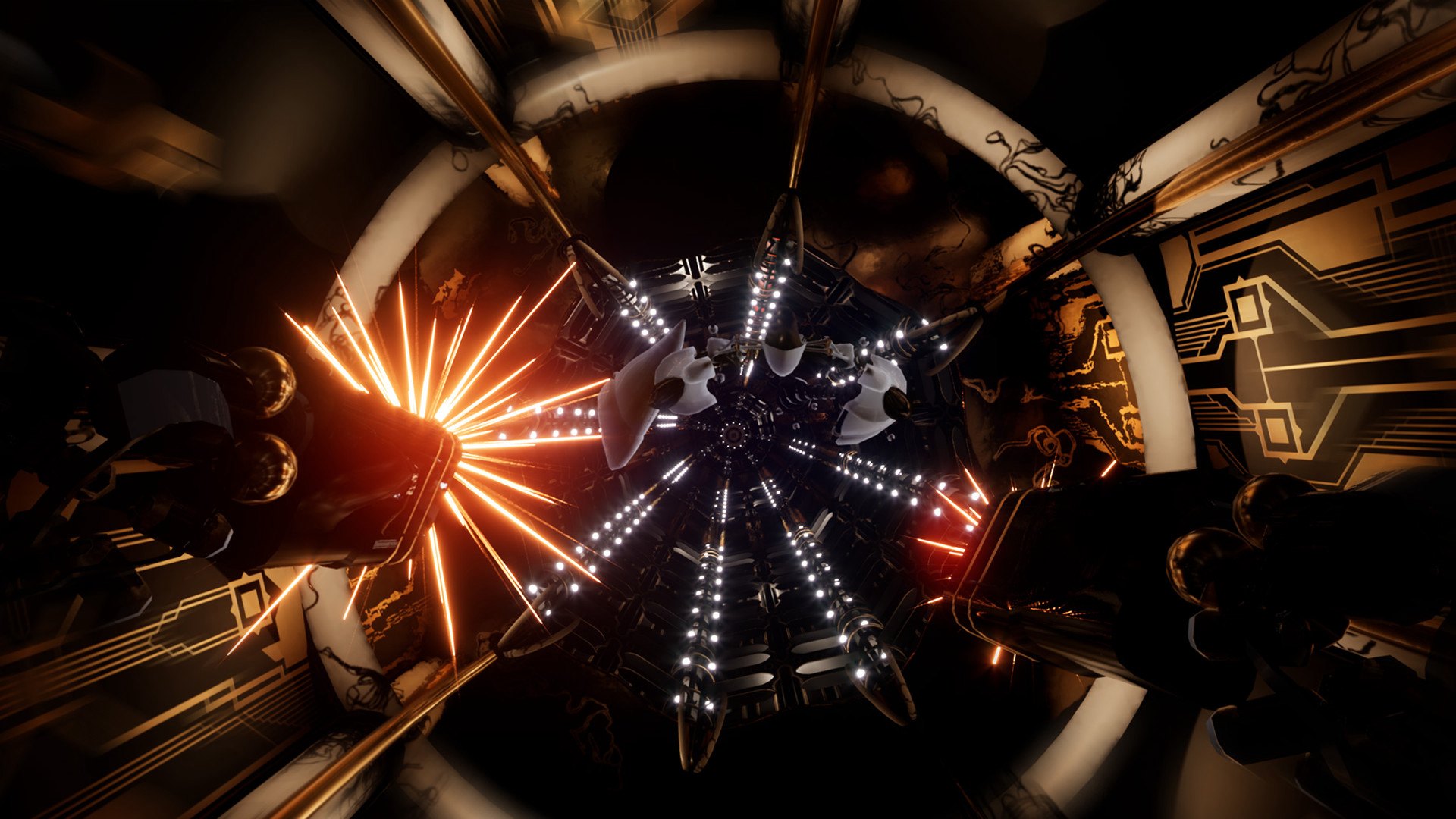
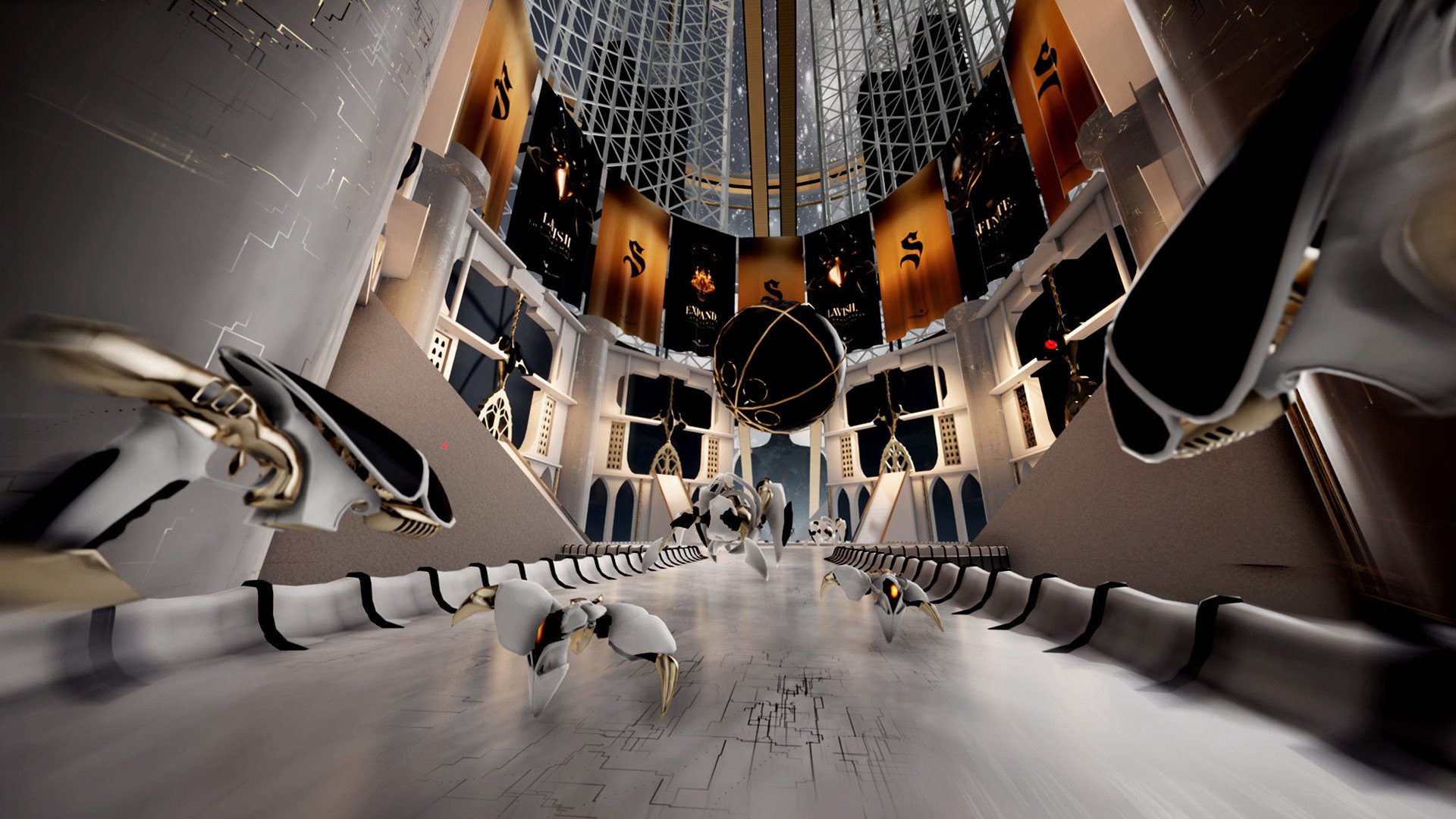
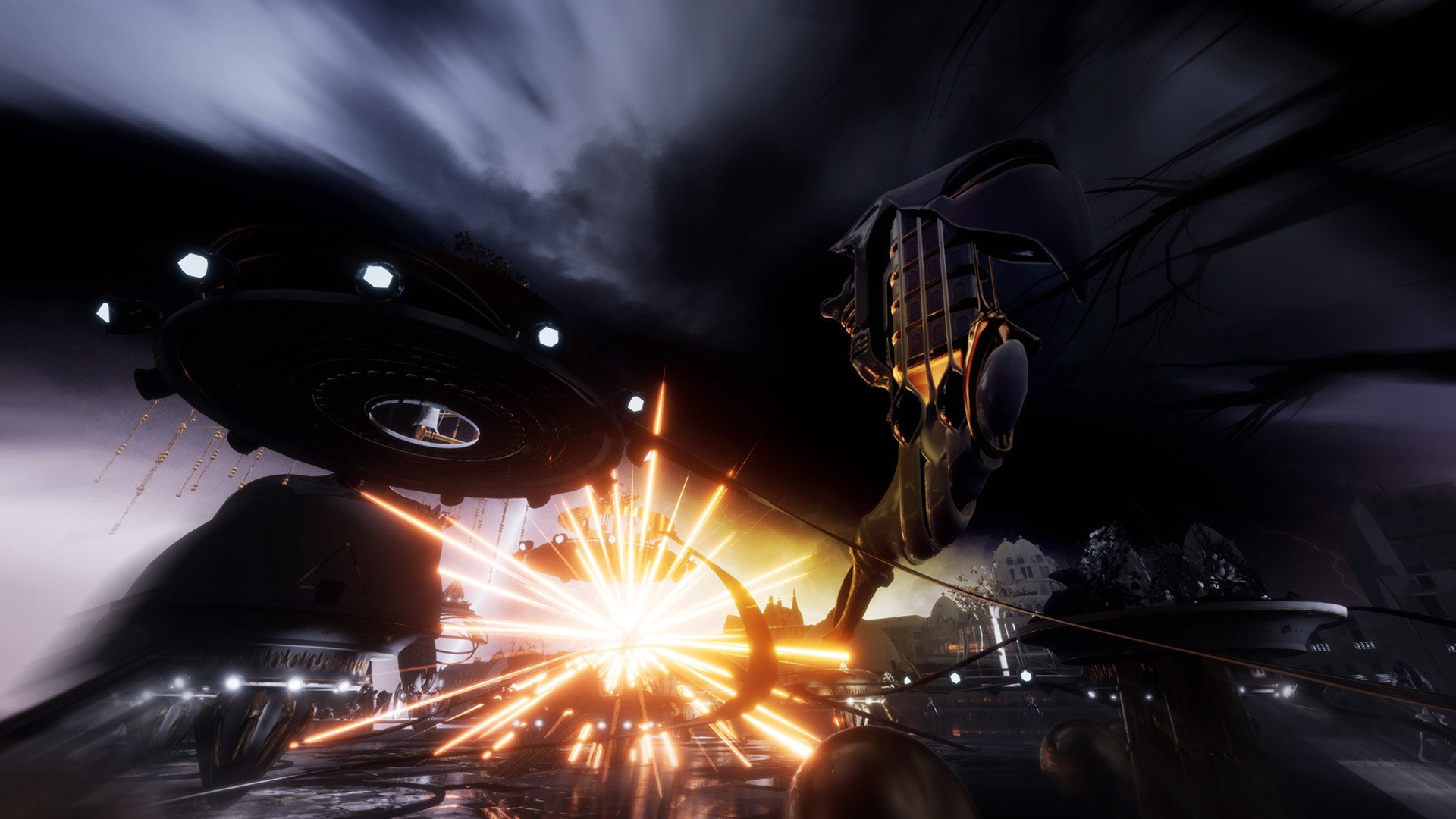
Your mission is to advance through the 5 levels of the game by destroying all the Artificials and ultimately disconnect the Goddess, the temple of Moore. To complete your quest, you will be equipped with a high-tech and lavish arsenal which evolves with the increasing difficulty of the game. You can discover these weapons in detail in the section Factory.Each stage has been carefully crafted up to the last detail, a subtle blend of modernity and classicism, like a mid-21st century Paris. The experience also includes multiple animation styles and special effects that reinforce the sense of immersion and presence while participating in a storytelling. We also put a lot of effort into the overall fluidity of the game, optimizing each 3D object to guarantee a minimum of 90 FPS. Features Unique and uncompromising visual and sound experience Explore Paris in 2050 through 5 unique levels 5 types of enemies with various attacks and strategies and two boss battles Physical and stylish gameplay with no artificial padding Optimized for 90 fps on a GTX 1060 Fast loading No micro-transactions, no abusive DLC Direct contact with the development team: https://steamcommunity.com/linkfilter/?url=https://discord.gg/8aWuWck Compatible Vive, WMR, Oculus

Go to: http://store.steampowered.com/ and download STEAM client Click "Install Steam" (from the upper right corner) Install and start application, login with your Account name and Password (create one if you don't have). Please follow these instructions to activate a new retail purchase on Steam: Launch Steam and log into your Steam account. Click the Games Menu. Choose Activate a Product on Steam... Follow the onscreen instructions to complete the process. After successful code verification go to the "MY GAMES" tab and start downloading.