Get 10% back in Relic Coins on every order
CastleStorm cover

SteamGlobal· Gift

CastleStorm

€20.99

+€2.10 cashback eligibility in Relic Coins

Check before you play

Platform
Steam
Region
Global
Product type
Gift
Developer
Zen Studios
Publisher
Microsoft Studios
Supplier release date
2013-07-29
Genres
Action, Strategy, Indie, Co-op

About this product

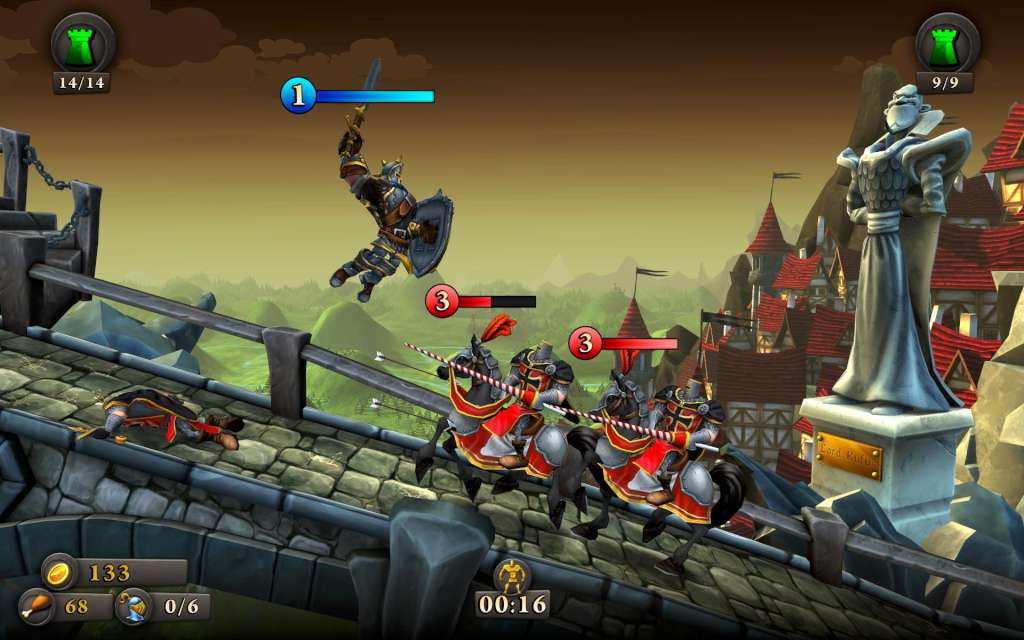
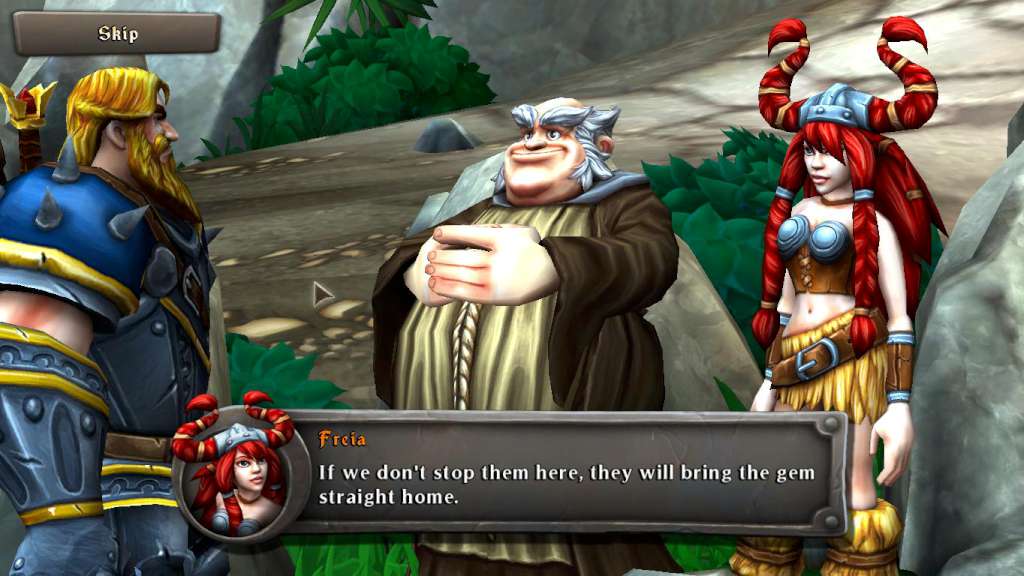
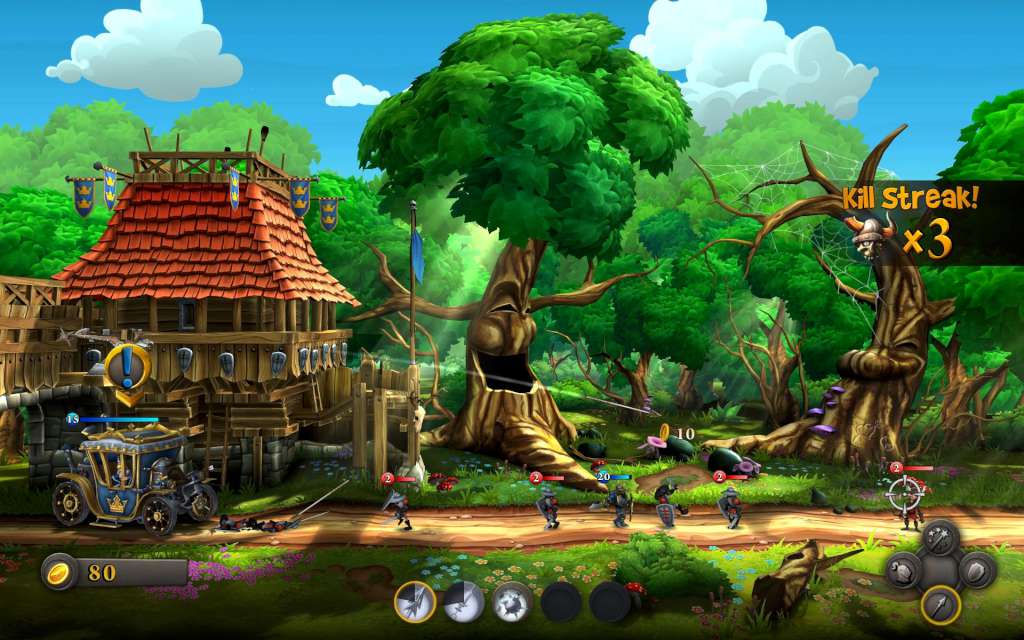
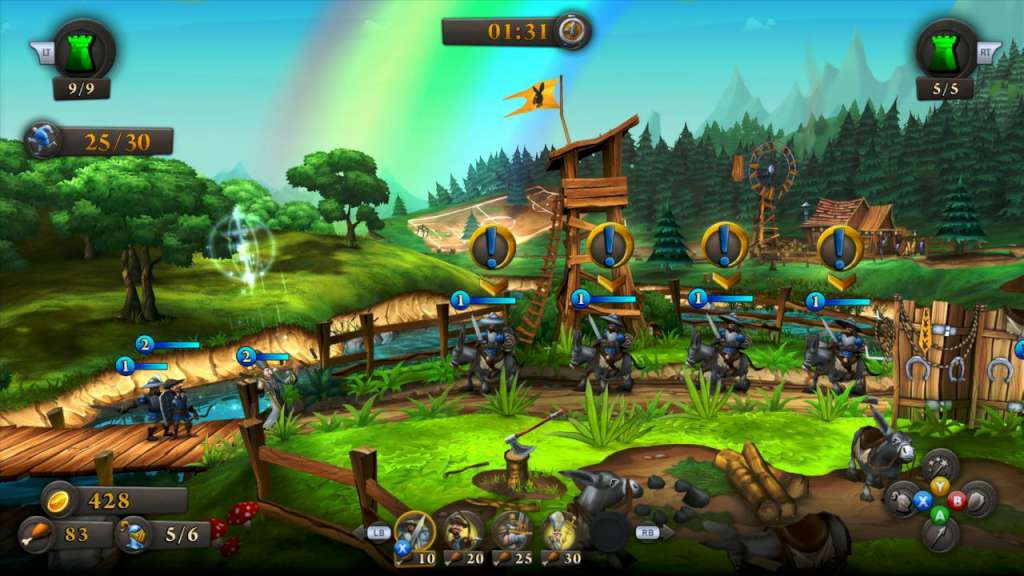
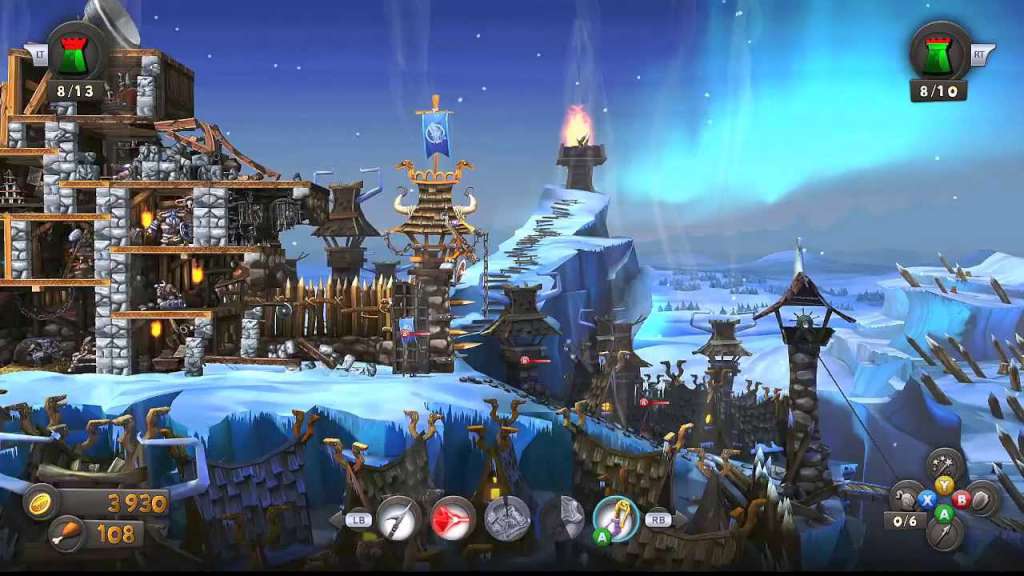
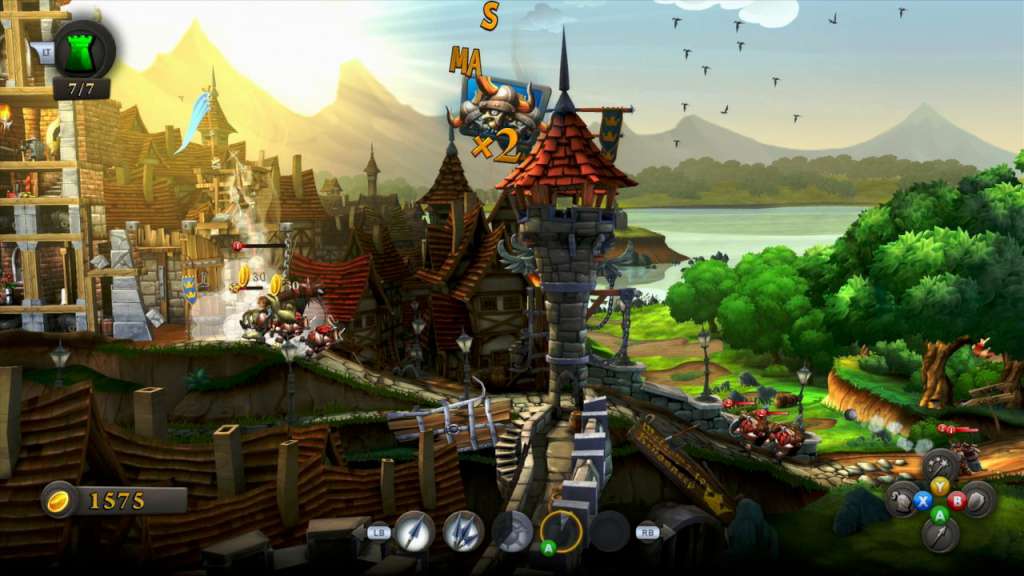
Welcome to the world of CastleStorm, a super genre mashup of 2D physics destruction mashed with tower defense brawler! CastleStorm was born out of the fond childhood memory of building and destroying LEGO castles. The clouds bring rumors of war…It’s Knights vs. Vikings in CastleStorm, where medieval warfare meets 2D physics-based destruction! Controlling the battle in real time, players will harness the power of medieval artillery, manage a fearsome ground attack, and cast powerful spells! CastleStorm features a story-driven solo campaign, a custom castle editor, online multiplayer, co-op modes, and more. Building castles and knocking them down has never been so much fun! CastleStorm is a physics based tower destruction game, combining elements of real time strategy, resource management, and a beautiful blend of challenging gameplay scenarios. Features Multiplayer battles and Co-Op. Build your own castle! Twelve incredibly beautiful environments and a comical story. Multiple paths to victory. An arsenal that would make any medieval warrior proud!

CastleStorm screenshotCastleStorm screenshotCastleStorm screenshotCastleStorm screenshotCastleStorm screenshotCastleStorm screenshot

How to redeem

  1. 1Check that your Steam account can receive gifts in the listed region.
  2. 2Open the confirmed order and follow the supplier’s gift-delivery instructions.
  3. 3Accept the gift on the required platform account and add it to your library.

Supplier instructions

"Please remember that we are NOT responsible for any problems that may arise from purchasing and using Steam Gifts. You are doing it at your own risk. "Please note, that due to recent Valve Steam Gift policy update Steam Gifts for games that are covered by VAC ban program can no longer be added to Inventory. Make sure that you are logged in to the proper account before entering the link as Steam Gifts can be only added to your library or rejected. How do I use a Steam gift given to me? If you do not already have Steam, download and install Steam here. Once you have Steam installed, you will be prompted to create an account or login to an existing Steam account. If you do not have an account, please create one. You will receive an e-mail containing a link that will open Steam allowing you to redeem your gift. After clicking the link, you will receive a notification at the top right corner in the Steam client informing that you have a new gift.

You might also like