

OtherGlobal· Key
MAGIX Samplitude Music Studio 2017
€17.80
+€1.78 cashback eligibility in Relic Coins
Check before you play
- Region
- Global
- Product type
- Key
- Genres
- Software
OtherGlobal· Key
€17.80
+€1.78 cashback eligibility in Relic Coins
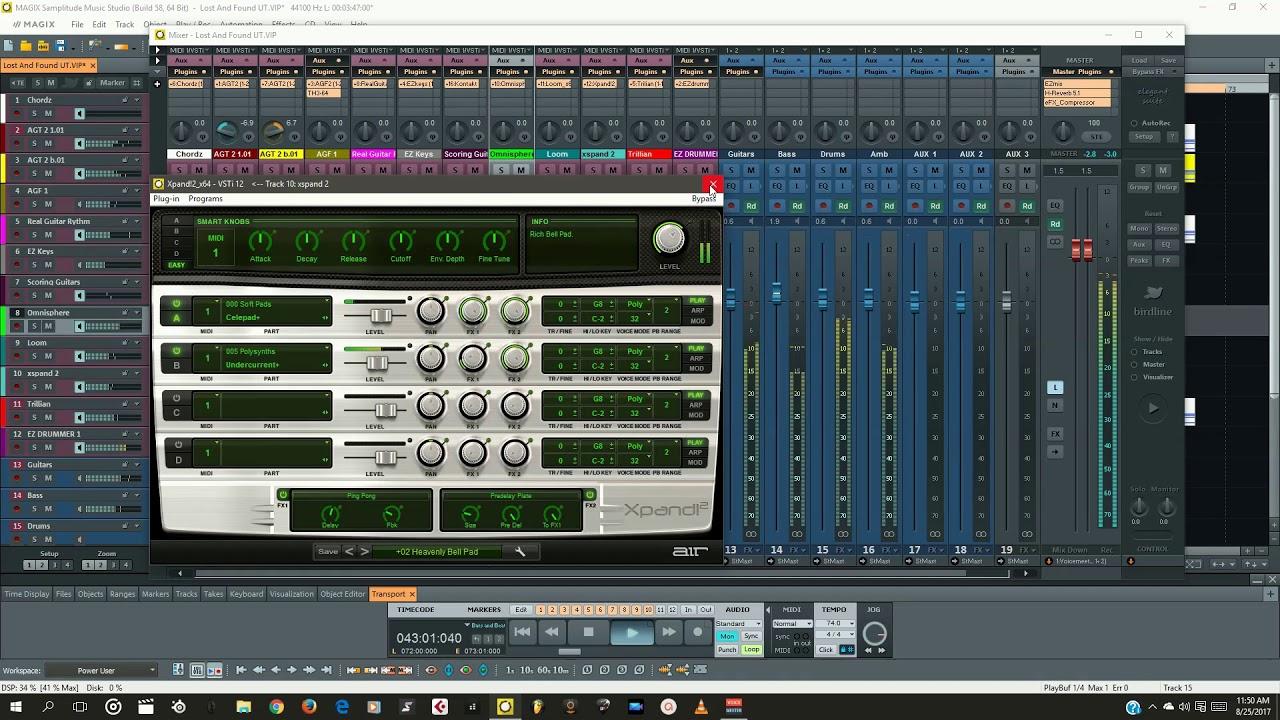
With 19 virtual instruments, key plug-ins for mastering and a Quickstart Wizard, the new Samplitude Music Studio has everything a musician needs. Features 19 virtual instruments (pianos, guitars, synthesizers, drum machines, strings) Quickstart Wizard for recording and improvising with virtual instruments Operate a recording using the MAGIX Audio Remote app Cinematic Synth, Folk Instruments, virtual Accordion, virtual Choir Newly designed effects area MIDI support: Includes MIDI Learn New Mastering Suite with Auto Mastering 64-bit & multicore support, 32-bit floating point processing Multitrack recording in 24-bit/96 kHz studio quality Interfaces: VST3, VST 2, ASIO, ReWire, MTC, MC Time stretching and pitch shifting algorithm from zplan


In order to install and activate the software, please follow the instructions below: Download and install the software from http://dl03.magix.net/sms2017_dlm.exe The installation guide will appear. Simply follow the instructions on the screen to complete the installation process and then click “Continue“. All files are copied to the hard drive. Once the installation is complete, confirm by clicking “Finish“. You can start the program at any time using the Windows “Start“ menu. The serial number (CODE) is required when you start the program for the first time. Enter the number in the activation window under “Serial number“. You will then be able to register with MAGIX using an email address.