

SteamGlobal· Key
SimpleMovie
€1.09
+€0.11 cashback eligibility in Relic Coins
Check before you play
- Platform
- Steam
- Region
- Global
- Product type
- Key
- Supplier release date
- 2019-01-01
- Genres
- Simulation, Indie, Casual
SteamGlobal· Key
€1.09
+€0.11 cashback eligibility in Relic Coins
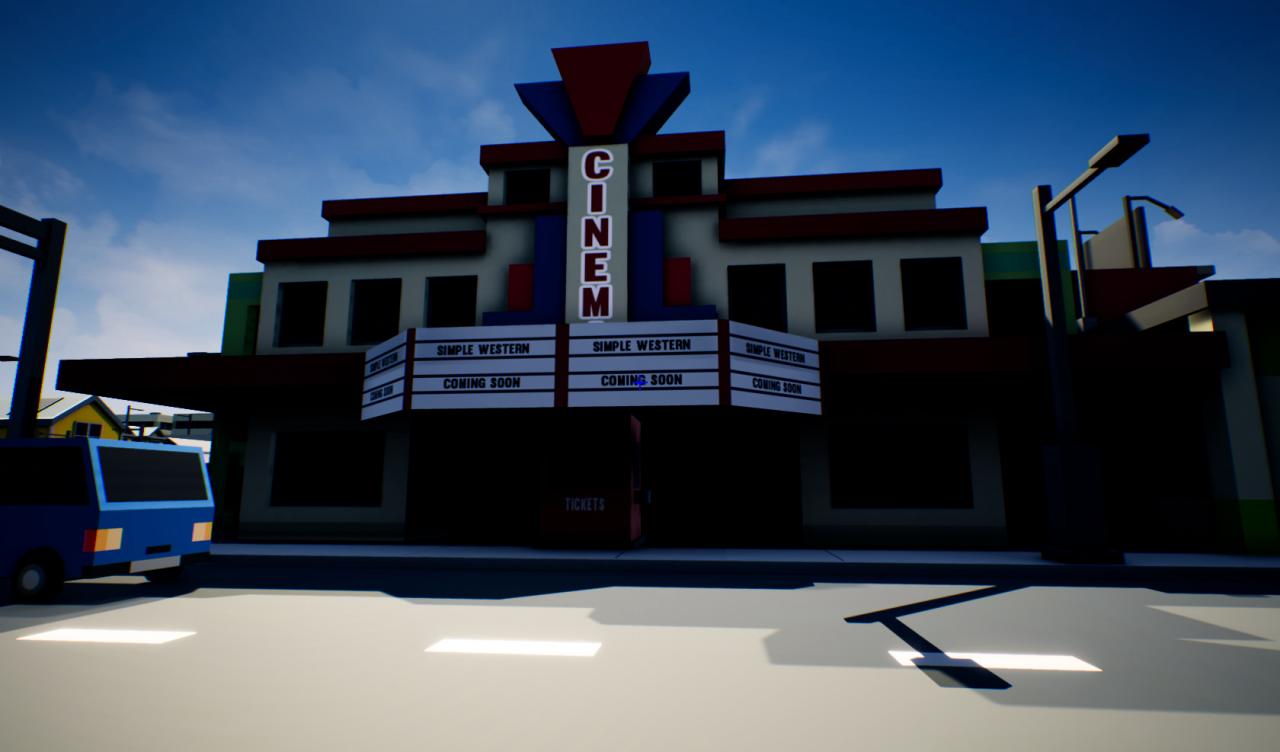
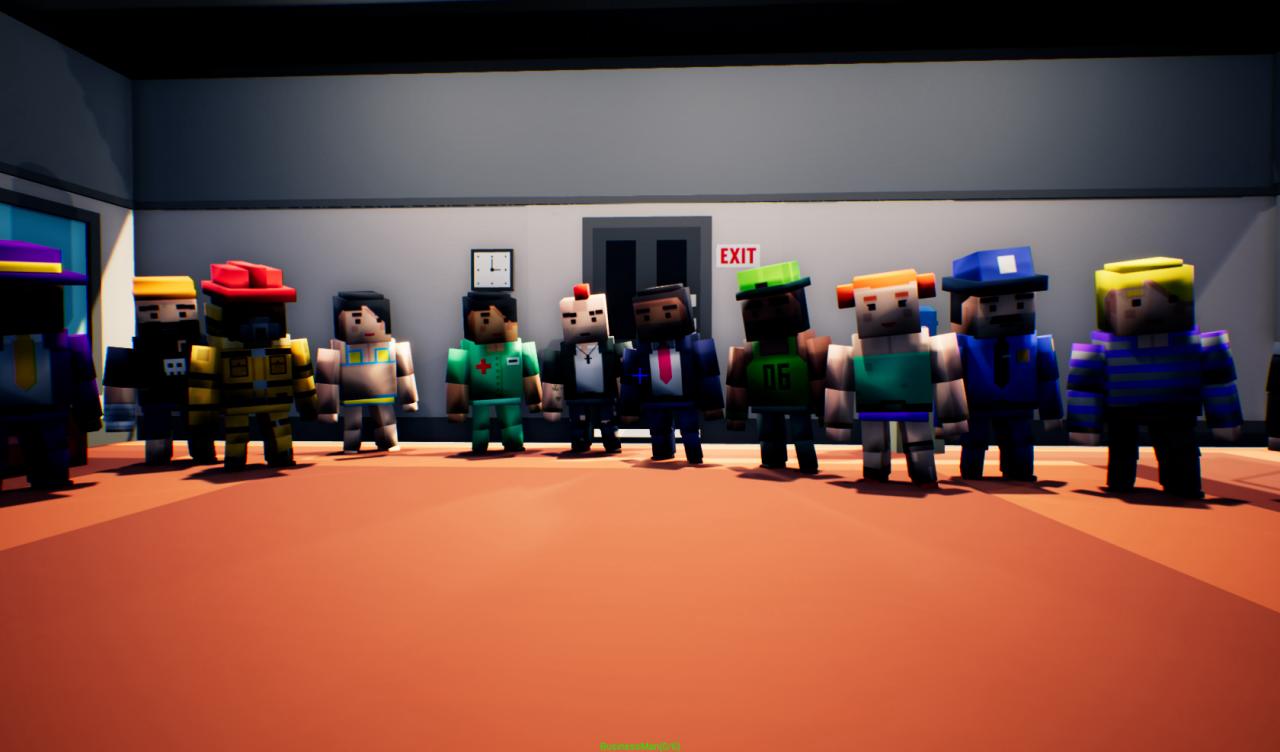
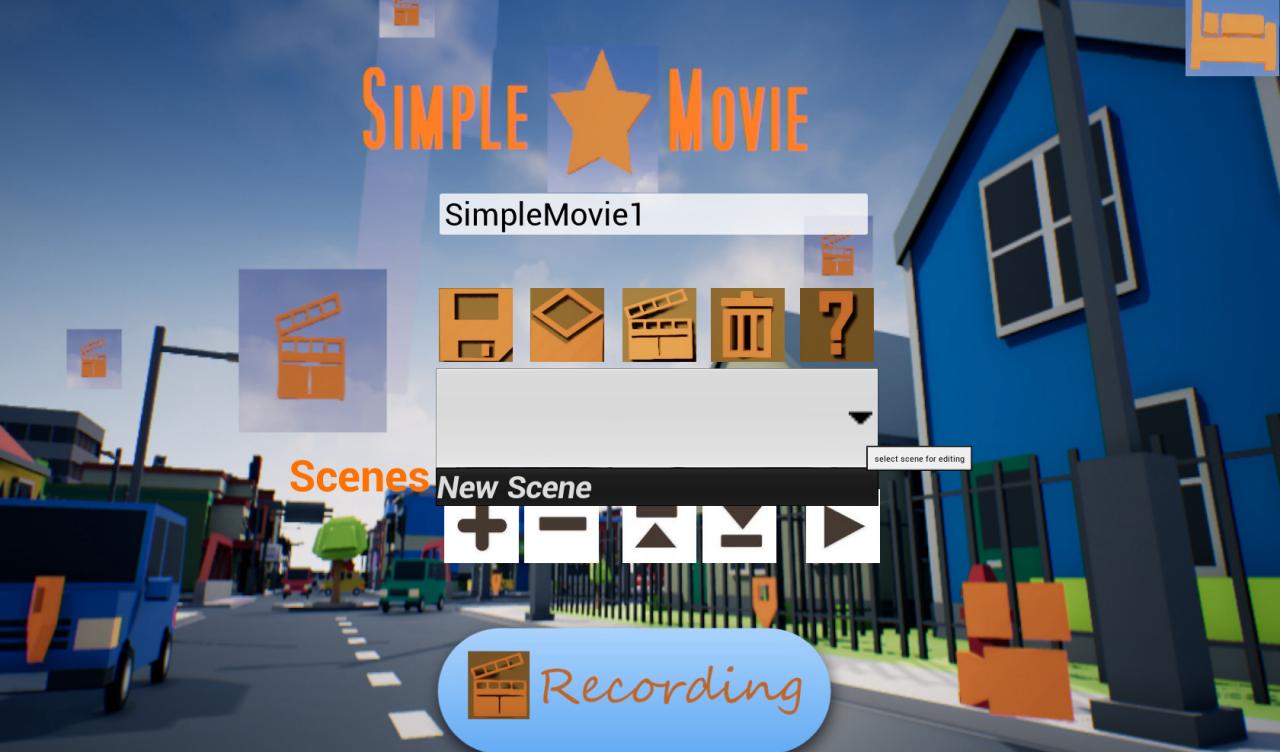
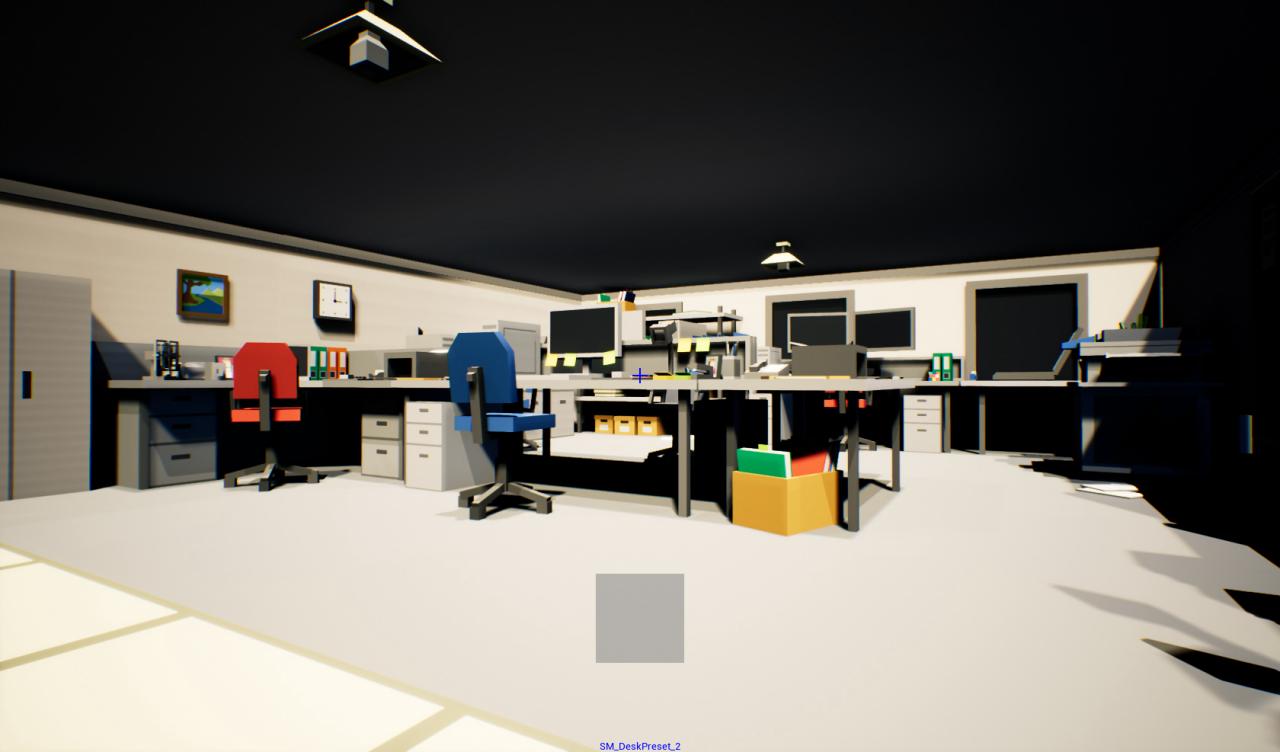
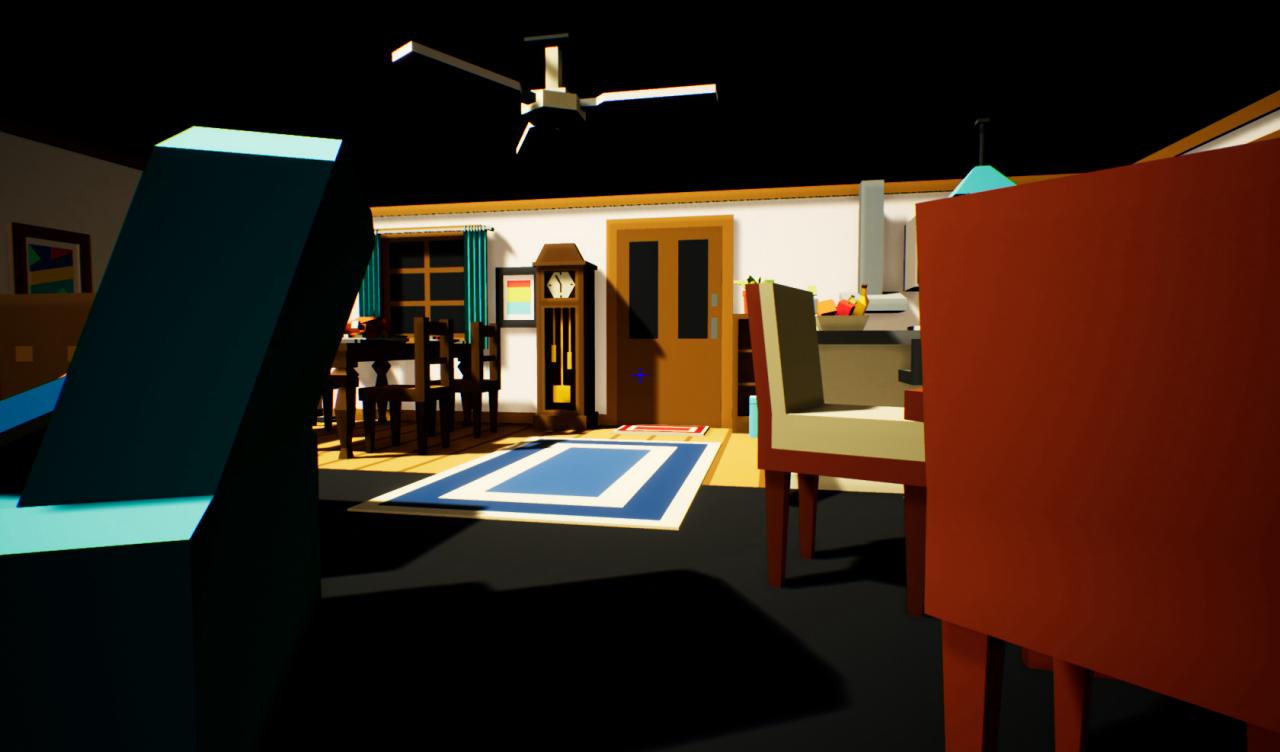
Simple Movie is a simulation, crafting and sand box game. The goal is to create a short film. The player is the film's writer, producer and director. The game creates a video with fixed background music and subtitles. The player is at once the screenwriter and director of a film. As screenwriter, he writes the story. As director, he has the principal role in choosing the cast, controlling the production design and managing the creative aspects of filmmaking. Simple Movie is a Non Player Character animation (NPC-mation) tool where: NPC-mation is an animated filmmaking technique in which NPC are manipulated by a movie program in small increments between individual screenshots (frames) so they exhibit independent motion when the frames series is played back as a sequence. NPCs with movable joints are used for their ease of repositioning. The movie program contains scenes, with each scene having one or more lines. A line has an actor or an item, animation (actors only), a start and end locations (can be the same), camera, speed (or duration) and subtitles. NOTE: The output video depends on the installed video codec. The game does not include any video codec (except uncompressed video).

Go to: http://store.steampowered.com/ and download STEAM client Click "Install Steam" (from the upper right corner) Install and start application, login with your Account name and Password (create one if you don't have). Please follow these instructions to activate a new retail purchase on Steam: Launch Steam and log into your Steam account. Click the Games Menu. Choose Activate a Product on Steam... Follow the onscreen instructions to complete the process. After successful code verification go to the "MY GAMES" tab and start downloading.