Get 10% back in Relic Coins on every order
Darwin's Test cover

SteamGlobal· Key

Darwin's Test

€6.58

+€0.66 cashback eligibility in Relic Coins

Check before you play

Platform
Steam
Region
Global
Product type
Key
Developer
Wolfalone Studio
Publisher
Wolfalone Studio
Supplier release date
2018-12-07
Genres
Action, Adventure, Indie

About this product

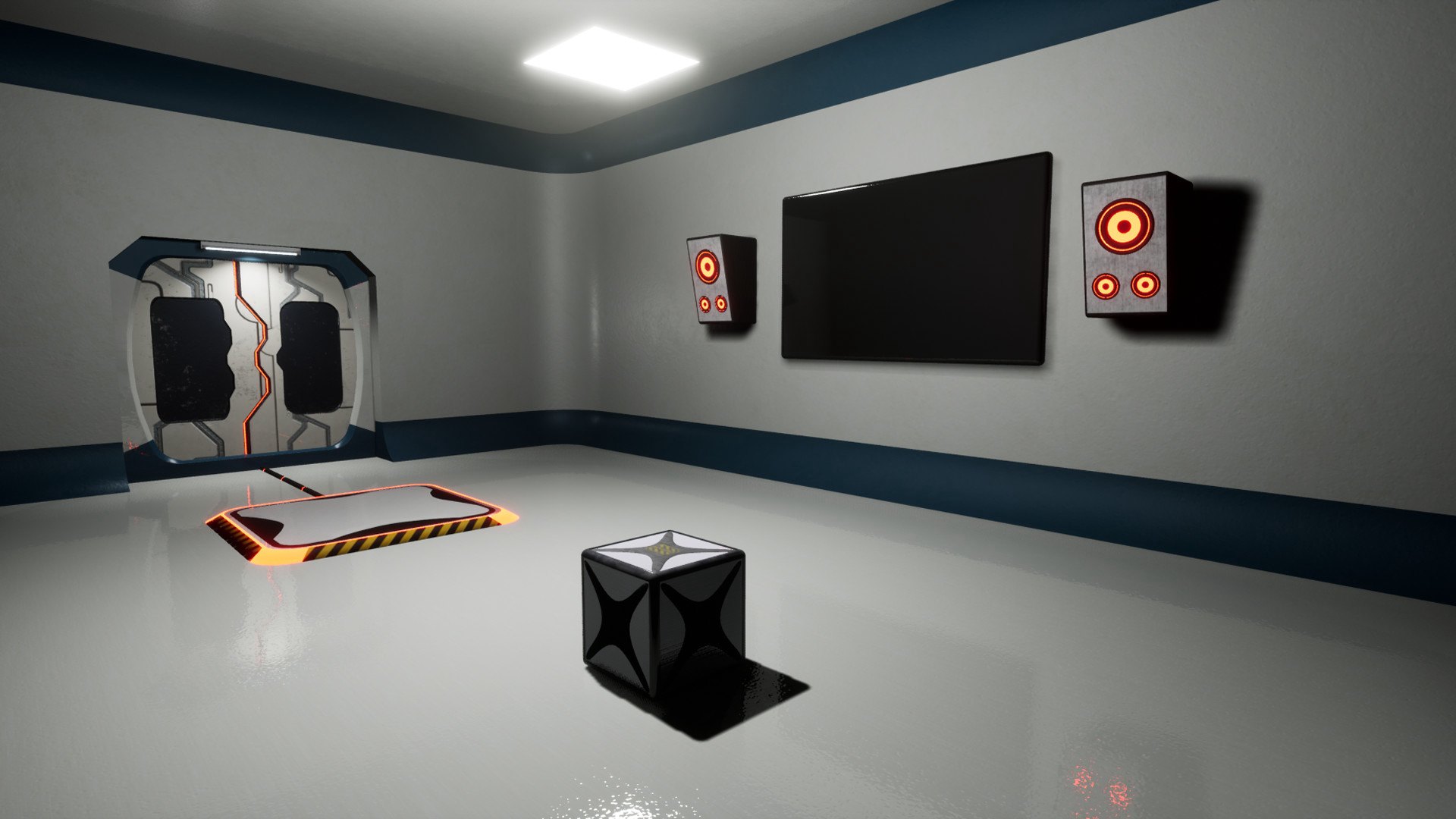
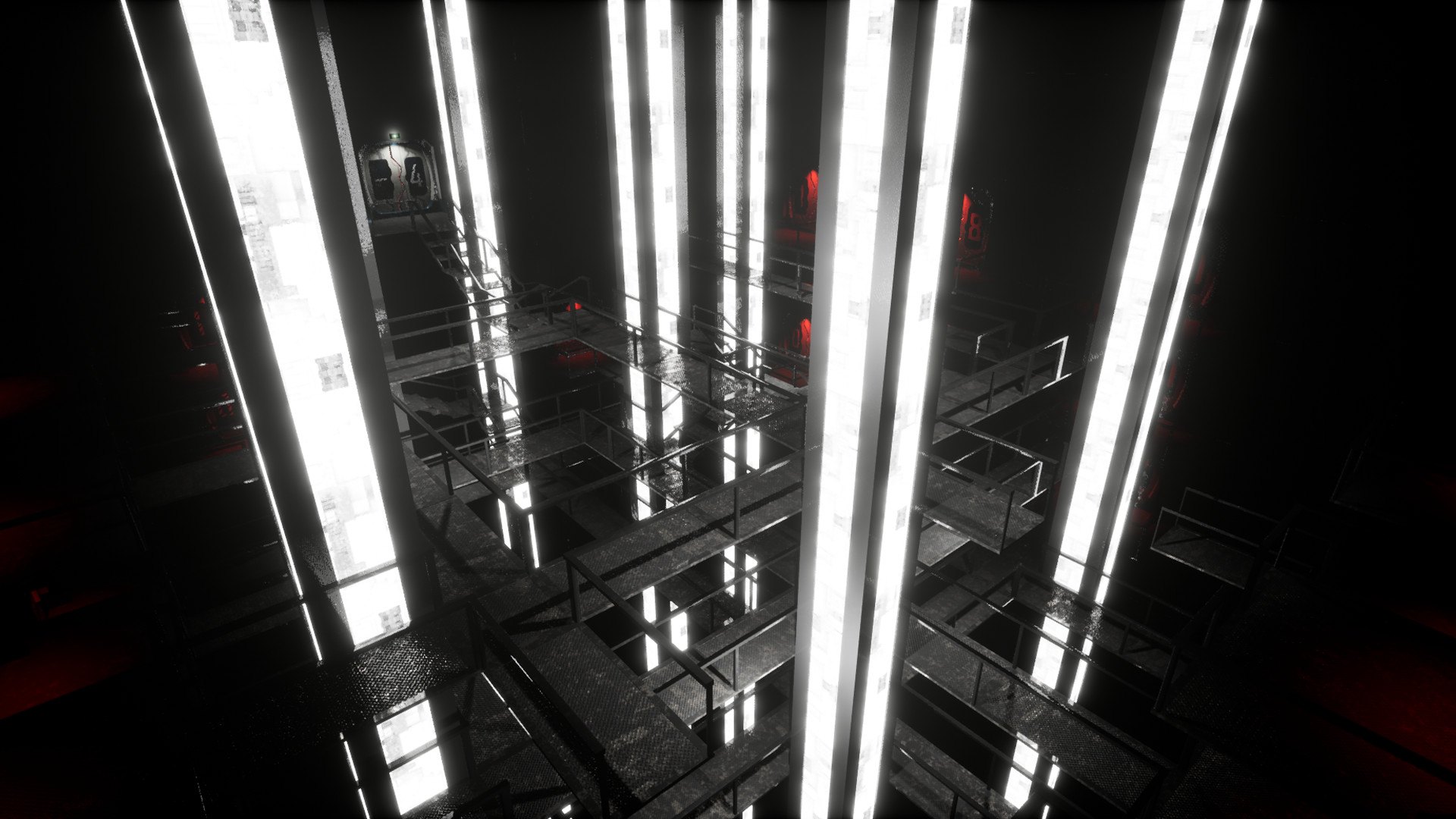
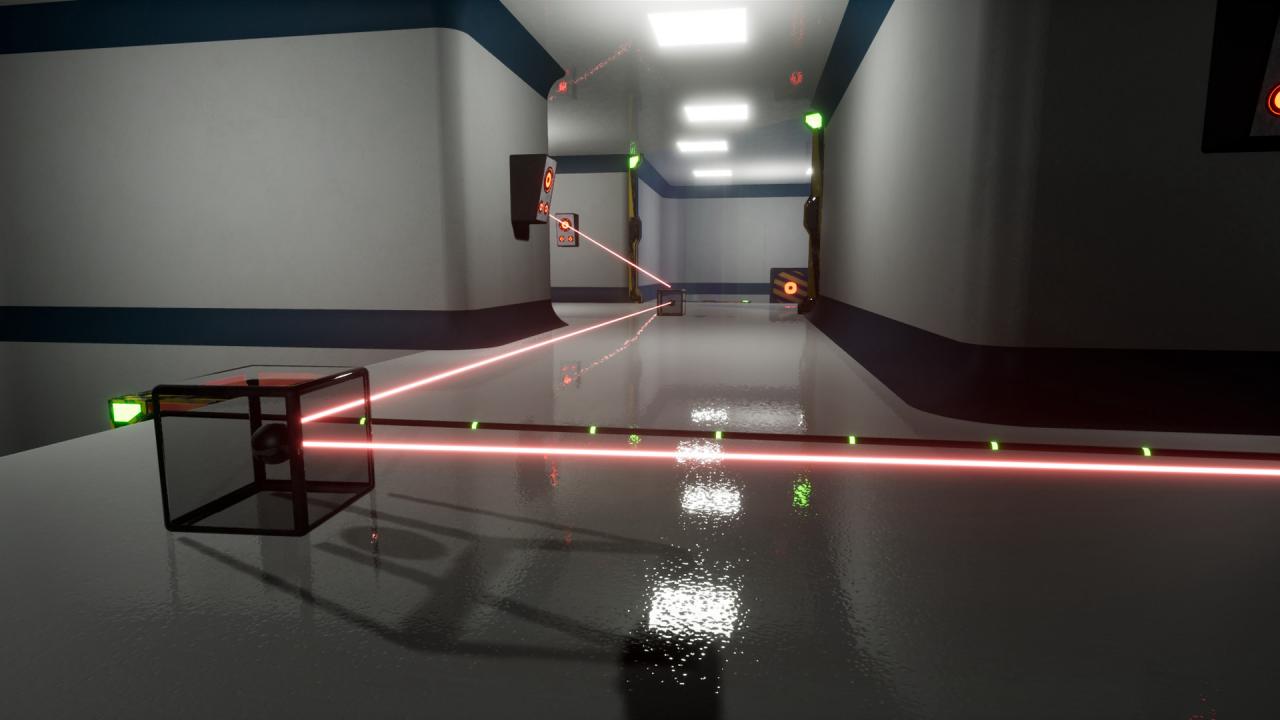
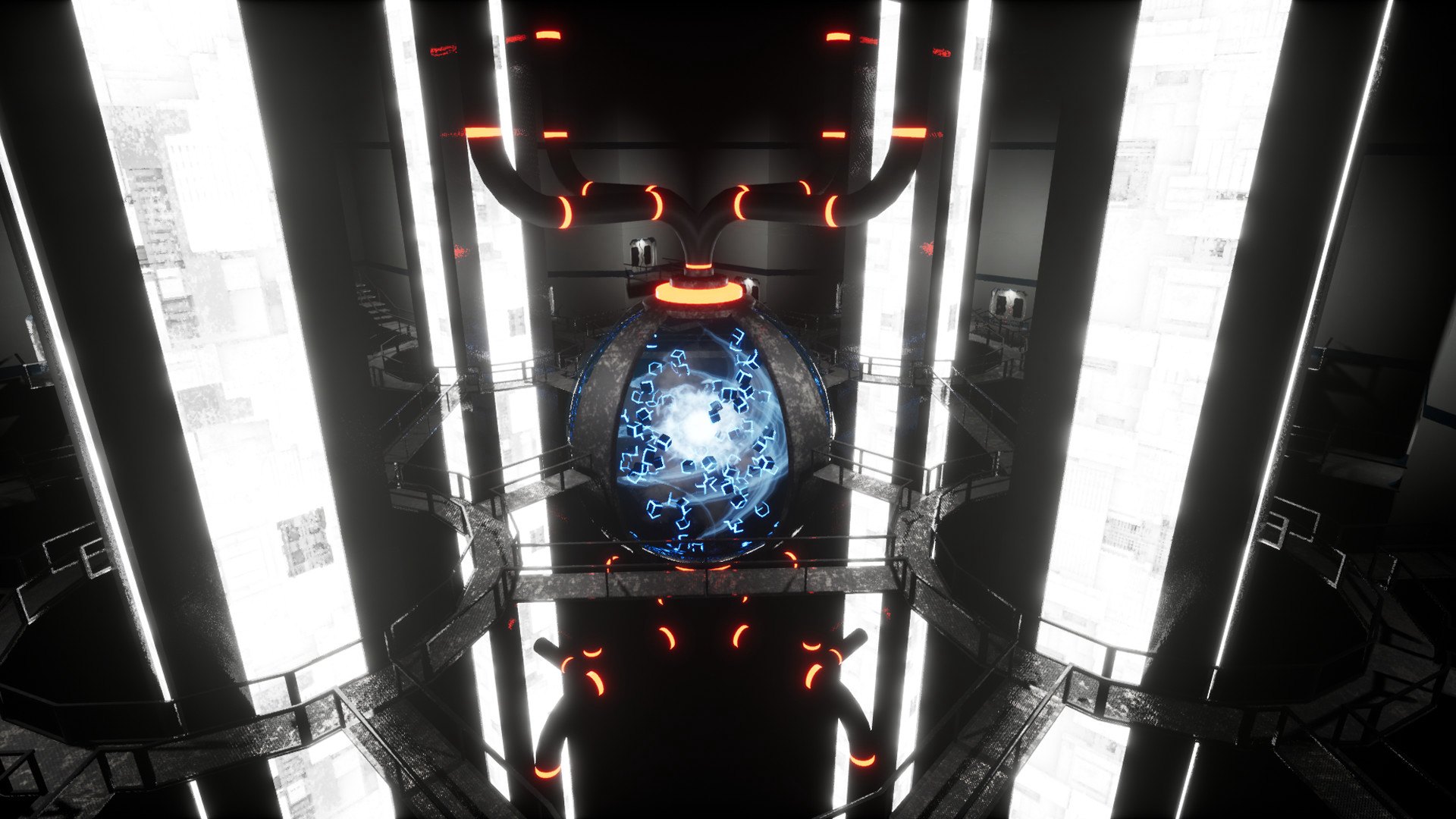
Darwin’s Test is a first-person action and puzzle game plunging you into a surprising dystopian universe ! You play as an amnesic patient, victim of a serious accident.Doctors will take you through a protocol of care consisting of a dozen experimental tests in a research hospital.But strange events happen during these tests and start to cast doubt on your actual presence here. Who are you ? Where are you ? Why do you have to pass these tests ?So many unanswered questions that you will have to face to discover the truth. Features Discover an eccentric script of a great depth, which is based on an anticipation of our future society. Strong messages that will make you ask yourself about your existence and the future of humankind. An intense experience of more than four hours of play through different types of Tests.(Logical, Physical, Dilemma, Sensory) A game made entirely in one year to the day, by one person. A gameplay inspired by some of the greatest titles of the video game industry.(such as Portal, The Talos Principle, The Turing Test, The Witness)

Darwin's Test screenshotDarwin's Test screenshotDarwin's Test screenshotDarwin's Test screenshotDarwin's Test screenshot

How to redeem

  1. 1Check your Steam account and the listed region before purchasing.
  2. 2Find your code and supplier activation instructions in your confirmed order.
  3. 3Open the redeem-code section on Steam, enter the code and follow the platform’s prompts.

Supplier instructions

Go to: http://store.steampowered.com/ and download STEAM client Click "Install Steam" (from the upper right corner) Install and start application, login with your Account name and Password (create one if you don't have). Please follow these instructions to activate a new retail purchase on Steam: Launch Steam and log into your Steam account. Click the Games Menu. Choose Activate a Product on Steam... Follow the onscreen instructions to complete the process. After successful code verification go to the "MY GAMES" tab and start downloading.

You might also like