
SteamGlobal· Key
VESTIGE
€1.75
+€0.18 cashback eligibility in Relic Coins
Check before you play
- Platform
- Steam
- Region
- Global
- Product type
- Key
- Supplier release date
- 2018-11-30
- Genres
- Indie, Casual, VR Games
SteamGlobal· Key
€1.75
+€0.18 cashback eligibility in Relic Coins
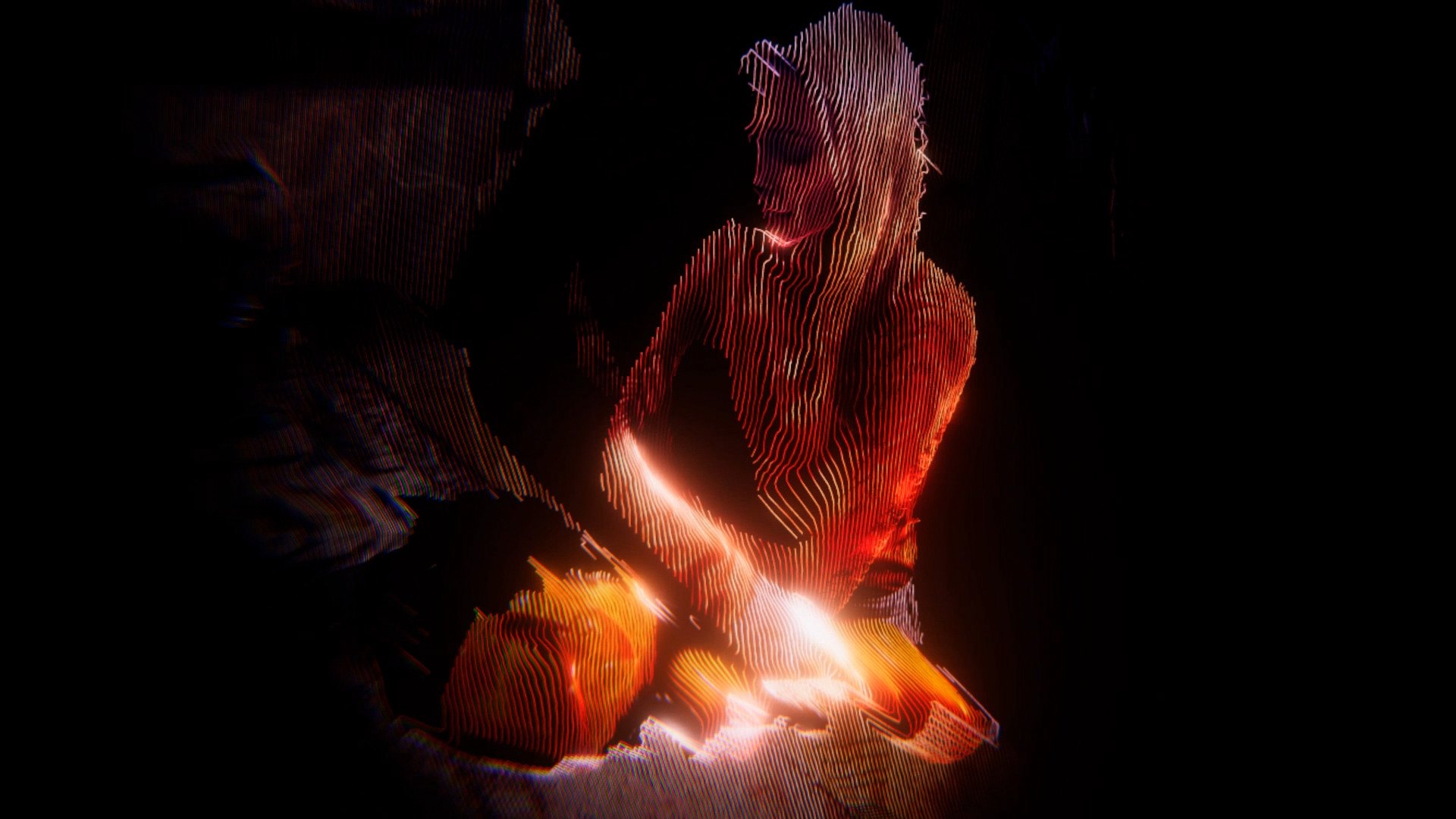
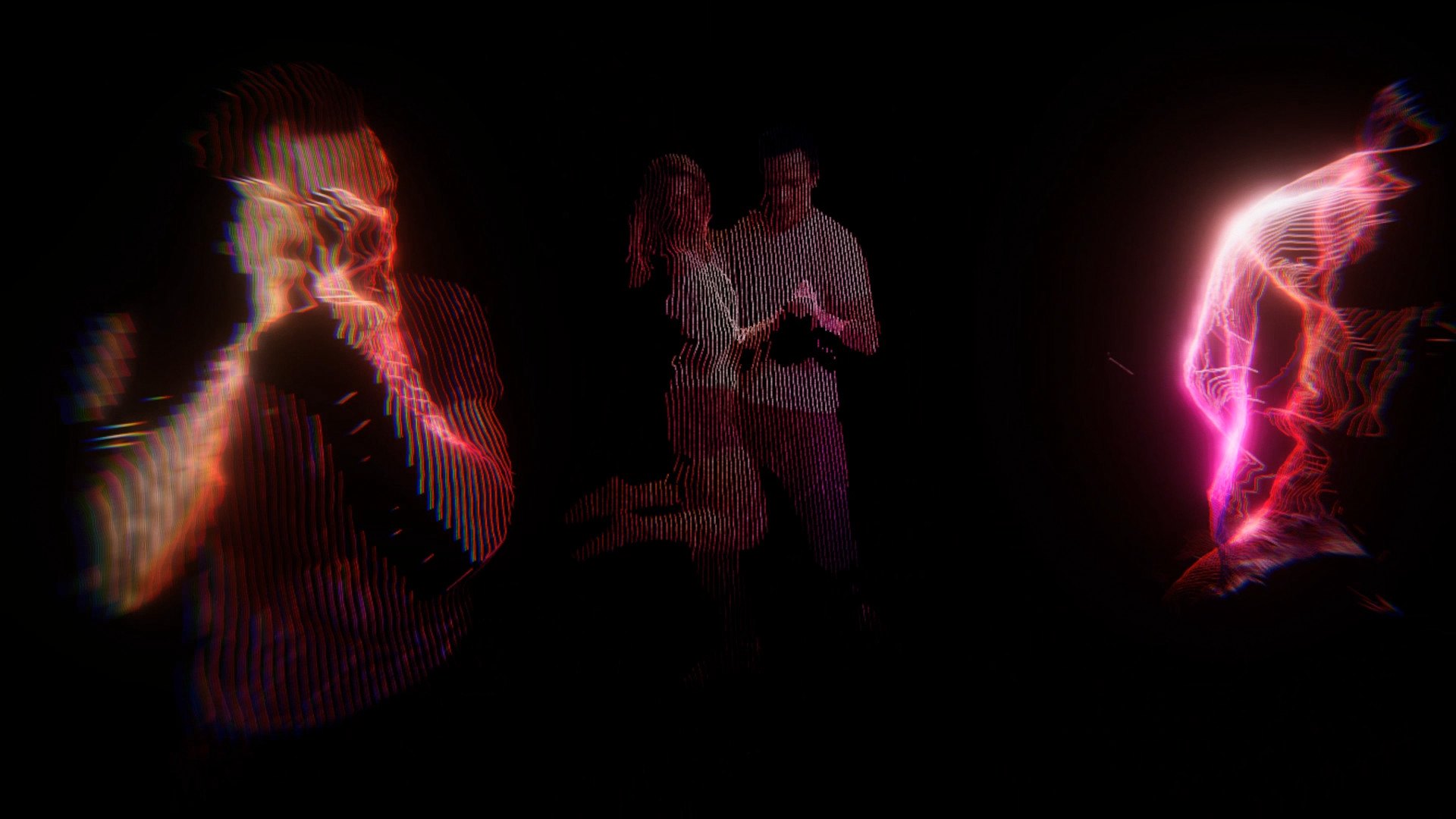
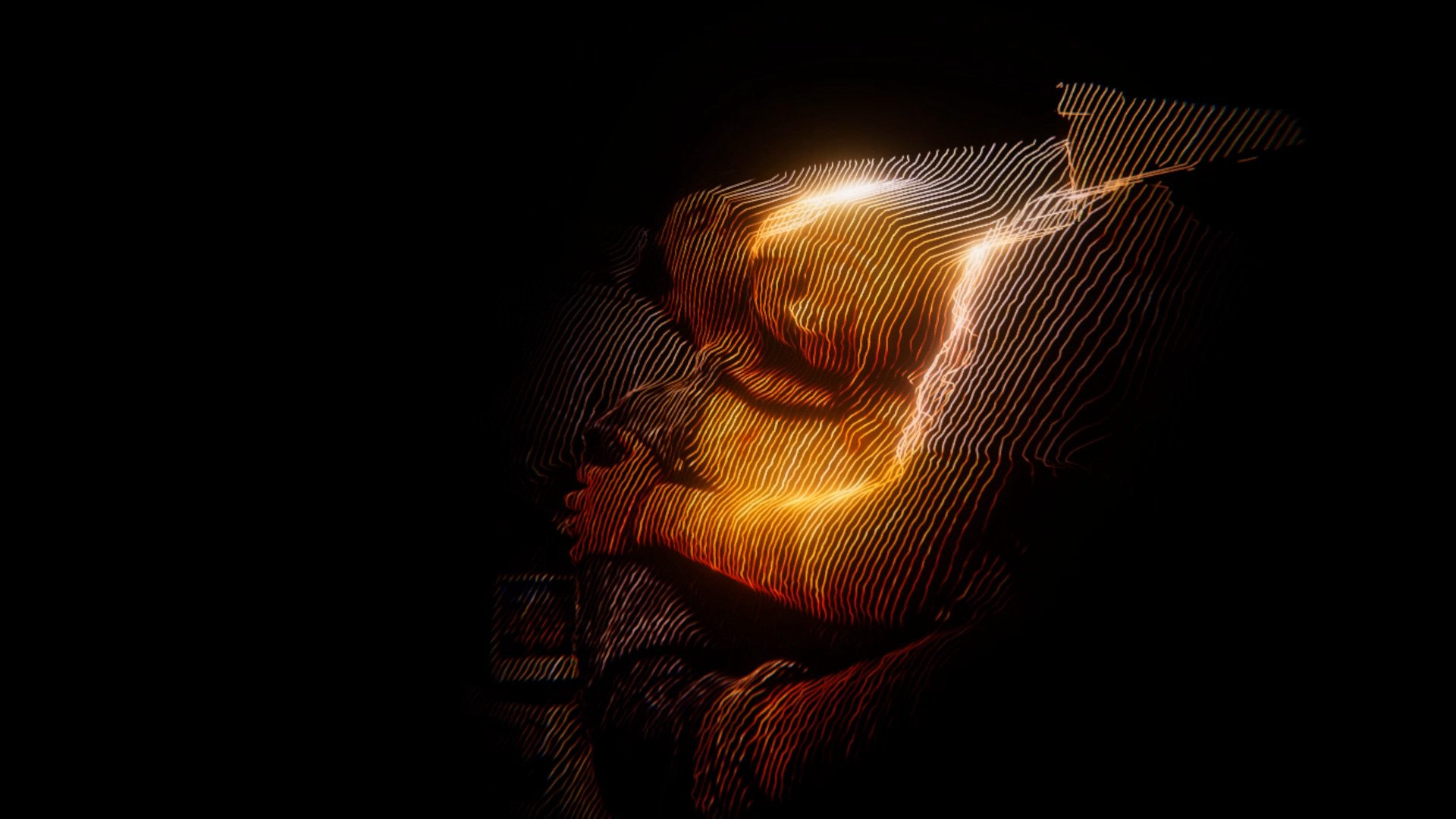
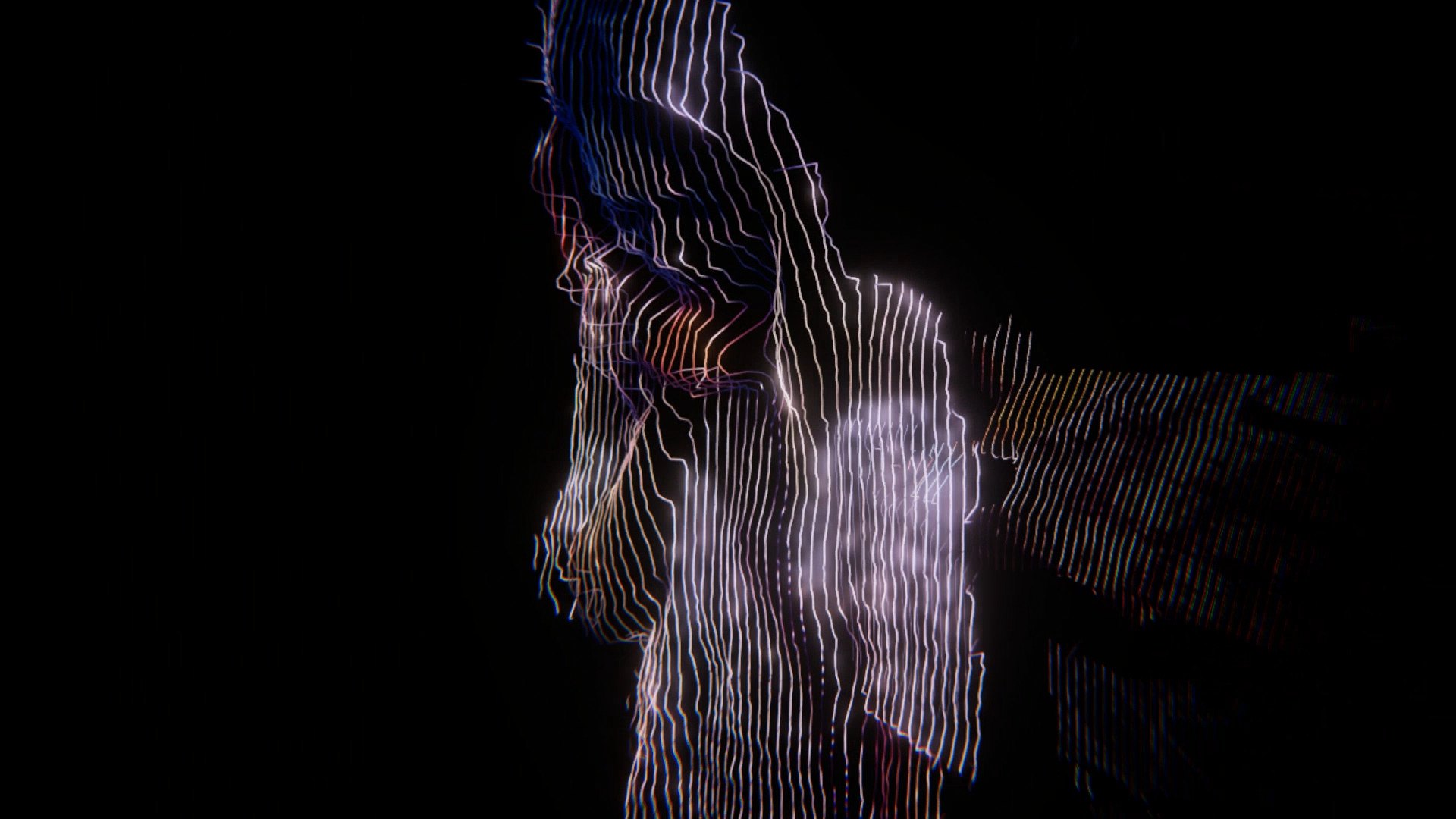
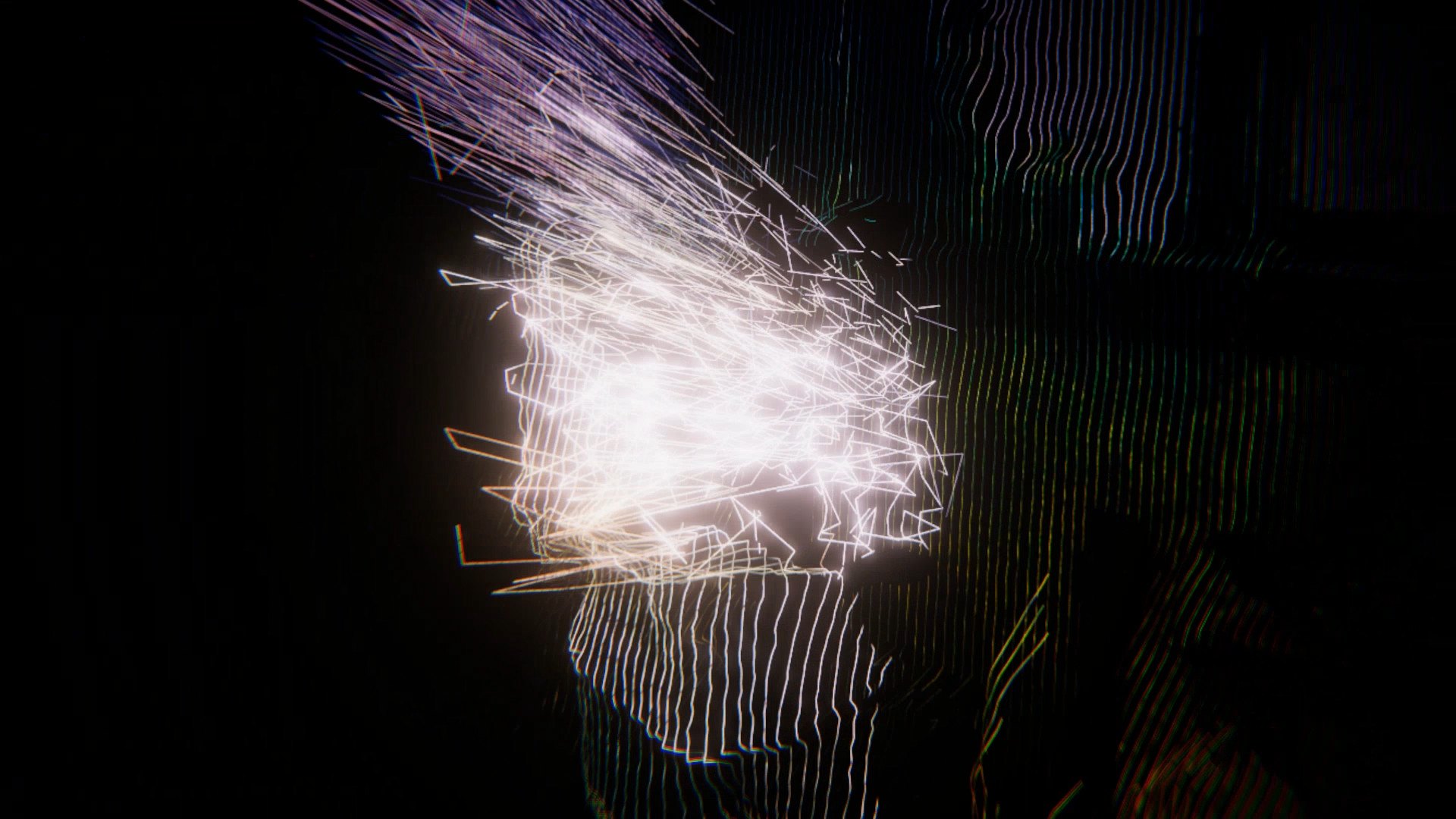
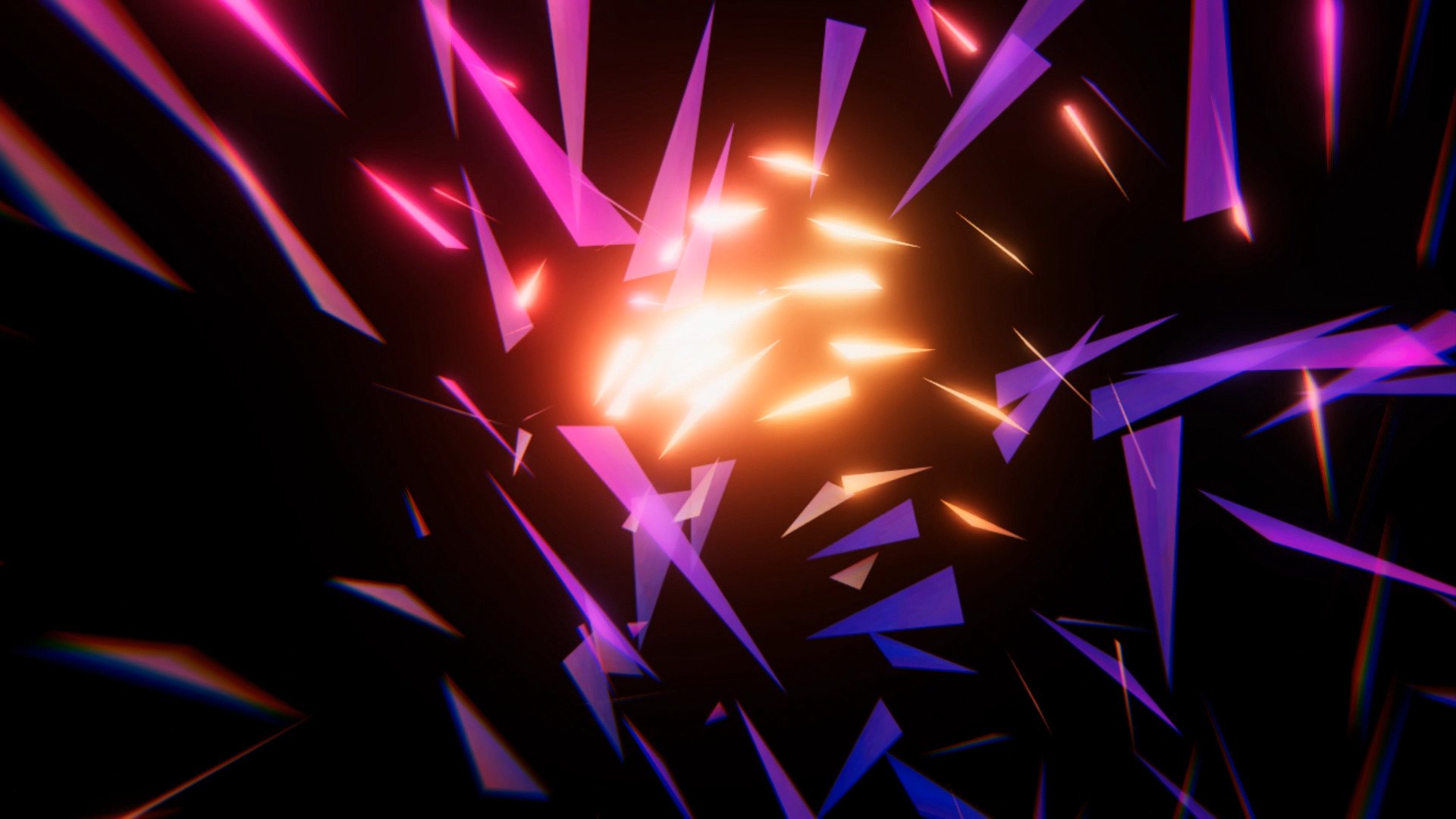
A journey through memories.A story of lost love.A groundbreaking room-scale VR experience.“Our memory is a more perfect world than the universe: it gives back life to those who no longer exist.” ― Guy de MaupassantVESTIGE is a room-scale VR creative documentary that uses multi-narrative and volumetric live capture to take the viewer on a journey into the mind of Lisa as she remembers her lost love, Erik. Within an empty void, fragments of past memories appear of their life together. As we navigate the space to explore these moments, new memories are triggered revealing new pathways through the story. Over time the memories become entangled with a haunting vision and eventually lead us to the shocking moment of Erik’s death. Every viewing will reveal a different journey towards this moment, revealing the complex world of memory and grief.VESTIGE is a standing room-scale VR experience with spatial sound, headphones are recommended for complete immersion. The way you navigate the space will change the story. No controllers are required.
Go to: http://store.steampowered.com/ and download STEAM client Click "Install Steam" (from the upper right corner) Install and start application, login with your Account name and Password (create one if you don't have). Please follow these instructions to activate a new retail purchase on Steam: Launch Steam and log into your Steam account. Click the Games Menu. Choose Activate a Product on Steam... Follow the onscreen instructions to complete the process. After successful code verification go to the "MY GAMES" tab and start downloading.