
SteamGlobal· Key
3D Chess
€0.61
+€0.06 cashback eligibility in Relic Coins
Check before you play
- Platform
- Steam
- Region
- Global
- Product type
- Key
- Publisher
- rokapublish
- Supplier release date
- 2016-12-06
- Genres
- Strategy, Simulation, Casual
SteamGlobal· Key
€0.61
+€0.06 cashback eligibility in Relic Coins
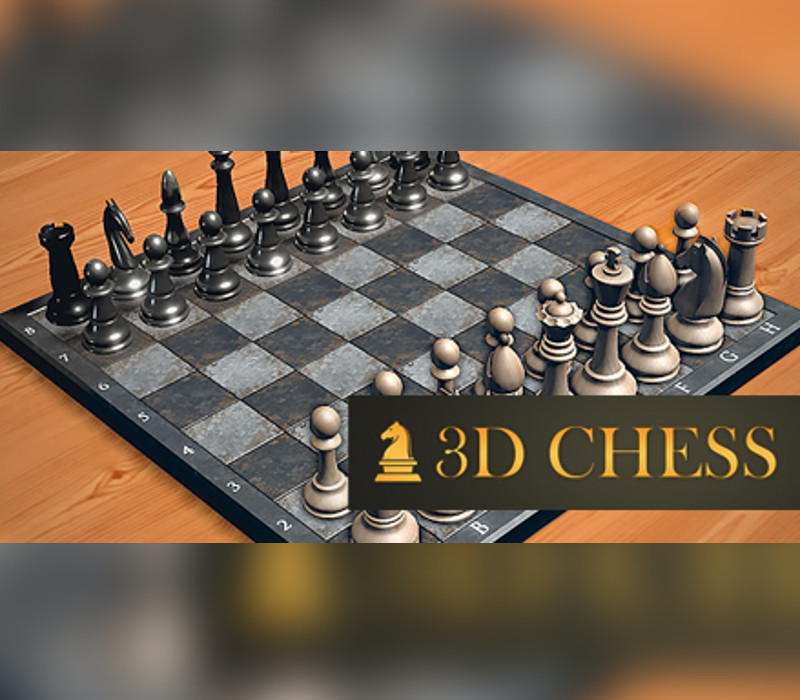
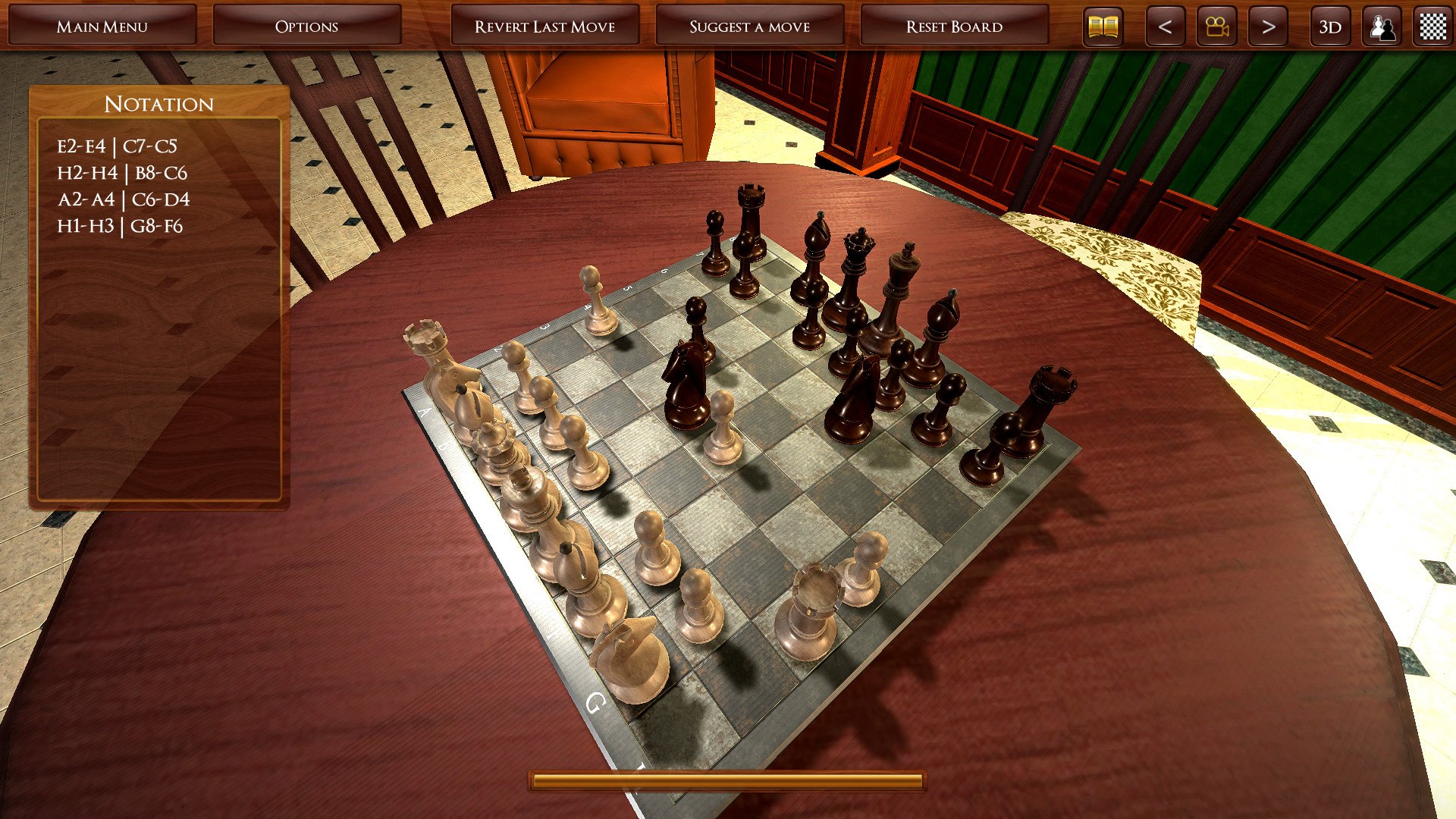
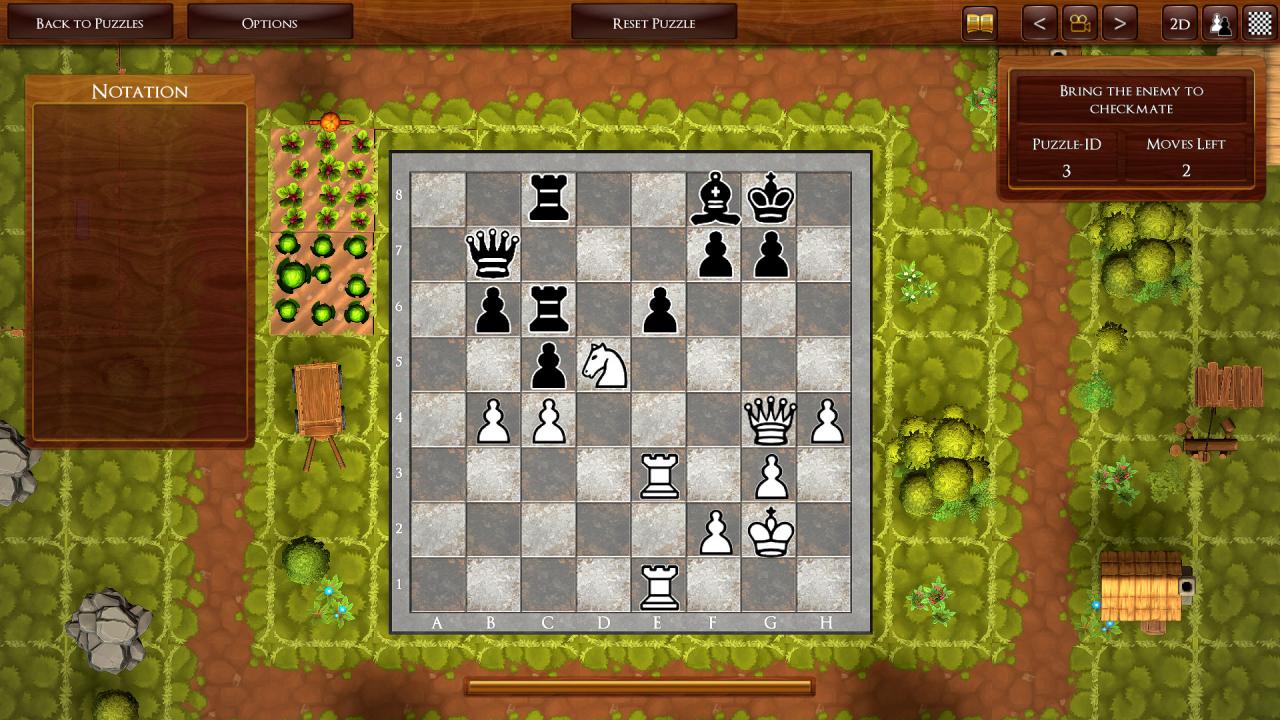
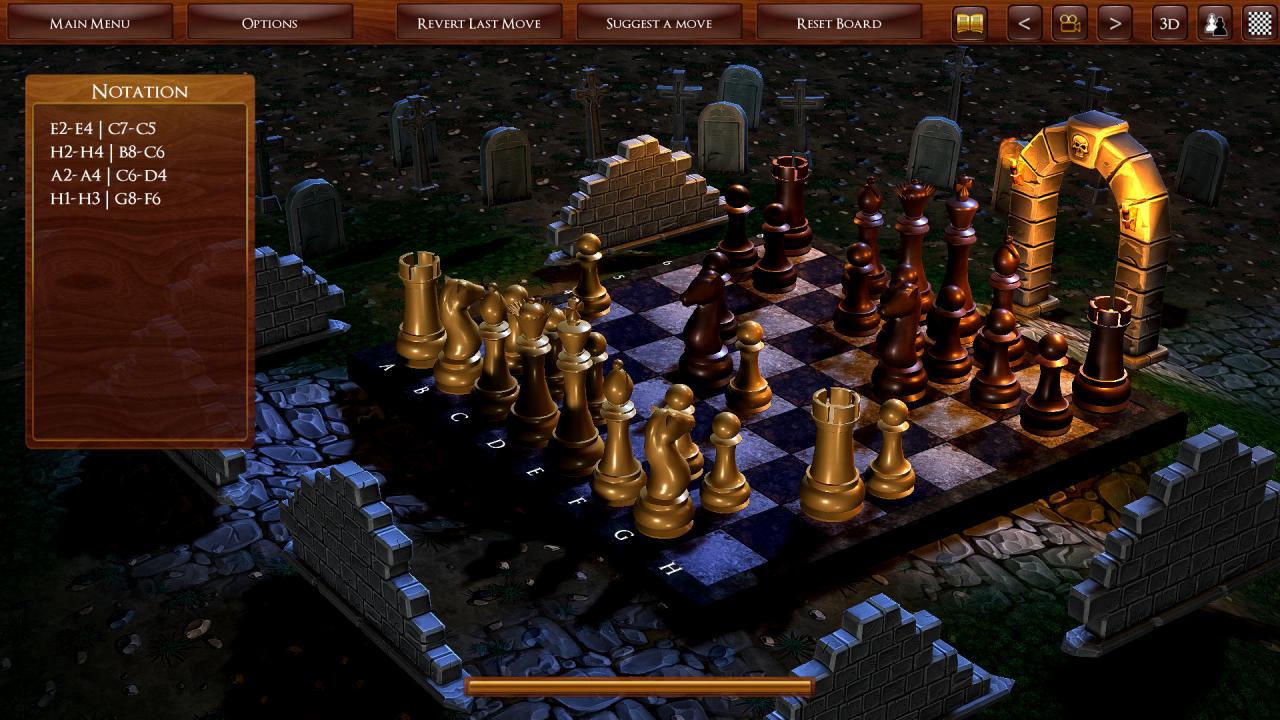
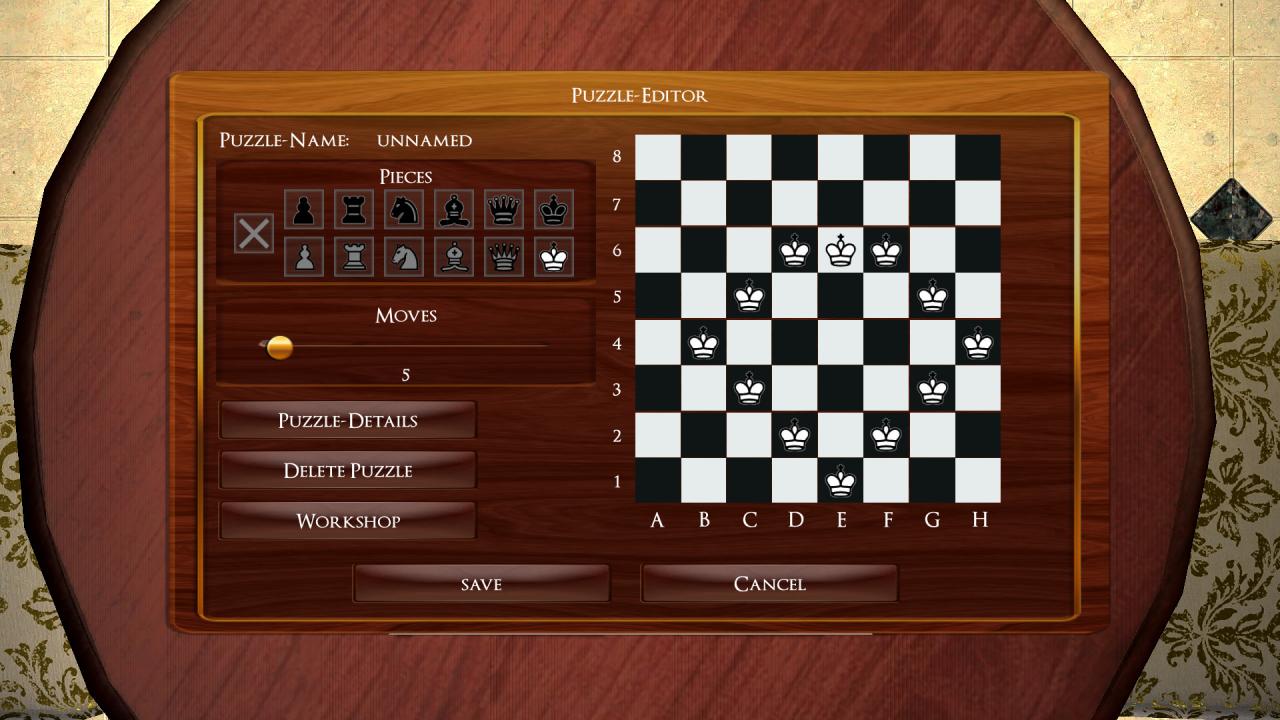
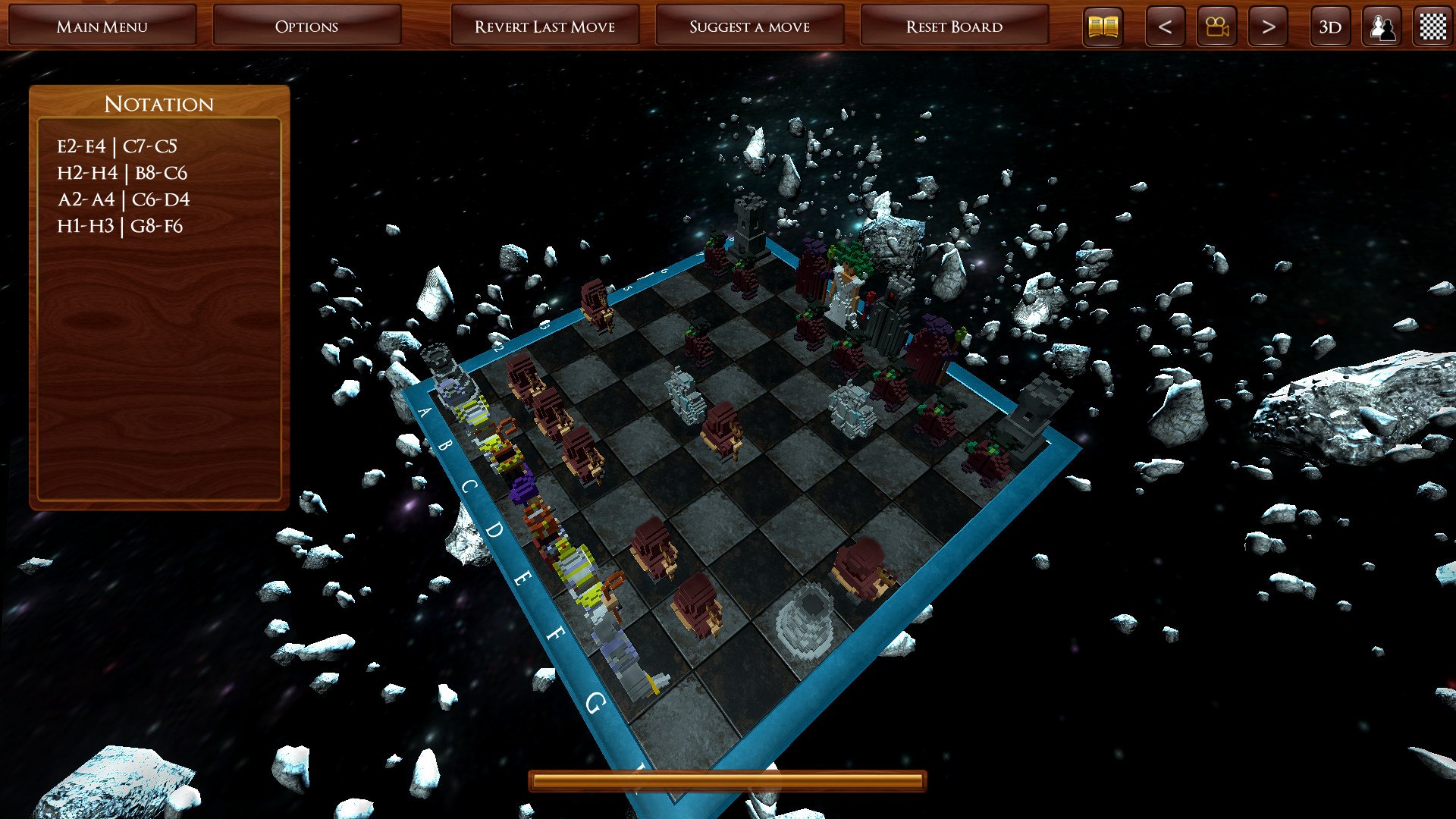
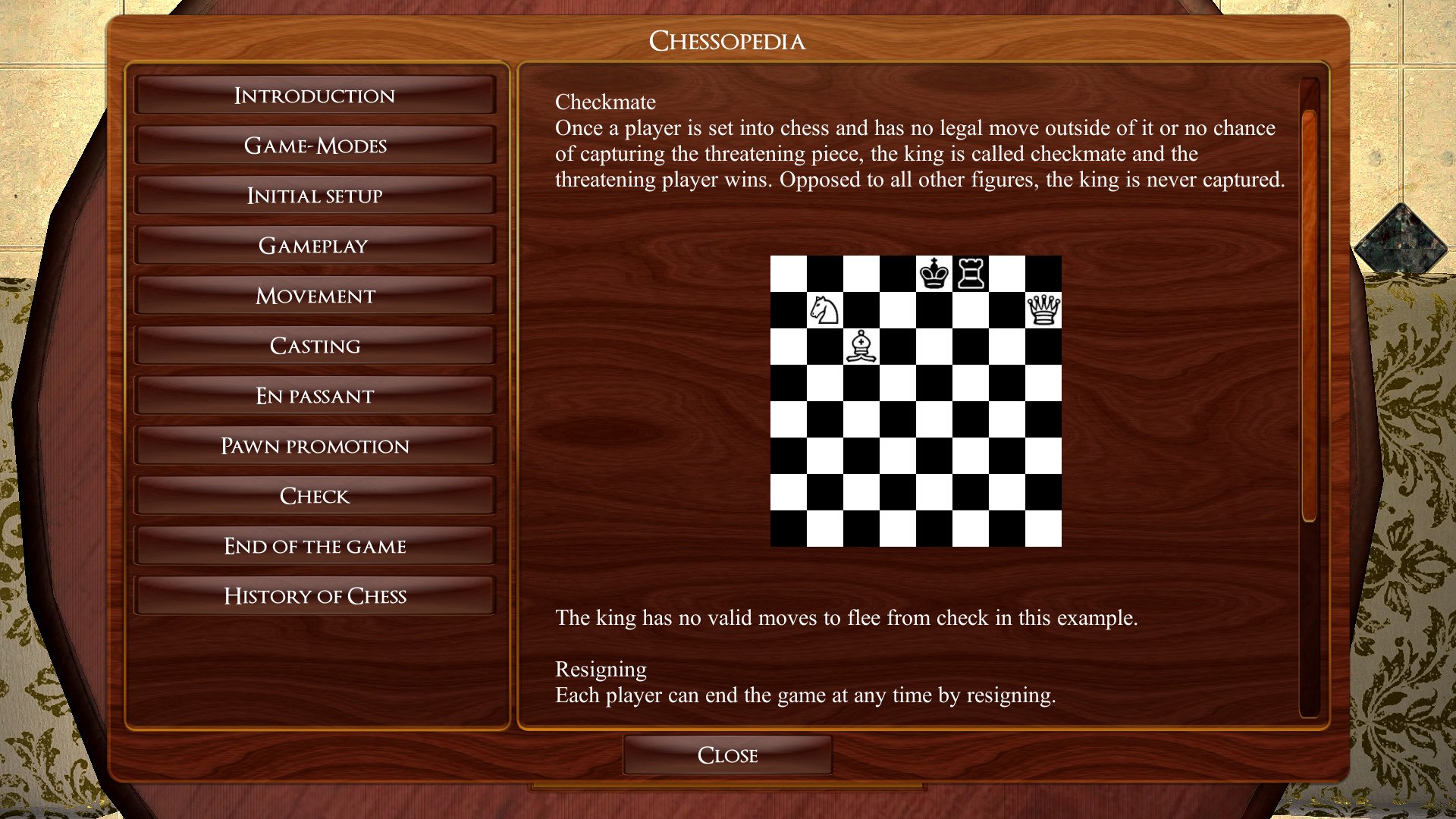
A unique chess trip with exciting instant duels awaits you - test your mettle on the chessboard. Checkmate your opponent with only a few moves and solve challenging chess puzzles in amazing 3D worlds.Do you have the strategies and tactics of a true chess master? Finish interrupted matches within a fixed number of moves and unlock more and more puzzles on your way to victory. Play against a challenging virtual opponent or friends in PvP mode on the same PC. Thanks to the rotating chessboard you'll always stay on top of things.No matter whether you're new to chess or a pro, fully customizable difficulty settings and special features make for a premium chess experience for every chess fan. Features 2D & 3D gameplay Player vs player (PvP) on a single PC or online Chess Puzzle Editor for re-enacting the brilliant moves of famous chess masters or creating your very own challenging setups. 4 levels of difficulty Undo feature Visual clues for tricky situations Notation option Rotating chessboard for a perfect overview 6 sets of figures and 8 boards Chess puzzles with 3 levels of difficulty Challenge the community with your chess puzzles thanks to Steam Workshop integration In Chaos Mode your haphazard opponent will have a very hard time ¬ great for newcomers Chess wiki with in-depth rules for new and advanced players Steam-Achievements
Go to: http://store.steampowered.com/ and download STEAM client Click "Install Steam" (from the upper right corner) Install and start application, login with your Account name and Password (create one if you don't have). Please follow these instructions to activate a new retail purchase on Steam: Launch Steam and log into your Steam account. Click the Games Menu. Choose Activate a Product on Steam... Follow the onscreen instructions to complete the process. After successful code verification go to the "MY GAMES" tab and start downloading.