Get 10% back in Relic Coins on every order
GNOG cover

SteamGlobal· Key

GNOG

€0.35

+€0.03 cashback eligibility in Relic Coins

Check before you play

Platform
Steam
Region
Global
Product type
Key
Developer
KO_OP
Publisher
Double Fine Productions
Supplier release date
2018-07-17
Genres
Adventure, Indie, Casual

About this product

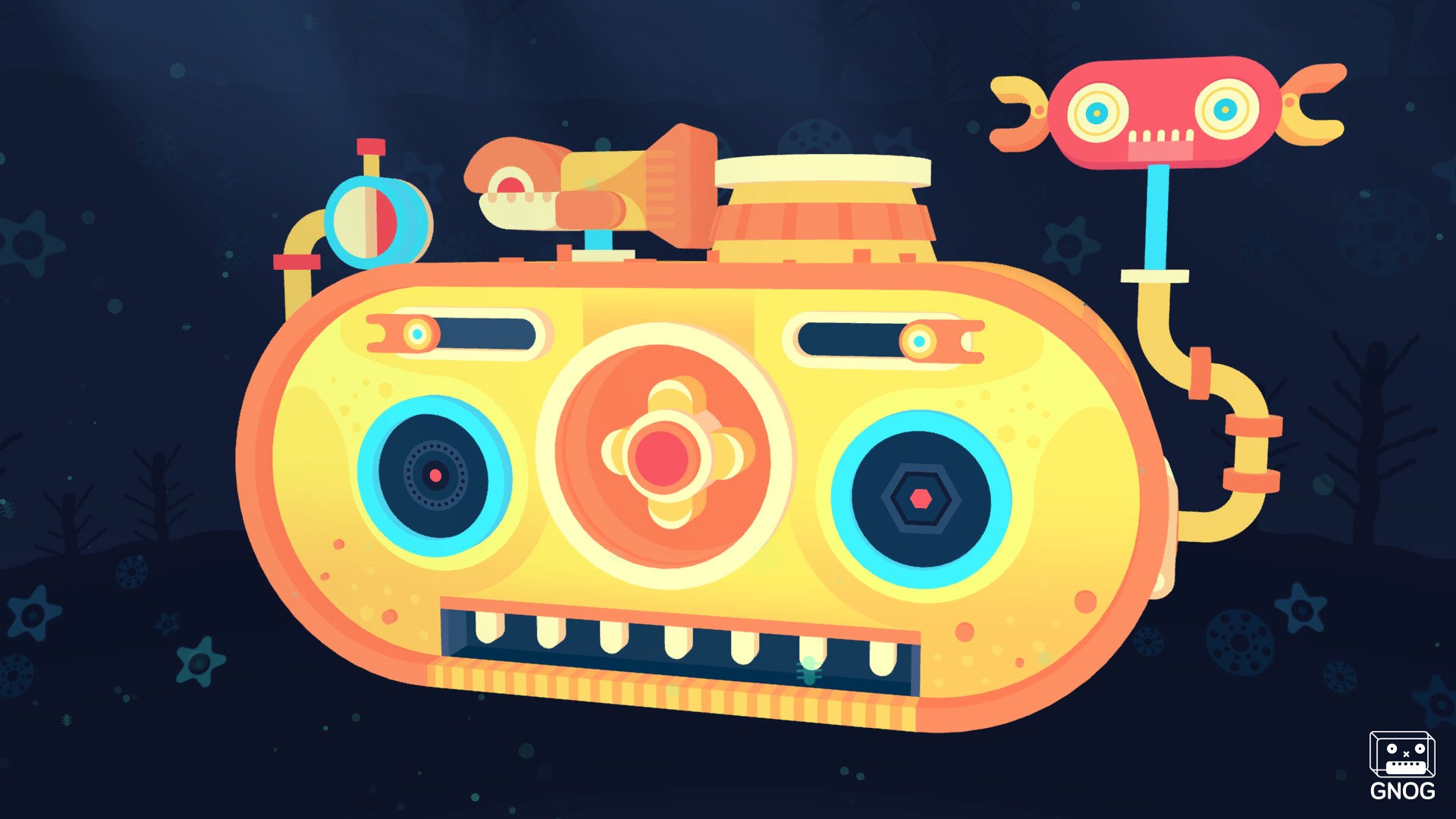
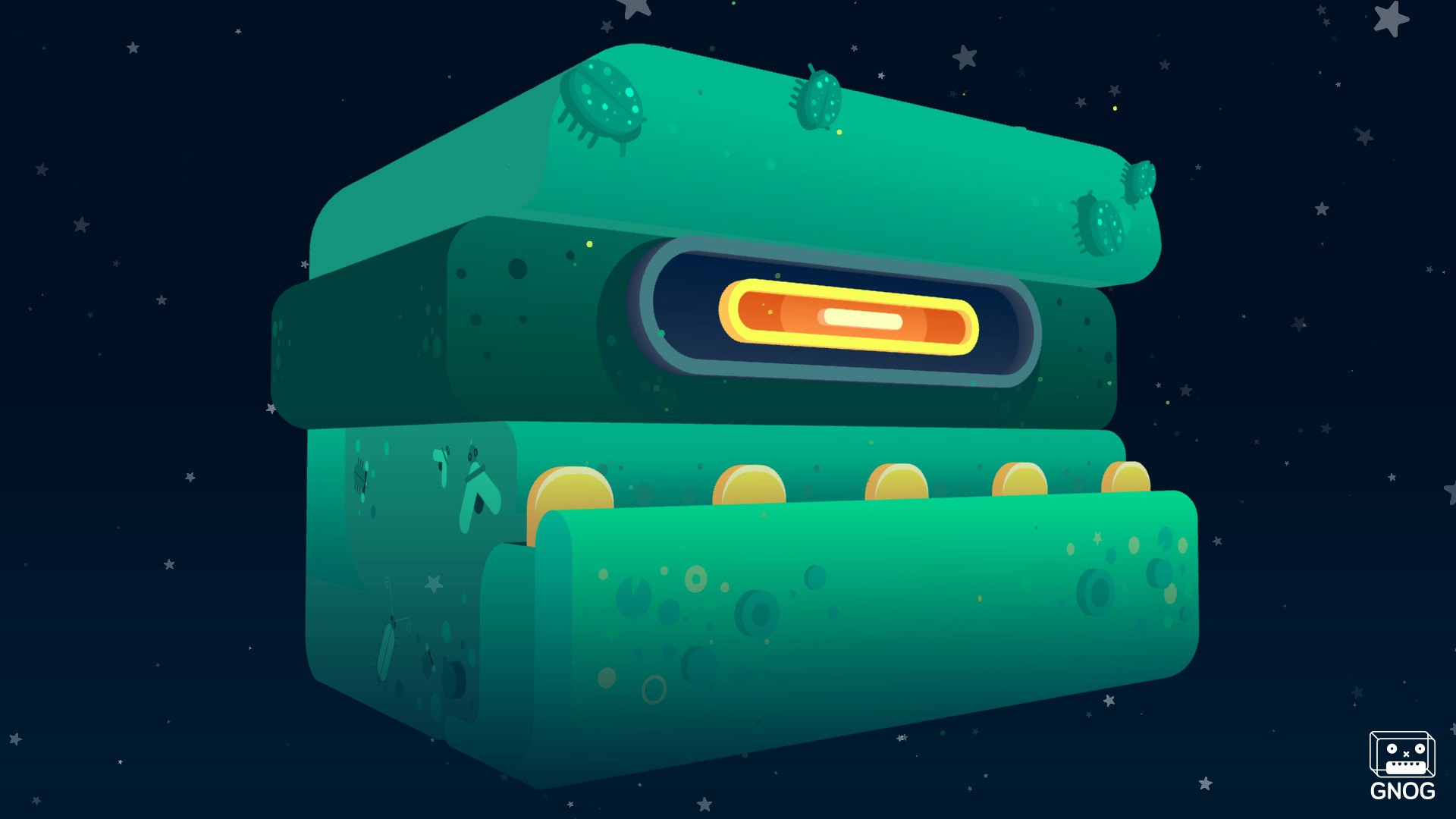
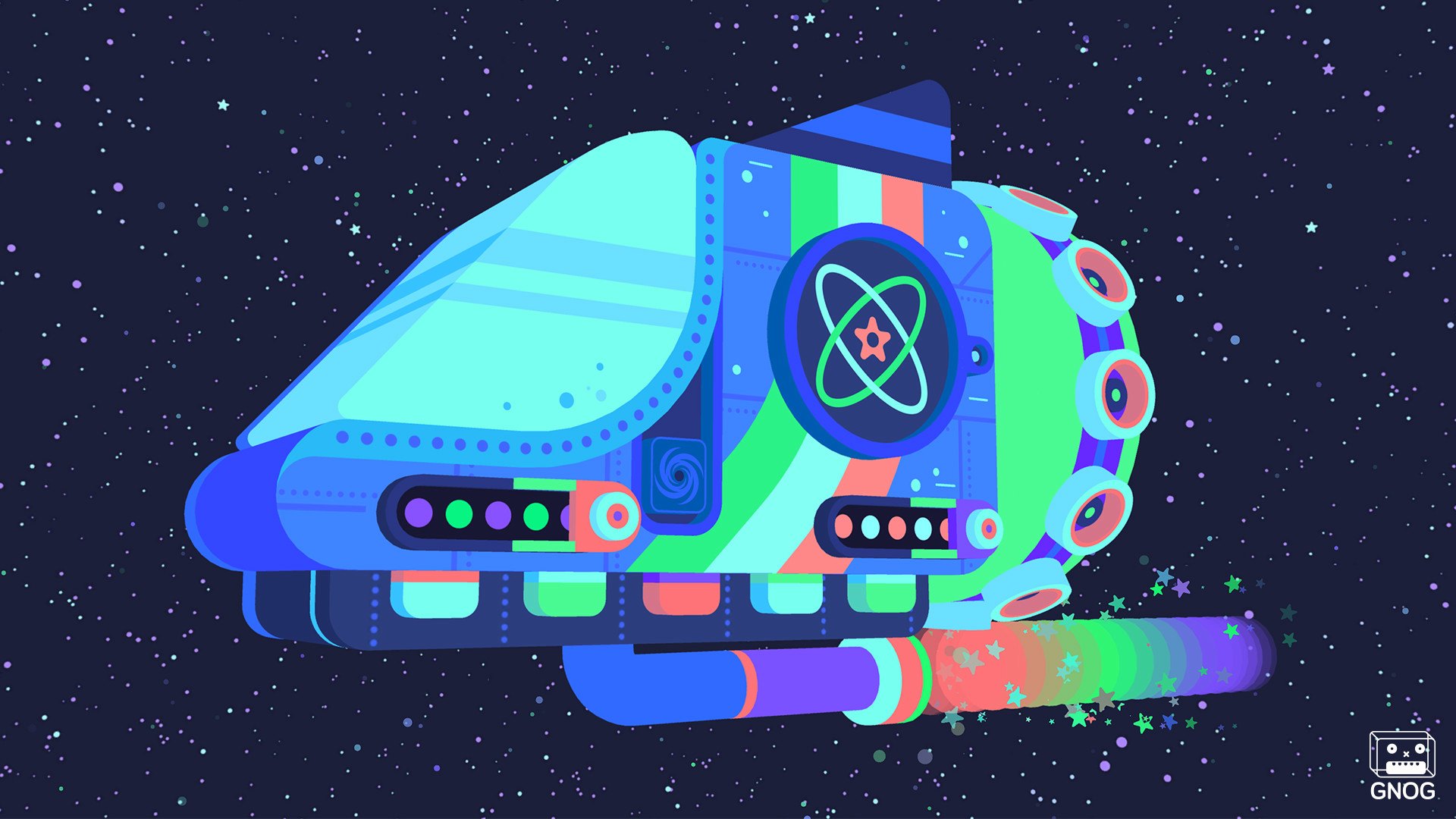
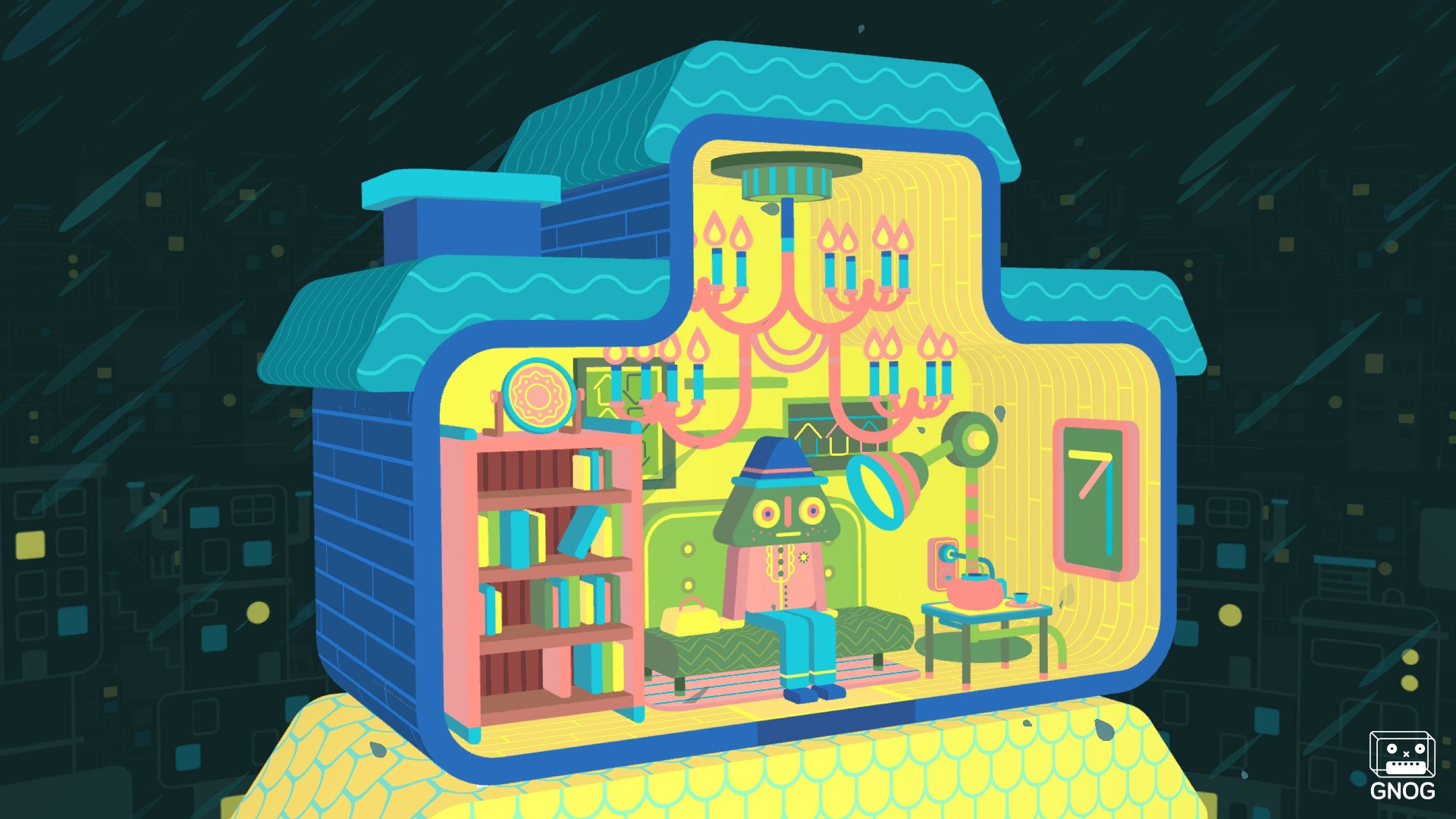
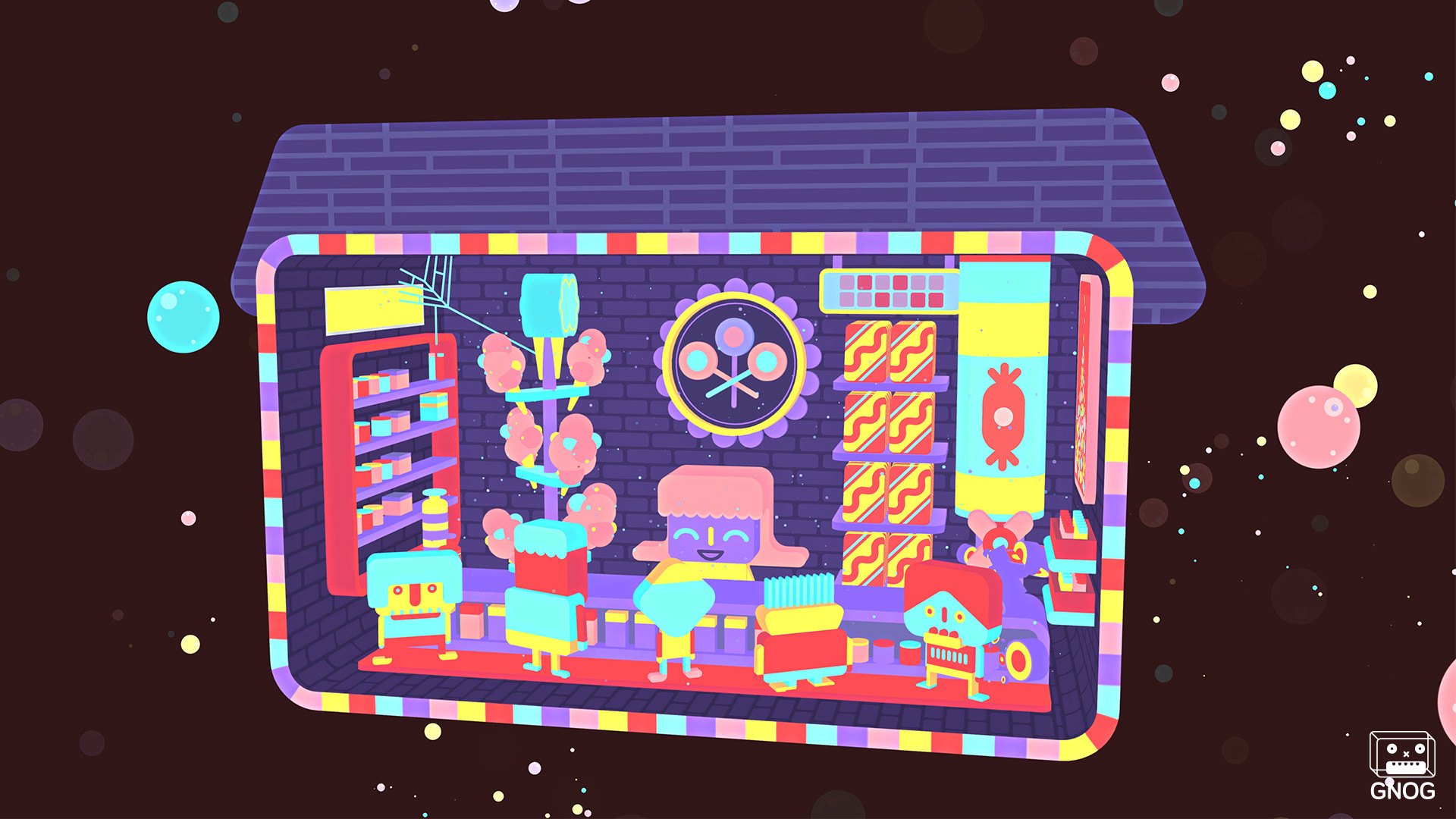
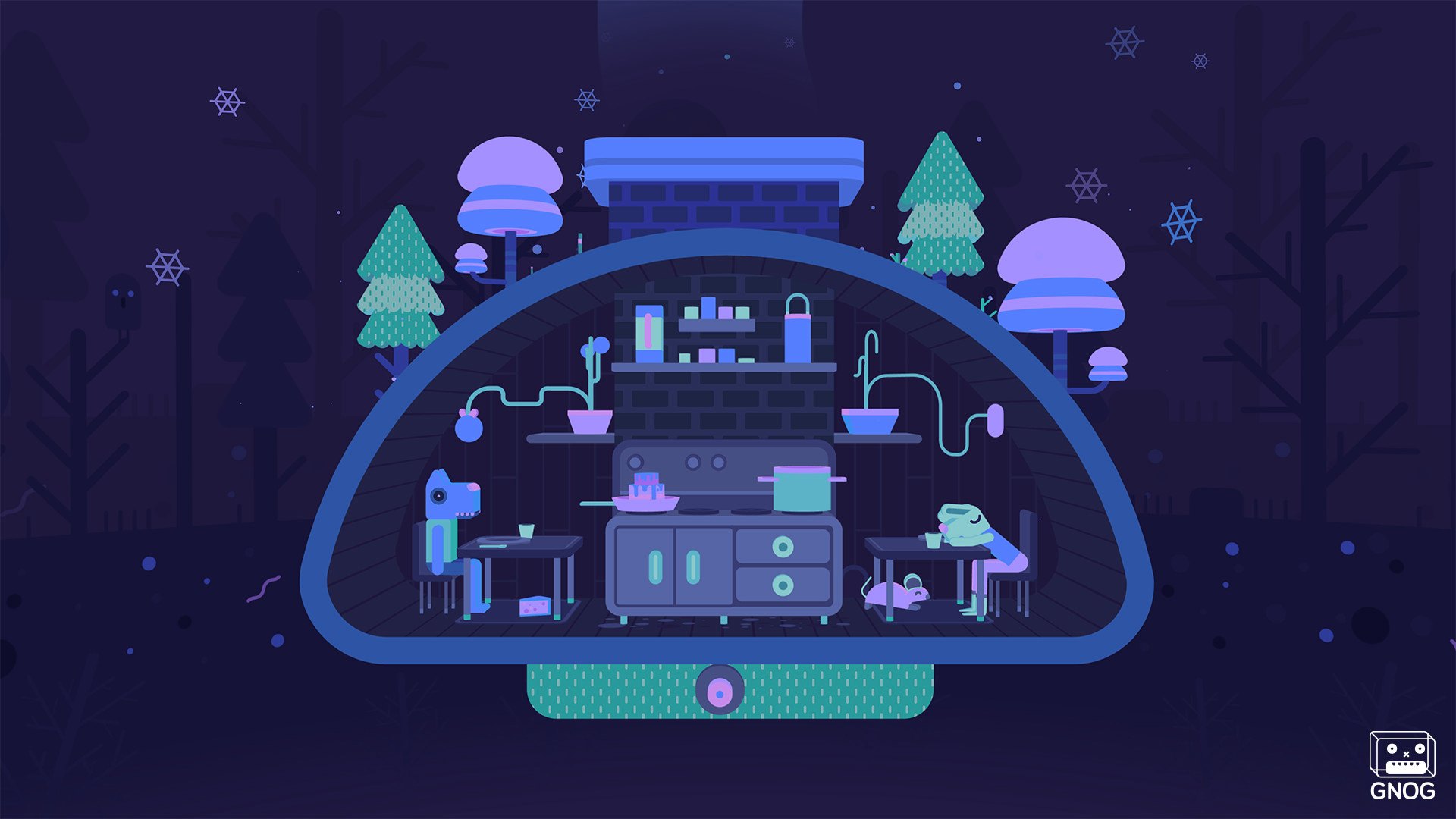
GNOG is a playful puzzle game about exploring monstrous virtual toys. Press, pull, slide, grab, click, and rotate every GNOG head to uncover its secrets! 9 musical levels with whimsical puzzles to discover A dynamic soundtrack composed by Marskye Each level a unique hand-crafted experience Play in standard mode or with optional VR support. Seamlessly switch between VR and standard play! GNOG is a 3D puzzle game set in a tactile world of toys and secrets. Point, click, grab, poke, spin, pull, and play with uniquely charming monster heads as you explore the hidden worlds inside them. Filled with eye-catching designs, playful interactions, and a rich, reactive soundtrack, the hand-crafted heads come to life in either standard play or in VR.Inspired by real-world toy designs, every GNOG head is a miniature world to discover. Grab a bookcase and spin it to reveal a hidden pile of coins, slide levers to navigate a damaged ship through outer space, crank a wheel to cook a stew on the stove – each playful interaction generates lively feedback and surprising consequences. Set to a relaxing and dynamic soundtrack that evolves with each level, the surreal worlds and joyful puzzles of GNOG will have you turning heads.

GNOG screenshotGNOG screenshotGNOG screenshotGNOG screenshotGNOG screenshotGNOG screenshot

How to redeem

  1. 1Check your Steam account and the listed region before purchasing.
  2. 2Find your code and supplier activation instructions in your confirmed order.
  3. 3Open the redeem-code section on Steam, enter the code and follow the platform’s prompts.

Supplier instructions

Go to: http://store.steampowered.com/ and download STEAM client Click "Install Steam" (from the upper right corner) Install and start application, login with your Account name and Password (create one if you don't have). Please follow these instructions to activate a new retail purchase on Steam: Launch Steam and log into your Steam account. Click the Games Menu. Choose Activate a Product on Steam... Follow the onscreen instructions to complete the process. After successful code verification go to the "MY GAMES" tab and start downloading.

You might also like