Get 10% back in Relic Coins on every order
YIIK: A Postmodern RPG cover

SteamGlobal· Key

YIIK: A Postmodern RPG

€13.58

+€1.36 cashback eligibility in Relic Coins

Check before you play

Platform
Steam
Region
Global
Product type
Key
Developer
Ackk Studios
Publisher
Ysbryd Games
Supplier release date
2019-01-17
Genres
RPG, Indie

About this product

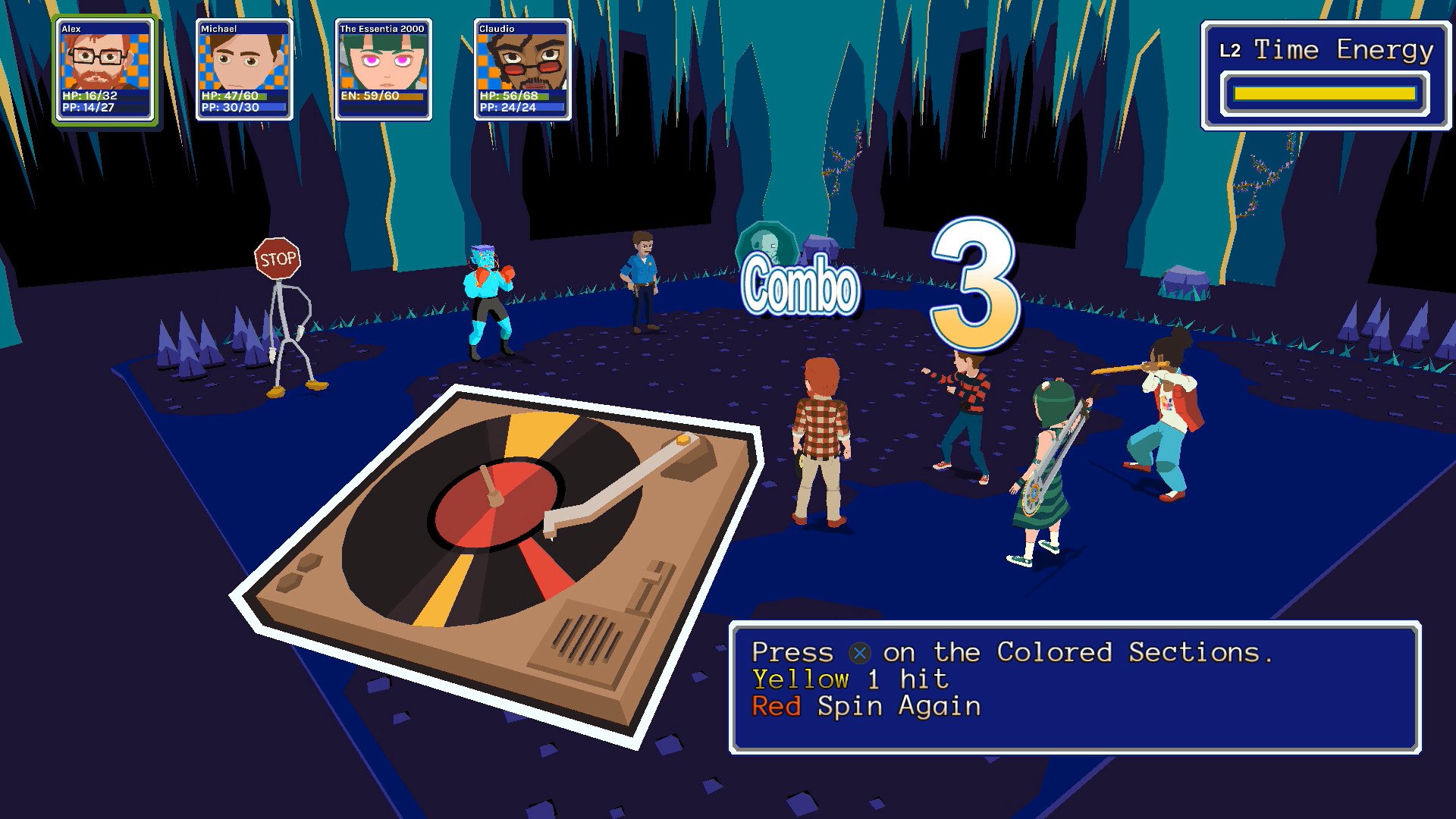
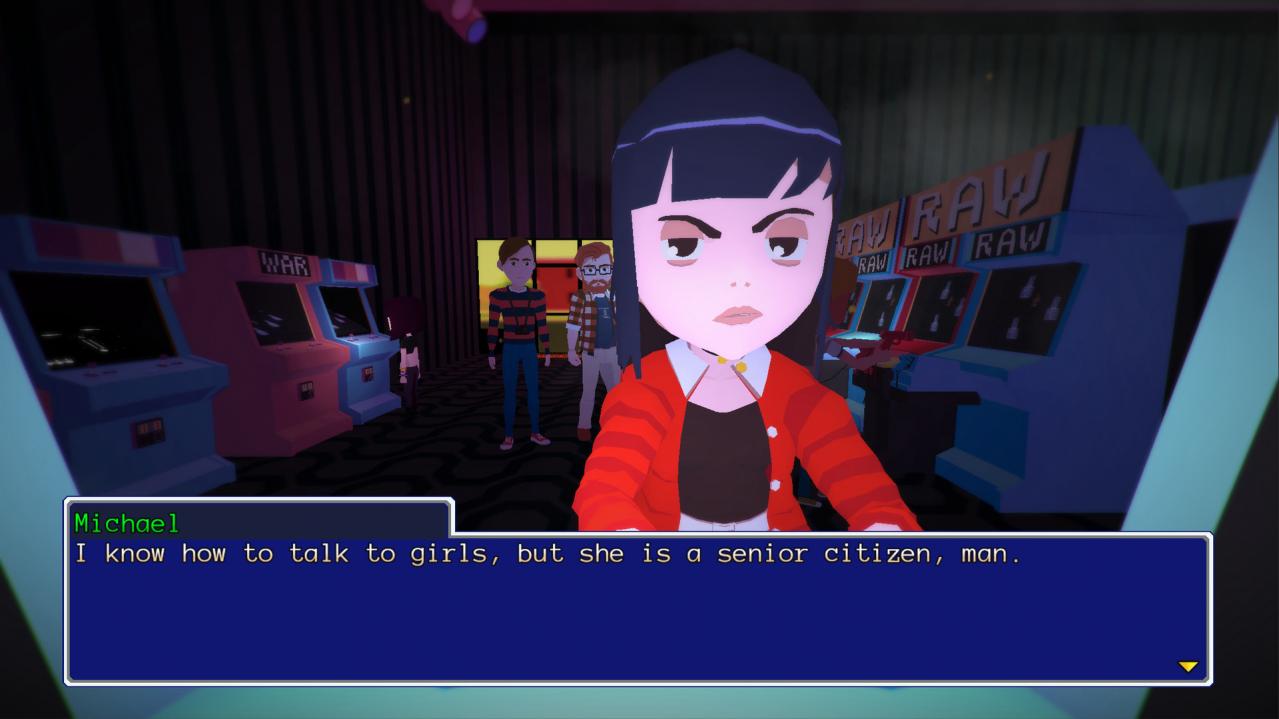
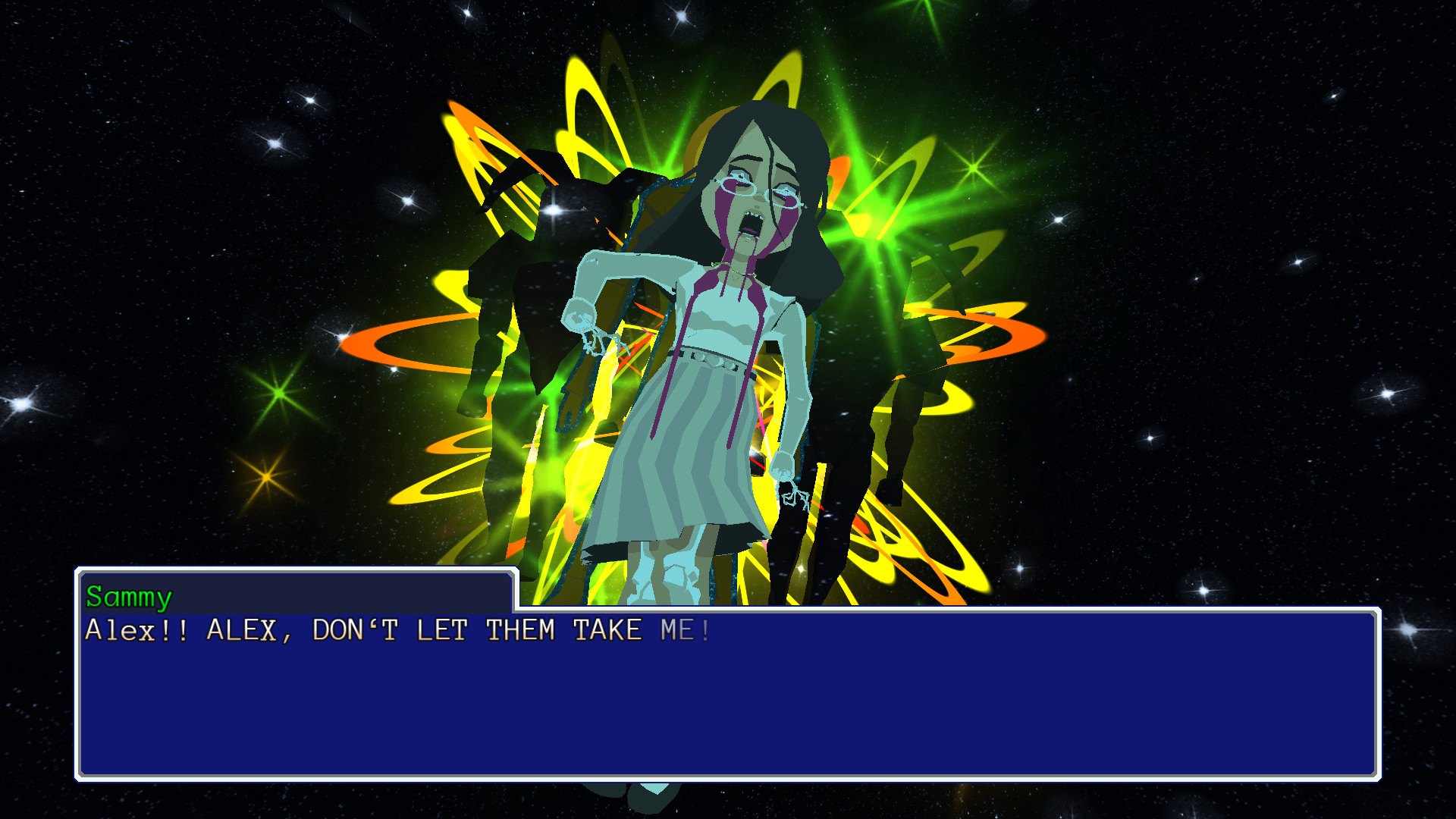
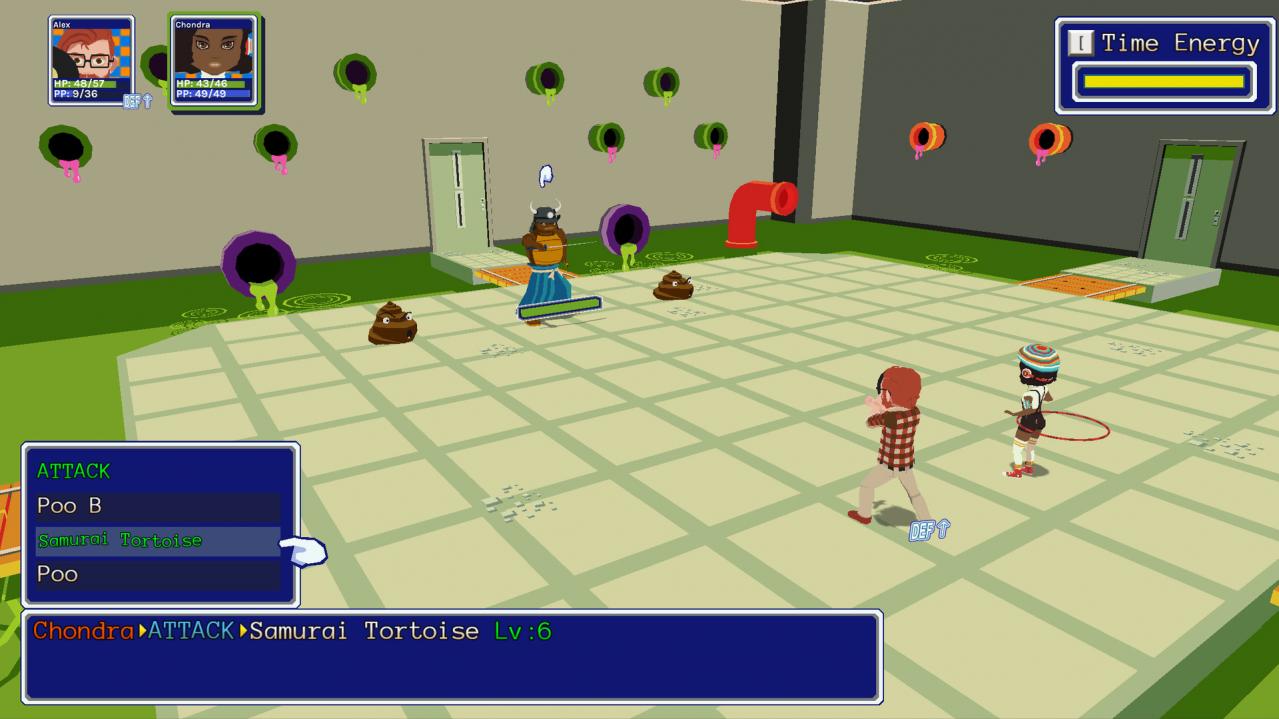
YIIK: A Postmodern RPG is a surreal Japanese-style RPG set in the late '90s. After witnessing a woman vanish from an elevator with no plausible explanation, college graduate Alex gathers friendly misfits from the internet to investigate her disappearance. Alex's search for the truth leads him and his companions into a journey rife with mystery and danger... and who knows what lurks beyond the new millennium? Brave dungeons littered with puzzles, traps, and bizarre enemies. Yammering skulls, tortoise samurais, living stop signs... etc! Stay on your toes with a turn-based combat system anchored on twitchy mini-games. Brandish vinyl records, cameras, musical instruments and more unusual weapons. (Relax, weapons don't break.) Play through 30 hours of the main campaign and sidequests, rendered in a dreamlike, otherworldly graphic style that harkens back to the PSone era. The main story campaign features voice talents like Chris Niosi (Tales of Zestiria, Disgaea 5), Clifford Chapin (Attack on Titan, RWBY) and more. YIIK's eclectic electroacoustic soundtrack features contributors like Toby Fox (UnderTale), Hiroki Kikuta (Secret of Mana) and Garoad (VA-11 Hall-A). * NOTE: The game fully supports controller input after the Unity launcher prompt.

YIIK: A Postmodern RPG screenshotYIIK: A Postmodern RPG screenshotYIIK: A Postmodern RPG screenshotYIIK: A Postmodern RPG screenshotYIIK: A Postmodern RPG screenshotYIIK: A Postmodern RPG screenshot

How to redeem

  1. 1Check your Steam account and the listed region before purchasing.
  2. 2Find your code and supplier activation instructions in your confirmed order.
  3. 3Open the redeem-code section on Steam, enter the code and follow the platform’s prompts.

Supplier instructions

Go to: http://store.steampowered.com/ and download STEAM client Click "Install Steam" (from the upper right corner) Install and start application, login with your Account name and Password (create one if you don't have). Please follow these instructions to activate a new retail purchase on Steam: Launch Steam and log into your Steam account. Click the Games Menu. Choose Activate a Product on Steam... Follow the onscreen instructions to complete the process. After successful code verification go to the "MY GAMES" tab and start downloading.

You might also like