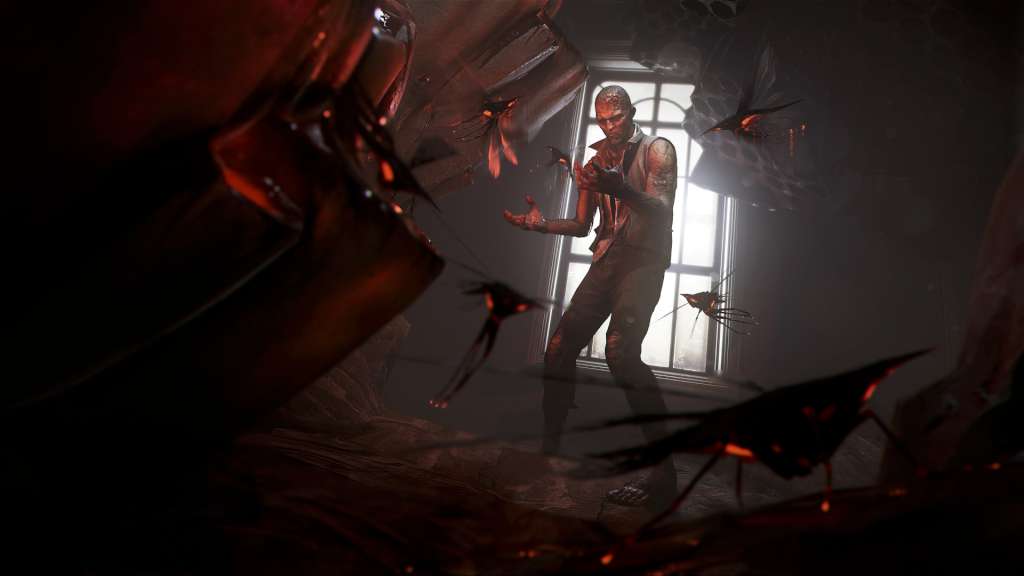
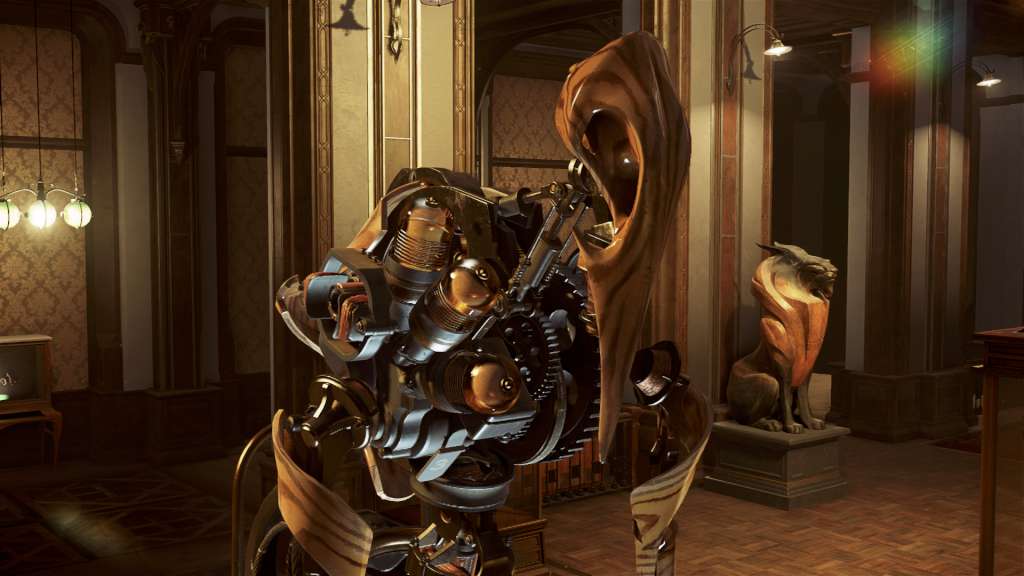
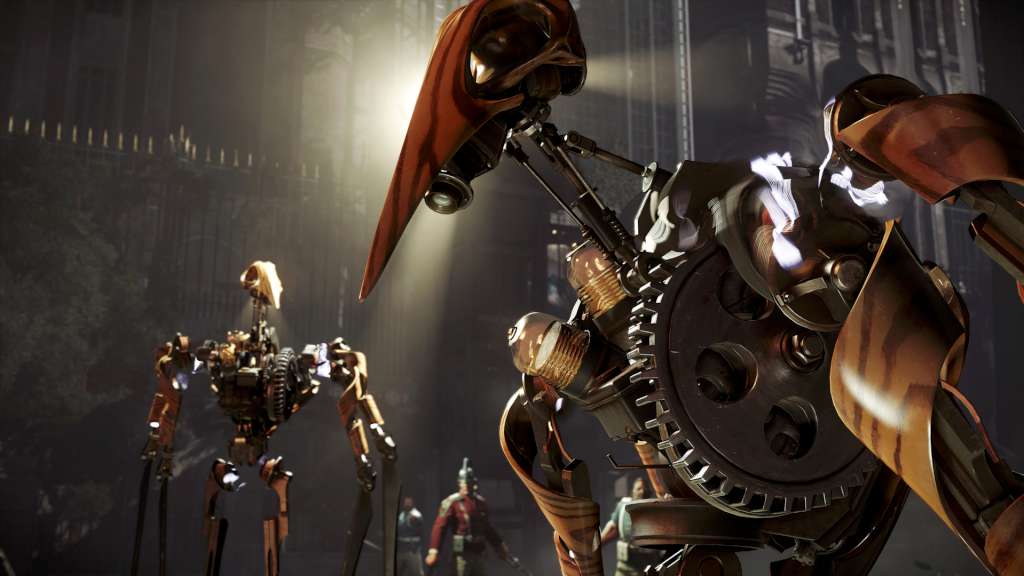
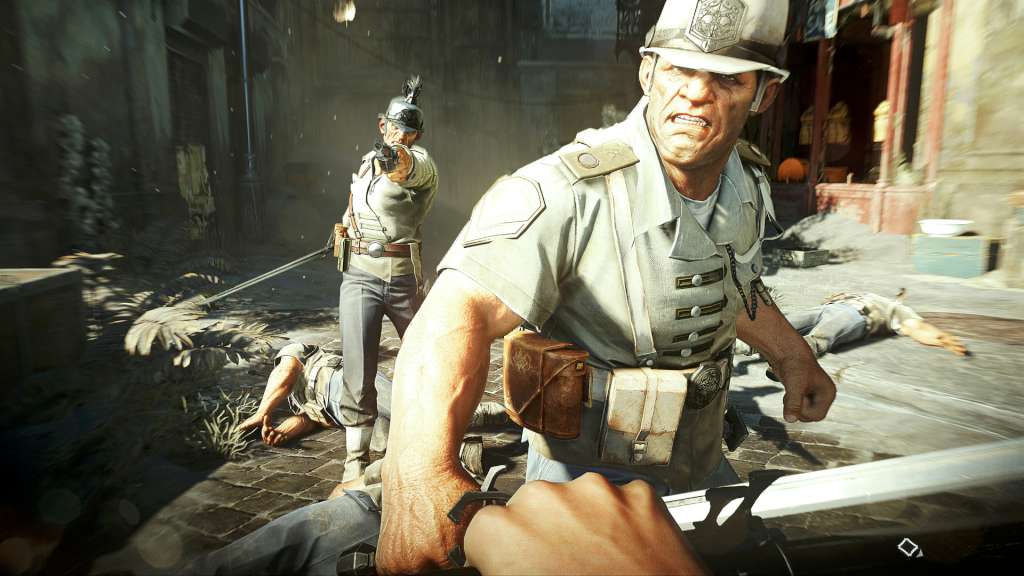
The much anticipated Dishonored 2 is now available for purchase! Already nominated for multiple awards, including four at the influential Best of E3 Game Critics Awards for Best of Show, Best Console Game, Best PC Game and Best Action/Adventure Game, Dishonored 2 looks to be a massive success around the world. Players will be able to choose who to play as, whether it be as Emily Kaldwin or Corvo Attano. Take the role of an assassin and decide whose life to spare as you fight your way back to retake the throne of the empire. Features YOU OWN THE GAMEPLAY - Whichever character you decide to play as, you’re in complete control. Although you will become an assassin, the decision is ultimately up to you whether or not you spare someone’s life or you decide to end it in a swift judgement of justice. A COMPLETE NEW WORLD - The gameplay in Dishonored 2 takes place in the Empire of the Isles with most of the action happening in the coastal city of Karnaca. Explore districts with unique features from rat-infested streets to beautiful gardens and plant life. A WIDE ARRAY OF SPECIAL POWERS - With a new release come new special powers to use on your foes. Earn the chance to upgrade your powers as you progress throughout the game and decide whether to choose a route of violence or stealth. Dominate the minds of your opponents or overcome them physically; the choices are neverending.