

SteamGlobal· Key
Fantasy Wars
€0.56
+€0.06 cashback eligibility in Relic Coins
Check before you play
- Platform
- Steam
- Region
- Global
- Product type
- Key
- Developer
- Ino-Co
- Publisher
- 1C Company
- Supplier release date
- 2010-08-06
- Genres
- Strategy
SteamGlobal· Key
€0.56
+€0.06 cashback eligibility in Relic Coins
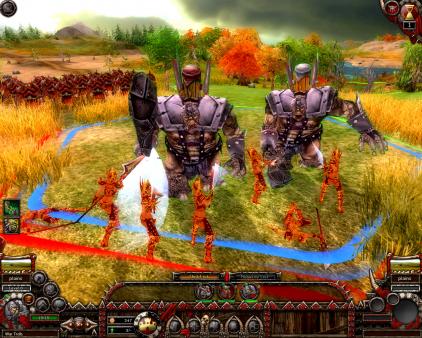
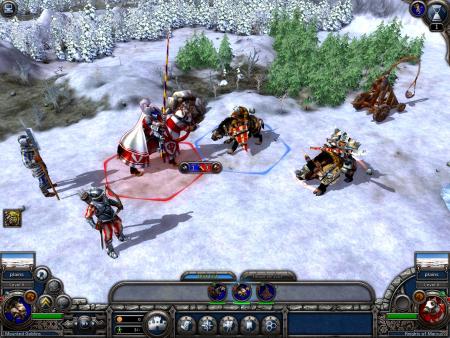
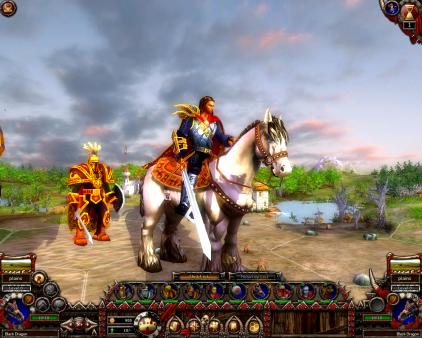
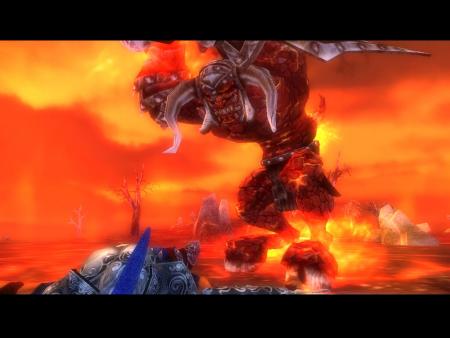
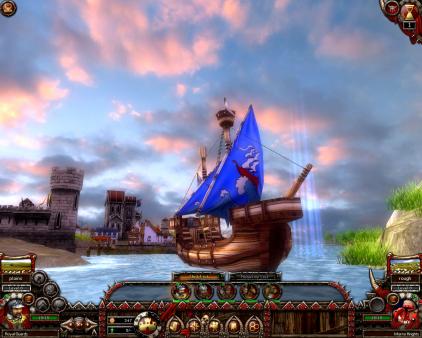
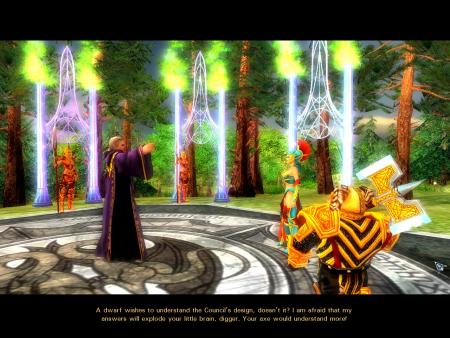
Fantasy Wars is a turn-based strategy game set in a fantasy world. Combining both classic strategy gameplay and sophisticated 3D graphics players can experience epic battles like never before. Taking place in a fantasy world of Human kingdoms, Orc clans, Dwarfs' citadels and Elven forests the player is thrust into a world of war and legend. Play the role of an Orc or Goblin boss, a captain of the Human army or lead the elite forces of the Elven army. Participate in castle sieges and village defense, assault and reconnaissance operations and swift raids. To be victorious remember that the amount and experience of troops is not always the key factor, organize cooperation between different types of units and use the landscape to achieve strategic superiority. The game consists of three story-connected campaigns. In each of them players will have to gather an army, upgrade units, find magic artifacts and study magic spells. An epic story has been crafted to draw gamers in. The great Orc chieftain and conqueror Ugraum, incited by the cruel shamans, gathers a huge horde to invade the land of Humans. Only a small, but experienced army of general Pfeil is able to fight against the powerful enemy. However the sides in this confrontation don't know that this is all just a part of evil plot of the dark powers. Features Battlefields and surroundings in full 3D Various tactical opportunities Vivid characters which develop during the game More than 70 units and 9 types of armies Advanced army upgrade system Original storyline Multiplayer mode (LAN, Internet, Hotseat)
Go to: http://store.steampowered.com/ and download STEAM client Click "Install Steam" (from the upper right corner) Install and start application, login with your Account name and Password (create one if you don't have). Please follow these instructions to activate a new retail purchase on Steam: Launch Steam and log into your Steam account. Click the Games Menu. Choose Activate a Product on Steam... Follow the onscreen instructions to complete the process. After successful code verification go to the "MY GAMES" tab and start downloading.