Get 10% back in Relic Coins on every order
-KLAUS cover

SteamGlobal· Key

-KLAUS

€1.01

+€0.10 cashback eligibility in Relic Coins

Check before you play

Platform
Steam
Region
Global
Product type
Key
Developer
La Cosa Entertainment Inc.
Publisher
La Cosa Entertainment Inc.
Supplier release date
2016-01-19
Genres
Adventure, Casual, Puzzle, Platformer

About this product

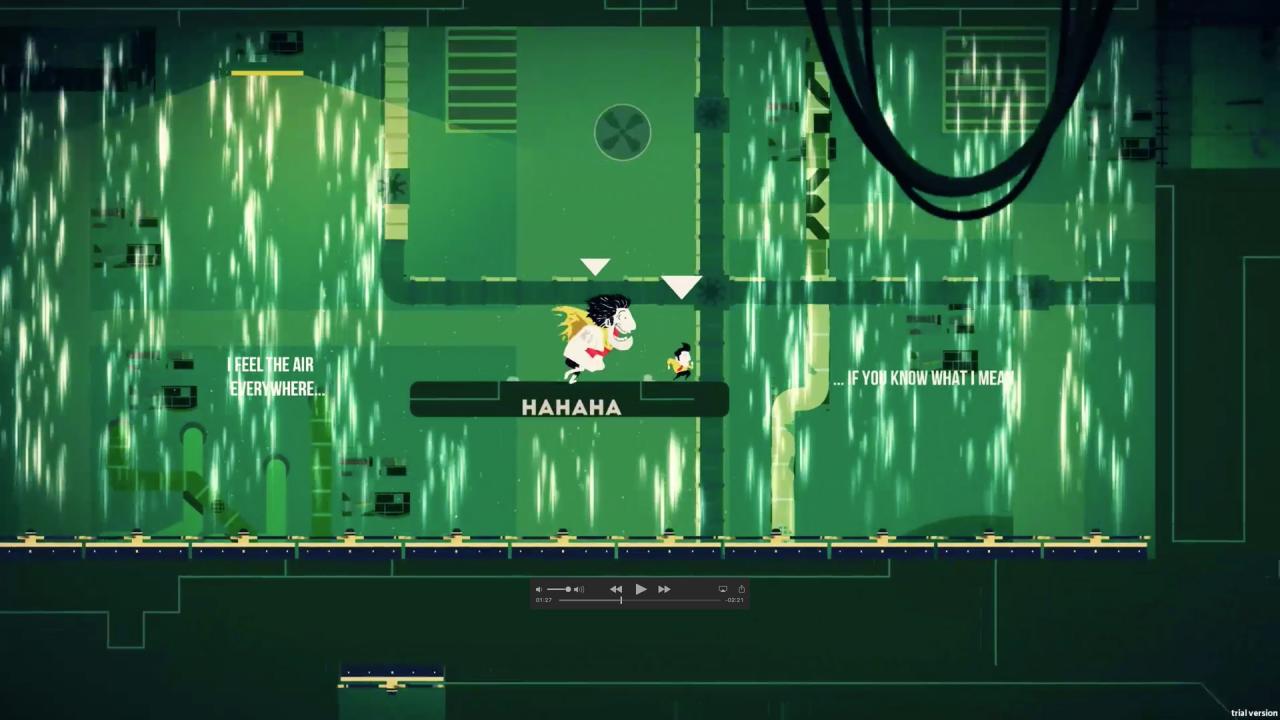
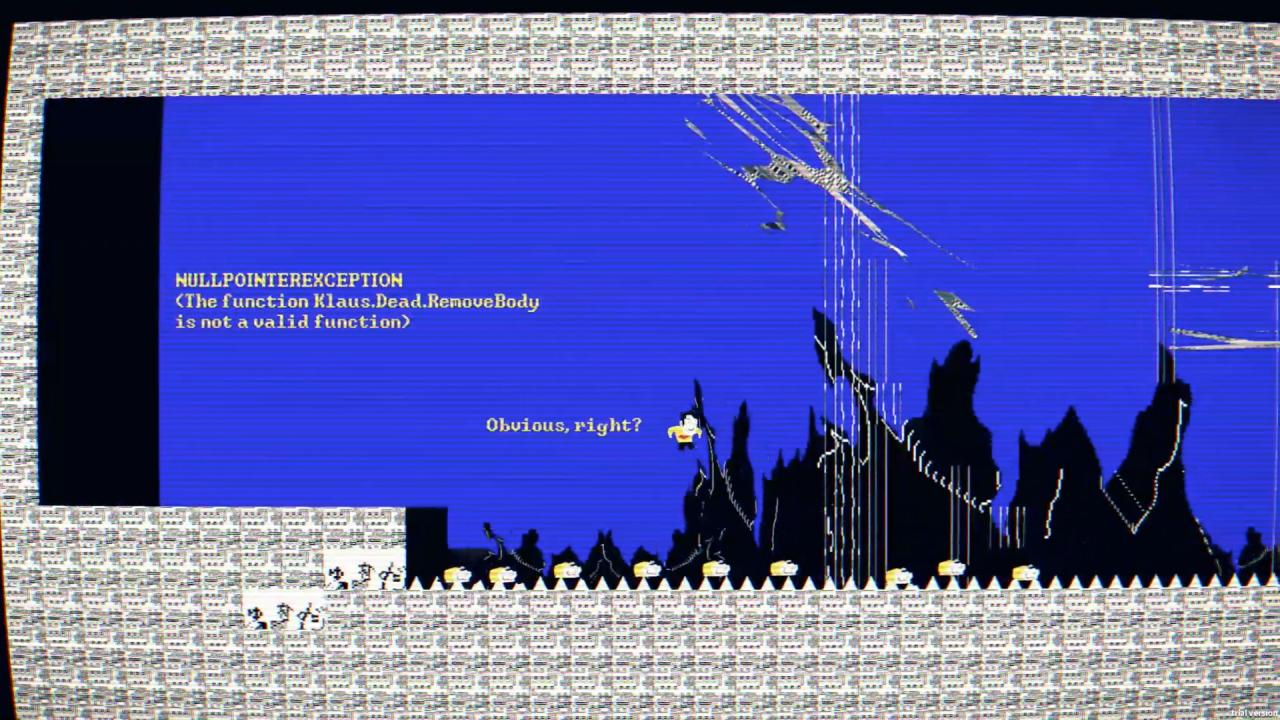
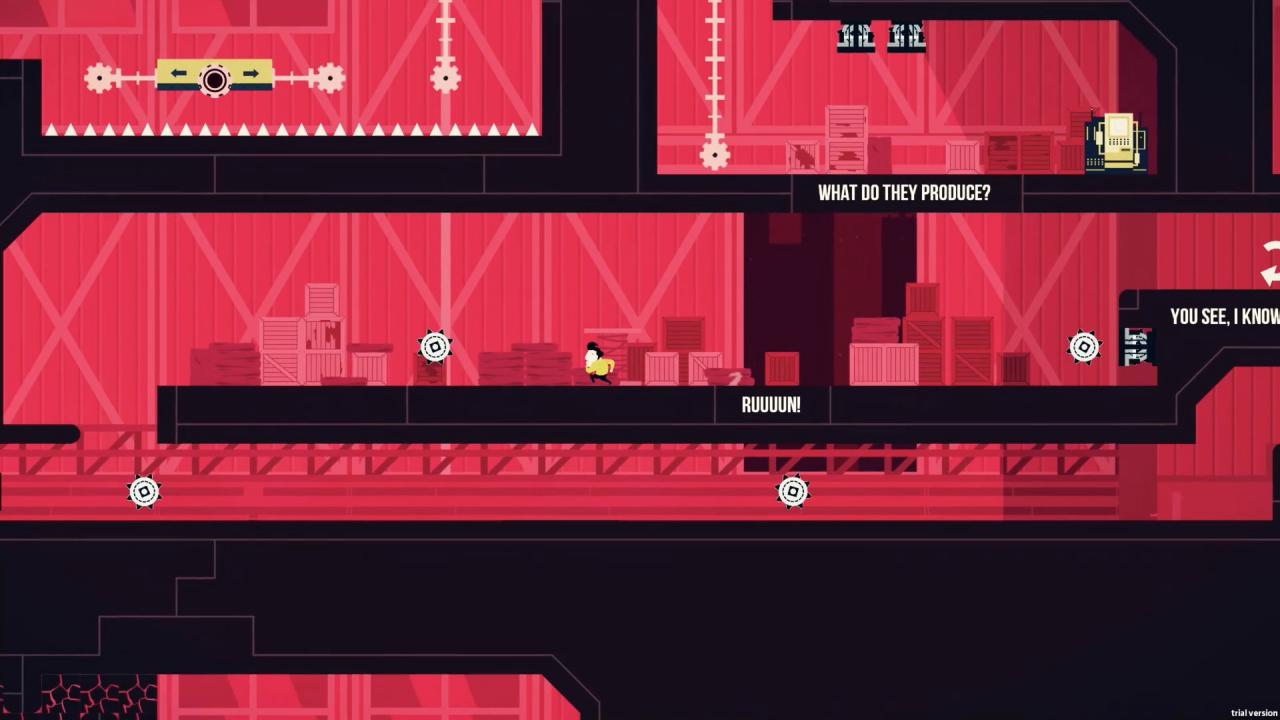
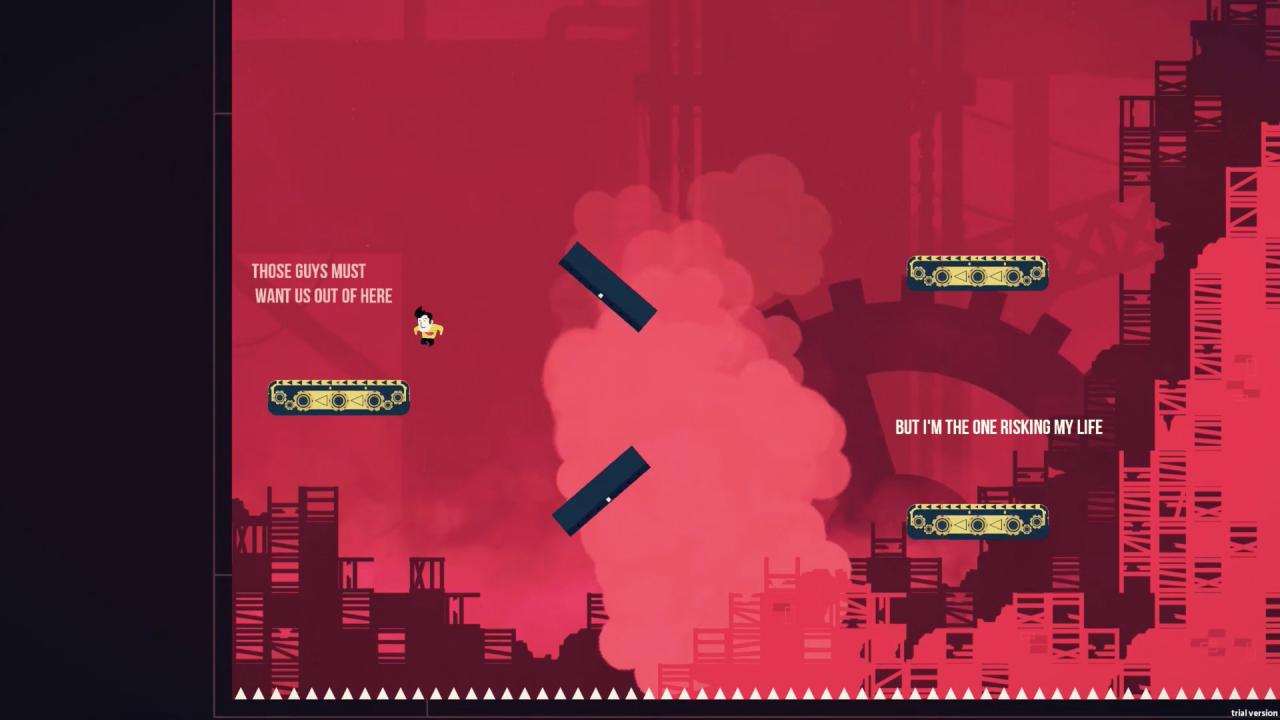
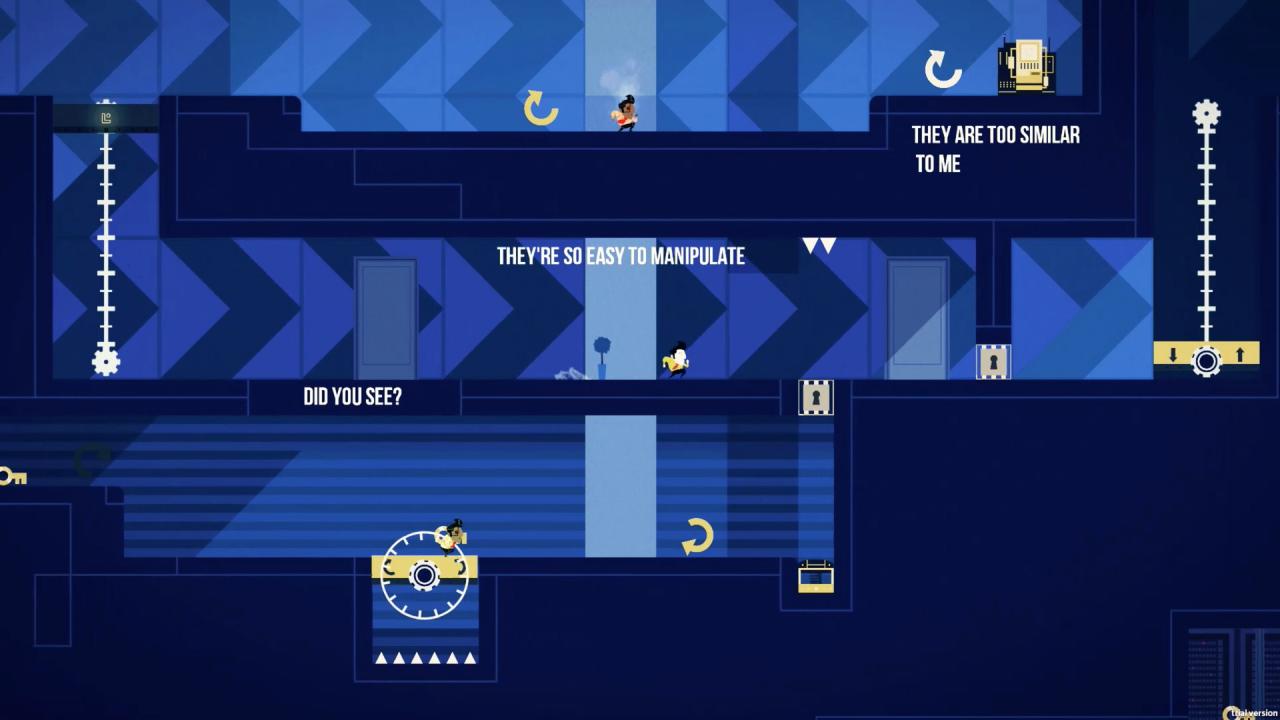
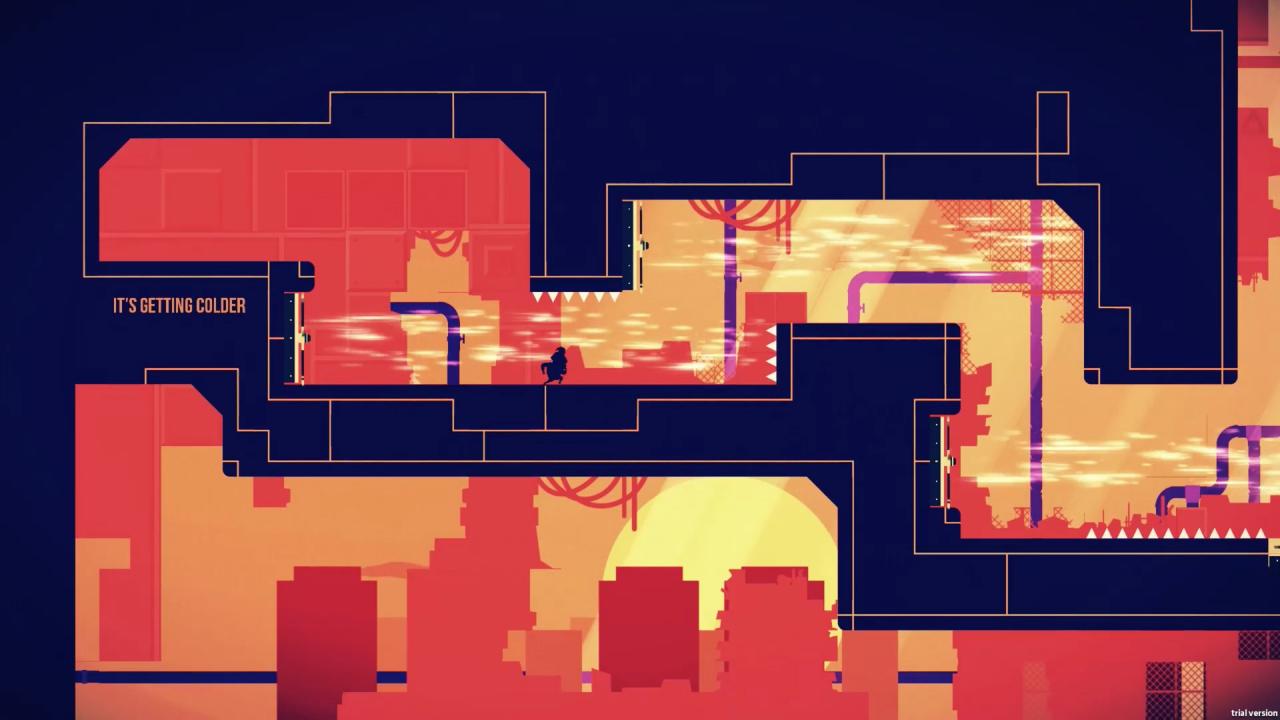
Klaus is a precision-based puzzle platformer with a self-aware narrative and unique PS4 touchpad-based controls. Klaus's tight & challenging platforming takes inspiration from hyper-precise classics such as Super Meat Boy & Megaman combined with a tense and emotionally engaging narrative akin to Limbo and Thomas Was Alone. Klaus follows an office worker who wakes up in a basement with no idea who or where he is. His only clue is the word 'KLAUS' tattooed on his arm, he is forced to escape the mechanical & constructivist world in which he finds himself a prisoner. Along with another playable character called K1—a friendly brute—he embarks on an existential journey, exploring the idea of the fourth wall and awareness of the player playing the game. Features 6 worlds, 34 levels, 100+ rooms, 3 Bosses. Critically-praised non interruptive narrative. The story unfolds while you play. Two playable characters with unique skill sets and cooperative gameplay. 4th wall breaking moments in gameplay and narrative. Hidden collectible levels add even more depth to an already emotional story. Speedrun mode unlockable after finishing the main story. 2 Endings.


-KLAUS screenshot-KLAUS screenshot-KLAUS screenshot-KLAUS screenshot-KLAUS screenshot-KLAUS screenshot

How to redeem

  1. 1Check your Steam account and the listed region before purchasing.
  2. 2Find your code and supplier activation instructions in your confirmed order.
  3. 3Open the redeem-code section on Steam, enter the code and follow the platform’s prompts.

Supplier instructions

Go to: http://store.steampowered.com/ and download STEAM client Click "Install Steam" (from the upper right corner) Install and start application, login with your Account name and Password (create one if you don't have). Please follow these instructions to activate a new retail purchase on Steam: Launch Steam and log into your Steam account. Click the Games Menu. Choose Activate a Product on Steam... Follow the onscreen instructions to complete the process. After successful code verification go to the "MY GAMES" tab and start downloading.

You might also like