Get 10% back in Relic Coins on every order
Regions of Ruin NA/LATAM cover

Steam· Key

Regions of Ruin NA/LATAM

€0.89

+€0.09 cashback eligibility in Relic Coins

Check before you play

Platform
Steam
Product type
Key
Developer
Gameclaw Studio
Publisher
JanduSoft
Supplier release date
2017-10-05
Genres
Action, RPG, Simulation, Indie

About this product

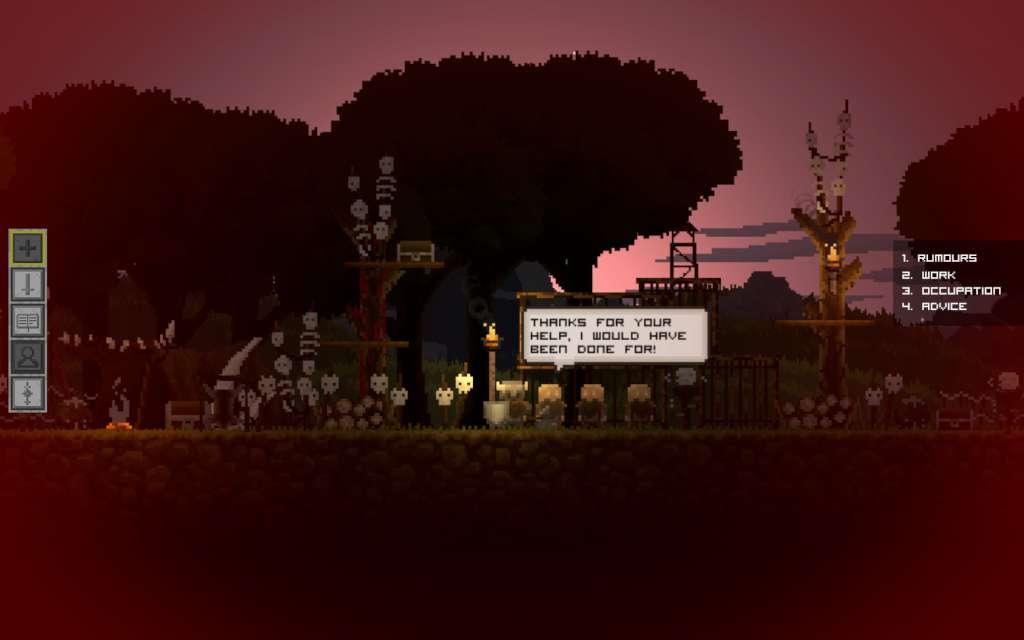
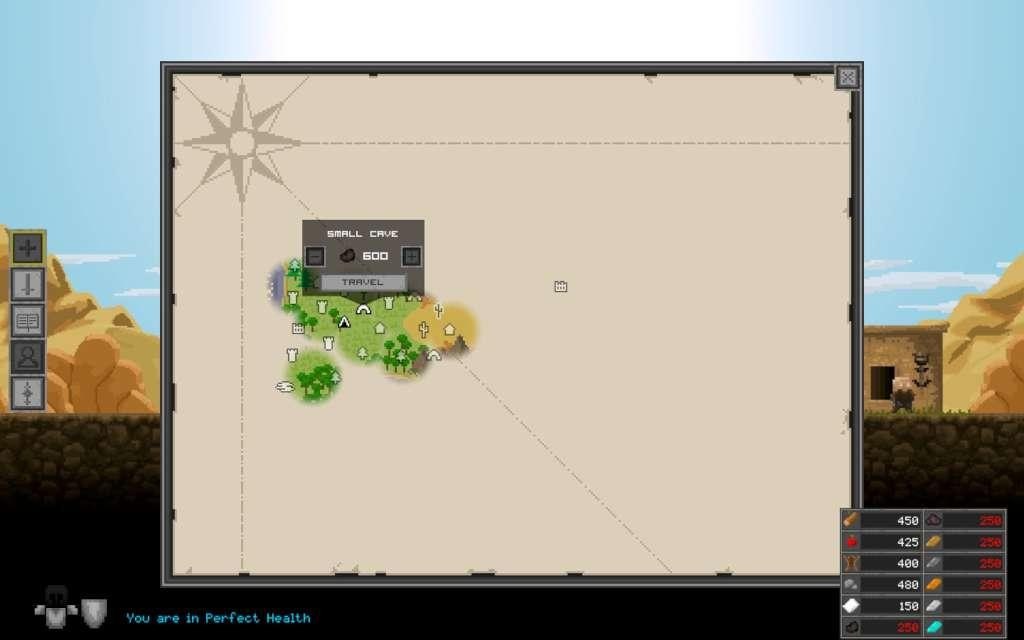
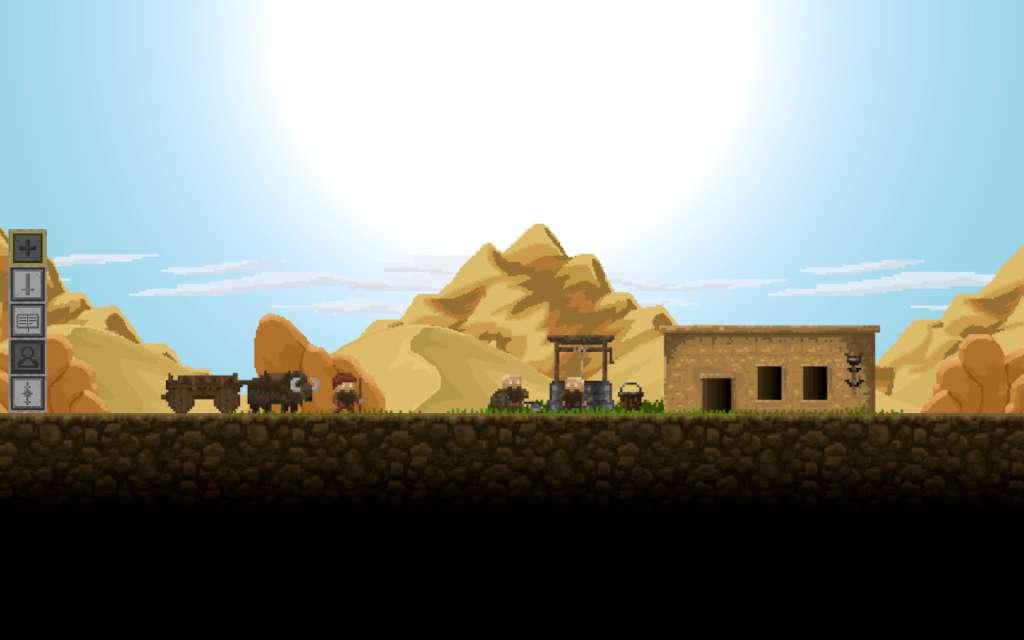
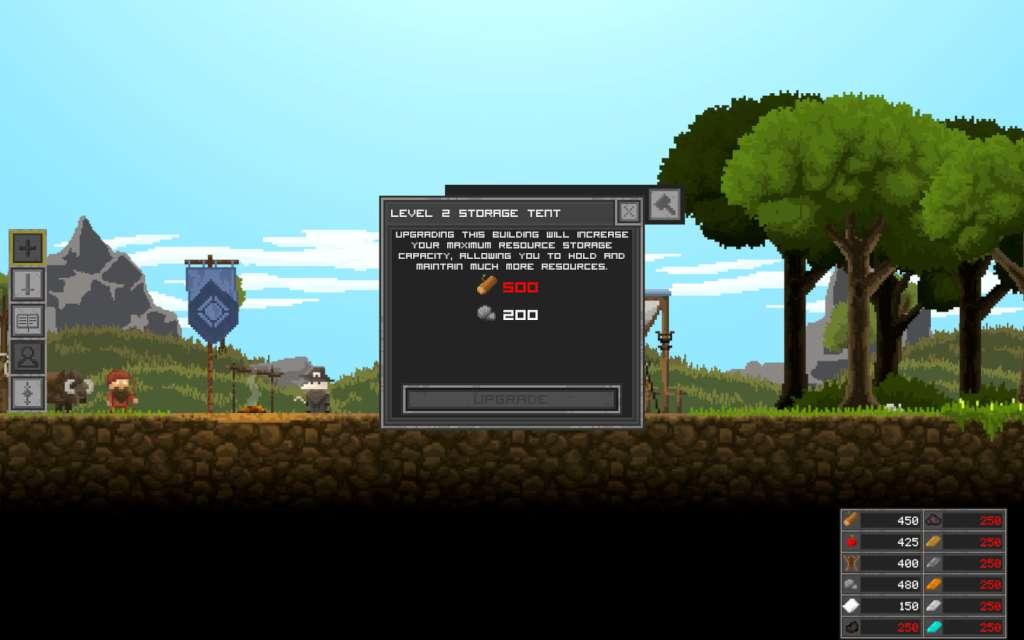
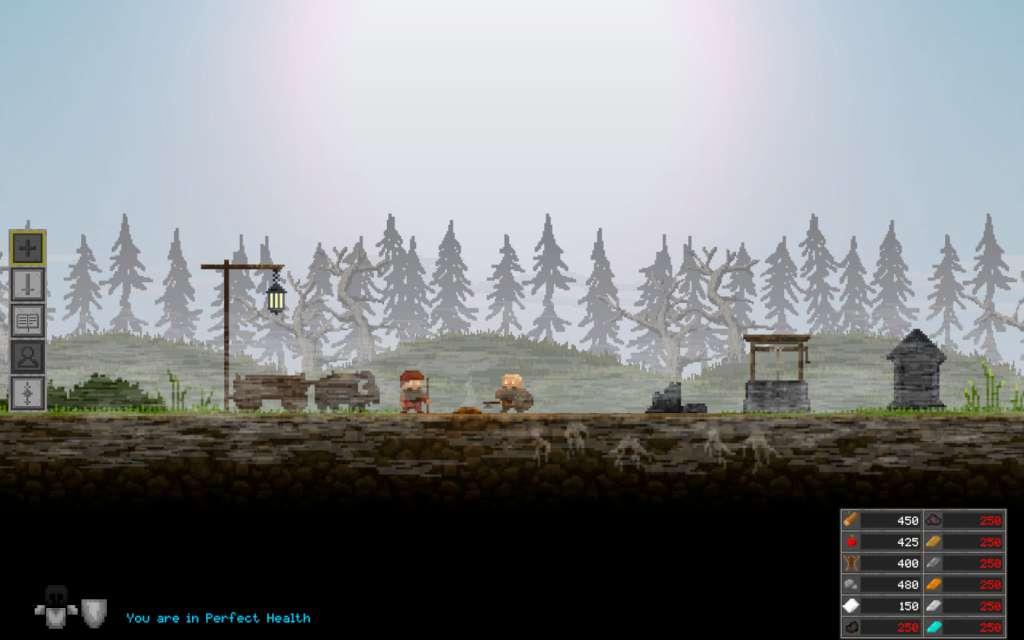
Ever wonder what would happen if Kingdom met a broad, skill based open world RPG? Welcome to Regions of Ruin.Regions of Ruin is a 2D side-scrolling RPG with town-building where you are introduced to an open world that progressively challenges your hero and settlement the further you delve into the vast continent.You will discover a foreboding land ravaged by hundreds of years of hardship. Where, kingdoms have risen and fallen, settlements have been laid to waste and overrun by warring groups, and great mysteries lay hidden and waiting to be unearthed - assuming you can defeat their jealous guardians. Features Styled combat system with stats and levelling Skill tree to focus your fighting style Extensive loot and rare items to discover Forge your own equipment or smelt it for resources Open world exploration with a hand crafted environment, no randomized maps or levels, everything you see has been made with care Customised town building and expansion Rescue and recruit dwarves for your township (save them from extinction!) Send workers to harvest resources from explored regions Hire Mercenaries to help in battle Multitude of Quests and a main storyline

Regions of Ruin NA/LATAM screenshotRegions of Ruin NA/LATAM screenshotRegions of Ruin NA/LATAM screenshotRegions of Ruin NA/LATAM screenshotRegions of Ruin NA/LATAM screenshot

How to redeem

  1. 1Check your Steam account and the listed region before purchasing.
  2. 2Find your code and supplier activation instructions in your confirmed order.
  3. 3Open the redeem-code section on Steam, enter the code and follow the platform’s prompts.

Supplier instructions

Go to: http://store.steampowered.com/ and download STEAM client Click "Install Steam" (from the upper right corner) Install and start application, login with your Account name and Password (create one if you don't have). Please follow these instructions to activate a new retail purchase on Steam: Launch Steam and log into your Steam account. Click the Games Menu. Choose Activate a Product on Steam... Follow the onscreen instructions to complete the process. After successful code verification go to the "MY GAMES" tab and start downloading.

You might also like