Get 10% back in Relic Coins on every order
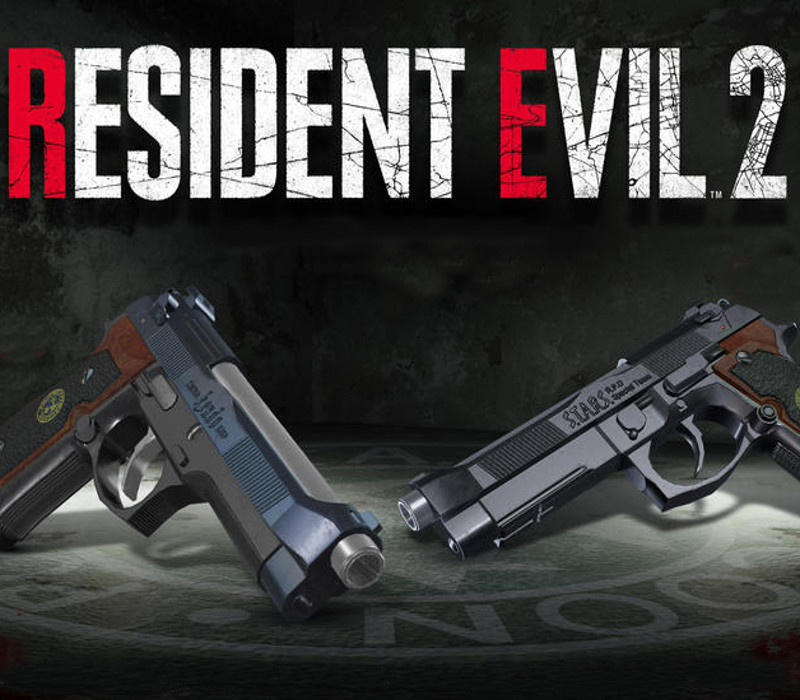
RESIDENT EVIL 2 / BIOHAZARD RE:2 - Deluxe Weapon Samurai Edge - Chris & Jill Model Bundle DLC cover

PlayStation 4United States· DLC

RESIDENT EVIL 2 / BIOHAZARD RE:2 - Deluxe Weapon Samurai Edge - Chris & Jill Model Bundle DLC

€1.73

+€0.17 cashback eligibility in Relic Coins

Check before you play

Platform
PlayStation 4
Region
United States
Product type
DLC

Check the required base game and edition before purchasing this add-on.

Developer
Raylight Studios
Supplier release date
2019-01-25
Genres
Action, Horror, Third-Person Shooter, Survival

About this product

Includes: Deluxe Weapon: “Samurai Edge - Chris Model" Deluxe Weapon: “Samurai Edge - Jill Model" A deadly virus engulfs the residents of Raccoon City in September of 1998, plunging the city into chaos as flesh eating zombies roam the streets for survivors. An unparalleled adrenaline rush, gripping storyline, and unimaginable horrors await you. Witness the return of Resident Evil 2.

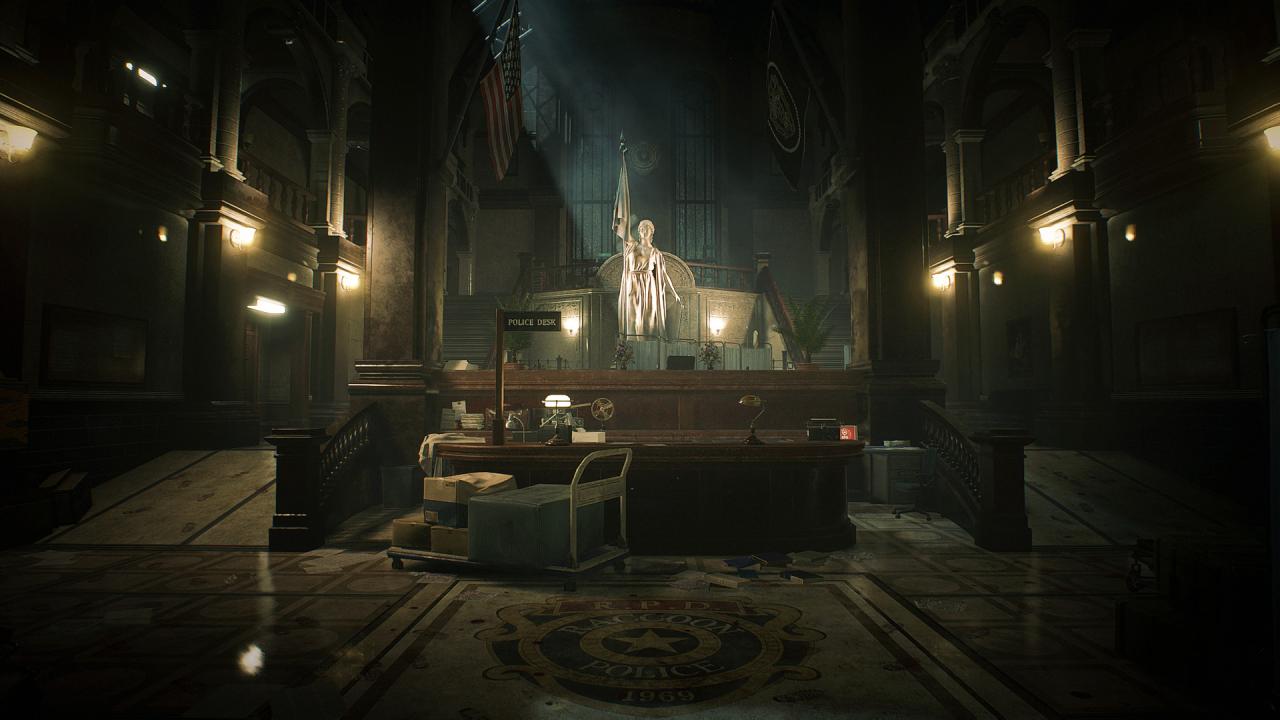
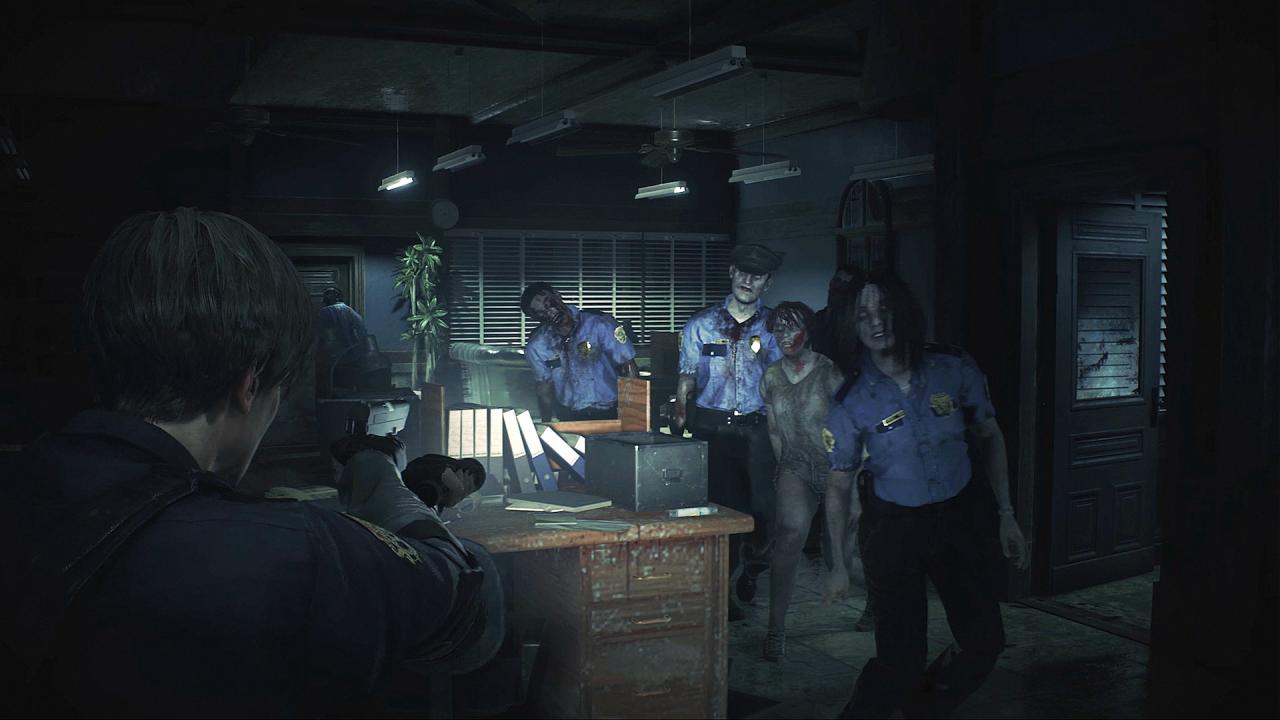
RESIDENT EVIL 2 / BIOHAZARD RE:2 - Deluxe Weapon Samurai Edge - Chris & Jill Model Bundle DLC screenshotRESIDENT EVIL 2 / BIOHAZARD RE:2 - Deluxe Weapon Samurai Edge - Chris & Jill Model Bundle DLC screenshotRESIDENT EVIL 2 / BIOHAZARD RE:2 - Deluxe Weapon Samurai Edge - Chris & Jill Model Bundle DLC screenshotRESIDENT EVIL 2 / BIOHAZARD RE:2 - Deluxe Weapon Samurai Edge - Chris & Jill Model Bundle DLC screenshotRESIDENT EVIL 2 / BIOHAZARD RE:2 - Deluxe Weapon Samurai Edge - Chris & Jill Model Bundle DLC screenshotRESIDENT EVIL 2 / BIOHAZARD RE:2 - Deluxe Weapon Samurai Edge - Chris & Jill Model Bundle DLC screenshot

How to redeem

  1. 1Check the required base game, platform and edition before purchasing.
  2. 2Find the code or supplier activation instructions in your confirmed order.
  3. 3Redeem on PlayStation 4 using the supplied instructions, then install the add-on with the compatible base game.

Supplier instructions

In order to redeem Playstation Network Code please follow instruction below: Go to http://www.SonyEntertainmentNetwork.com Click "Manage Account" and sign in with your Sign-In ID(E-mail Address) and Password. Click on "Redeem Prepaid Card". Enter the code printed on the voucher or PlayStation Network Card and click "Continue". If the code is valid, you will be presented with a description of what the code will deliver to your account. Press "Redeem..." button to add the item or funds to your account.

You might also like