Get 10% back in Relic Coins on every order
ACE COMBAT 7: SKIES UNKNOWN - Season Pass DLC cover

Steam Rest Of The World (Row) - Custom· DLC

ACE COMBAT 7: SKIES UNKNOWN - Season Pass DLC

€19.95

+€2.00 cashback eligibility in Relic Coins

Check before you play

Platform
Steam
Region
Rest Of The World (Row) - Custom
Product type
DLC

Check the required base game and edition before purchasing this add-on.

Developer
BANDAI NAMCO Studios
Publisher
BANDAI NAMCO Entertainment
Supplier release date
2019-01-18
Genres
Action, Simulation

About this product

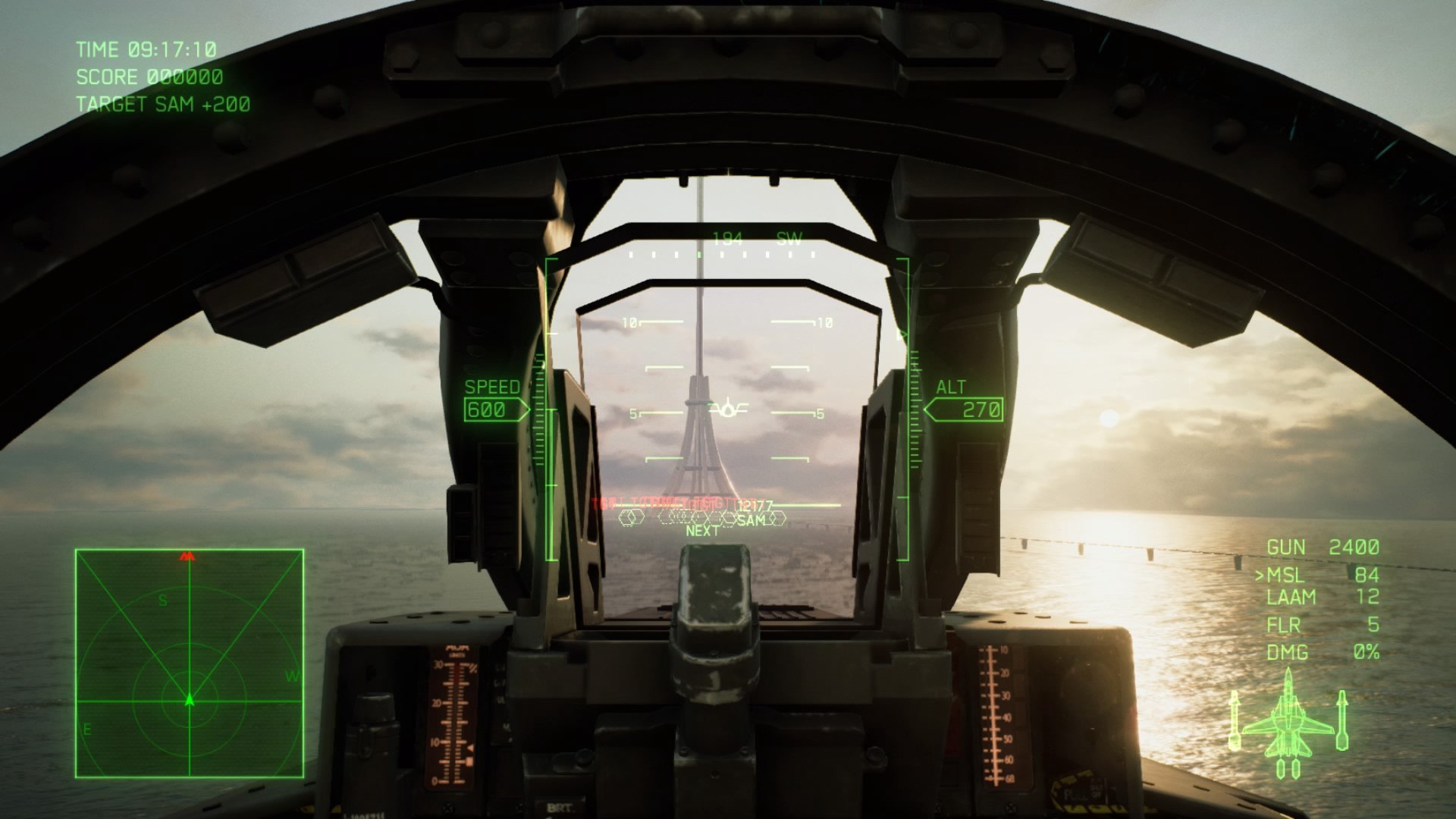
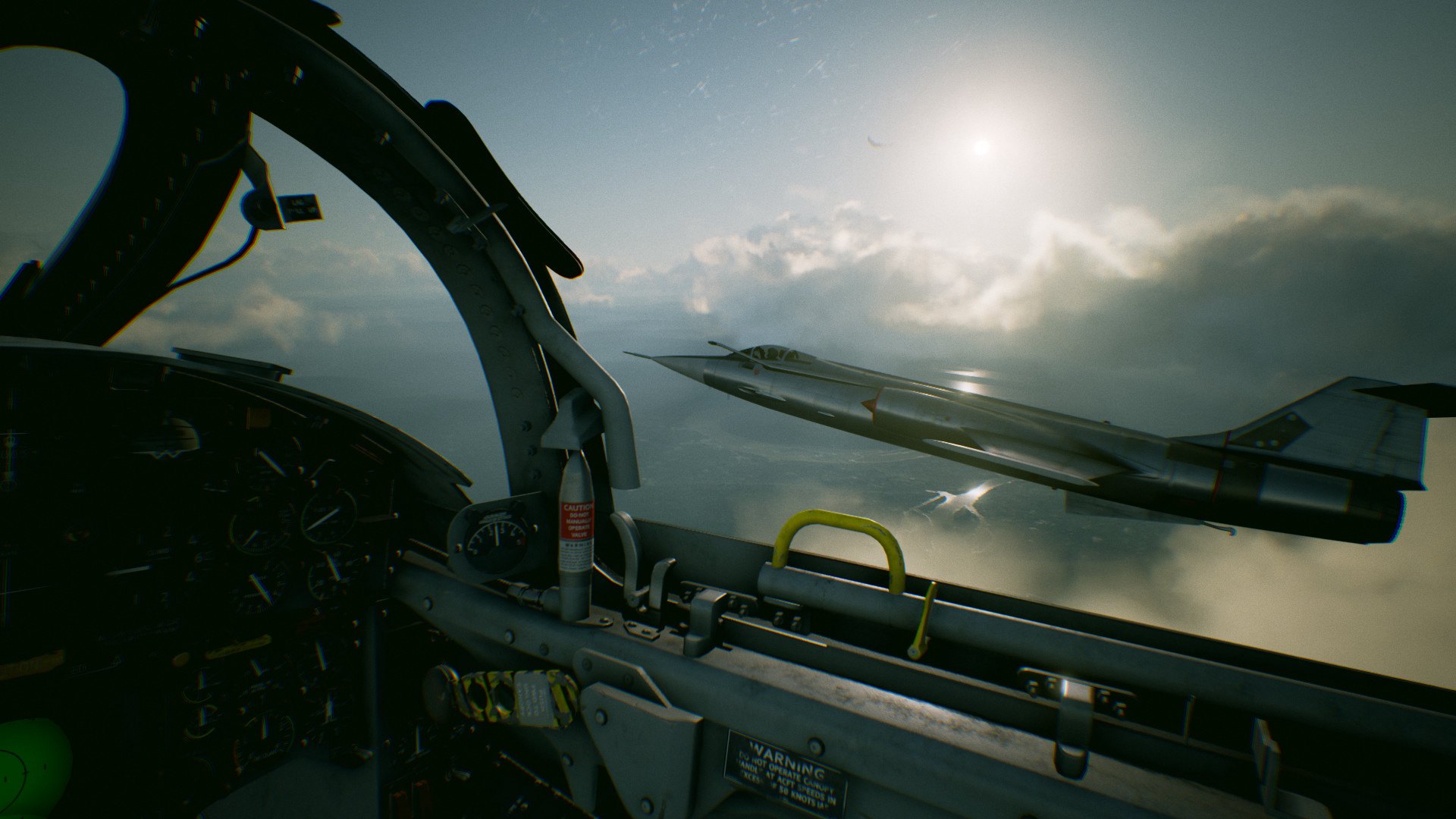
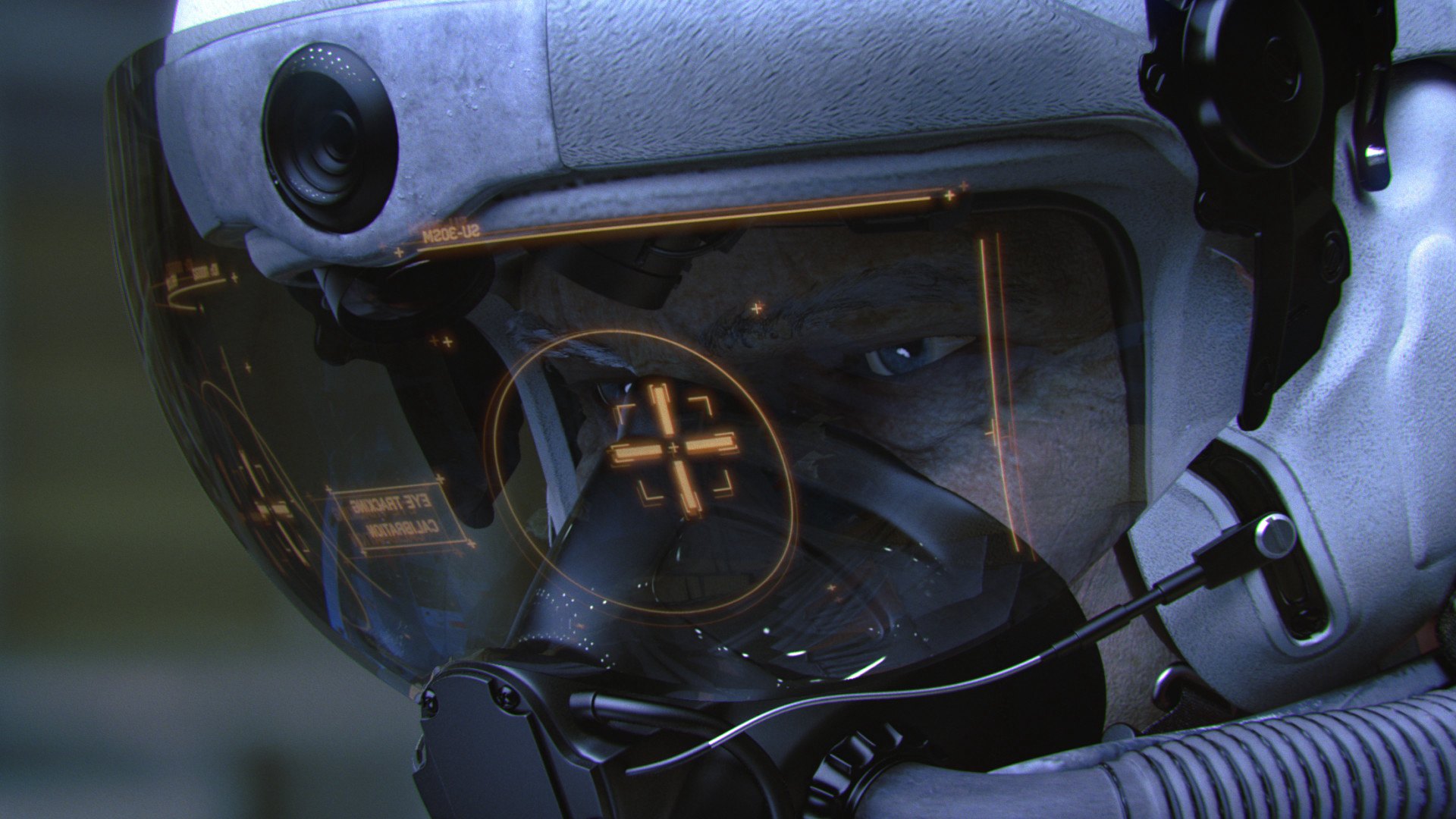
Includes: six additional content packs access to music within the game Become an ace pilot and soar through photorealistic skies with full 360 degree movement; down enemy aircraft and experience the thrill of engaging in realistic sorties! Aerial combat has never looked or felt better! Project Aces aims to revolutionize the sky with this entry in the series, offering an experience so immersive it feels like you're piloting an actual aircraft! Weather and the environment affect your aircraft and the HUD, adding a sense of extreme realism never felt before in a flight combat game. Epic dogfights await!

ACE COMBAT 7: SKIES UNKNOWN - Season Pass DLC screenshotACE COMBAT 7: SKIES UNKNOWN - Season Pass DLC screenshotACE COMBAT 7: SKIES UNKNOWN - Season Pass DLC screenshotACE COMBAT 7: SKIES UNKNOWN - Season Pass DLC screenshotACE COMBAT 7: SKIES UNKNOWN - Season Pass DLC screenshotACE COMBAT 7: SKIES UNKNOWN - Season Pass DLC screenshot

How to redeem

  1. 1Check the required base game, platform and edition before purchasing.
  2. 2Find the code or supplier activation instructions in your confirmed order.
  3. 3Redeem on Steam using the supplied instructions, then install the add-on with the compatible base game.

Supplier instructions

Go to: http://store.steampowered.com/ and download STEAM client Click "Install Steam" (from the upper right corner) Install and start application, login with your Account name and Password (create one if you don't have). Please follow these instructions to activate a new retail purchase on Steam: Launch Steam and log into your Steam account. Click the Games Menu. Choose Activate a Product on Steam... Follow the onscreen instructions to complete the process. After successful code verification go to the "MY GAMES" tab and start downloading.

You might also like