Get 10% back in Relic Coins on every order
The Island: In To The Mist 그 섬 cover

SteamGlobal· Key

The Island: In To The Mist 그 섬

€2.04

+€0.20 cashback eligibility in Relic Coins

Check before you play

Platform
Steam
Region
Global
Product type
Key
Developer
SUPER WAVE Studio
Publisher
BADA Games
Supplier release date
2019-01-31
Genres
Adventure, Indie, Story rich, Visual Novel, Anime

About this product

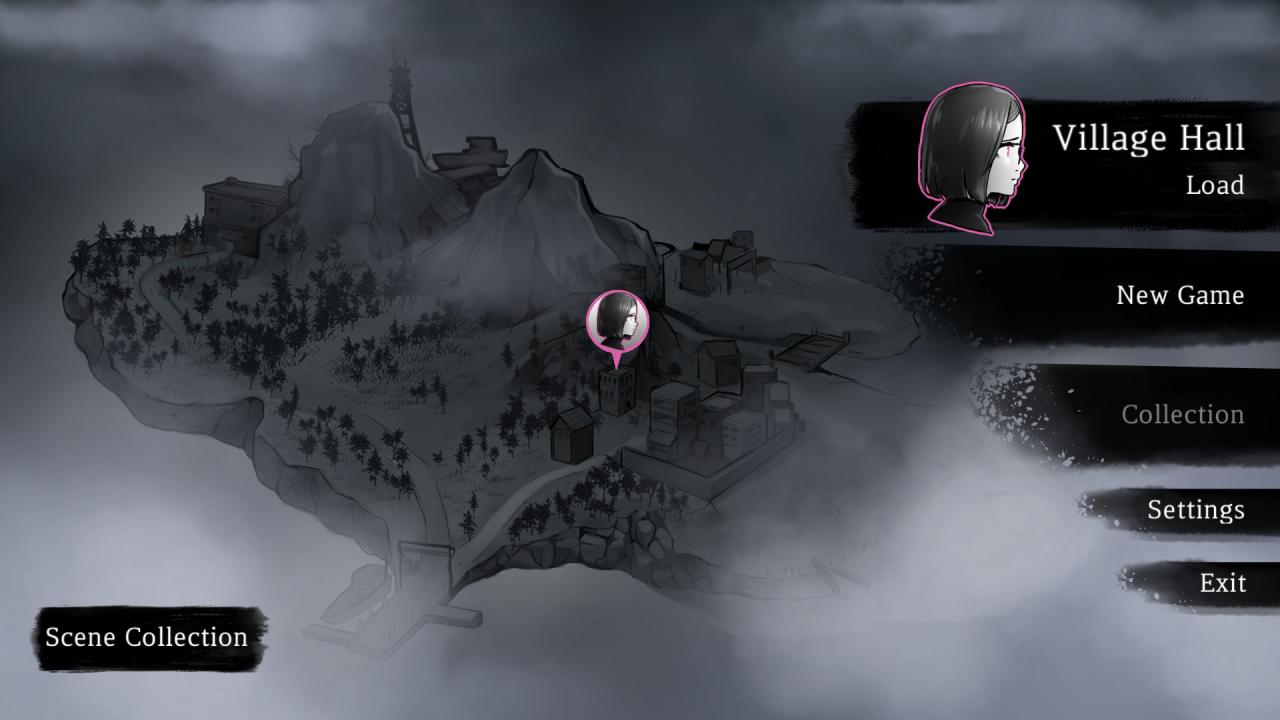
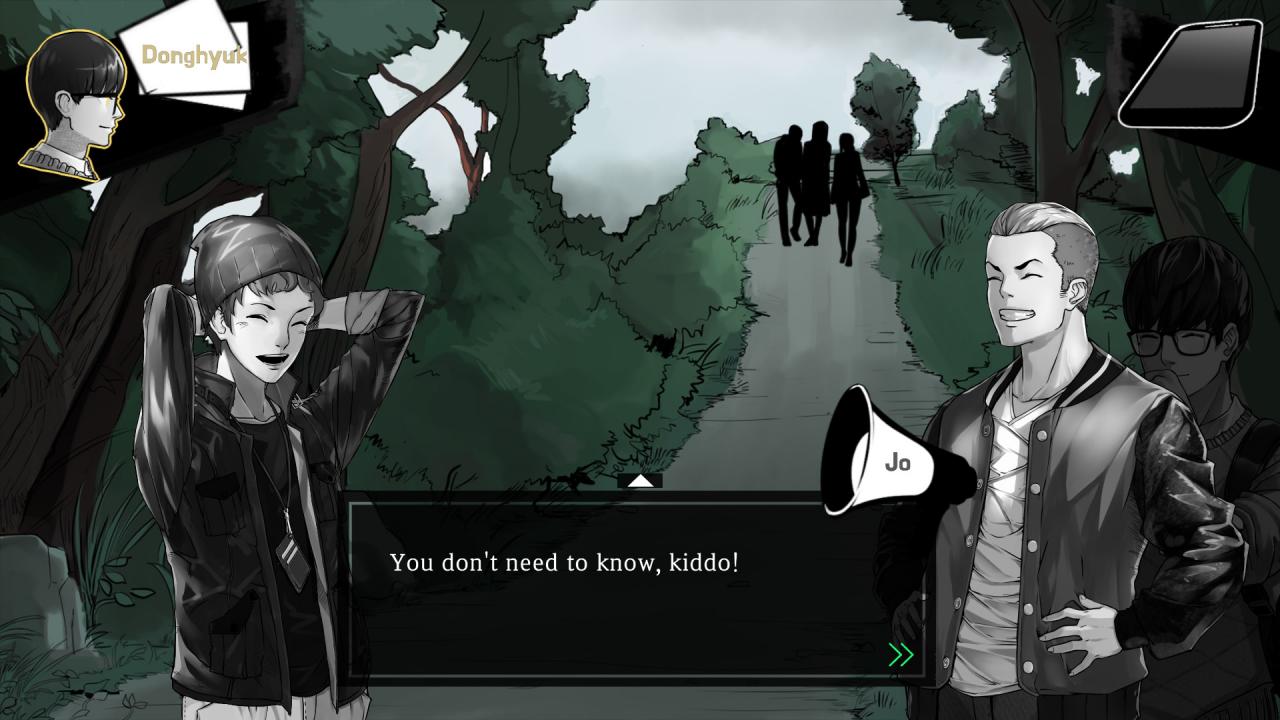
‘The Island’ is an indie adventure game that is fully dubbed with a new system, based upon fundamental substances of an adventure genre.Your decisions and playthrough footage will change the game flow in a perspective of various characters.Enjoy the plots, make important decisions, and check out the end game that you chose to decide! Every decision that you make counts. Will the heroes make through the end? ‘Nautilus, ’ a scuba diving club of Hankook University, plans to have a trip to the ‘Baek Island, ’ a famous island for scuba diving. However, they end up to a shipwreck on their way to the island. Members decide to help the survivors by towing the damaged ship to the closest island. After spending a night at an abandoned island, members start to realize that they got into the worst situation they could ever possibly confront… Features Interactive adventure game with an immersion of watching a movie A volume of interesting events that characters confront by getting trapped in the island Your decisions ‘truly’ impact the flow of the game, and affect the entire scene Story continues with another character even after one falls Full-Voice support with all lines dubbed in Korean 6 main streams and story lines, where every character becomes a hero/heroine of the game 15 Bad Endings and 7 Survival Endings

The Island: In To The Mist 그 섬 screenshotThe Island: In To The Mist 그 섬 screenshotThe Island: In To The Mist 그 섬 screenshotThe Island: In To The Mist 그 섬 screenshotThe Island: In To The Mist 그 섬 screenshot

How to redeem

  1. 1Check your Steam account and the listed region before purchasing.
  2. 2Find your code and supplier activation instructions in your confirmed order.
  3. 3Open the redeem-code section on Steam, enter the code and follow the platform’s prompts.

Supplier instructions

Go to: http://store.steampowered.com/ and download STEAM client Click "Install Steam" (from the upper right corner) Install and start application, login with your Account name and Password (create one if you don't have). Please follow these instructions to activate a new retail purchase on Steam: Launch Steam and log into your Steam account. Click the Games Menu. Choose Activate a Product on Steam... Follow the onscreen instructions to complete the process. After successful code verification go to the "MY GAMES" tab and start downloading.

You might also like