Get 10% back in Relic Coins on every order
Spinnortality | cyberpunk management sim cover

SteamGlobal· Key

Spinnortality | cyberpunk management sim

€0.93

+€0.09 cashback eligibility in Relic Coins

Check before you play

Platform
Steam
Region
Global
Product type
Key
Developer
James Patton
Publisher
James Patton
Supplier release date
2019-02-01
Genres
Strategy, Simulation, Indie

About this product

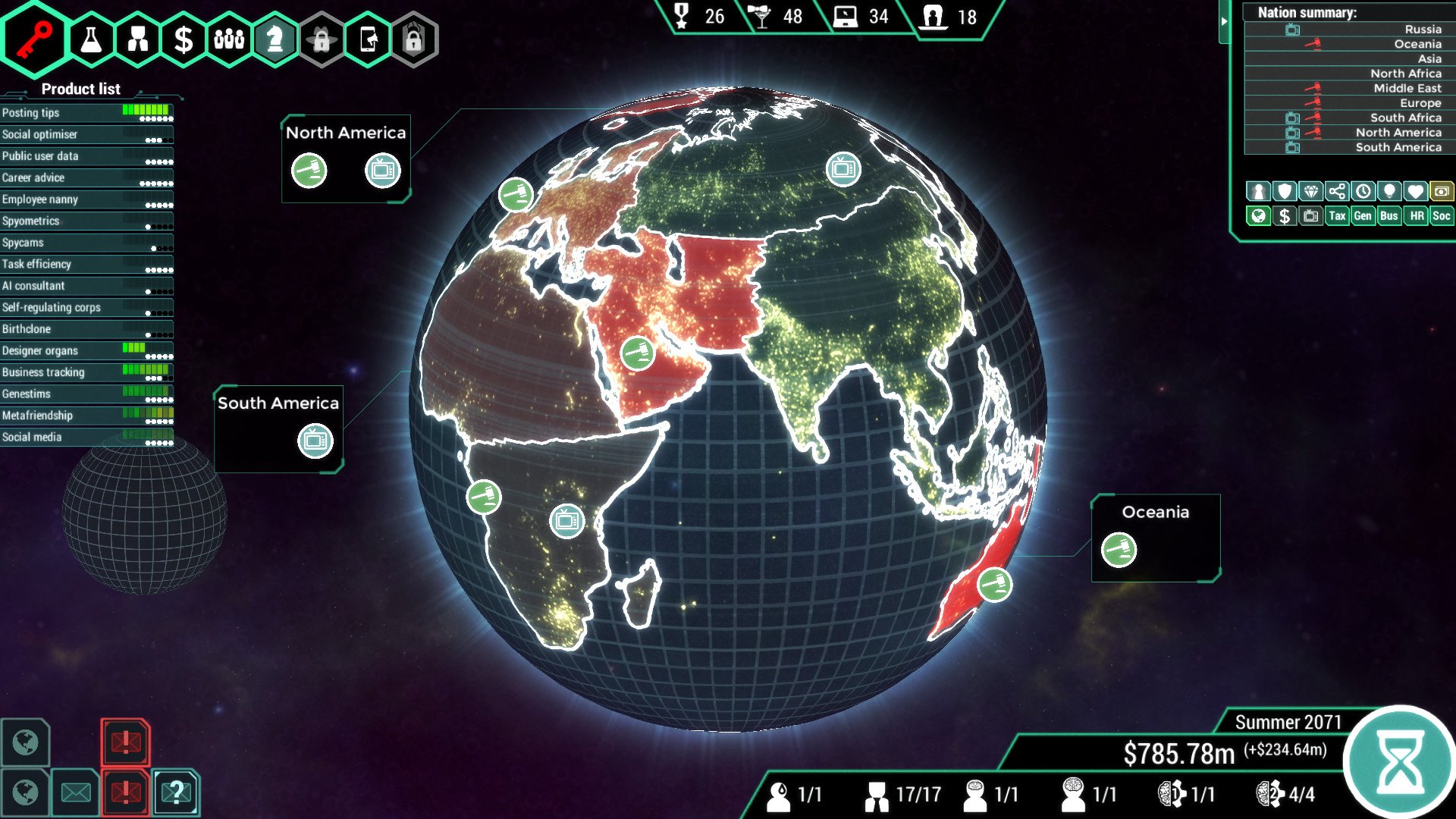
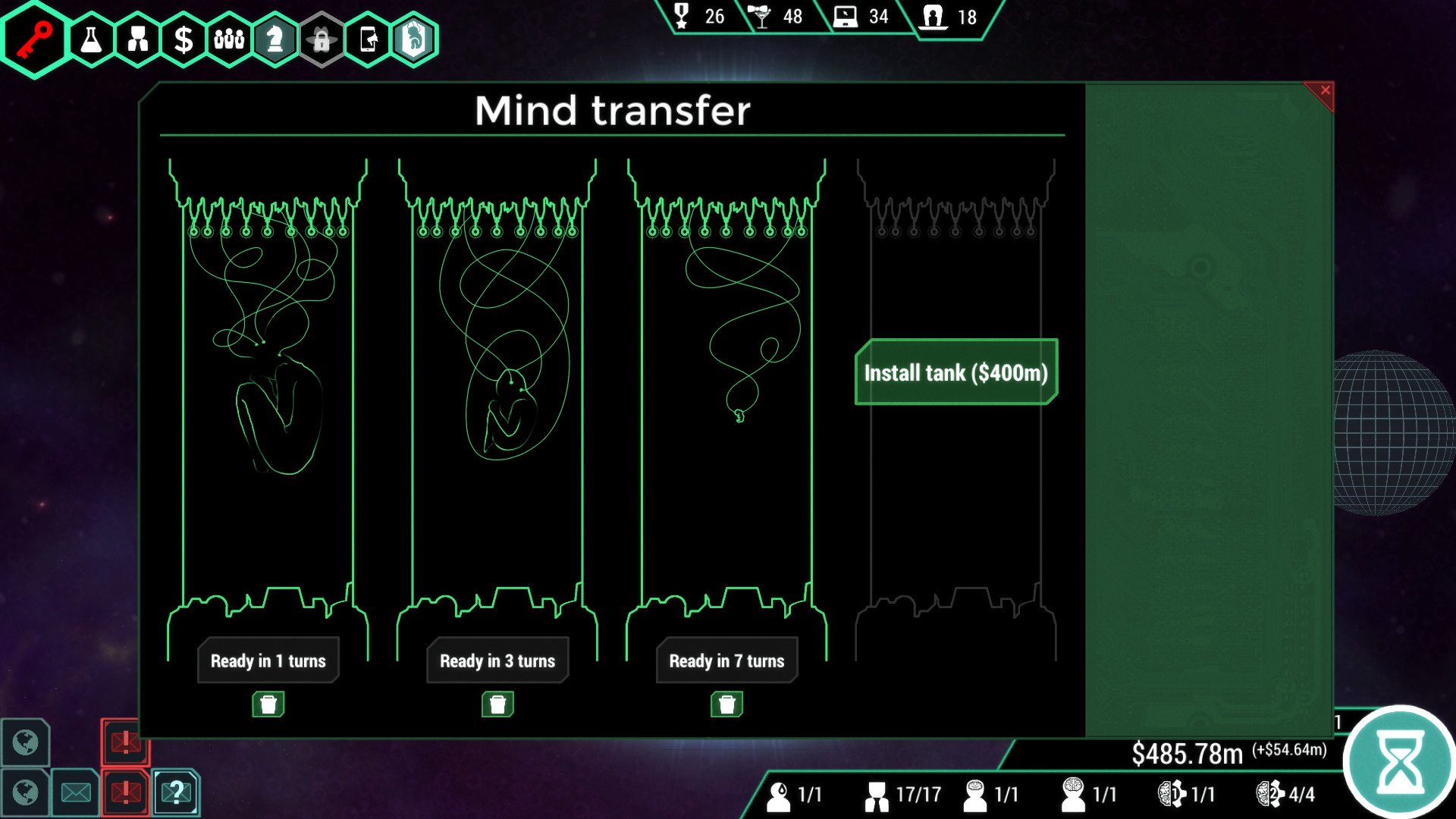
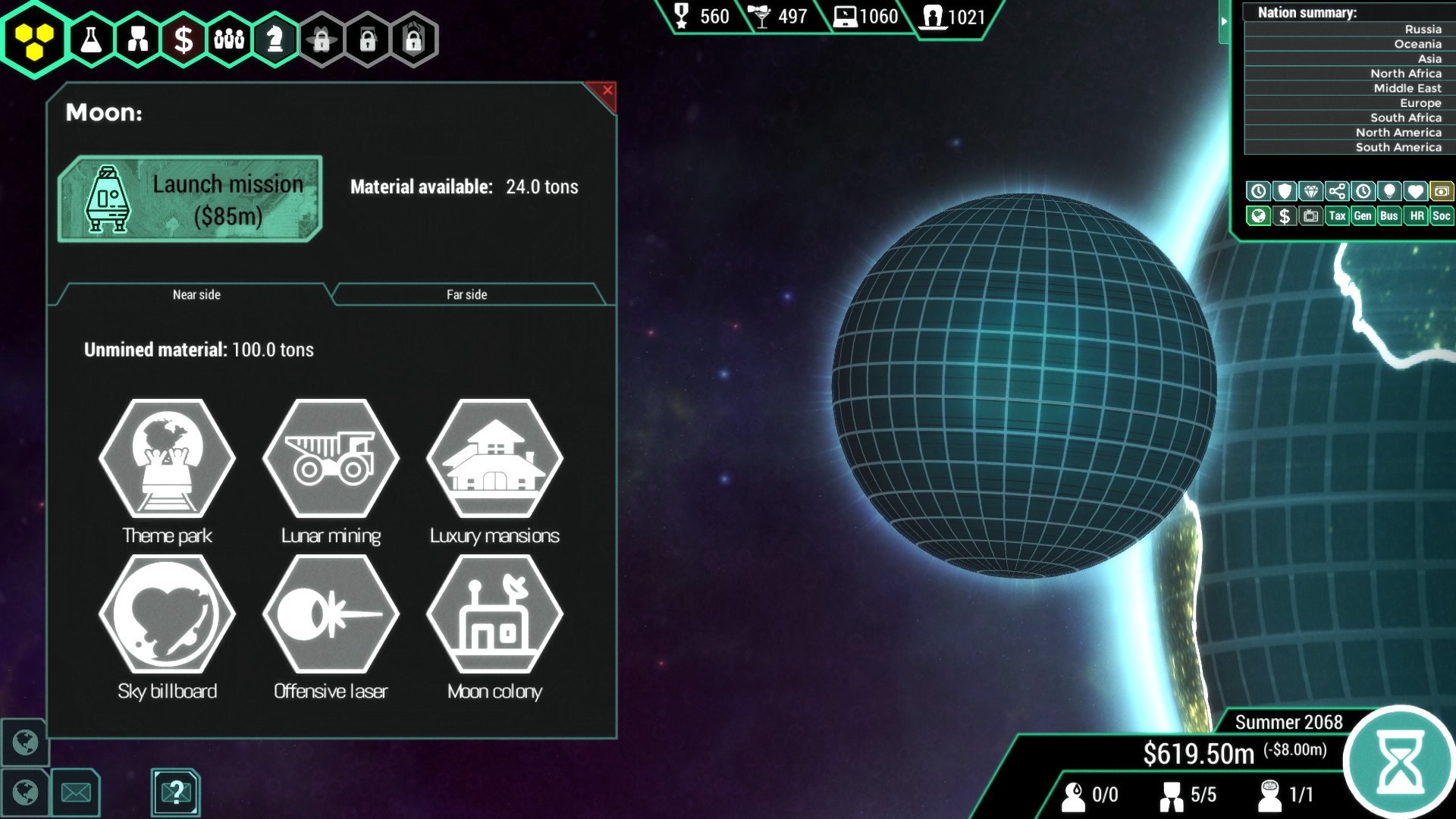
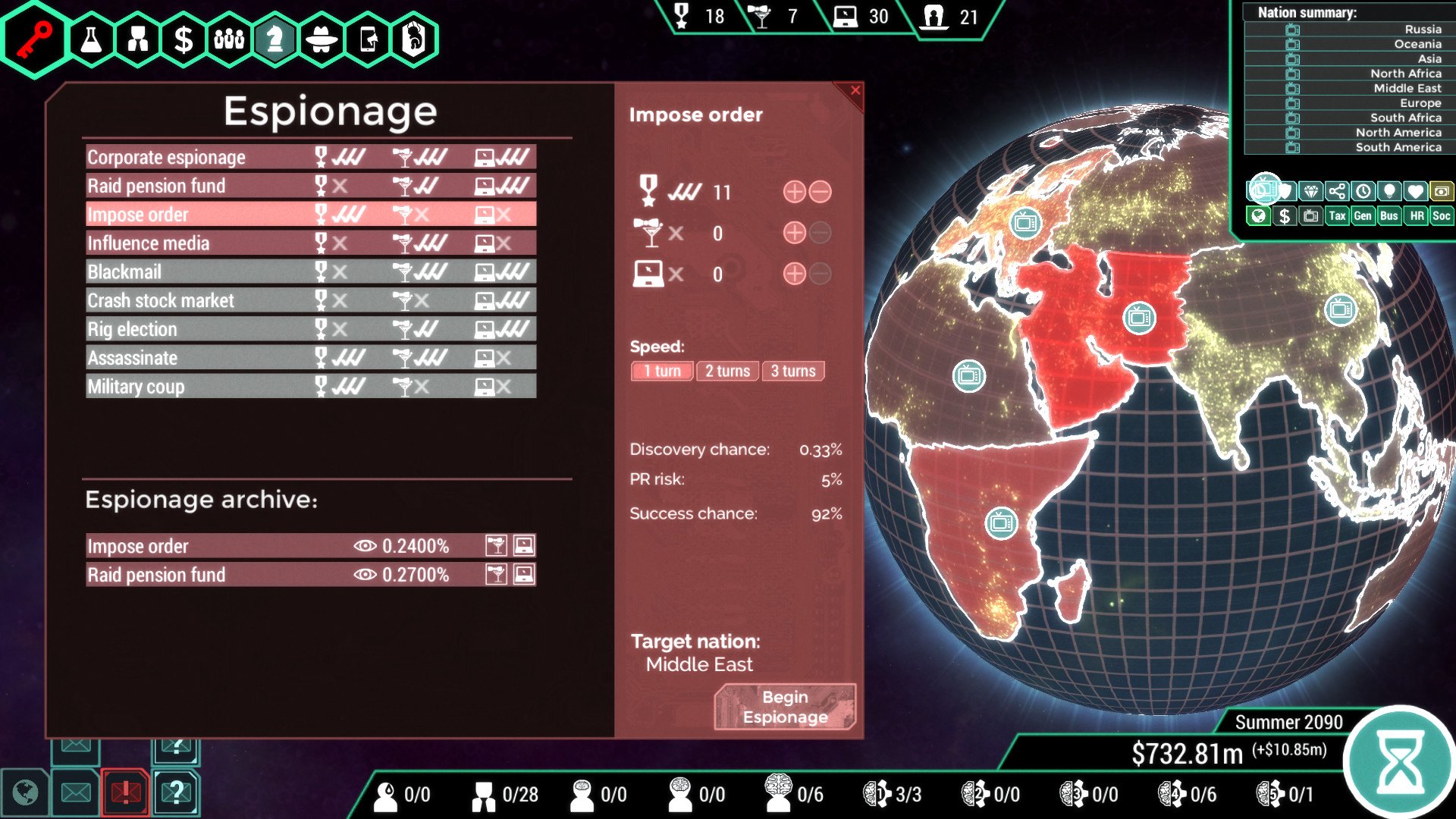
Found a powerful corporation. Use it to market horrific products, control the media, cause riots, crash stock markets, topple governments and become immortal. In this 8-20 hour turn-based management game, you will: Achieve immortality with cutting edge tech. Bribe politicians, spread fake news, rig elections. Research products such as metacritic for friendships, sentient social media and ‘auto-career.’ Market them so they’re irresistible. Crash stock markets, trigger riots or topple governments. Determine humanity's future. Spinnortality is set in a harrowing cyberpunk world where corporations are king. Nations have merged into massive, politically stagnant super-states. Some are so-called "democracies", some are dictatorships, and some are ultra-capitalist dystopias. These societies are in a state of flux; your company will determine their future.As head of a global megacorp, your first priority is turning a profit. Before long, though, you'll be manipulating politics, deregulating industries, launching black ops to destabilise the globe and advancing shady corporate agendas.

Spinnortality | cyberpunk management sim screenshotSpinnortality | cyberpunk management sim screenshotSpinnortality | cyberpunk management sim screenshotSpinnortality | cyberpunk management sim screenshotSpinnortality | cyberpunk management sim screenshotSpinnortality | cyberpunk management sim screenshot

How to redeem

  1. 1Check your Steam account and the listed region before purchasing.
  2. 2Find your code and supplier activation instructions in your confirmed order.
  3. 3Open the redeem-code section on Steam, enter the code and follow the platform’s prompts.

Supplier instructions

Go to: http://store.steampowered.com/ and download STEAM client Click "Install Steam" (from the upper right corner) Install and start application, login with your Account name and Password (create one if you don't have). Please follow these instructions to activate a new retail purchase on Steam: Launch Steam and log into your Steam account. Click the Games Menu. Choose Activate a Product on Steam... Follow the onscreen instructions to complete the process. After successful code verification go to the "MY GAMES" tab and start downloading.

You might also like