Get 10% back in Relic Coins on every order
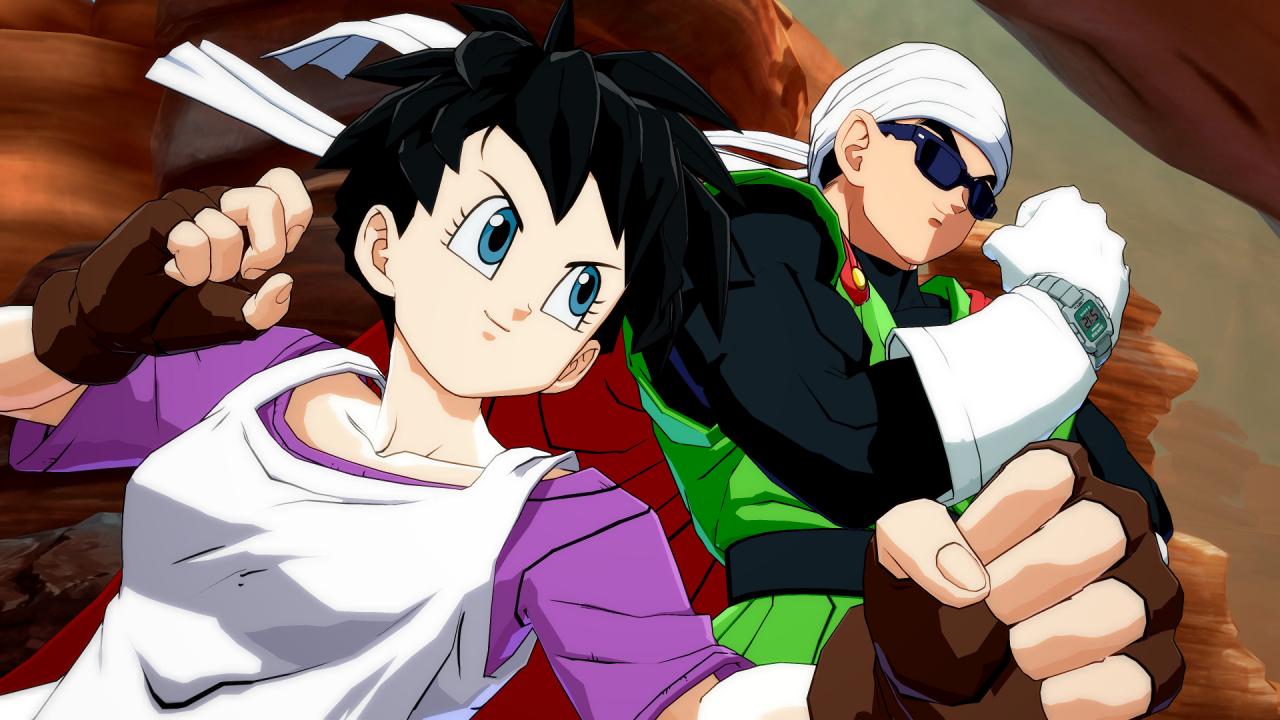
DRAGON BALL FighterZ - FighterZ Pass 2 DLC cover

Steam Rest Of The World (Row) - Custom· DLC

DRAGON BALL FighterZ - FighterZ Pass 2 DLC

€7.99

+€0.80 cashback eligibility in Relic Coins

Check before you play

Platform
Steam
Region
Rest Of The World (Row) - Custom
Product type
DLC

Check the required base game and edition before purchasing this add-on.

Developer
Arc System Works
Publisher
BANDAI NAMCO Entertainment
Supplier release date
2019-01-31
Genres
Action, Fighting, Anime

About this product

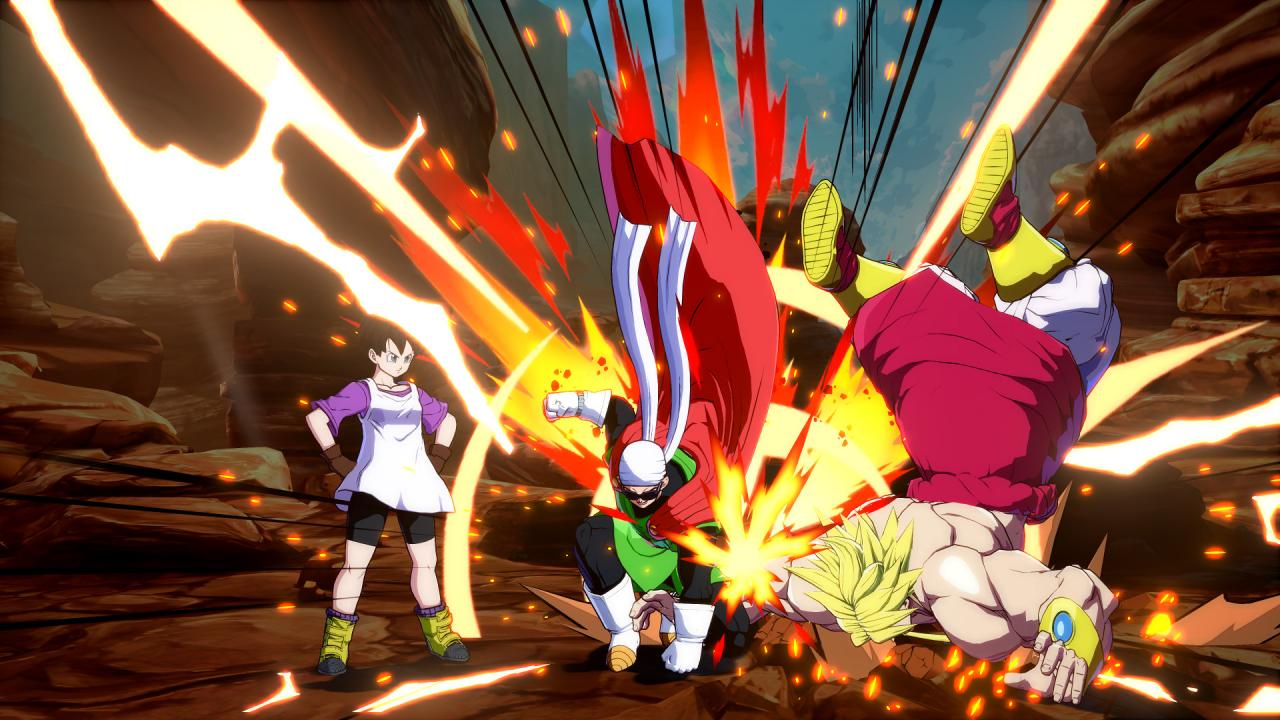
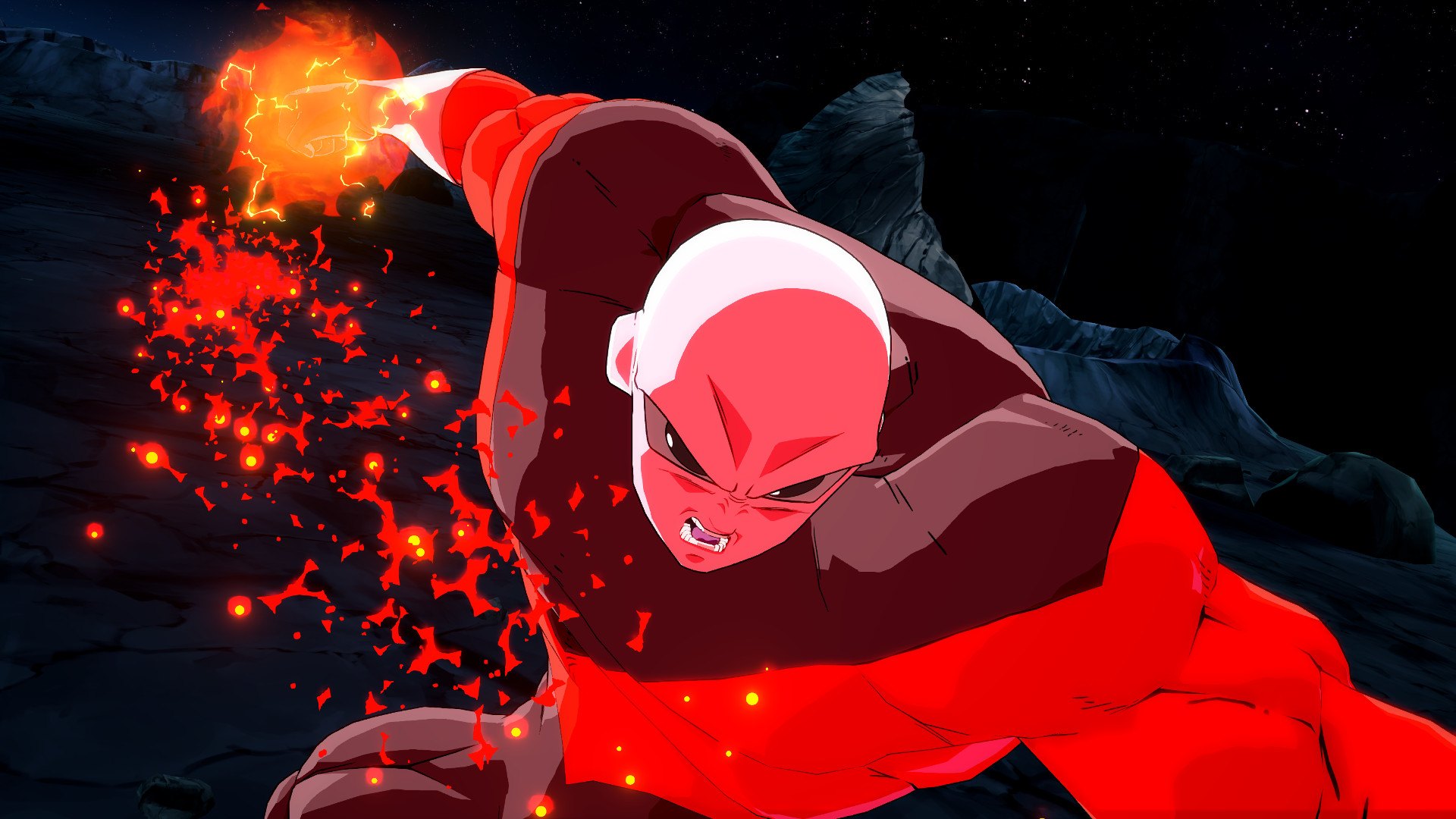
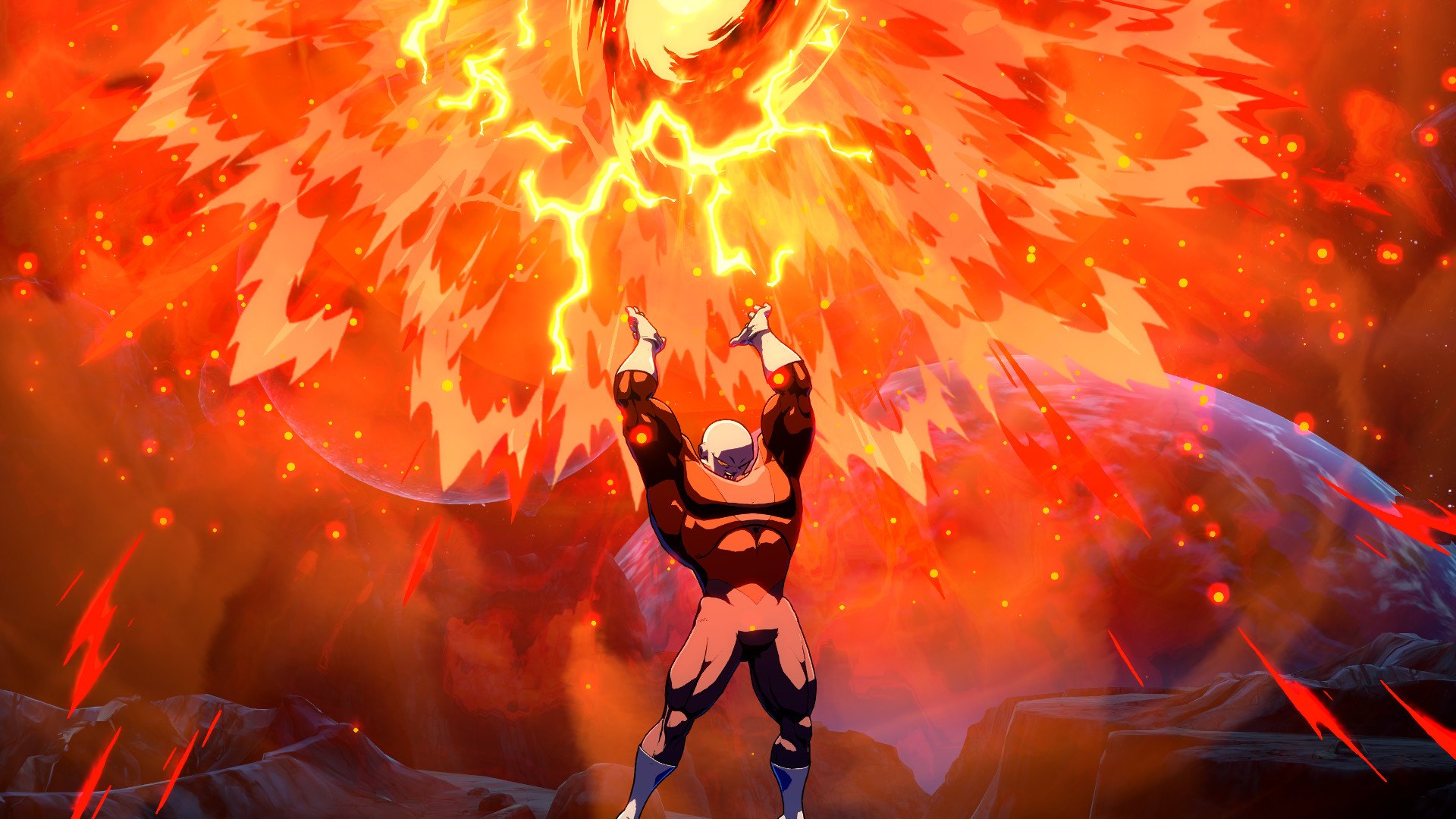
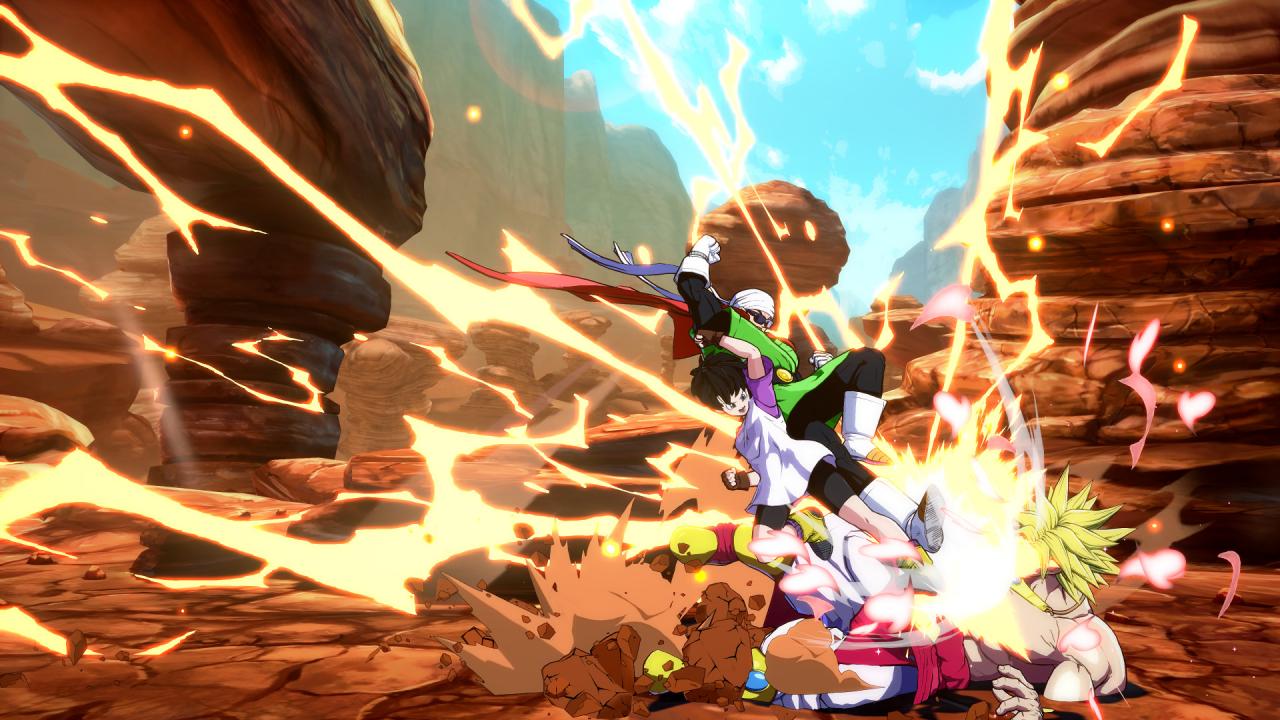
The FighterZ Pass 2 will grant you access to no less than 6 additional mighty characters who will surely enhance your FighterZ experience!All fighters come with their respective Z Stamp, Lobby Avatar, and set of Alternative Colors. By purchasing the FighterZ Pass 2, you will also be receiving exclusive Commentator Voice Packs to bring further excitement to your fights!DRAGON BALL FighterZ is born from what makes the DRAGON BALL series so loved and famous: endless spectacular fights with its all-powerful fighters.

DRAGON BALL FighterZ - FighterZ Pass 2 DLC screenshotDRAGON BALL FighterZ - FighterZ Pass 2 DLC screenshotDRAGON BALL FighterZ - FighterZ Pass 2 DLC screenshotDRAGON BALL FighterZ - FighterZ Pass 2 DLC screenshotDRAGON BALL FighterZ - FighterZ Pass 2 DLC screenshotDRAGON BALL FighterZ - FighterZ Pass 2 DLC screenshot

How to redeem

  1. 1Check the required base game, platform and edition before purchasing.
  2. 2Find the code or supplier activation instructions in your confirmed order.
  3. 3Redeem on Steam using the supplied instructions, then install the add-on with the compatible base game.

Supplier instructions

Go to: http://store.steampowered.com/ and download STEAM client Click "Install Steam" (from the upper right corner) Install and start application, login with your Account name and Password (create one if you don't have). Please follow these instructions to activate a new retail purchase on Steam: Launch Steam and log into your Steam account. Click the Games Menu. Choose Activate a Product on Steam... Follow the onscreen instructions to complete the process. After successful code verification go to the "MY GAMES" tab and start downloading.

You might also like