

SteamGlobal· Key
LifeZ - Survival
€5.23
+€0.52 cashback eligibility in Relic Coins
Check before you play
- Platform
- Steam
- Region
- Global
- Product type
- Key
- Supplier release date
- 2018-03-29
- Genres
- Action, RPG, Simulation, Indie
SteamGlobal· Key
€5.23
+€0.52 cashback eligibility in Relic Coins
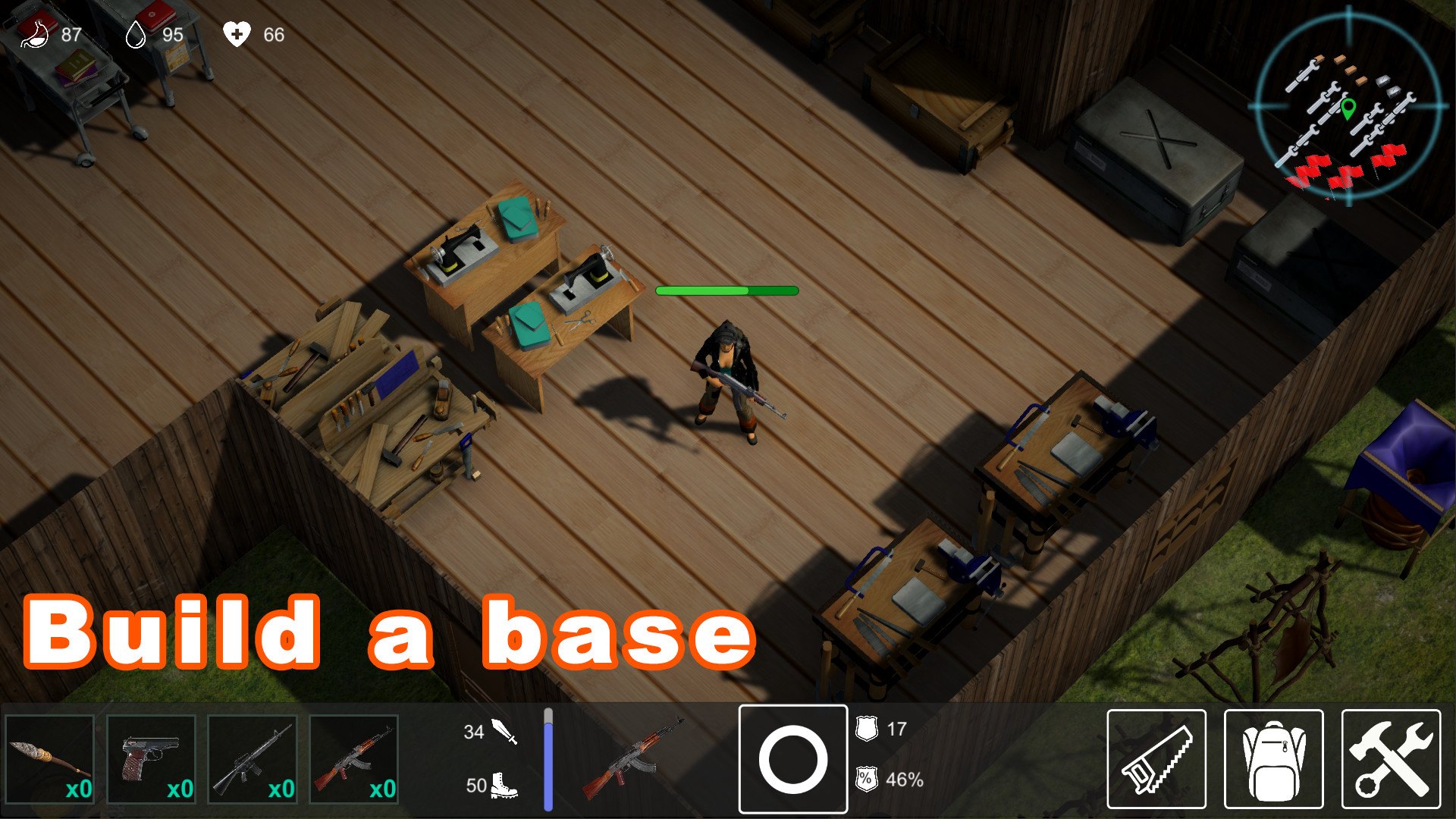
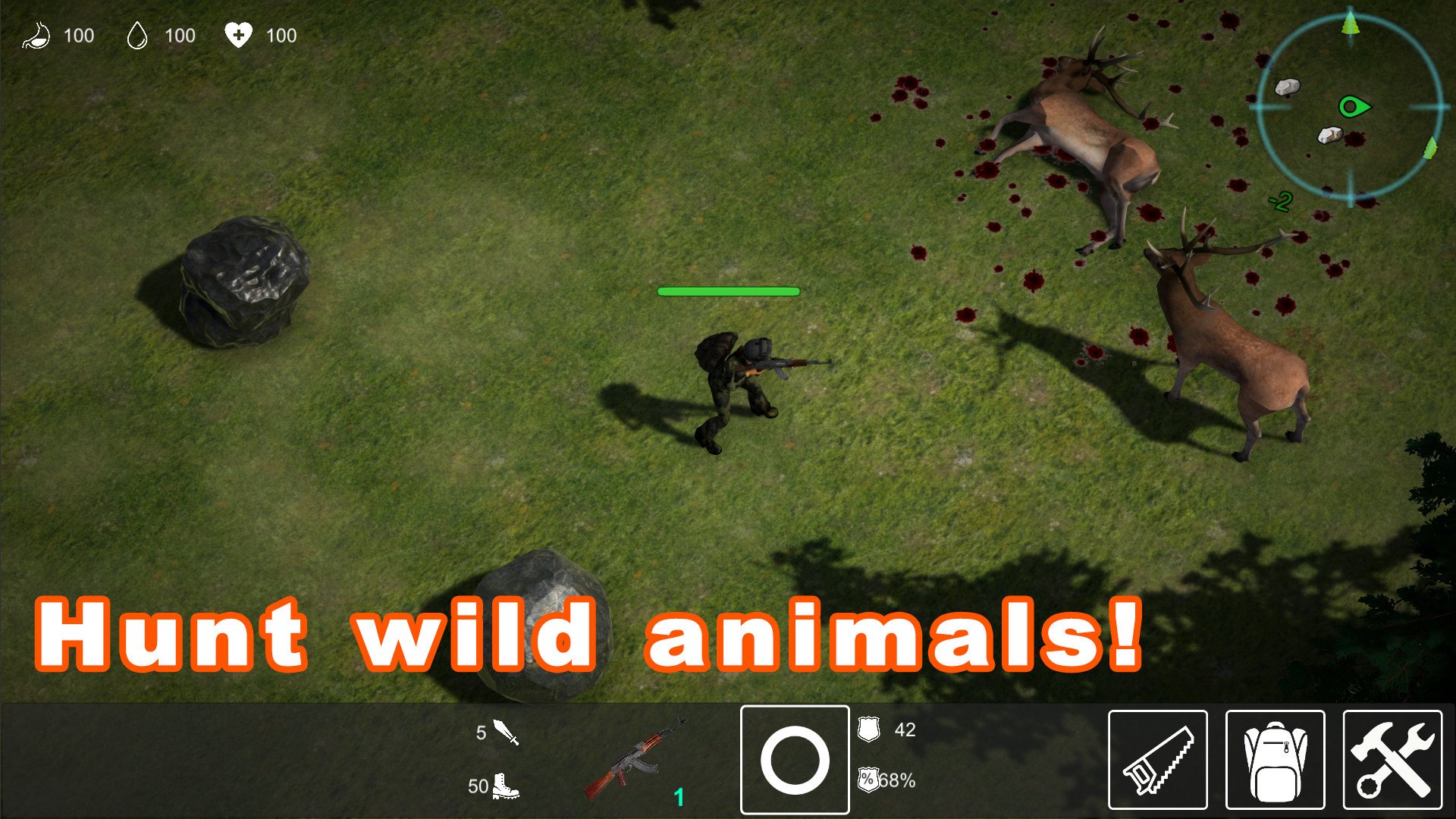
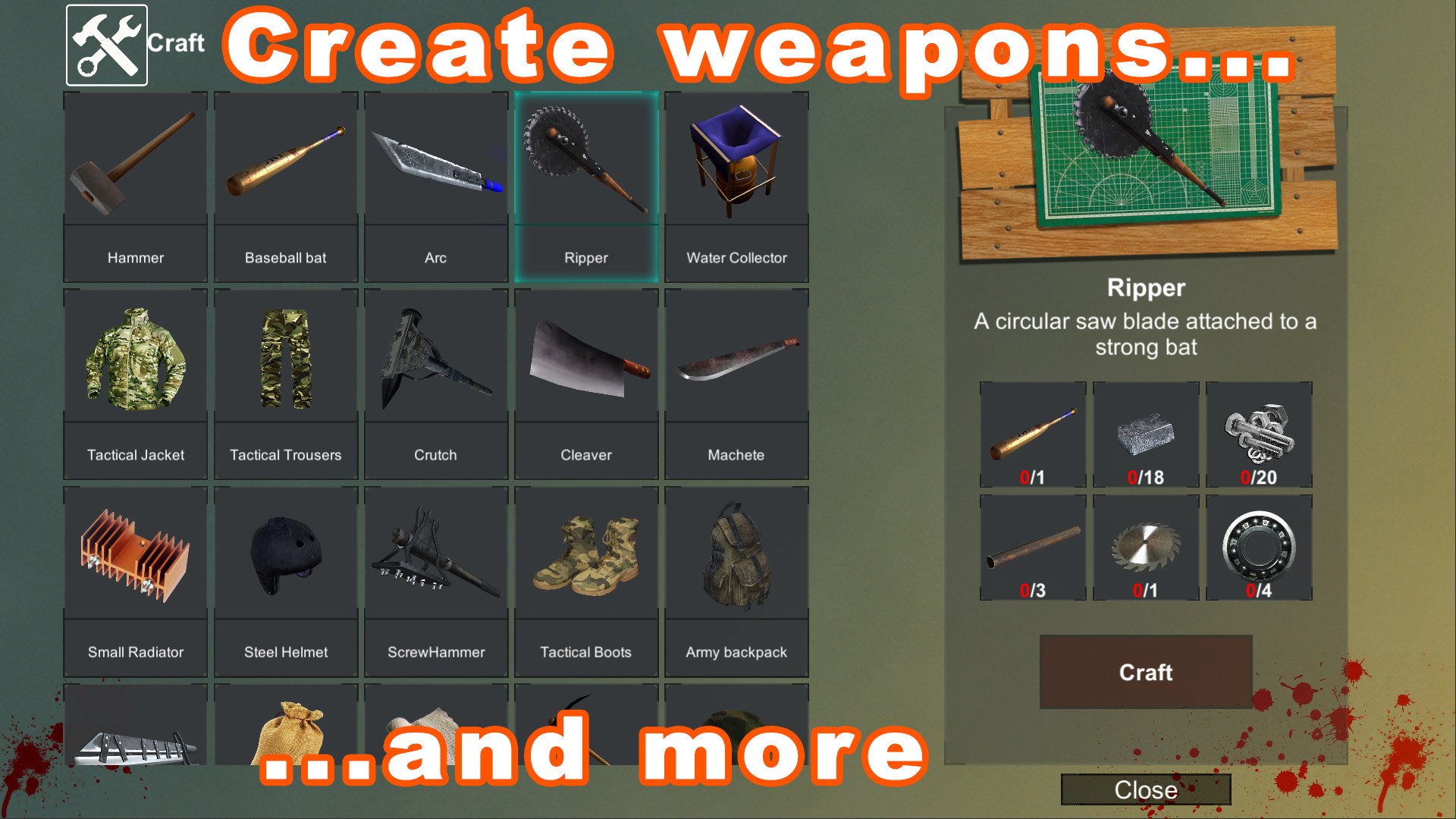
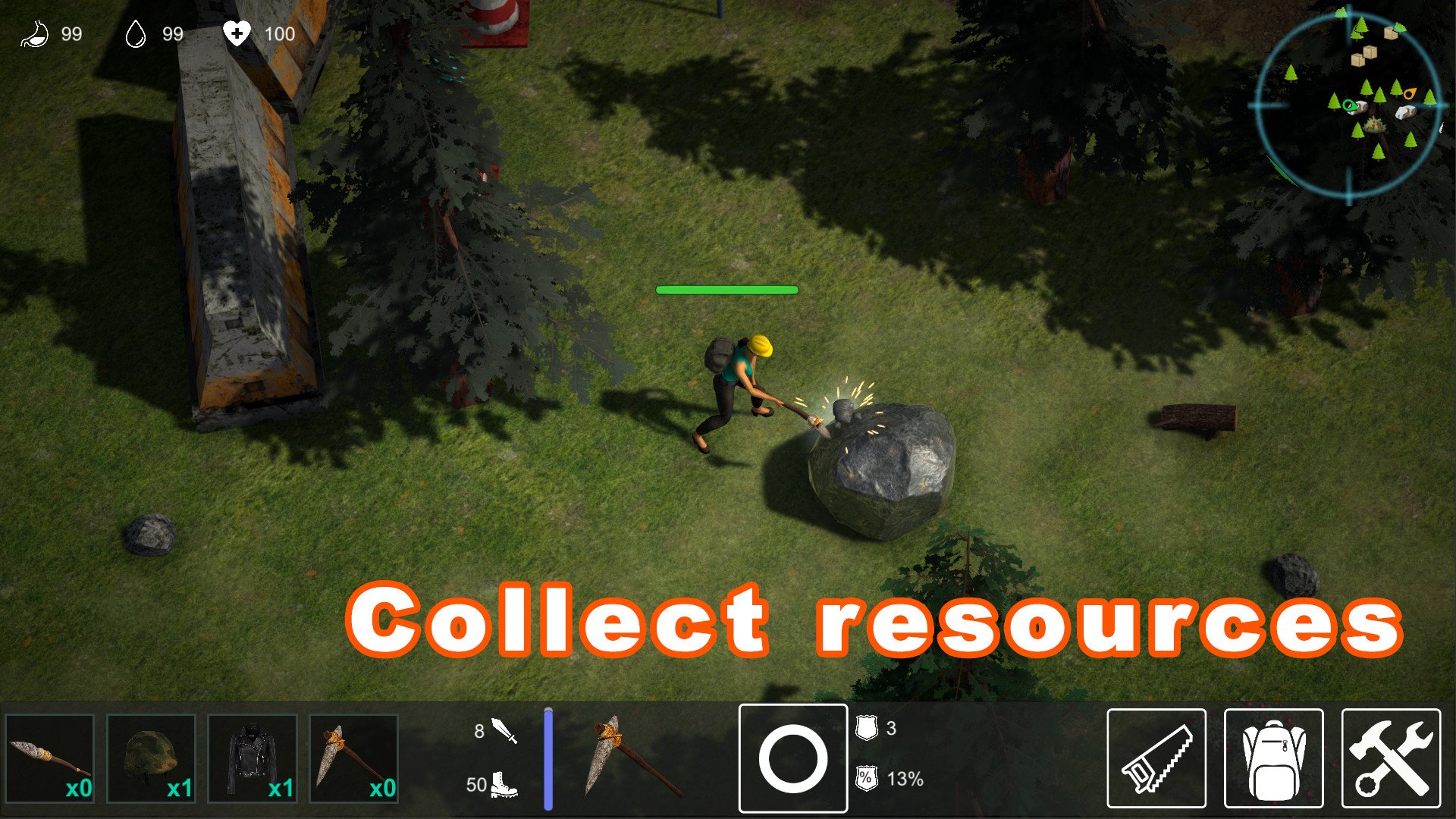
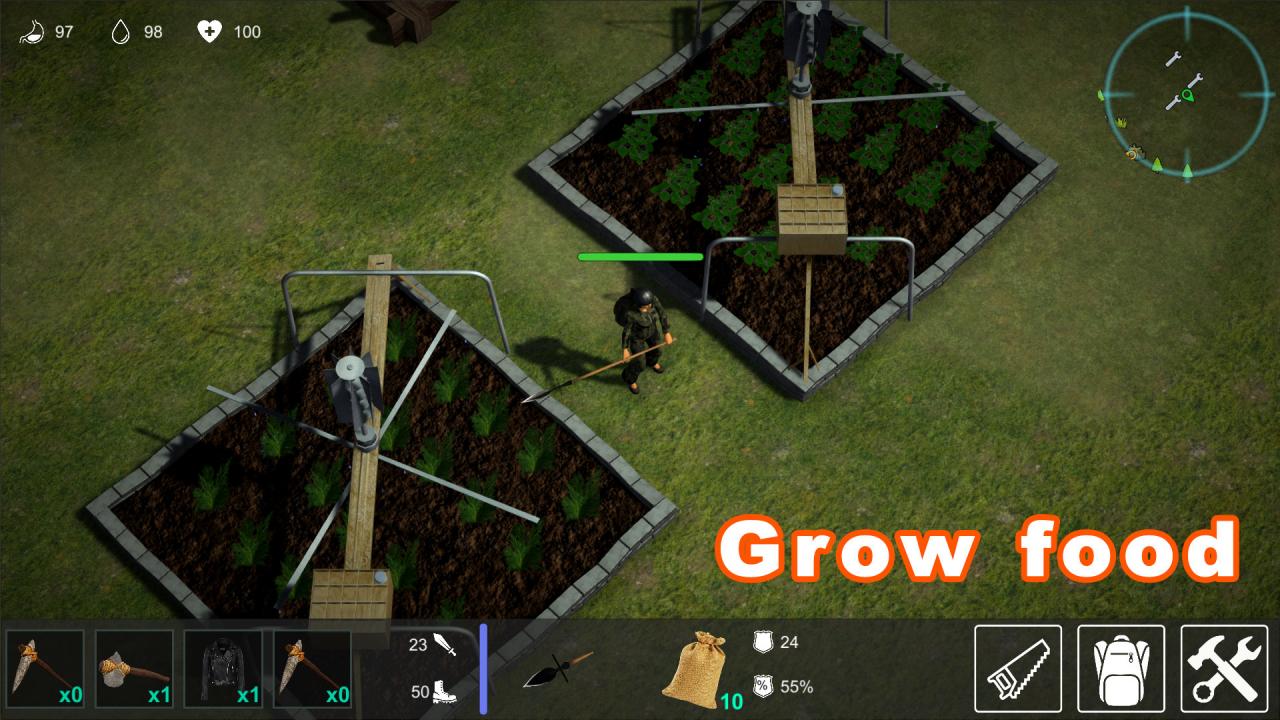
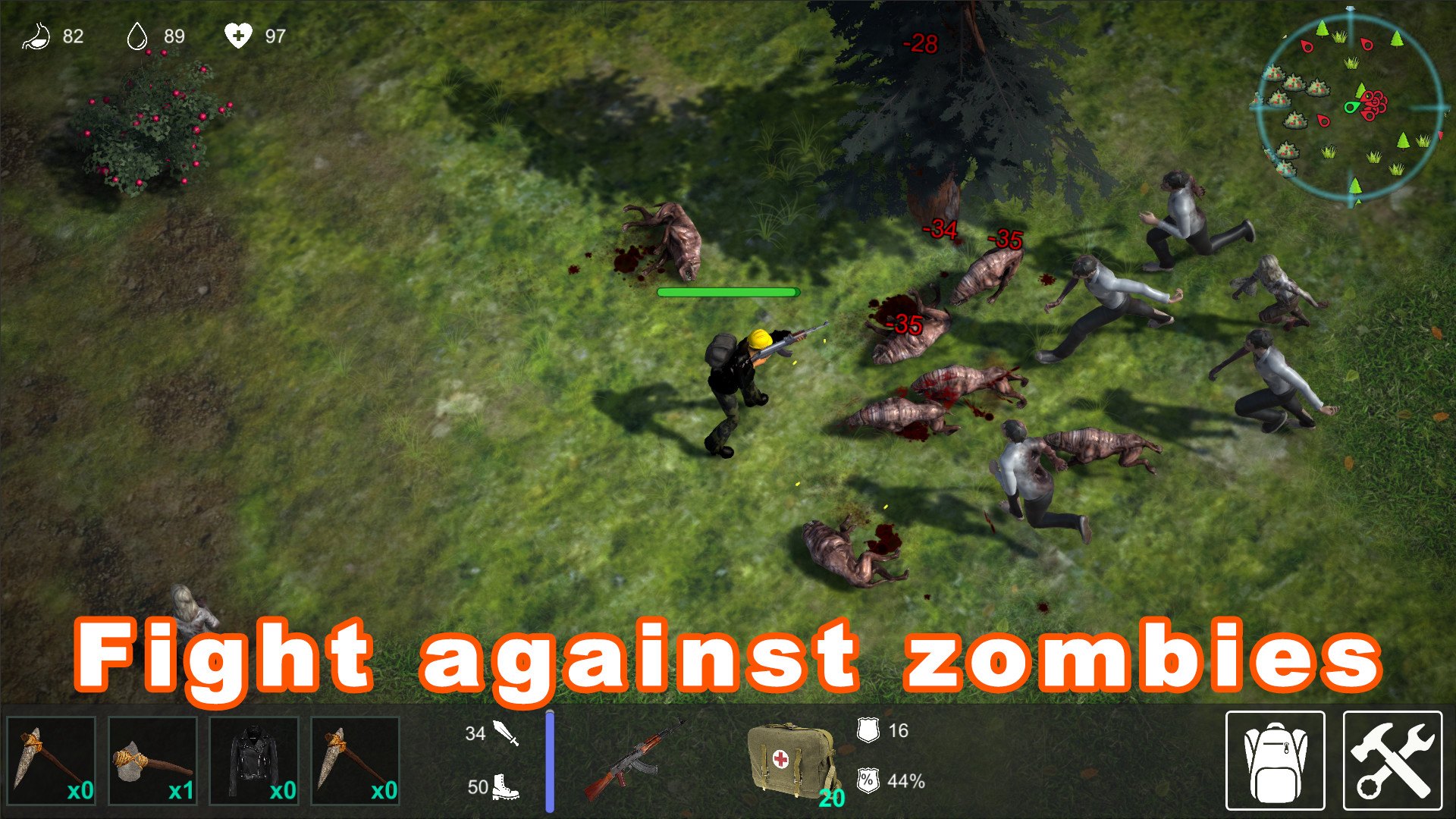
"LifeZ - Survival" is a third-person sandbox-survival game, in which players build their hideouts, mine resources, collect food and water. As well as fight the zombies encountered.You find yourself in a disaster zone. In the world where electricity, restaurants, medicine and home delivery still exist. Some go to work or school every day... but that's all on the other side of The Wall, one that was erected around the disaster zone, your new home. Your life is now in your hands. You must find a way to contact those on the other side and to get out of here, at any price. You must tell the rest of the world about the danger that hides inside the zone. Features SurviveFind water. Hunt for food or grow it. Make medical supplies. BuildBuild and improve your shelter, create workbenches to make better materials. Stockpile resources. CraftCraft weapons, armor, tools and other useful items. Use anything you can find. Over 100 items available for crafting. Global MapDiscover multitude of locations, find various resources, fight mutants and other survivors.
Go to: http://store.steampowered.com/ and download STEAM client Click "Install Steam" (from the upper right corner) Install and start application, login with your Account name and Password (create one if you don't have). Please follow these instructions to activate a new retail purchase on Steam: Launch Steam and log into your Steam account. Click the Games Menu. Choose Activate a Product on Steam... Follow the onscreen instructions to complete the process. After successful code verification go to the "MY GAMES" tab and start downloading.