Get 10% back in Relic Coins on every order
Forza Motorsport 7 Ultimate Edition / Windows 10 cover

Xbox OneUnited States· Key

Forza Motorsport 7 Ultimate Edition / Windows 10

€224.70

+€22.47 cashback eligibility in Relic Coins

Check before you play

Platform
Xbox One
Region
United States
Product type
Key
Developer
Turn 10 Studios
Publisher
Microsoft Studios
Supplier release date
2017-10-03
Genres
Racing, Sport

About this product

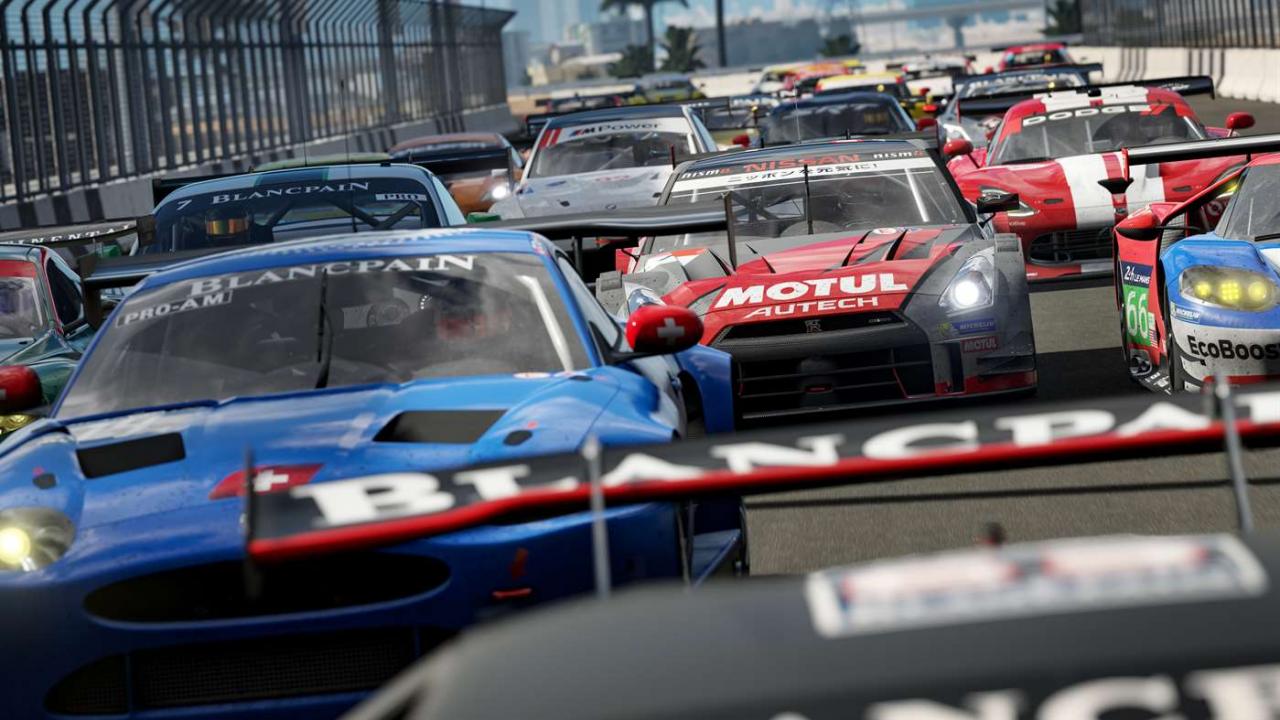
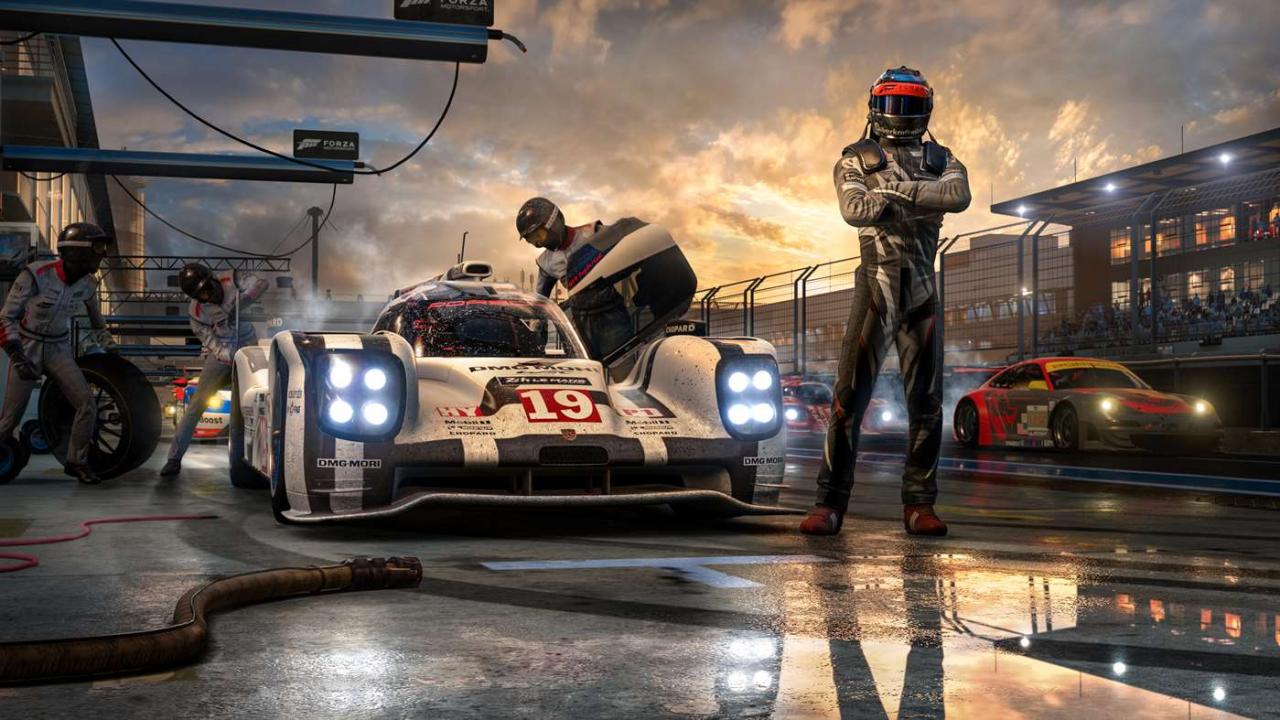
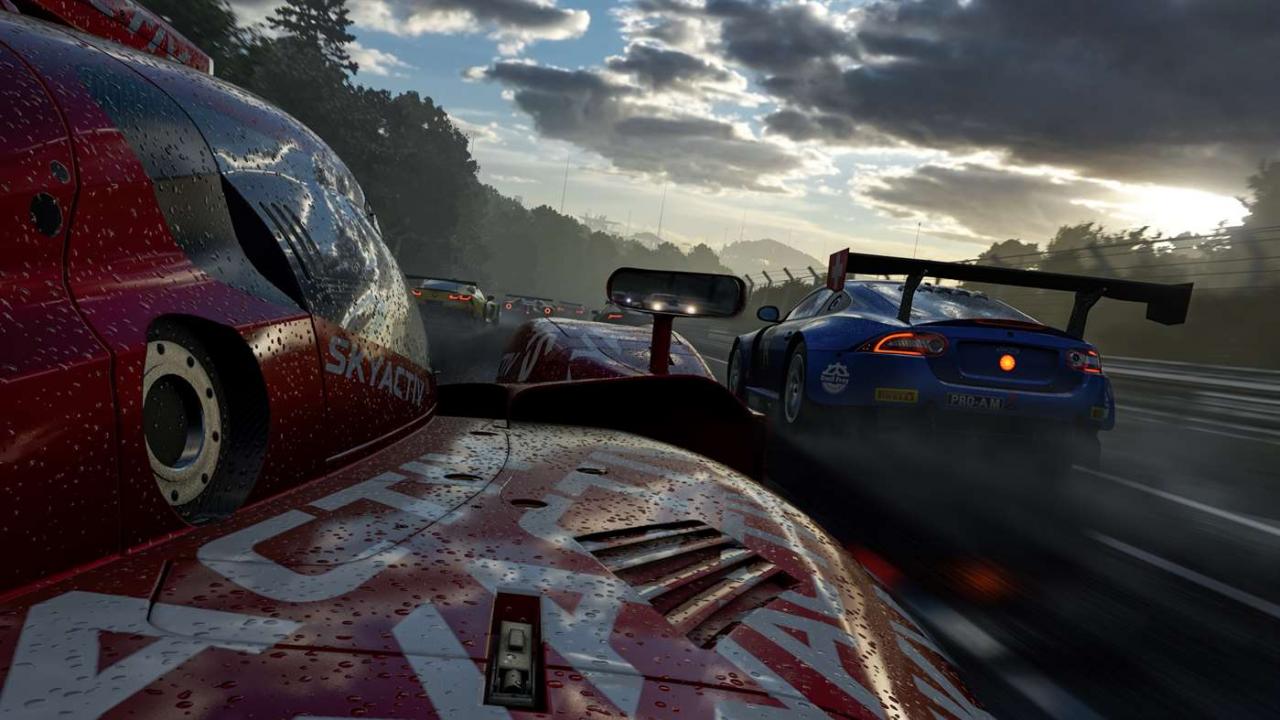
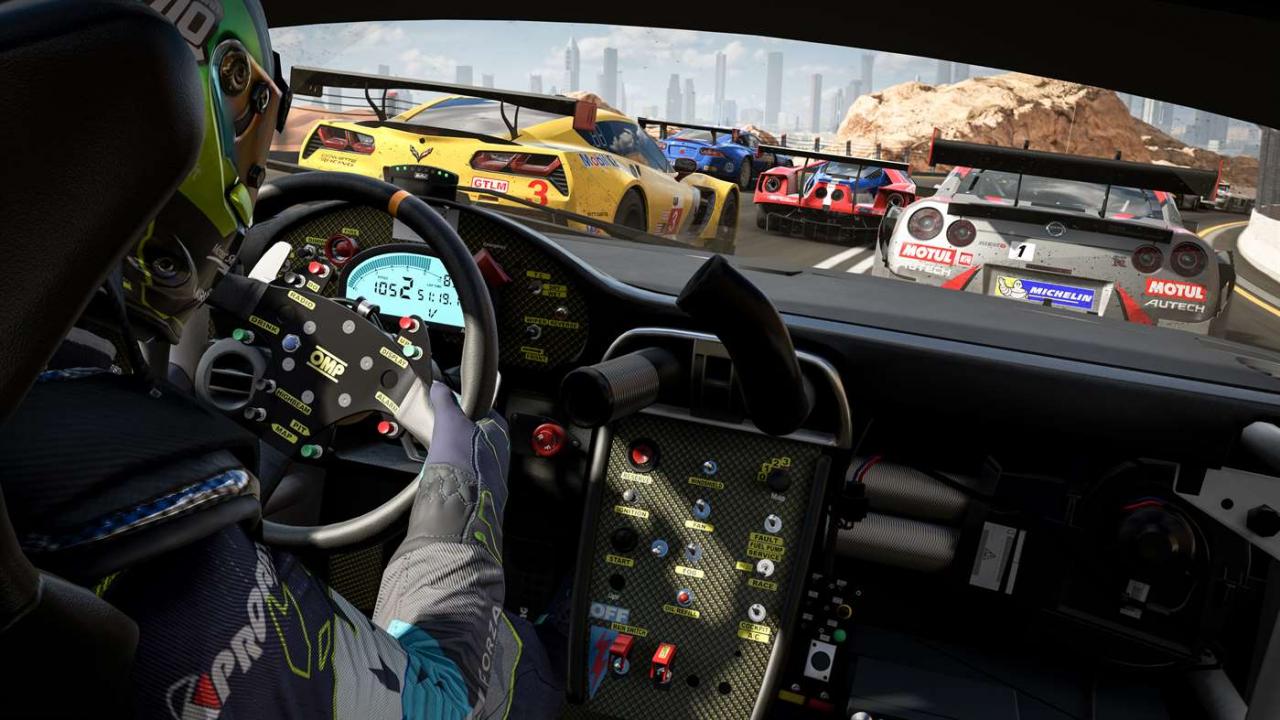
Includes: Forza Motorsport 7 base game Forza Motorsport 7 VIP Forza Motorsport 7 Car Pass Forza Motorsport 7 Fate Of The Furious Car Pack Forza Motorsport 7 Hoonigan Car Pack Experience the thrill of motorsport at the limit with the most comprehensive, beautiful and authentic racing game ever made. Enjoy gorgeous graphics at 60fps and native 4K resolution in HDR. Collect and race more than 700 cars, including the largest collection of Ferraris, Porsches, and Lamborghinis ever. Challenge yourself across 30 famous destinations and 200 ribbons, where race conditions change every time you return to the track.

Forza Motorsport 7 Ultimate Edition / Windows 10 screenshotForza Motorsport 7 Ultimate Edition / Windows 10 screenshotForza Motorsport 7 Ultimate Edition / Windows 10 screenshotForza Motorsport 7 Ultimate Edition / Windows 10 screenshot

How to redeem

  1. 1Check your Xbox One account and the listed region before purchasing.
  2. 2Find your code and supplier activation instructions in your confirmed order.
  3. 3Open the redeem-code section on Xbox One, enter the code and follow the platform’s prompts.

Supplier instructions

In order to use the key follow the instruction below: Go to https://www.xbox.com Login to your account Hover over your account link (the top right of the screen) a menu will appear, click on the "Redeem Code" button. On the next page, click "Redeem" Enter your code Click "Confirm" Click "Confirm" again to assign the key to your account. In order to download and install your game on Windows 10 follow the instructions below: Using your Microsoft account, sign in to the PC where you want to install your games. On the Start screen, select the Store icon. In the Store, select Games from the menu. Browse to and select the game you want to buy.

You might also like