Get 10% back in Relic Coins on every order
The Textorcist: The Story of Ray Bibbia cover

SteamGlobal· Key

The Textorcist: The Story of Ray Bibbia

€0.19

+€0.02 cashback eligibility in Relic Coins

Check before you play

Platform
Steam
Region
Global
Product type
Key
Developer
MorbidWare
Publisher
Headup
Supplier release date
2019-02-14
Genres
Action, Indie

About this product

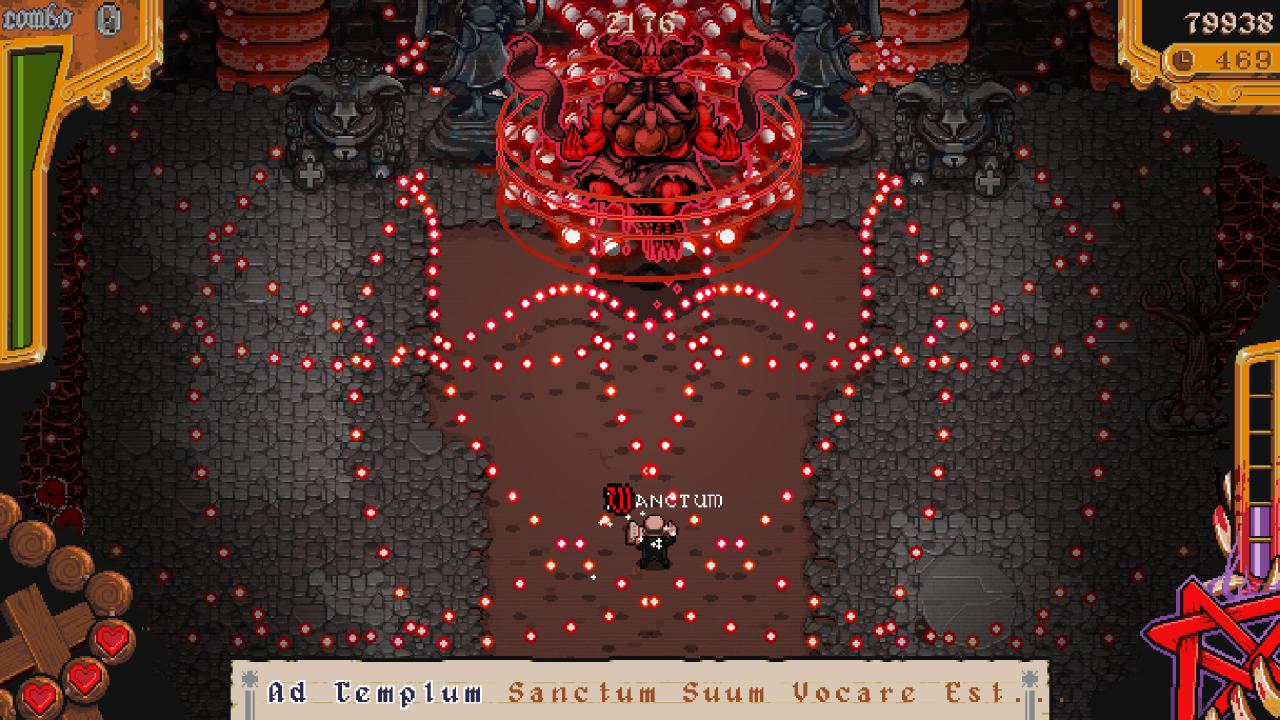
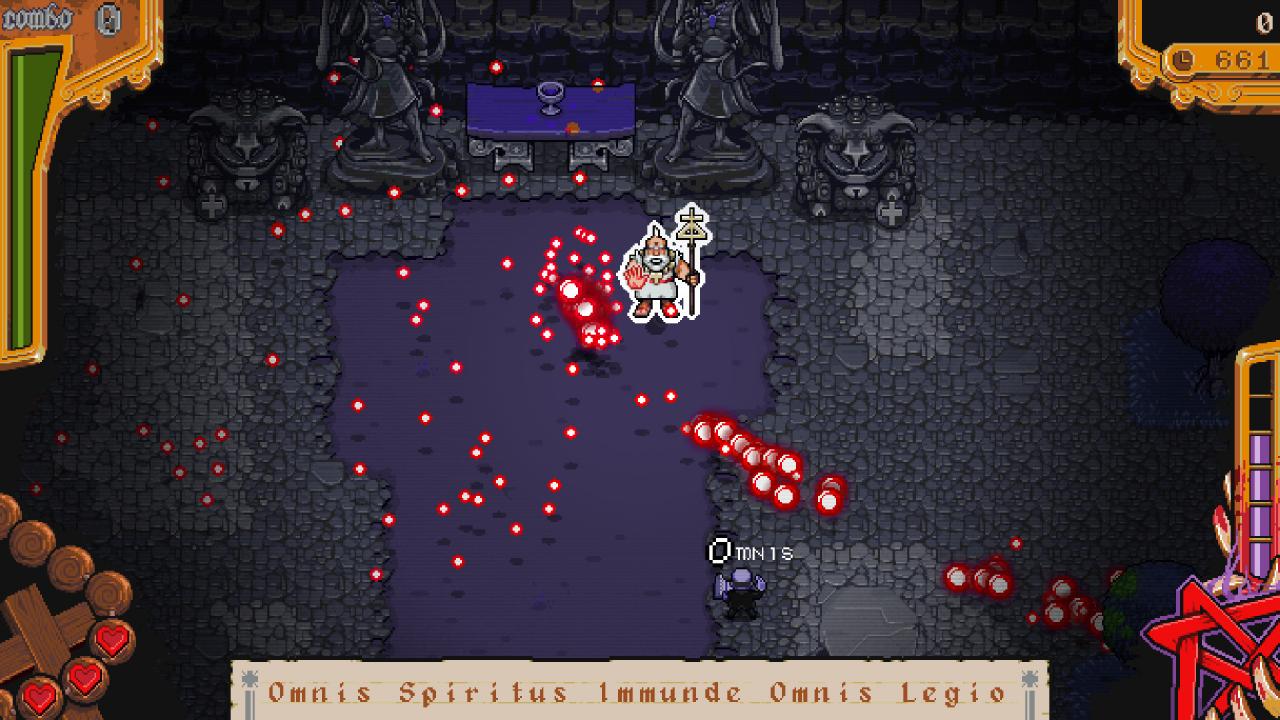
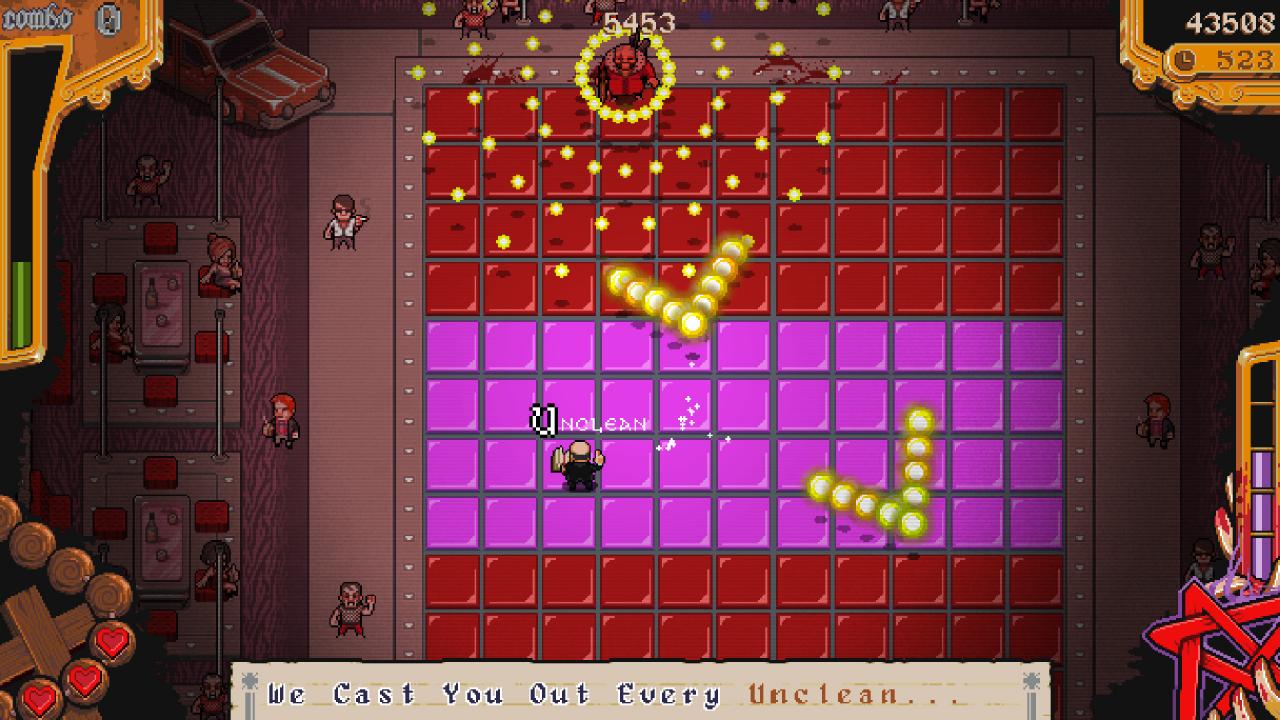
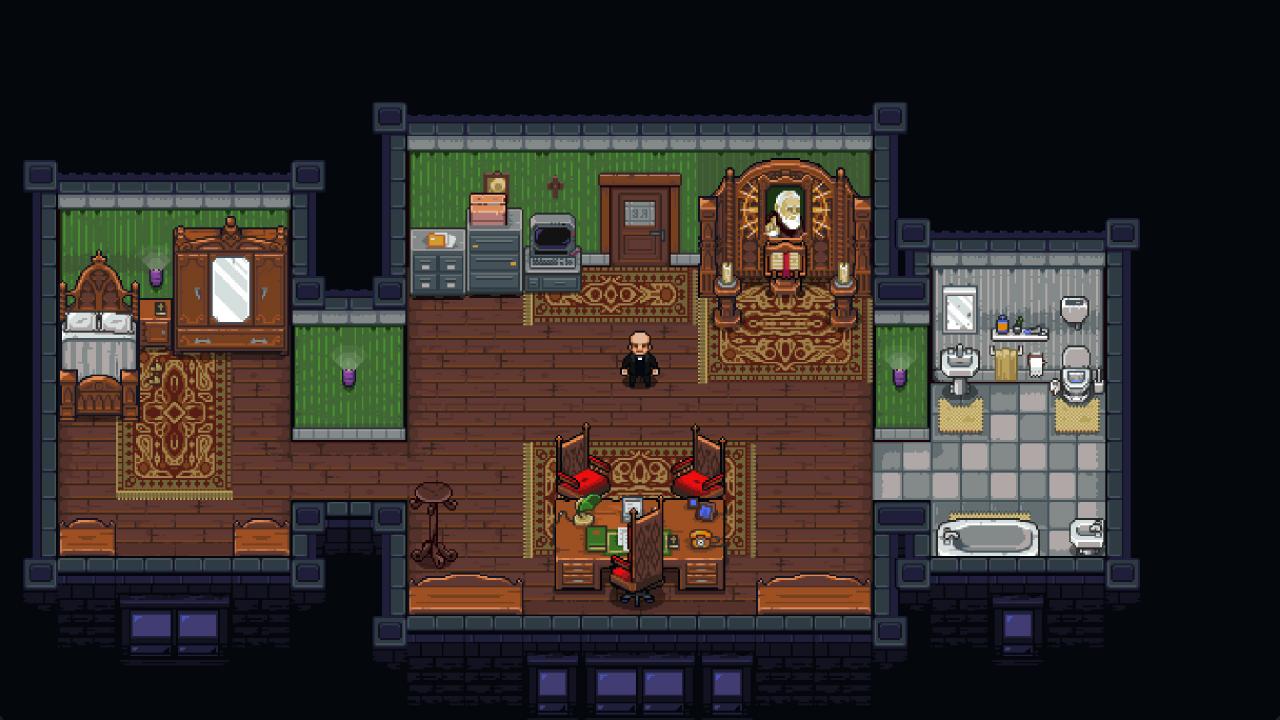
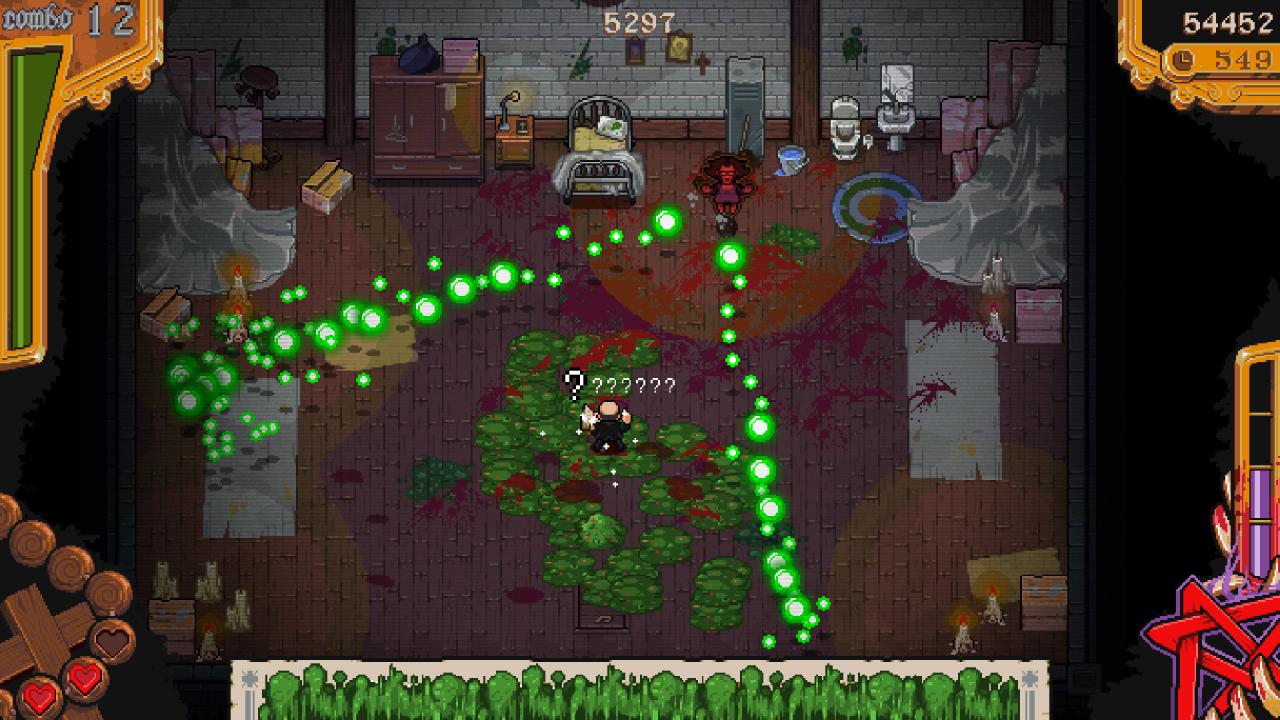
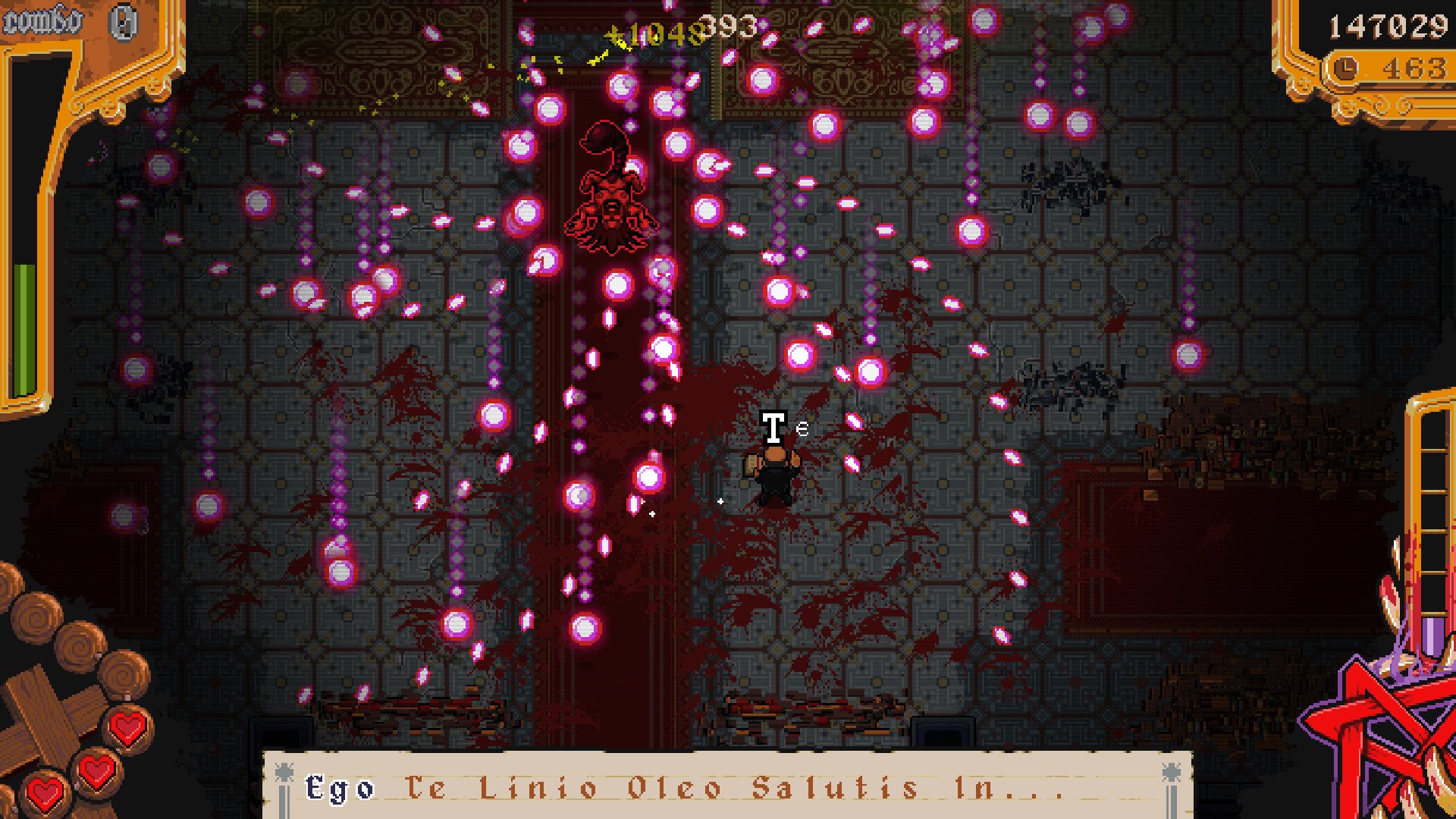
Get ready for an electrifying mix between a bullet hell and a typing game! Dodge bullets while typing exorcisms at the very same time: turn on both sides of your brain and jump into the adventure of Ray Bibbia, a private exorcist who's going to face the threats of a demonic outbreak and deal with his dark and sinful past at the same time!A city in decay, streets filled with thugs, crime, and censorship, and only one man to stop it all. Groundbreaking gameplay, exorcists, demons, metal singers, pimps, the Pope, drama, bad jokes and tons of hardcore action-filled boss battles for the first type ‘em up game ever realized. Features An intense storytelling Tons of bullets Lots of typing 10 Boss fights Challenging twisted typing mechanics for every boss Type even to open a door Type on a Holyvetti computer Show it off with online leaderboards Play with the keyboard for a typing experience or with a gamepad for a rhythm experience Original Soundtrack composed by GosT Some more Bullets

The Textorcist: The Story of Ray Bibbia screenshotThe Textorcist: The Story of Ray Bibbia screenshotThe Textorcist: The Story of Ray Bibbia screenshotThe Textorcist: The Story of Ray Bibbia screenshotThe Textorcist: The Story of Ray Bibbia screenshotThe Textorcist: The Story of Ray Bibbia screenshot

How to redeem

  1. 1Check your Steam account and the listed region before purchasing.
  2. 2Find your code and supplier activation instructions in your confirmed order.
  3. 3Open the redeem-code section on Steam, enter the code and follow the platform’s prompts.

Supplier instructions

Go to: http://store.steampowered.com/ and download STEAM client Click "Install Steam" (from the upper right corner) Install and start application, login with your Account name and Password (create one if you don't have). Please follow these instructions to activate a new retail purchase on Steam: Launch Steam and log into your Steam account. Click the Games Menu. Choose Activate a Product on Steam... Follow the onscreen instructions to complete the process. After successful code verification go to the "MY GAMES" tab and start downloading.

You might also like