

SteamGlobal· Key
Definitely Sneaky But Not Sneaky
€3.74
+€0.37 cashback eligibility in Relic Coins
Check before you play
- Platform
- Steam
- Region
- Global
- Product type
- Key
- Developer
- boxedworks
- Supplier release date
- 2019-02-06
- Genres
- Action, Indie, Casual
SteamGlobal· Key
€3.74
+€0.37 cashback eligibility in Relic Coins
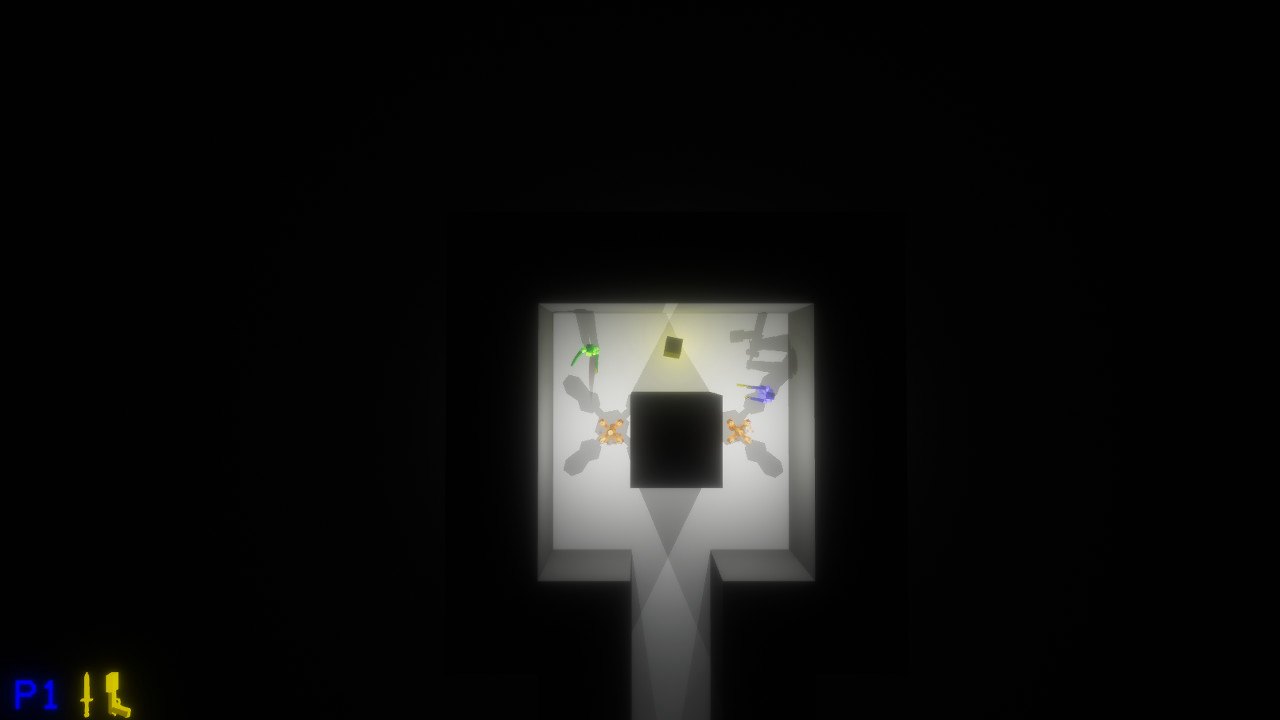
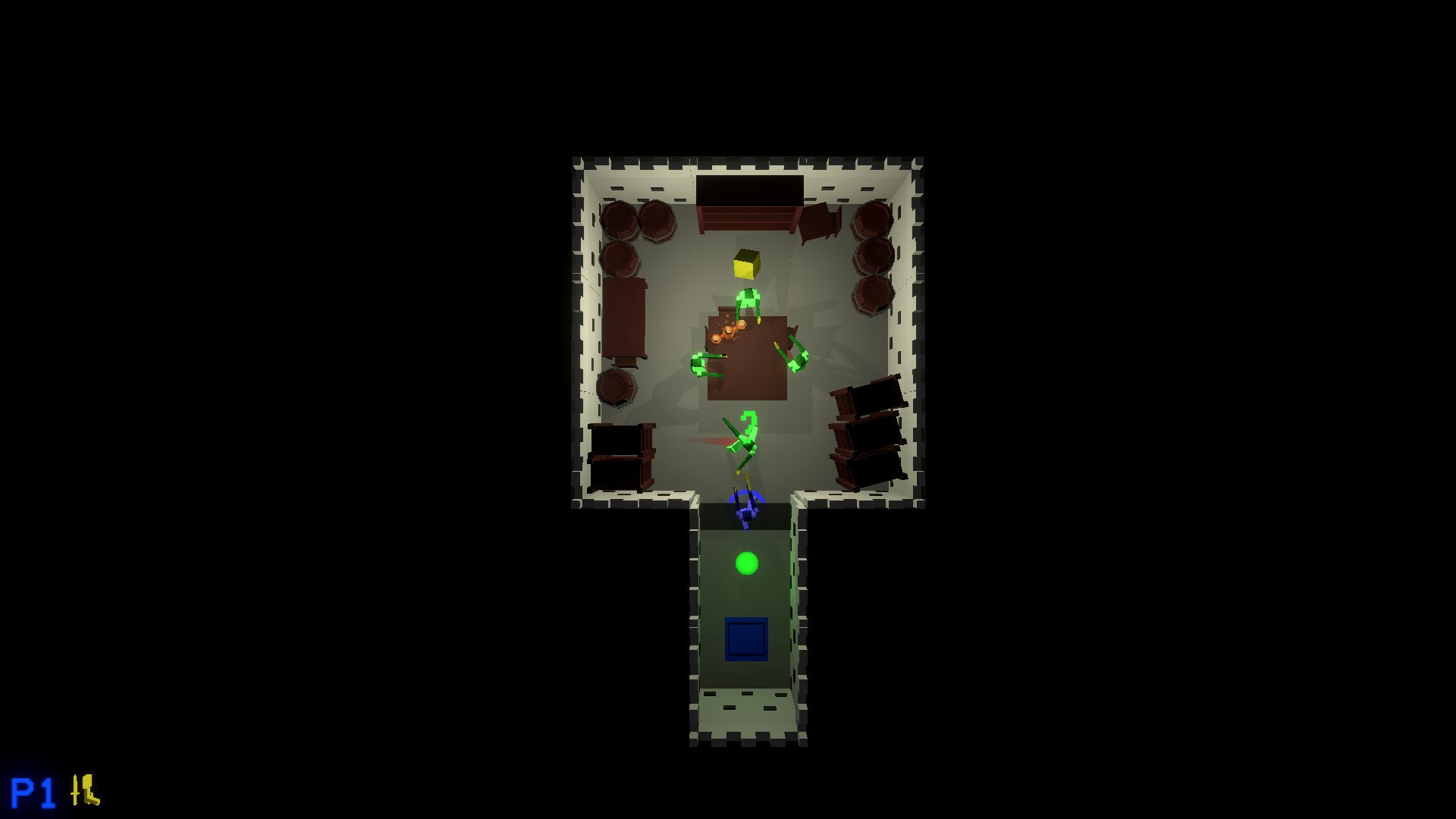
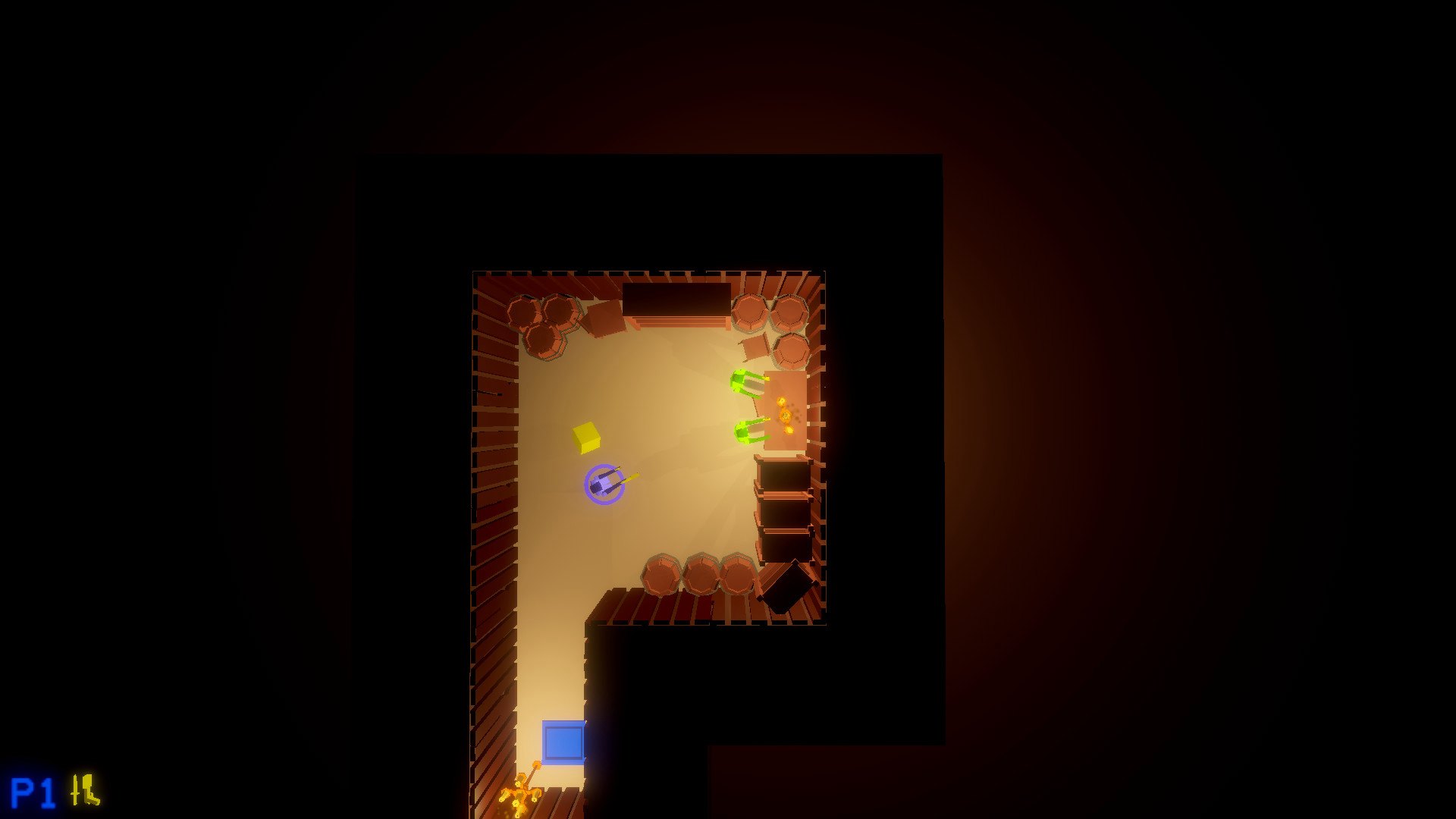
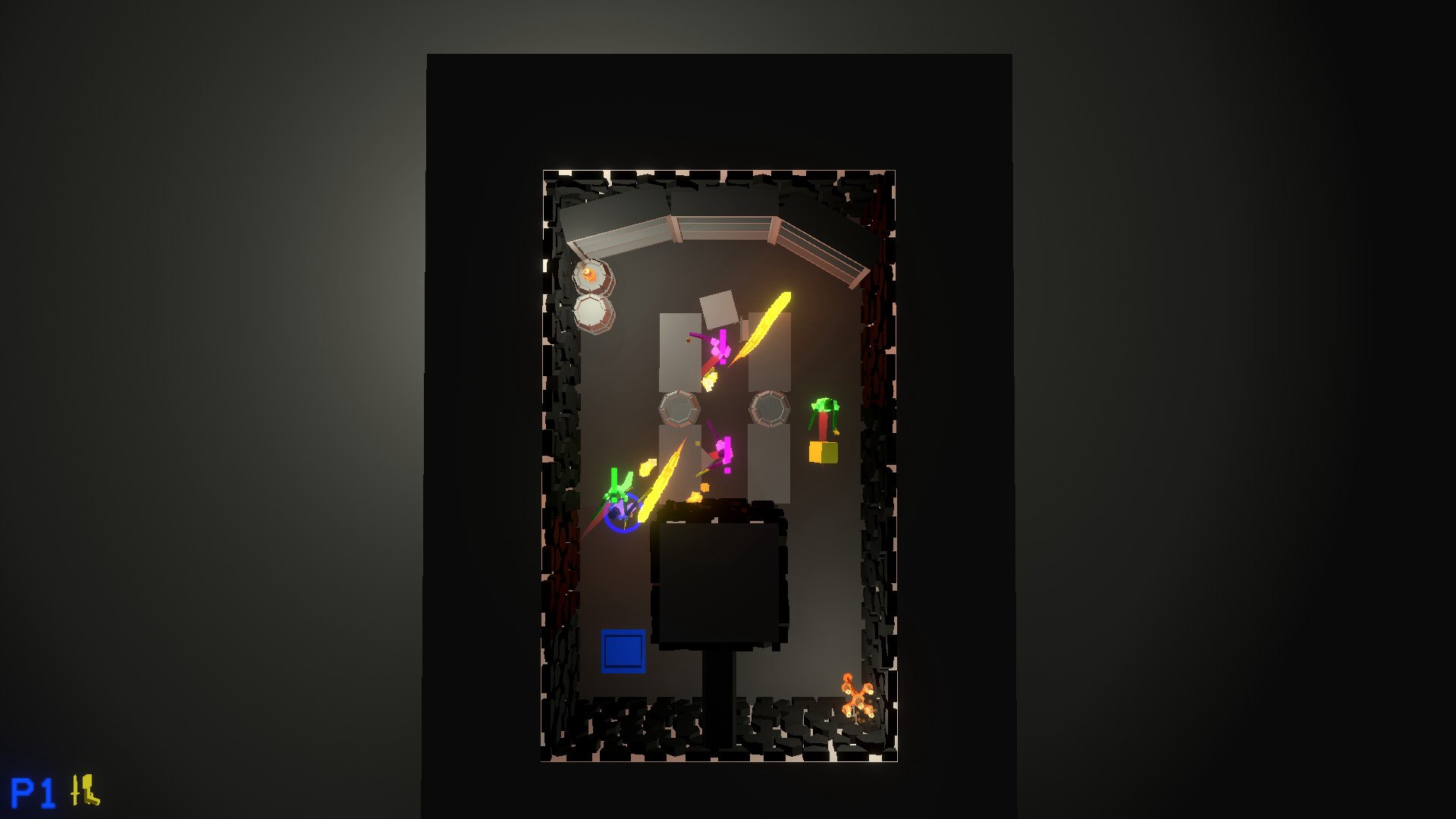
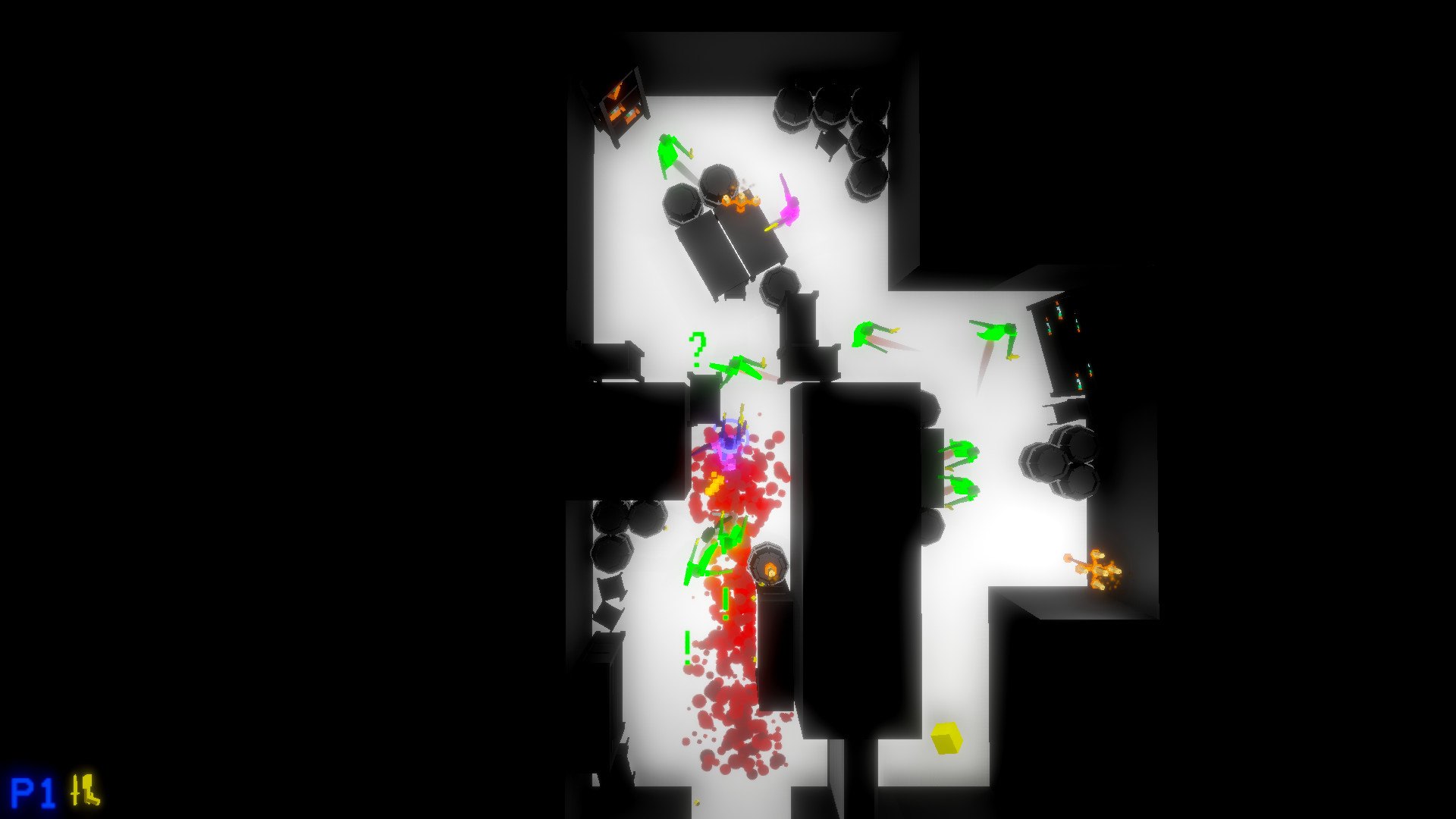
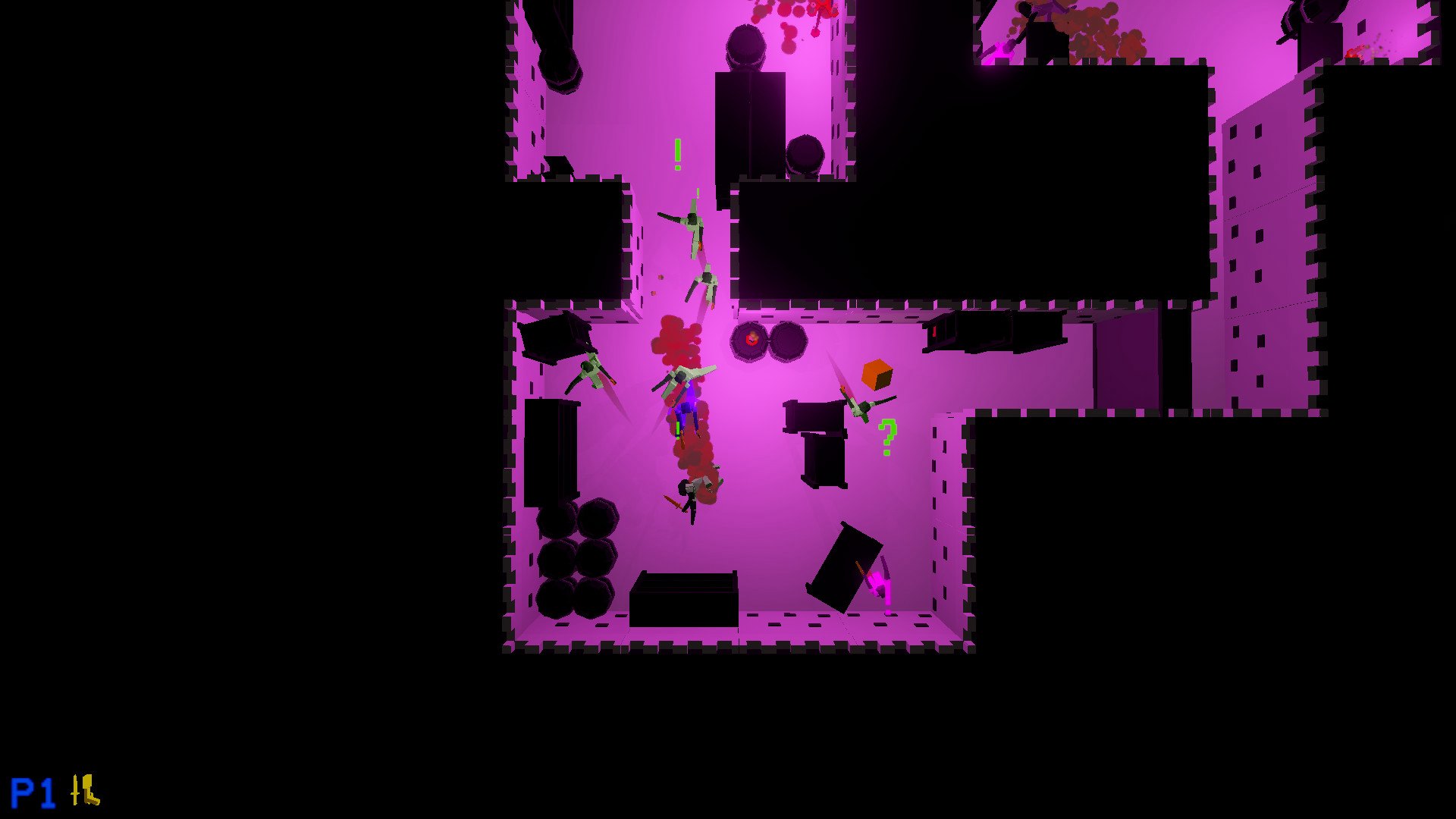
Definitely Sneaky But Not Sneaky is a top-down action-stealth game with arcade elements. Small yet difficult levels combined with the ability to instantly retry a level creates a fast-paced experience. In the end, it is your choice to be sneaky or not. Action-Stealth gameplay Most levels allow you to approach them in different ways. You can either sneak into each situation and slowly take out your opponents, or you can run in and try to beat the level as quickly as possible. Controller support With both keyboard/mouse and controller support, you can play the game whichever way is more comfortable. May it be keyboard and mouse, a PS4 controller, or an XBOX controller, all you have to do it plug-and-play (..and go into the options menu)! Local multiplayer 4-person local multiplayer is also supported with the ability for mixing different control types (one player on a keyboard, another on a PS4 controller, and a third on an XBox controller, etc.) in order to get as many people playing as possible. Play the entirety of the game with some friends or just play solo, it's up to you!
Go to: http://store.steampowered.com/ and download STEAM client Click "Install Steam" (from the upper right corner) Install and start application, login with your Account name and Password (create one if you don't have). Please follow these instructions to activate a new retail purchase on Steam: Launch Steam and log into your Steam account. Click the Games Menu. Choose Activate a Product on Steam... Follow the onscreen instructions to complete the process. After successful code verification go to the "MY GAMES" tab and start downloading.