Get 10% back in Relic Coins on every order
Tech Support: Error Unknown cover

SteamGlobal· Key

Tech Support: Error Unknown

€0.41

+€0.04 cashback eligibility in Relic Coins

Check before you play

Platform
Steam
Region
Global
Product type
Key
Developer
Dragon Slumber
Publisher
Iceberg Interactive
Supplier release date
2019-02-27
Genres
Adventure, Simulation, Indie, Casual

About this product

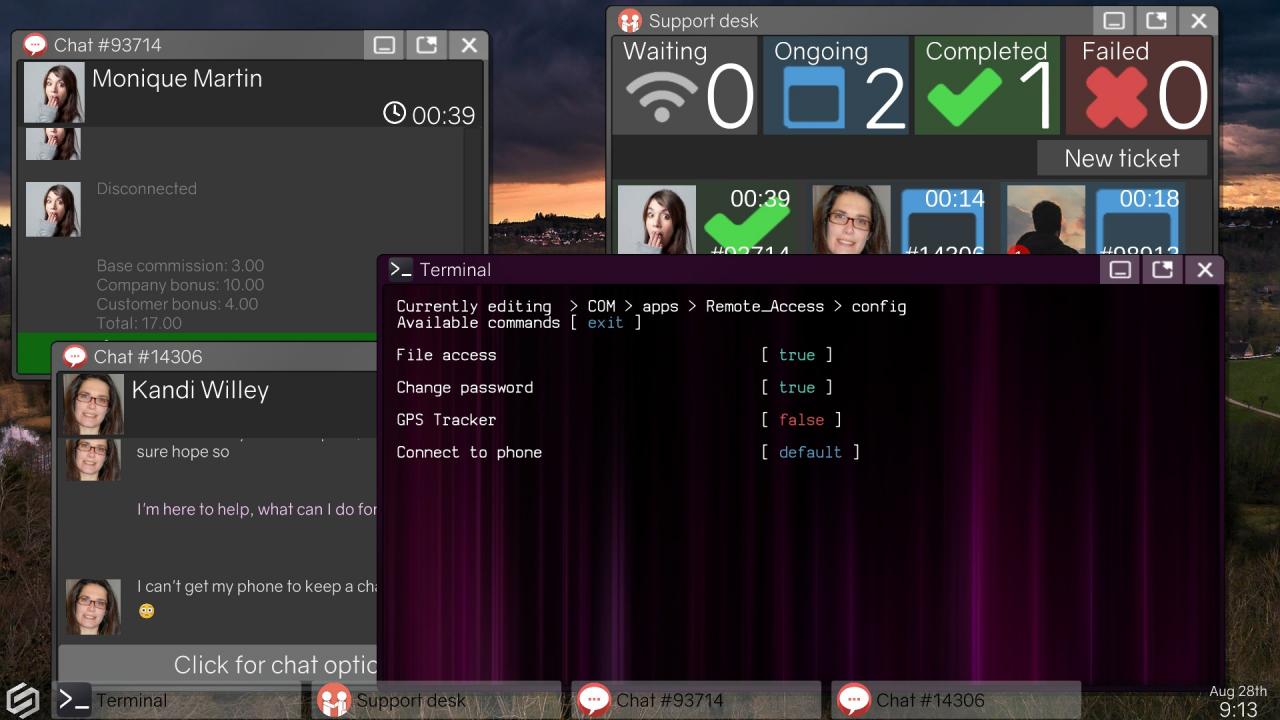
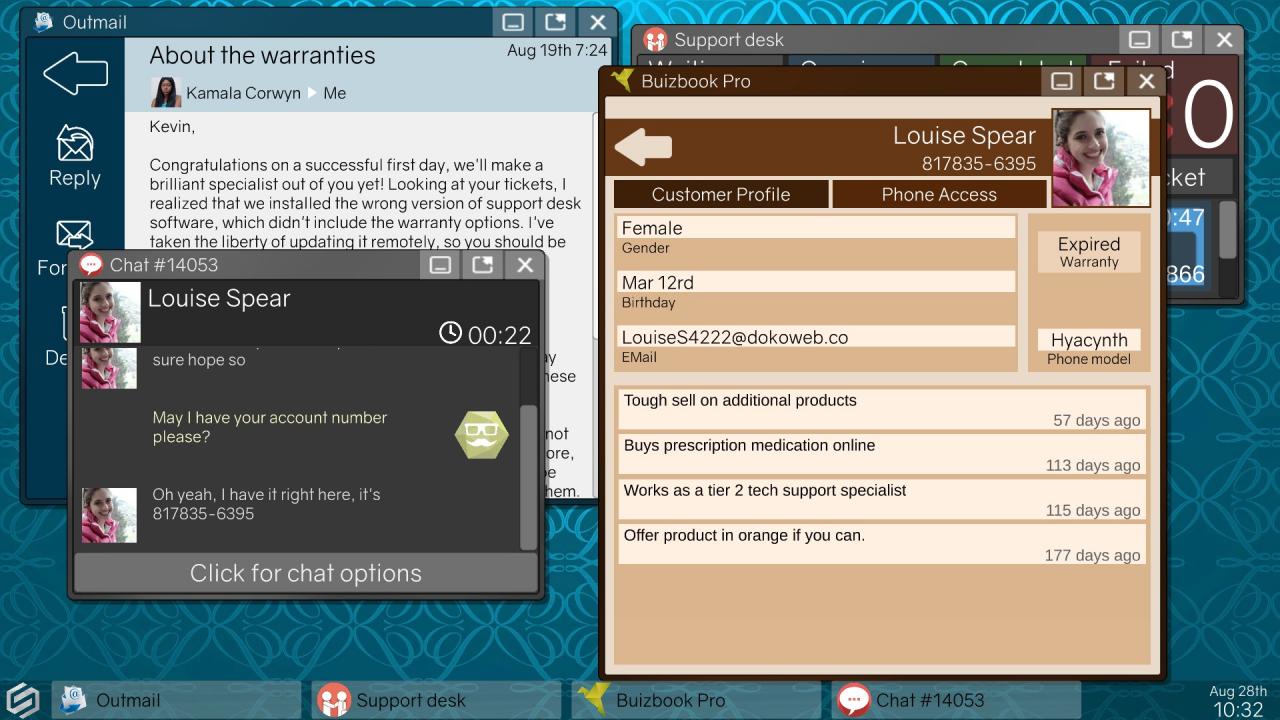
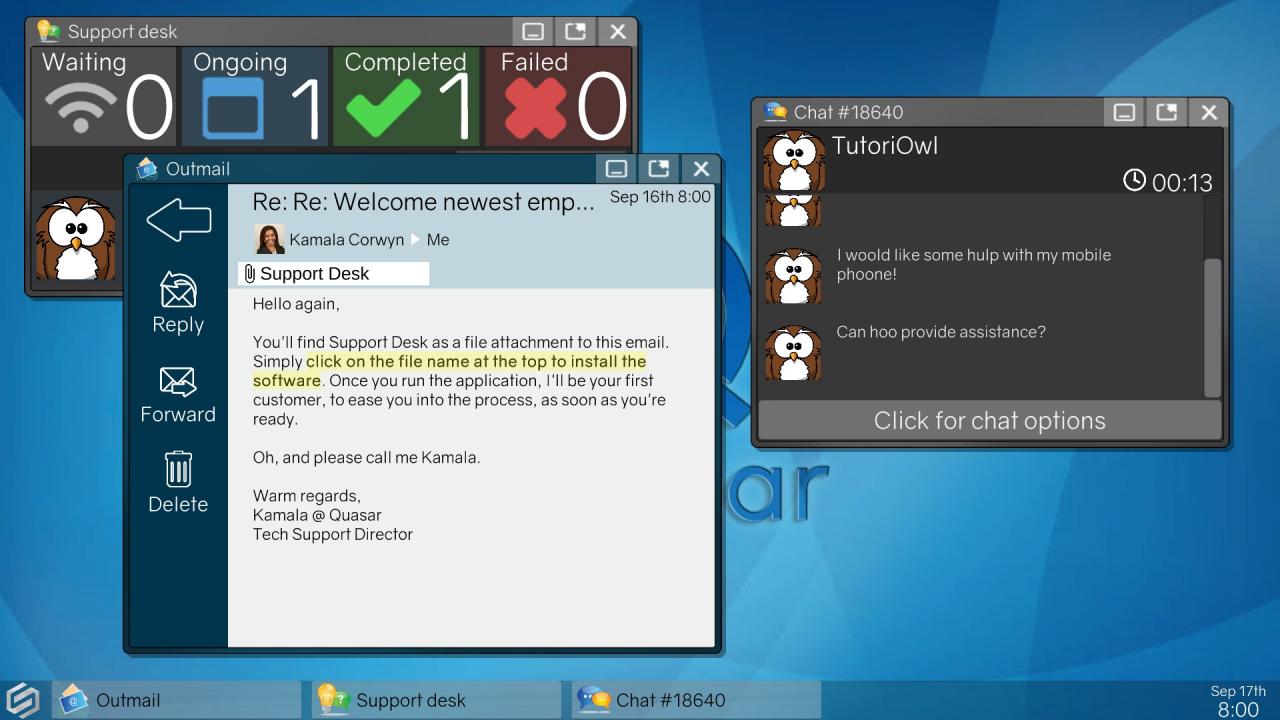
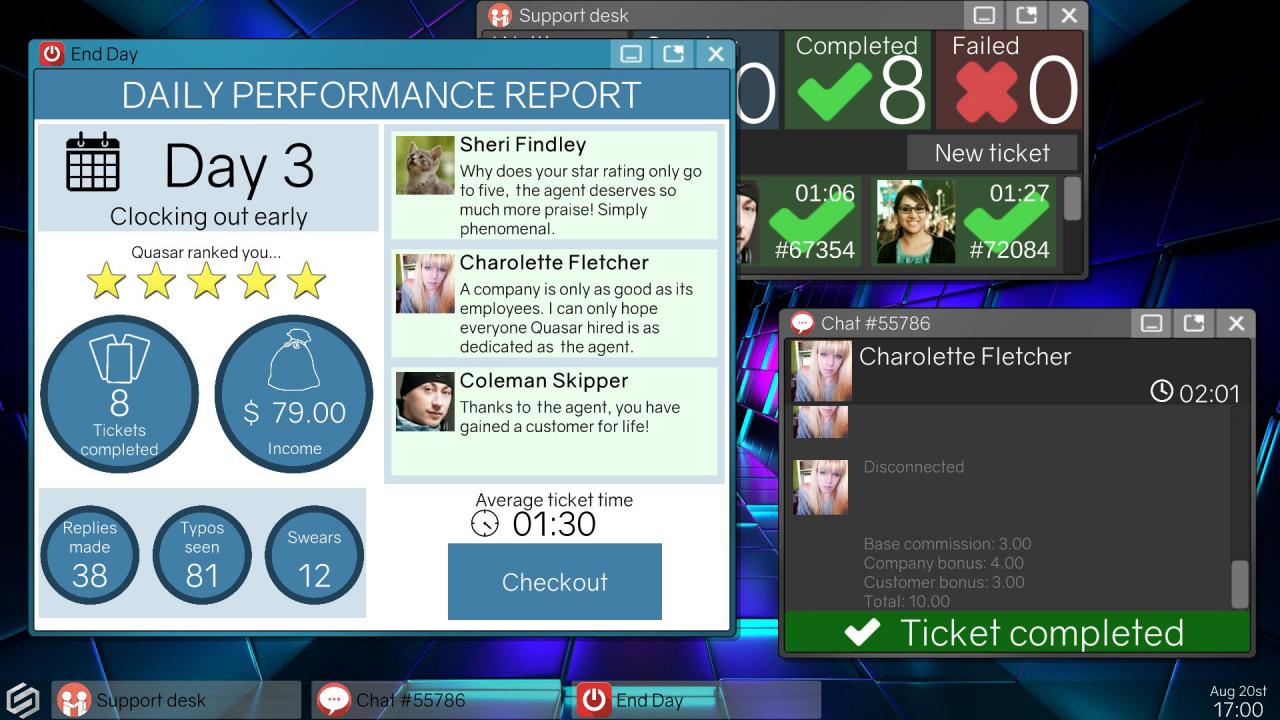
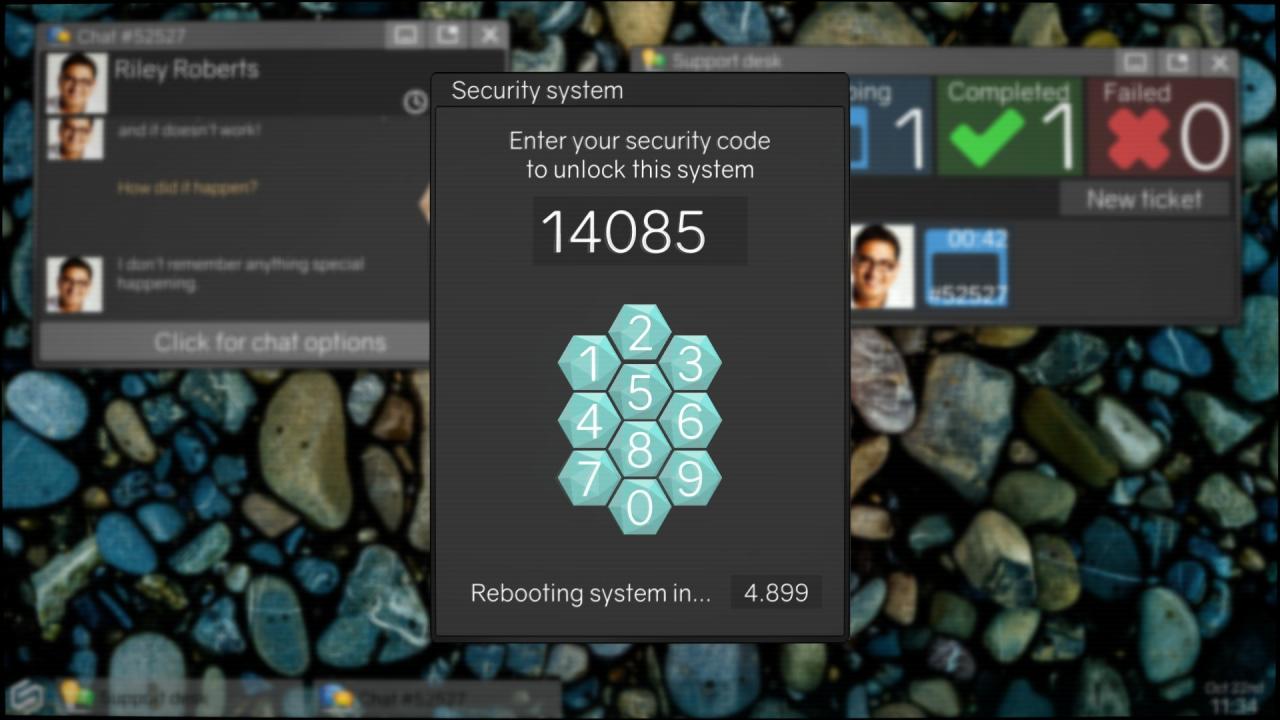
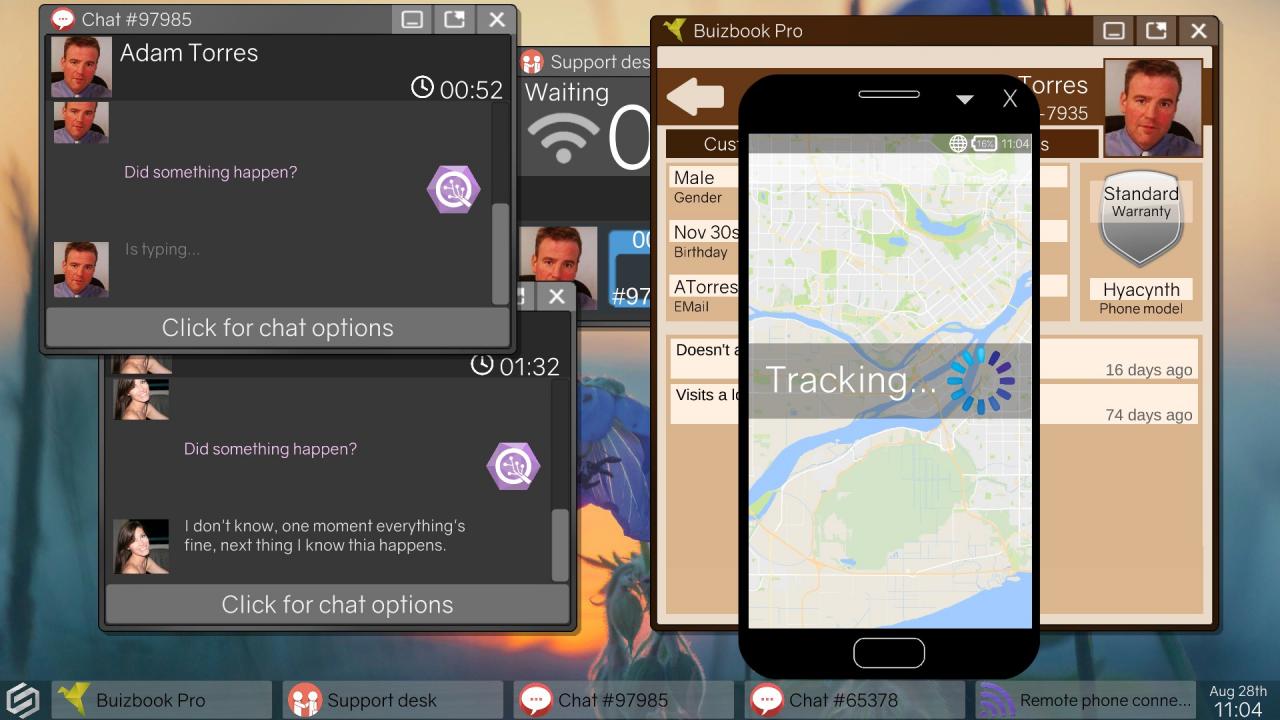
“On behalf of Quasar Telecommunications, I am happy to welcome you in our family. You are part of our exciting new program allowing technical support specialists to work directly from home. Your new Spectrum system will connect you directly with our customers through the Support Desk.” Tech Support: Error Unknown is an adventure game with simulation and puzzle mechanics, which places you in front of a virtual computer. As a tech support specialist new to the job, use a wide array of computer software to solve customer issues or choose to manipulate programs for personal gain. Hack your system to unlock its full potential, GPS track lost phones, scan profiles to blackmail customers, or simply propose they reboot. While on the job, you discover a conflict between your corporate employer and an anonymous rogue hacktivist group, trying to take them down. Will you climb the corporate ladder, secretly join the hacktivists, or help the police expose them? Alternatively, will you pursue a more personal agenda? Features Engage customers and colleagues through a novel procedural dialogue system Choose how to approach each situation in a sandbox computer environment Decide who to side with and unlock new gameplay Discover multiple major and minor endings Mouse-only controls make the game accessible for all

Tech Support: Error Unknown screenshotTech Support: Error Unknown screenshotTech Support: Error Unknown screenshotTech Support: Error Unknown screenshotTech Support: Error Unknown screenshotTech Support: Error Unknown screenshot

How to redeem

  1. 1Check your Steam account and the listed region before purchasing.
  2. 2Find your code and supplier activation instructions in your confirmed order.
  3. 3Open the redeem-code section on Steam, enter the code and follow the platform’s prompts.

Supplier instructions

Go to: http://store.steampowered.com/ and download STEAM client Click "Install Steam" (from the upper right corner) Install and start application, login with your Account name and Password (create one if you don't have). Please follow these instructions to activate a new retail purchase on Steam: Launch Steam and log into your Steam account. Click the Games Menu. Choose Activate a Product on Steam... Follow the onscreen instructions to complete the process. After successful code verification go to the "MY GAMES" tab and start downloading.

You might also like