Get 10% back in Relic Coins on every order
Railway Empire - Germany DLC cover

SteamGlobal· DLC

Railway Empire - Germany DLC

€0.06

+€0.01 cashback eligibility in Relic Coins

Check before you play

Platform
Steam
Region
Global
Product type
DLC

Check the required base game and edition before purchasing this add-on.

Developer
Gaming Minds Studios
Publisher
Kalypso Media
Supplier release date
2019-03-01
Genres
Strategy, Simulation

About this product

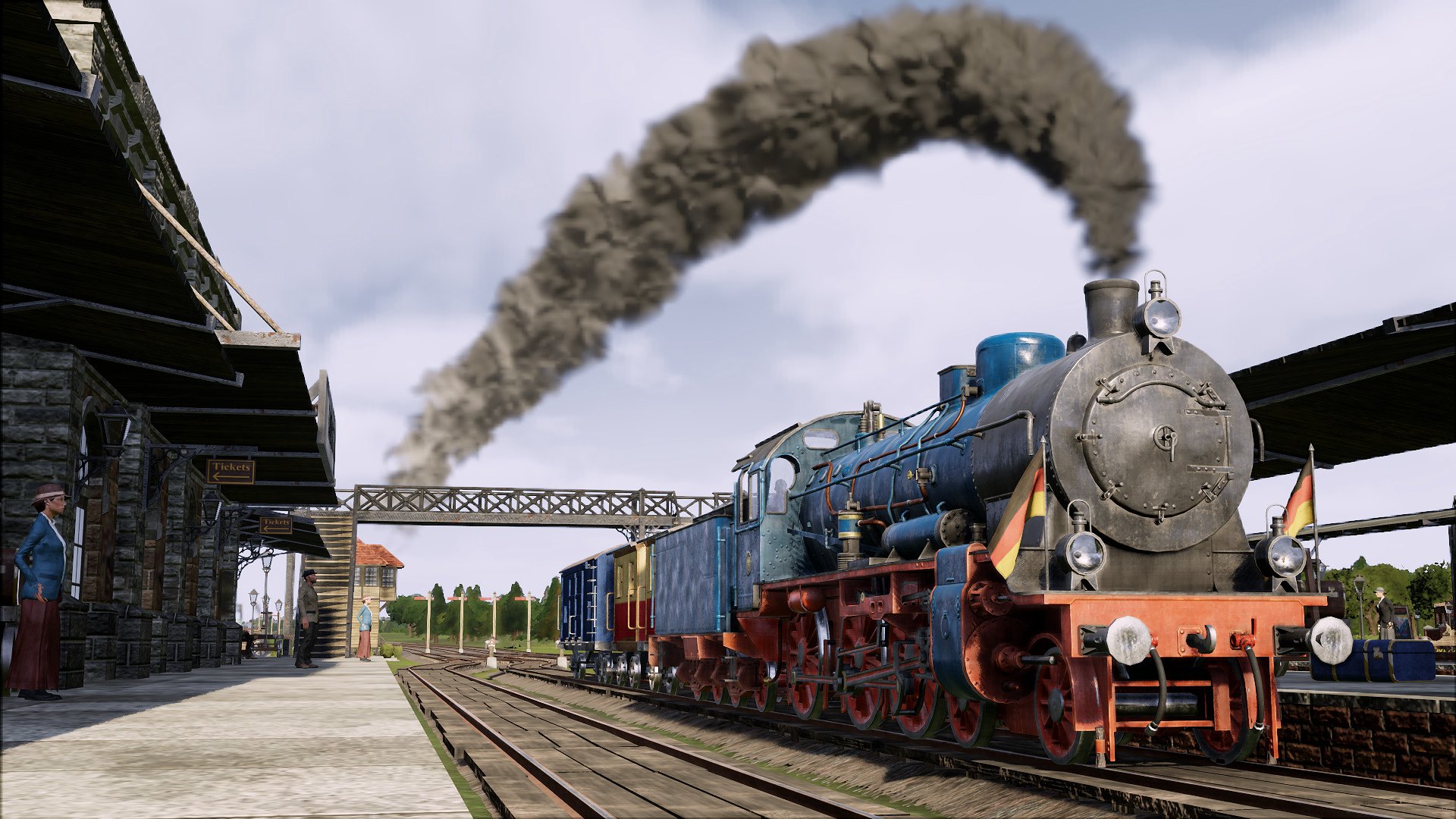
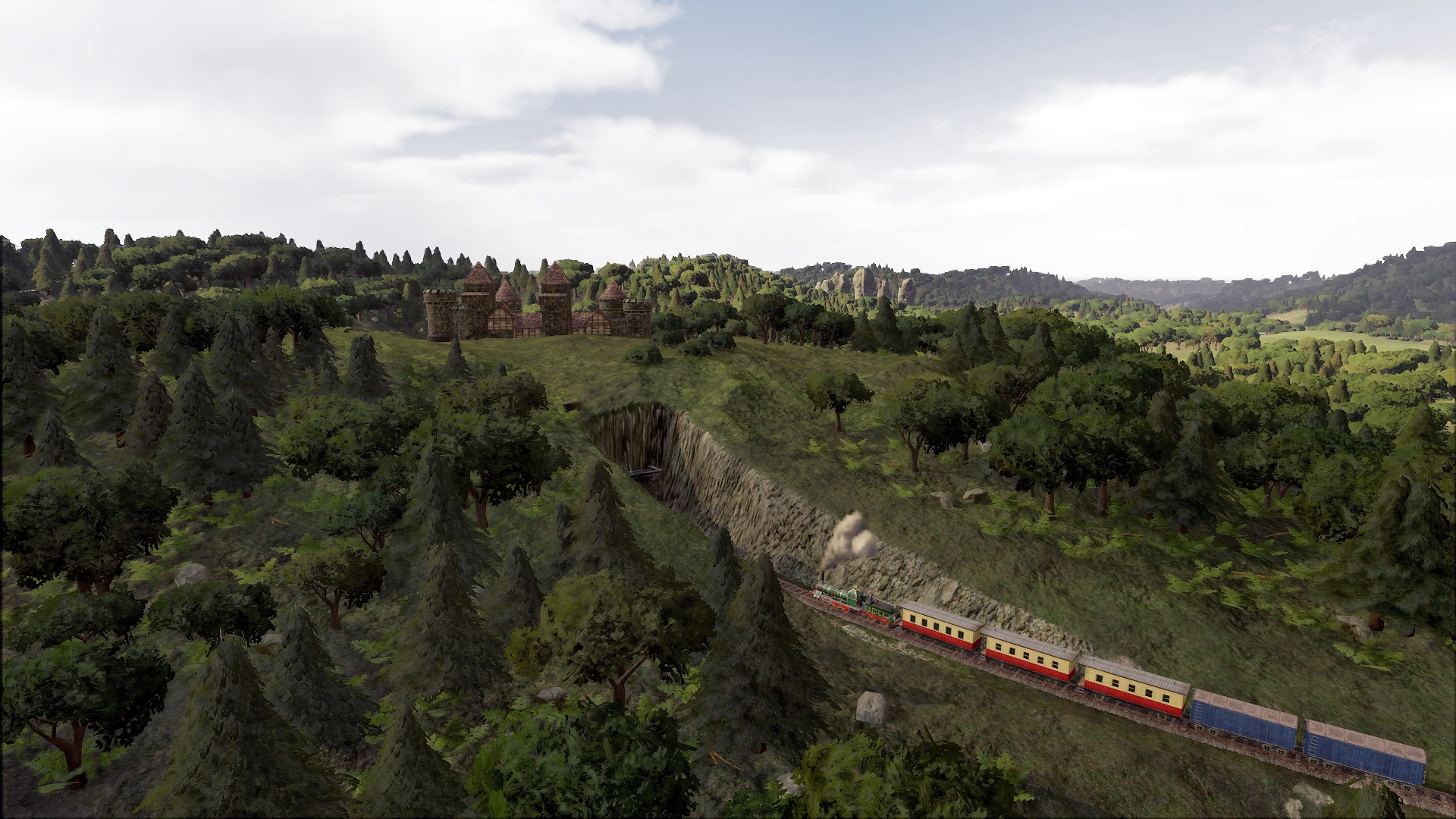
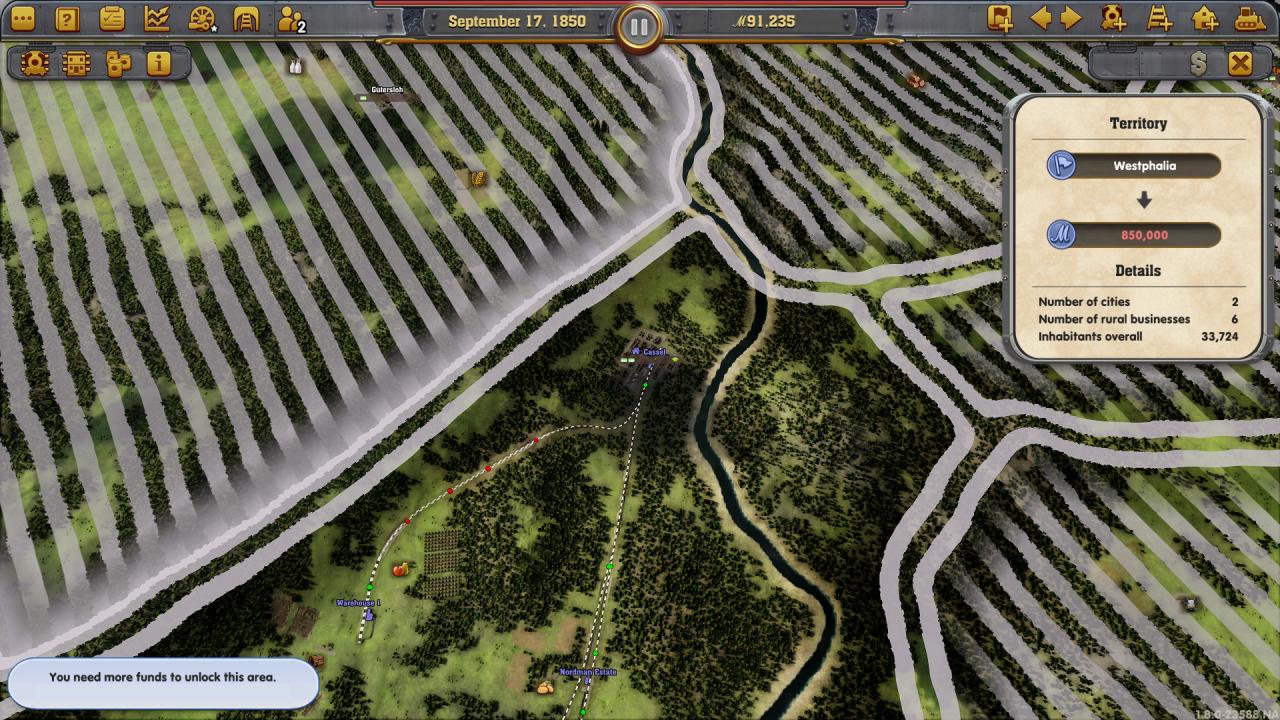
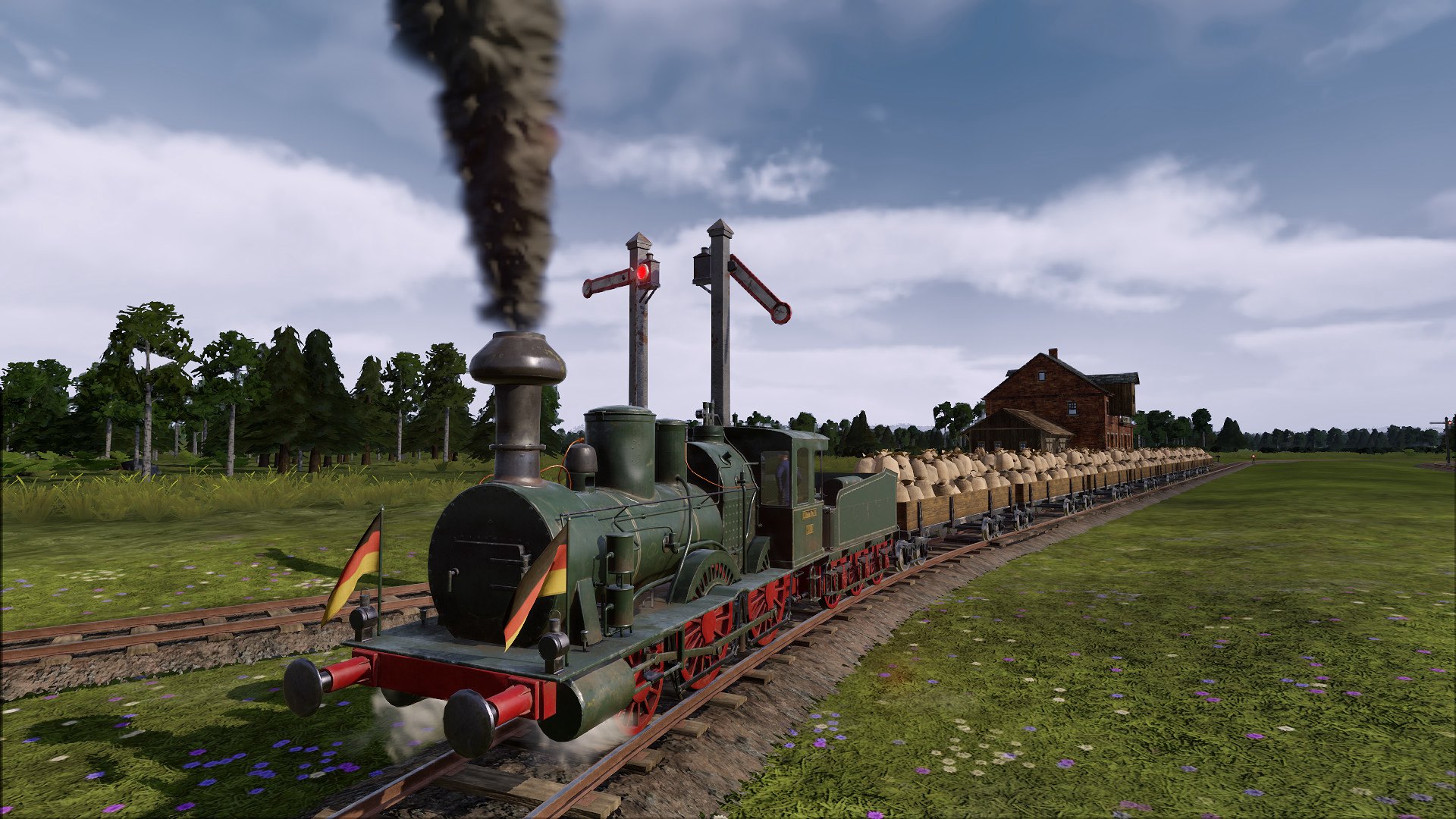
Marked by the revolts and rebellions of the March Revolution, the German petty states are on the brink of economic collapse. However, with the appearance of the first private trains, cross-border connections are increasingly growing, linking the larger cities and creating industrial centers that will lift the troubled country. In the Railway Empire - Germany DLC you will be a central part of this movement. Strengthen your influence as a railway magnate within Germany and exploit new building grounds by acquiring valuable concessions Features New scenario - Patchwork (1850 - 1870) Map expansion: Germany (available in Free Game and Sandbox modes) 10 historical engines such as the Adler and the Rhein More than 12 new tradeable goods (e.g. canned kraut and cuckoo clocks) and 59 new cities New songs and reworked city buildings as well as an update of the characters and German signaling signs Exclusive ‘concession’ feature: The map is divided into sections. Buy concessions to gain access to new building grounds (also available on the full North American map).

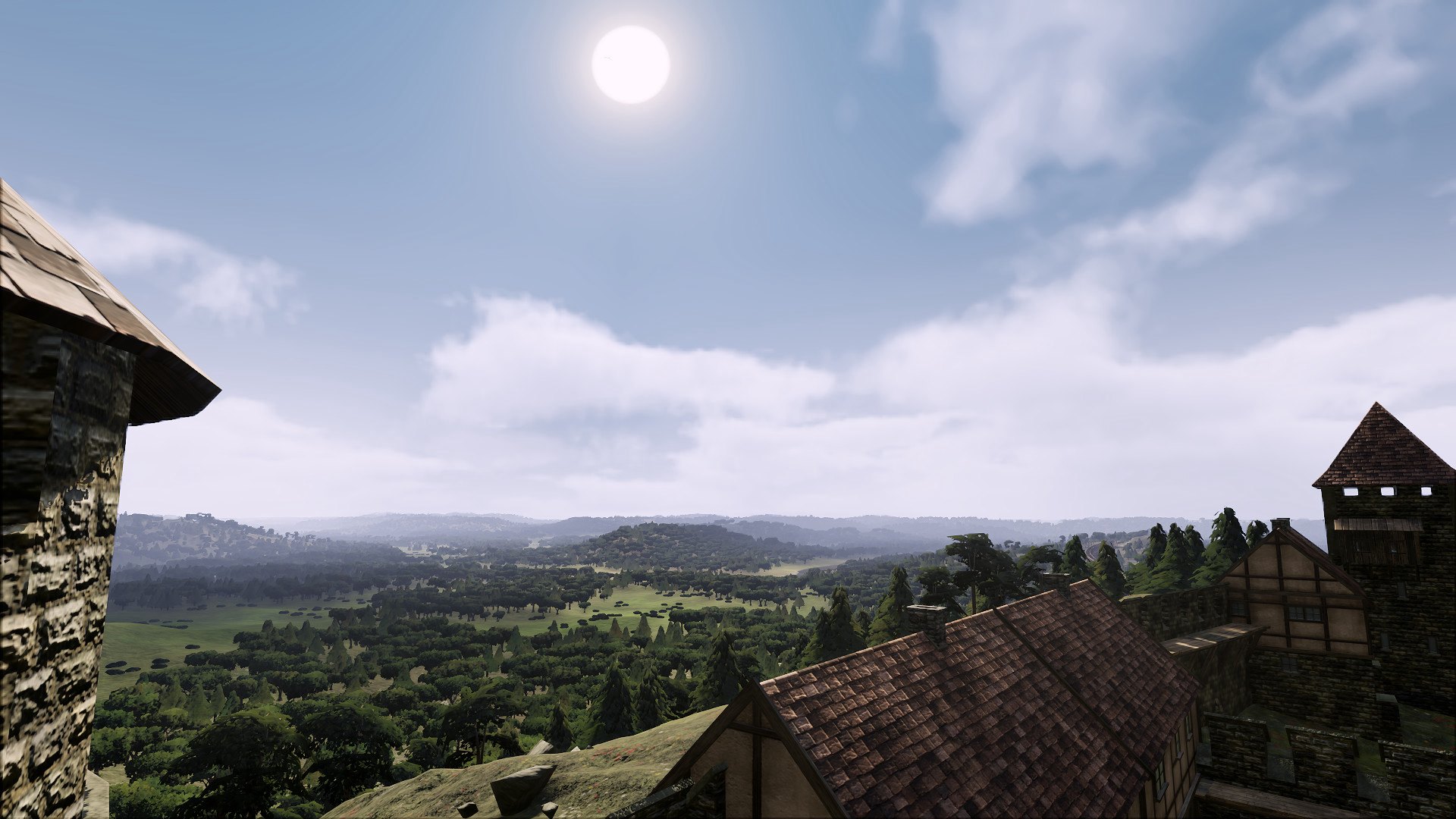
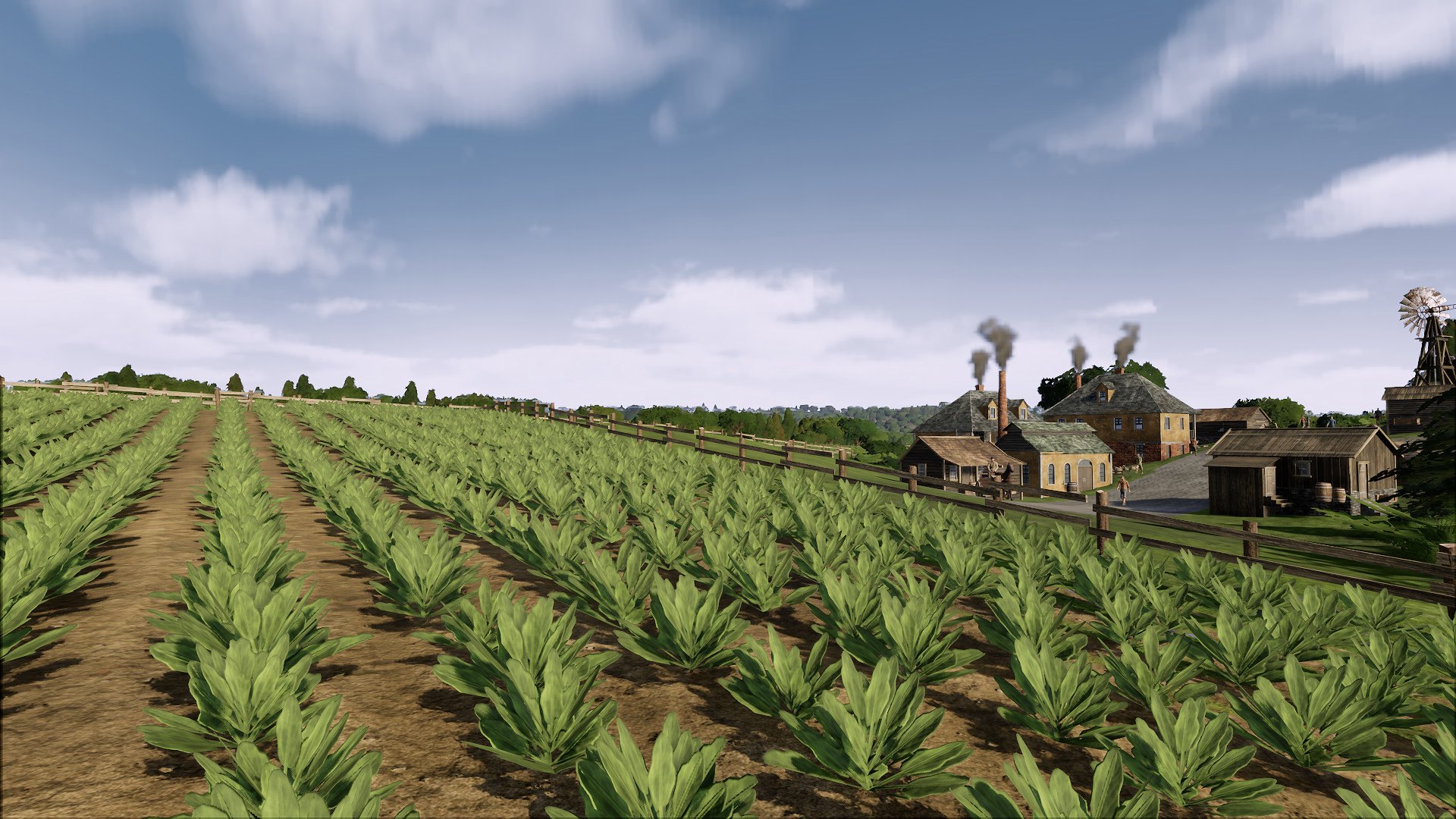
Railway Empire - Germany DLC screenshotRailway Empire - Germany DLC screenshotRailway Empire - Germany DLC screenshotRailway Empire - Germany DLC screenshotRailway Empire - Germany DLC screenshotRailway Empire - Germany DLC screenshot

How to redeem

  1. 1Check the required base game, platform and edition before purchasing.
  2. 2Find the code or supplier activation instructions in your confirmed order.
  3. 3Redeem on Steam using the supplied instructions, then install the add-on with the compatible base game.

Supplier instructions

Go to: http://store.steampowered.com/ and download STEAM client Click "Install Steam" (from the upper right corner) Install and start application, login with your Account name and Password (create one if you don't have). Please follow these instructions to activate a new retail purchase on Steam: Launch Steam and log into your Steam account. Click the Games Menu. Choose Activate a Product on Steam... Follow the onscreen instructions to complete the process. After successful code verification go to the "MY GAMES" tab and start downloading.

You might also like