Get 10% back in Relic Coins on every order
Marvin's Mittens cover

SteamGlobal· Key

Marvin's Mittens

€0.56

+€0.06 cashback eligibility in Relic Coins

Check before you play

Platform
Steam
Region
Global
Product type
Key
Publisher
Breakfall
Supplier release date
2014-12-17
Genres
Adventure, Indie, Casual, Music / Soundtrack

About this product

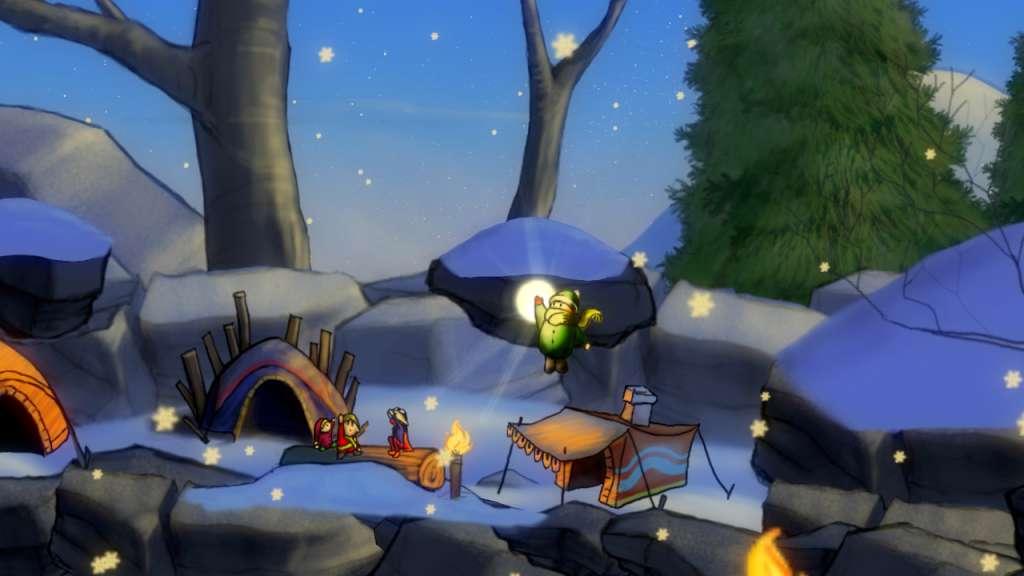
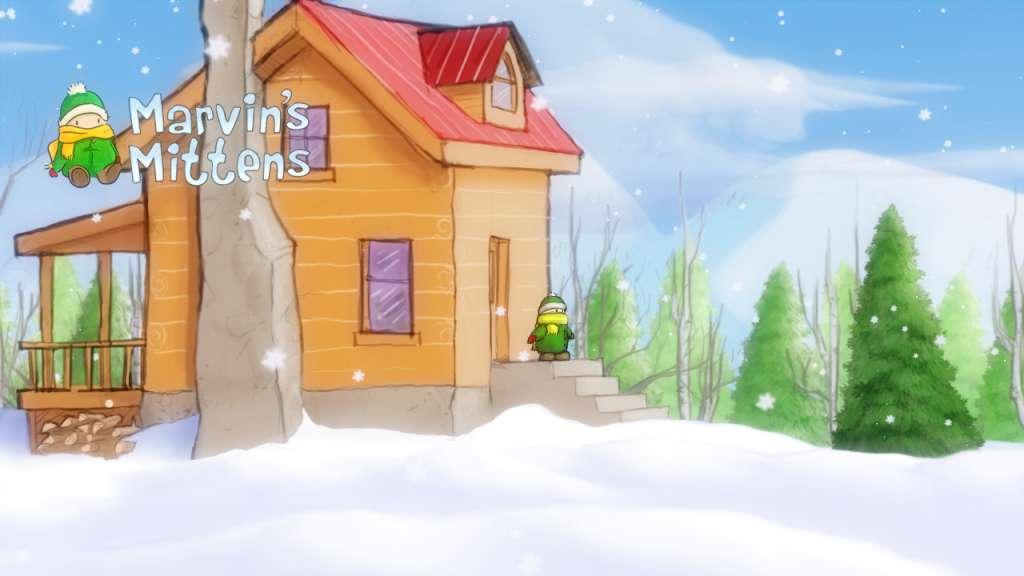
Marvin's Mittens is a 2D platformer with a focus on exploration and collection. With gorgeous, hand drawn art, Marvin presents a soothing world to explore, free from enemies and danger. Collect magic snowflakes to increase your jump height and race your sled across the landscape to reach new areas before your mother calls you back home. Learn the secrets of snow elf magic and traverse the world beyond Marvin's backyard to solve the mystery of the missing mitten. Immerse yourself in this charming indie title! Features Beautiful winter landscapes and charming characters Carefully placed collectibles encourage exploration and revisiting of levels Ever-increasing jump allows access to new parts of the world Coast down hills on your sled, find jumps to reach new areas Nearly an hour of beautiful original music Find shortcuts to venture further before Marvin is called back home by his mom Sneak up on wildlife to add animals to Marvin's sketchbook

Marvin's Mittens screenshotMarvin's Mittens screenshotMarvin's Mittens screenshotMarvin's Mittens screenshotMarvin's Mittens screenshot

How to redeem

  1. 1Check your Steam account and the listed region before purchasing.
  2. 2Find your code and supplier activation instructions in your confirmed order.
  3. 3Open the redeem-code section on Steam, enter the code and follow the platform’s prompts.

Supplier instructions

Go to: http://store.steampowered.com/ and download STEAM client Click "Install Steam" (from the upper right corner) Install and start application, login with your Account name and Password (create one if you don't have). Please follow these instructions to activate a new retail purchase on Steam: Launch Steam and log into your Steam account. Click the Games Menu. Choose Activate a Product on Steam... Follow the onscreen instructions to complete the process. After successful code verification go to the "MY GAMES" tab and start downloading.

You might also like