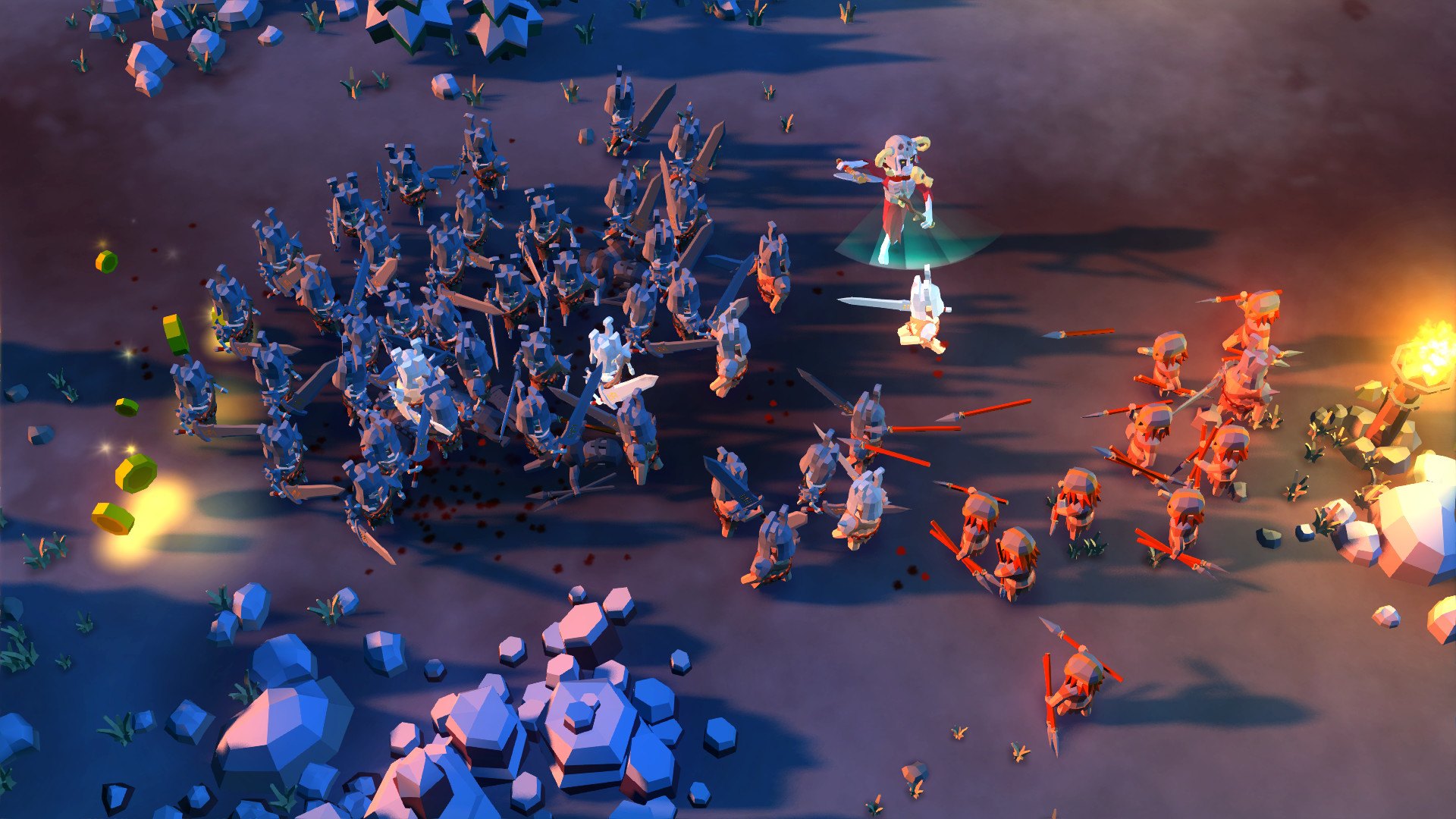
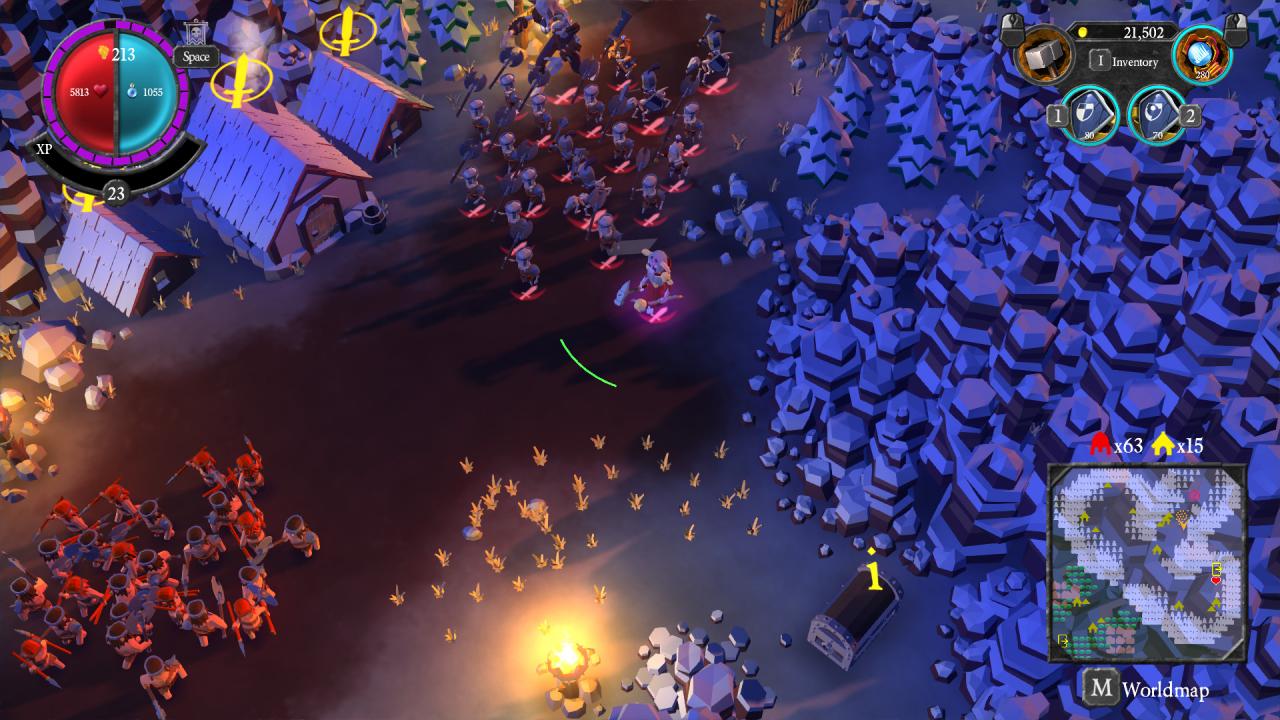
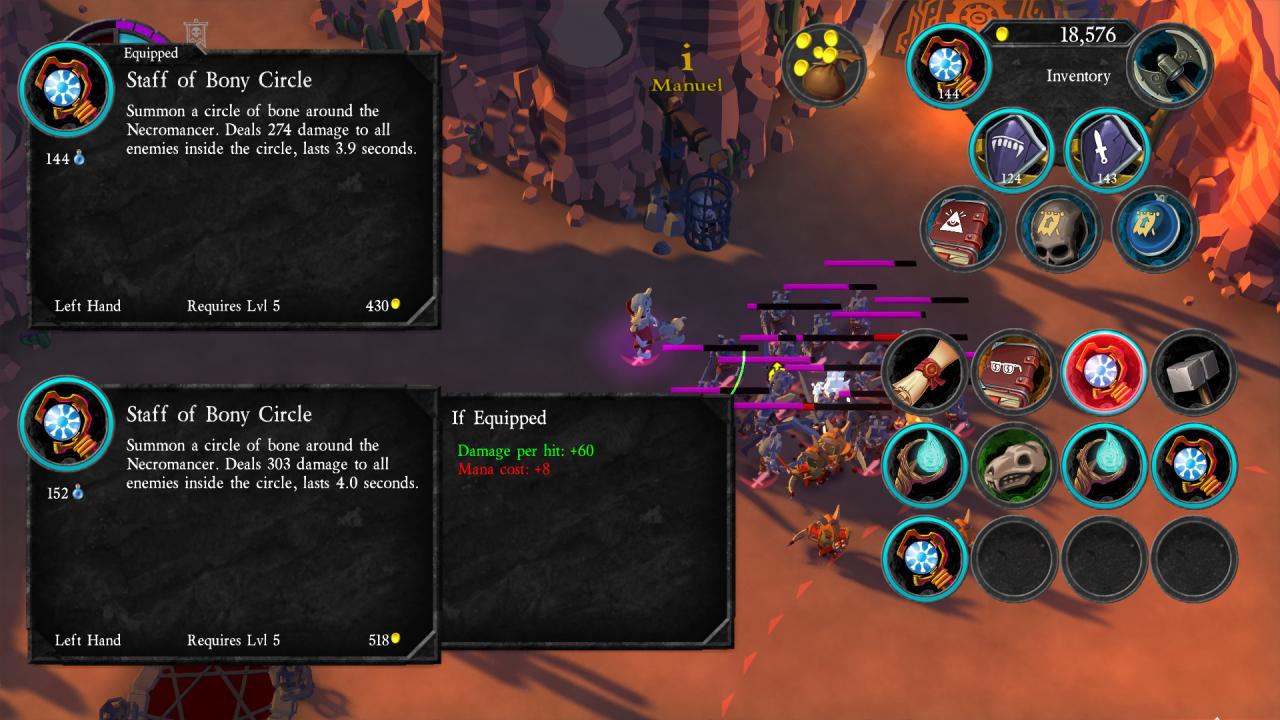
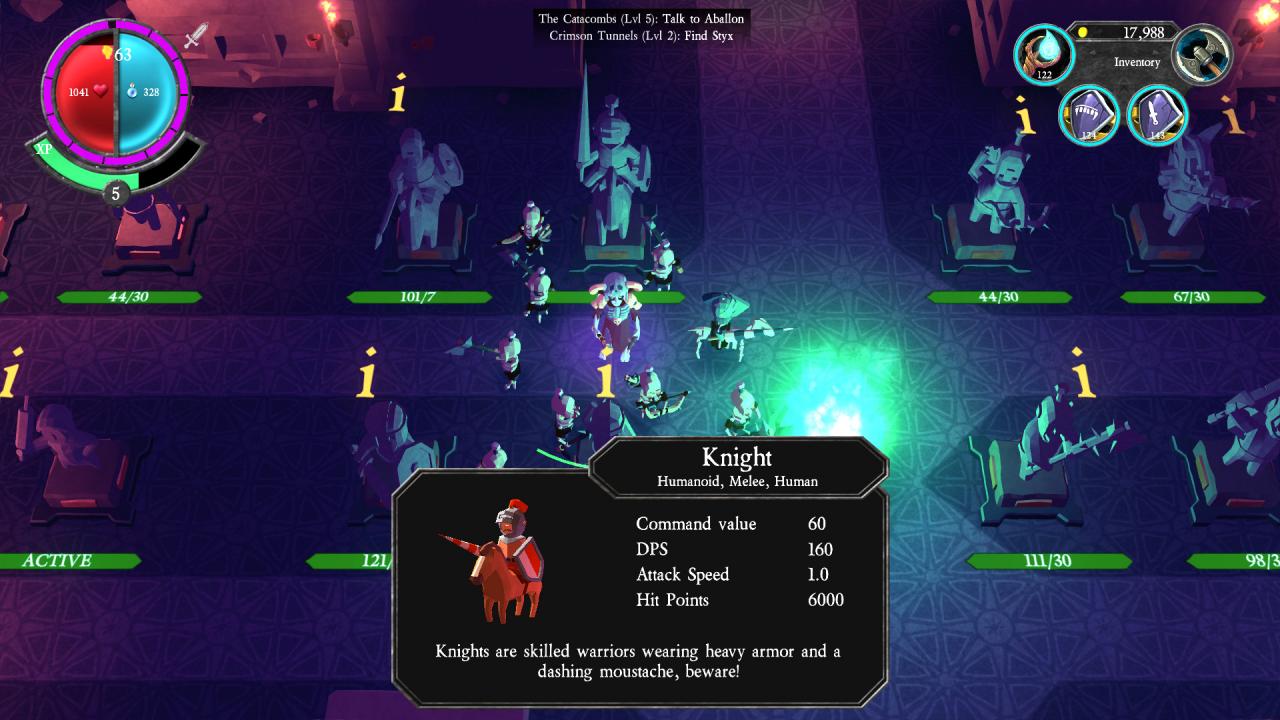
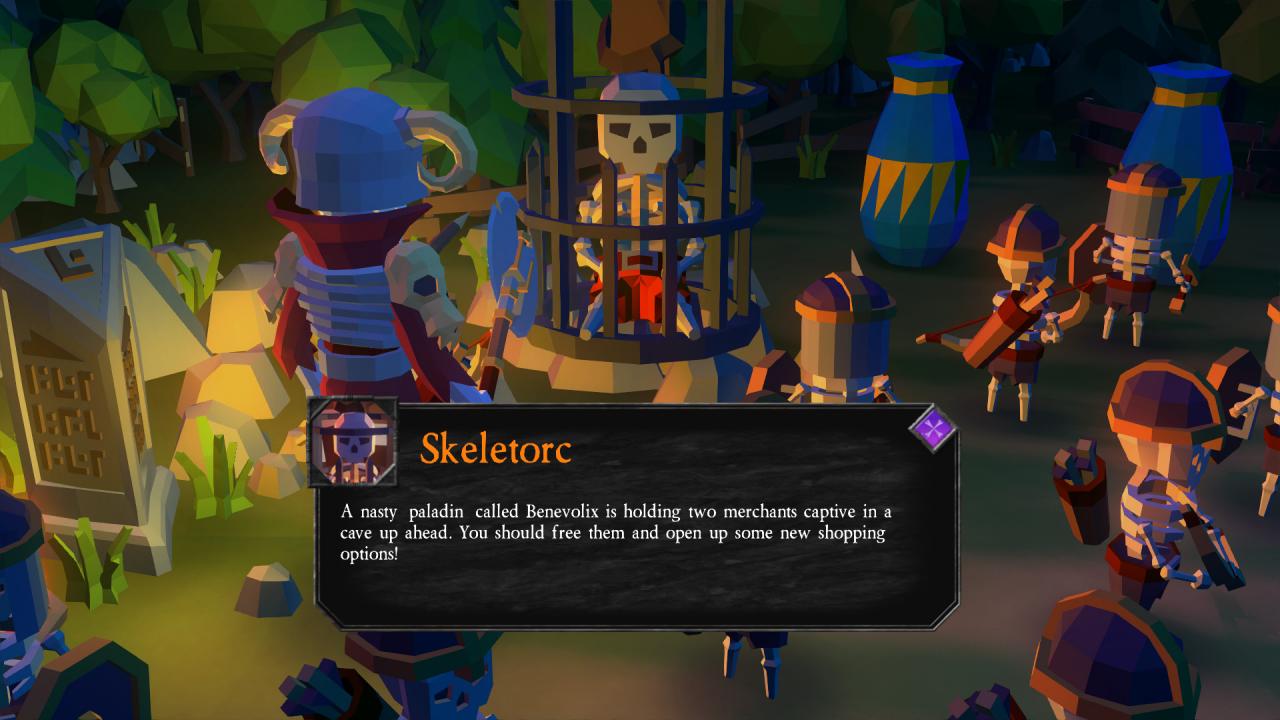
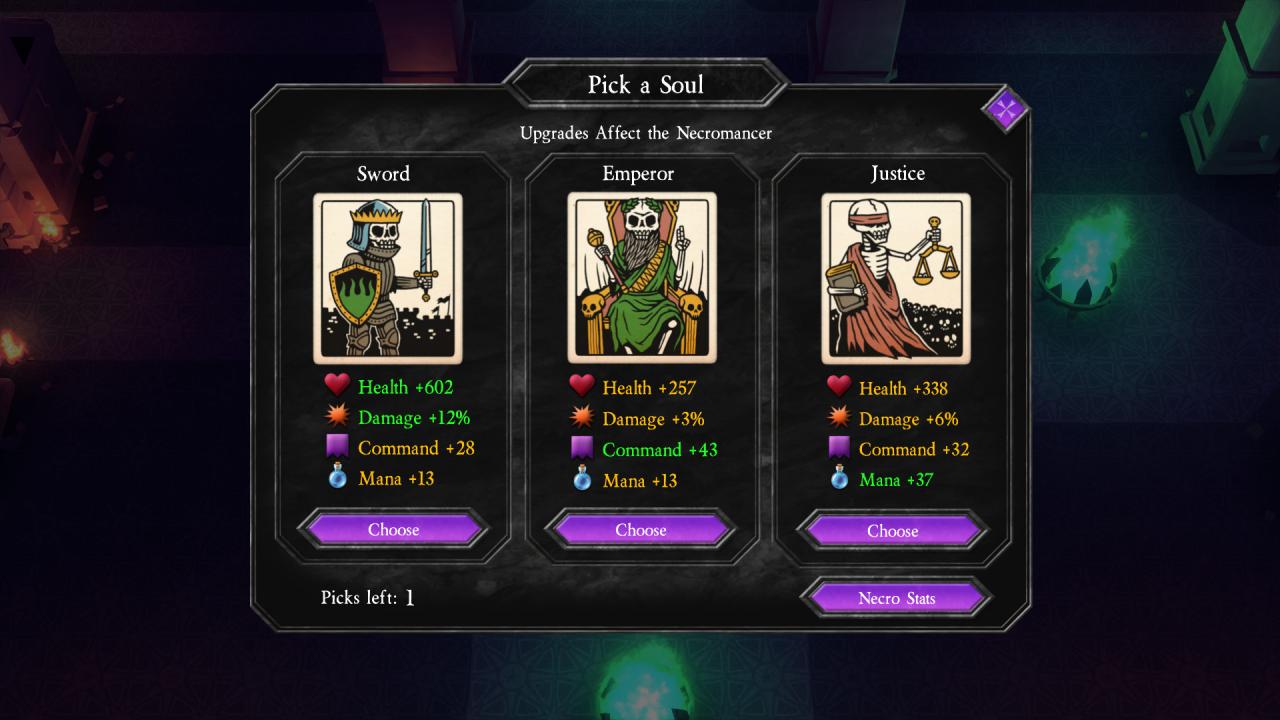
Become a necromancer and raise the dead - Undead Horde is a necromantic action game with elements from RPG, strategy and hack'n'slash. You'll battle against the living who've driven the necromancers and their undead minions into exile. You'll re-animate all kinds of creatures and build an army of up to 100 undead. Your army follows you or attacks by itself depending on your commands. Explore and conquer a fantasy world filled with creatures from humans to giant scorpions Re-animate your slain enemies and make them part of your undead army Endless number of new weapons, trinkets and magical items Level up and create the necromancer of your nightmares Sell and trade your loot with various merchants Manage shops with upgrades You will command a horde of Undead minions and unlock new minion types by slaying your enemies. There are over a dozen minions ranging from human archers to venomous scorpions.As a necromancer you can raise your slain enemies as undead warriors. You will also summon undead from your crypt. Graves may offer supring reinforcements whenever you find them. Make your Necromancer and minions even more powerful with items. Procedural item generation provides endless amount of new and exciting items for the necromancer to play with.You will conquer back the lands the living stole from you. Making your way through forests, deserts, and wastelands you will finally destroy the Paladin Goodhelper