Get 10% back in Relic Coins on every order
Trainz Simulator 12 - PRRT1 DLC cover

SteamGlobal· DLC

Trainz Simulator 12 - PRRT1 DLC

€2.56

+€0.26 cashback eligibility in Relic Coins

Check before you play

Platform
Steam
Region
Global
Product type
DLC

Check the required base game and edition before purchasing this add-on.

Supplier release date
2012-11-29
Genres
Simulation

About this product

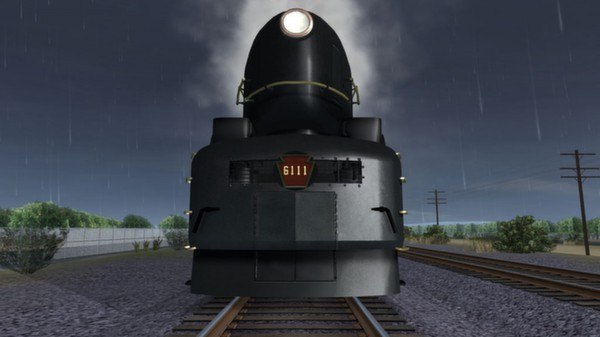
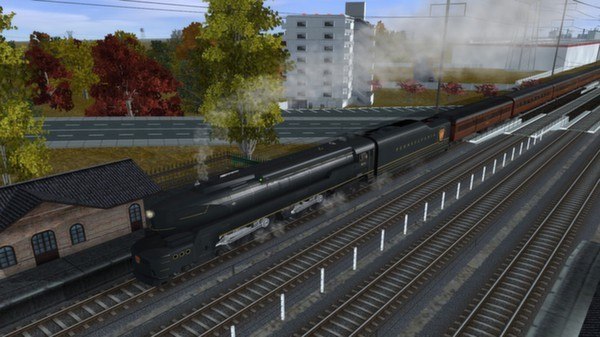
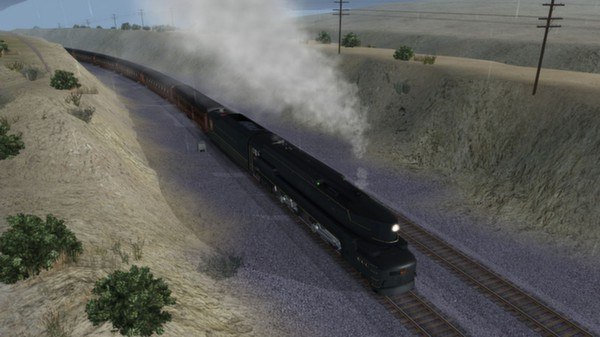
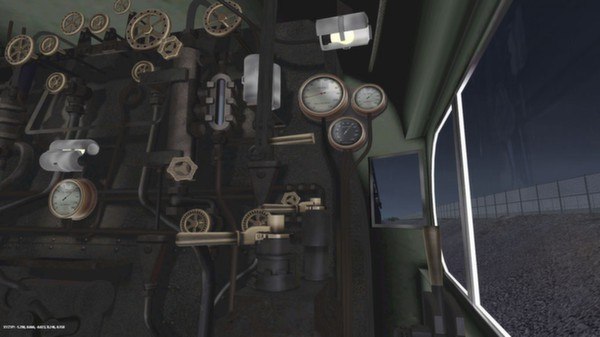
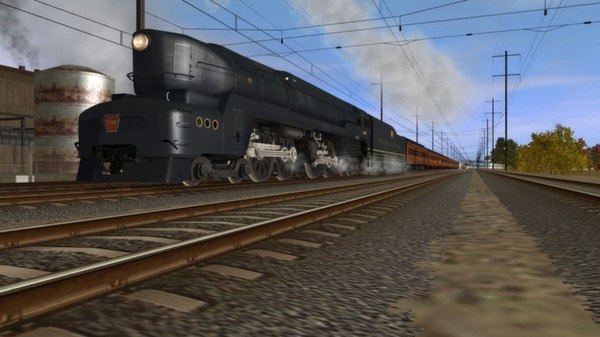
The PRR T1 'A Fleet of Modernism' DLC Pack recreates the striking image of these shark nosed behemoths in their days of speeding the 'Fleet of Modernism' cars to their destination on trains such as 'The Broadway Limited' and 'The General'. Step into the cab and take charge of these mighty horses, relax in the comfort of your roomette, or enjoy the view from the observation lounge. Features T1 Prototype Series Locomotives 6110 and 6111 with individual details. T1 Production Series Locomotives 5500 - 5549 as delivered. Locomoives feature scripted retractable couplers and hoses, scripted marker lamps, scripted road and builder's plate numbers, all the latest smoke and sound features plus a custom cab interior. B70 Baggage #6051 - 6054 PS18 'City Series' Roomette Sleeper POS21A 'View Series' Observation Lounge Federal View Metropolitan View Skyline View Washington View Coaches feature scripted hoses, scripted interior lights and marker lamps, scripted names / numbers, and passenger views.

Trainz Simulator 12 - PRRT1 DLC screenshotTrainz Simulator 12 - PRRT1 DLC screenshotTrainz Simulator 12 - PRRT1 DLC screenshotTrainz Simulator 12 - PRRT1 DLC screenshotTrainz Simulator 12 - PRRT1 DLC screenshotTrainz Simulator 12 - PRRT1 DLC screenshot

How to redeem

  1. 1Check the required base game, platform and edition before purchasing.
  2. 2Find the code or supplier activation instructions in your confirmed order.
  3. 3Redeem on Steam using the supplied instructions, then install the add-on with the compatible base game.

Supplier instructions

Go to: http://store.steampowered.com/ and download STEAM client Click "Install Steam" (from the upper right corner) Install and start application, login with your Account name and Password (create one if you don't have). Please follow these instructions to activate a new retail purchase on Steam: Launch Steam and log into your Steam account. Click the Games Menu. Choose Activate a Product on Steam... Follow the onscreen instructions to complete the process. After successful code verification go to the "MY GAMES" tab and start downloading.

You might also like