Get 10% back in Relic Coins on every order
No Time to Relax cover

SteamGlobal· Key

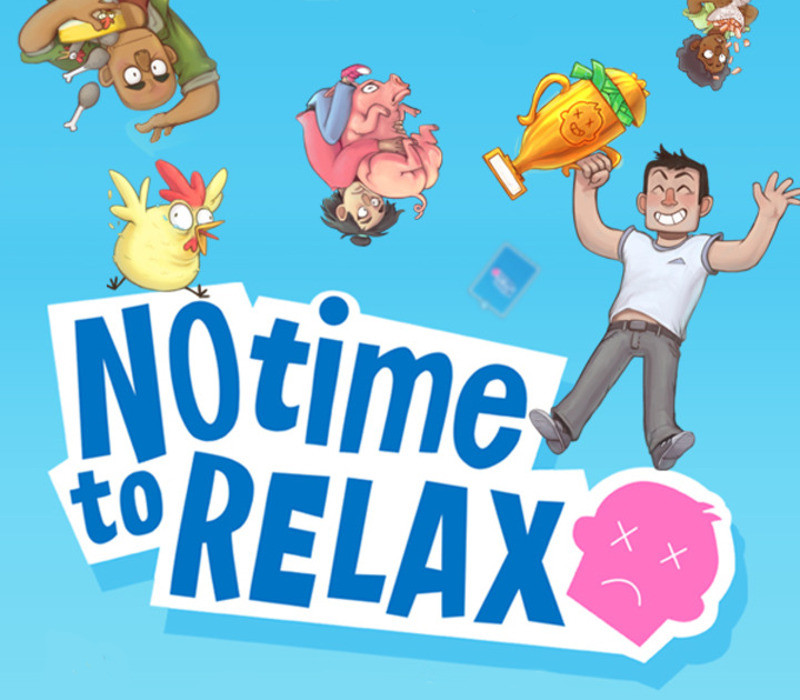
No Time to Relax

€8.30

+€0.83 cashback eligibility in Relic Coins

Check before you play

Platform
Steam
Region
Global
Product type
Key
Developer
Porcelain Fortress
Publisher
Porcelain Fortress
Supplier release date
2019-02-28
Genres
Strategy, Simulation, Indie, Casual

About this product

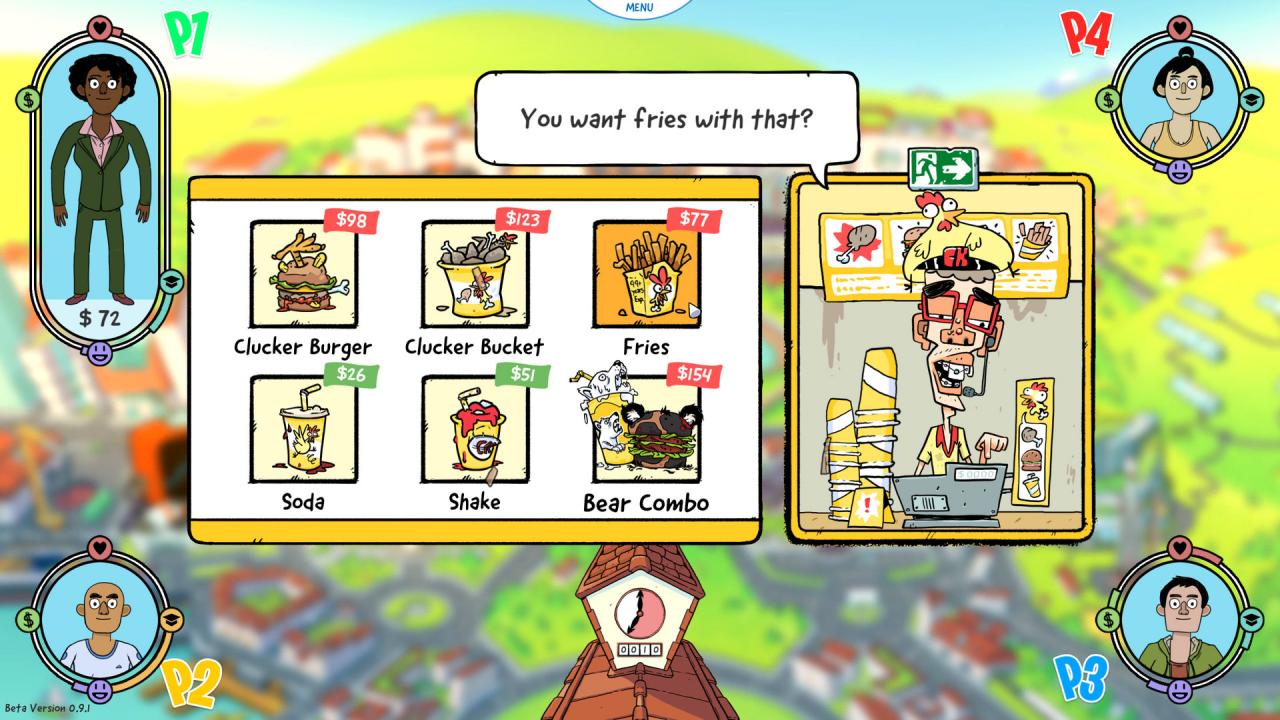
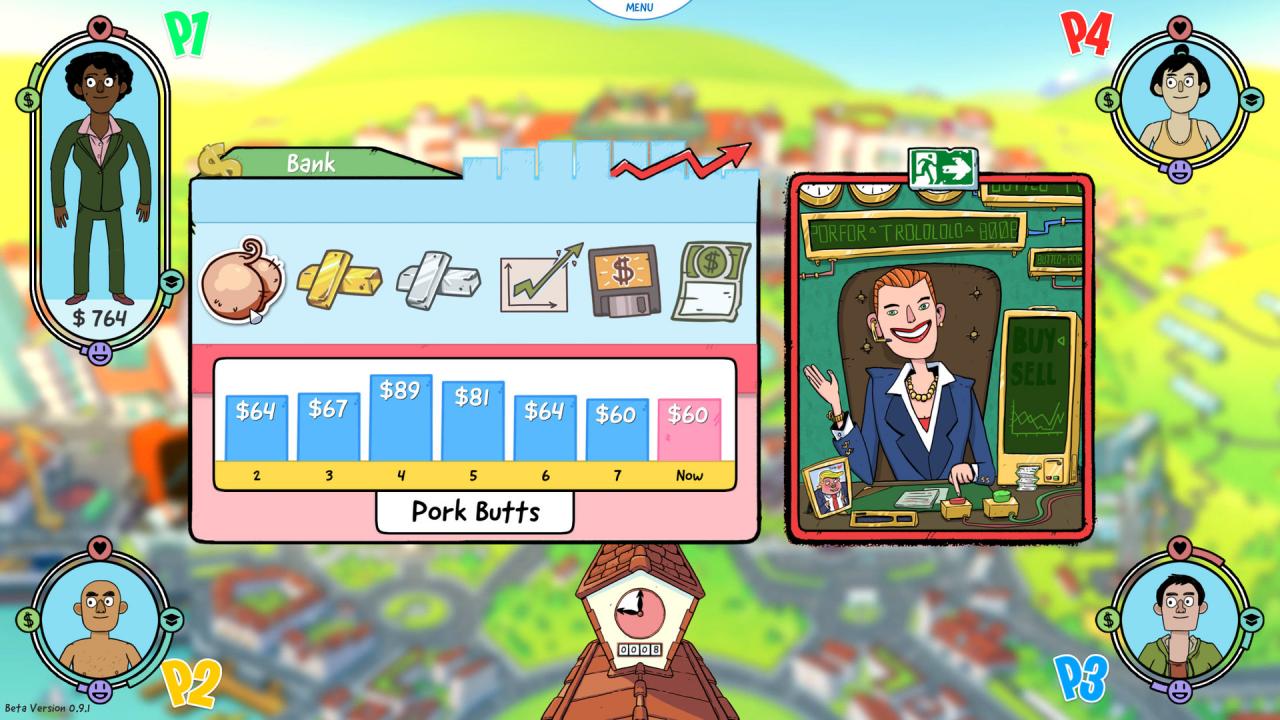
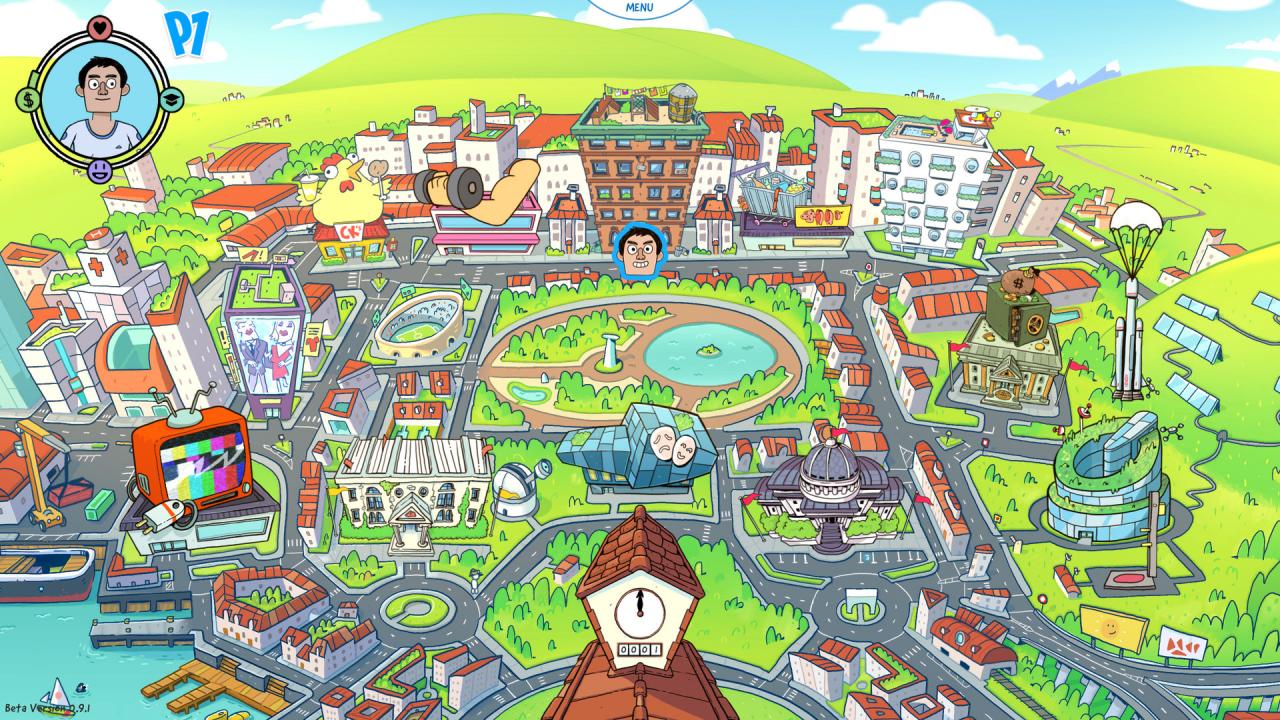
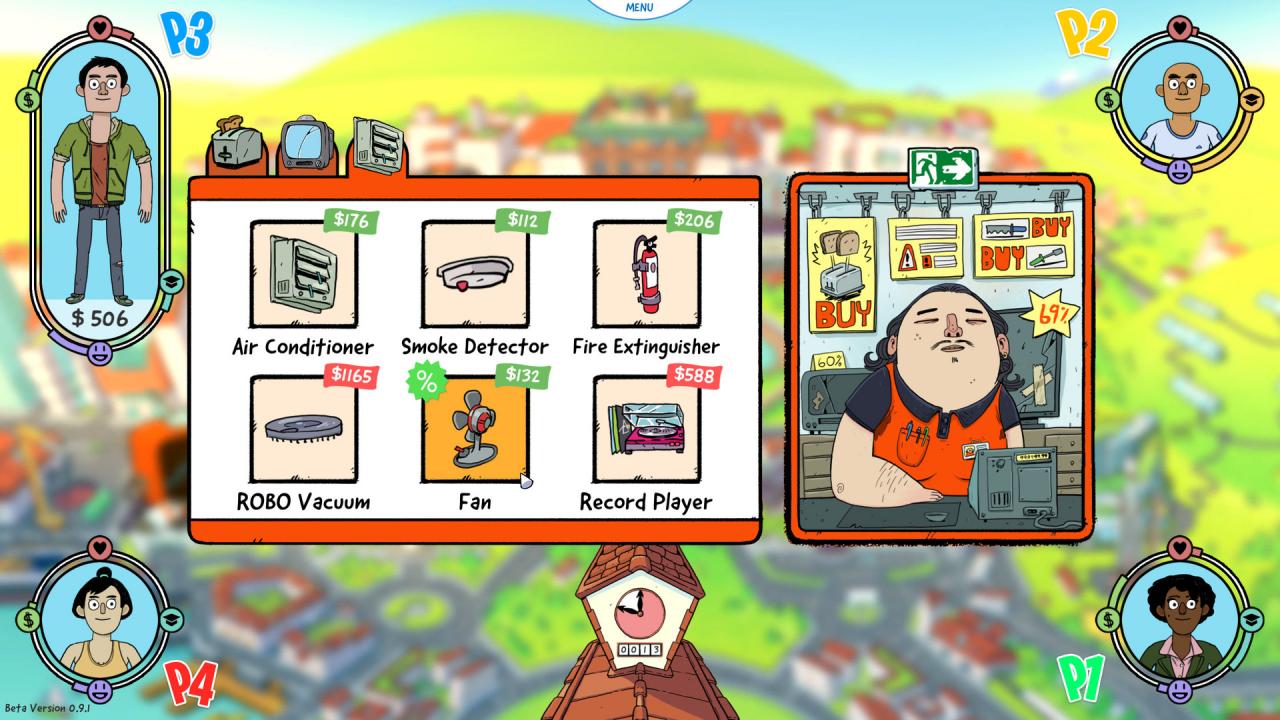
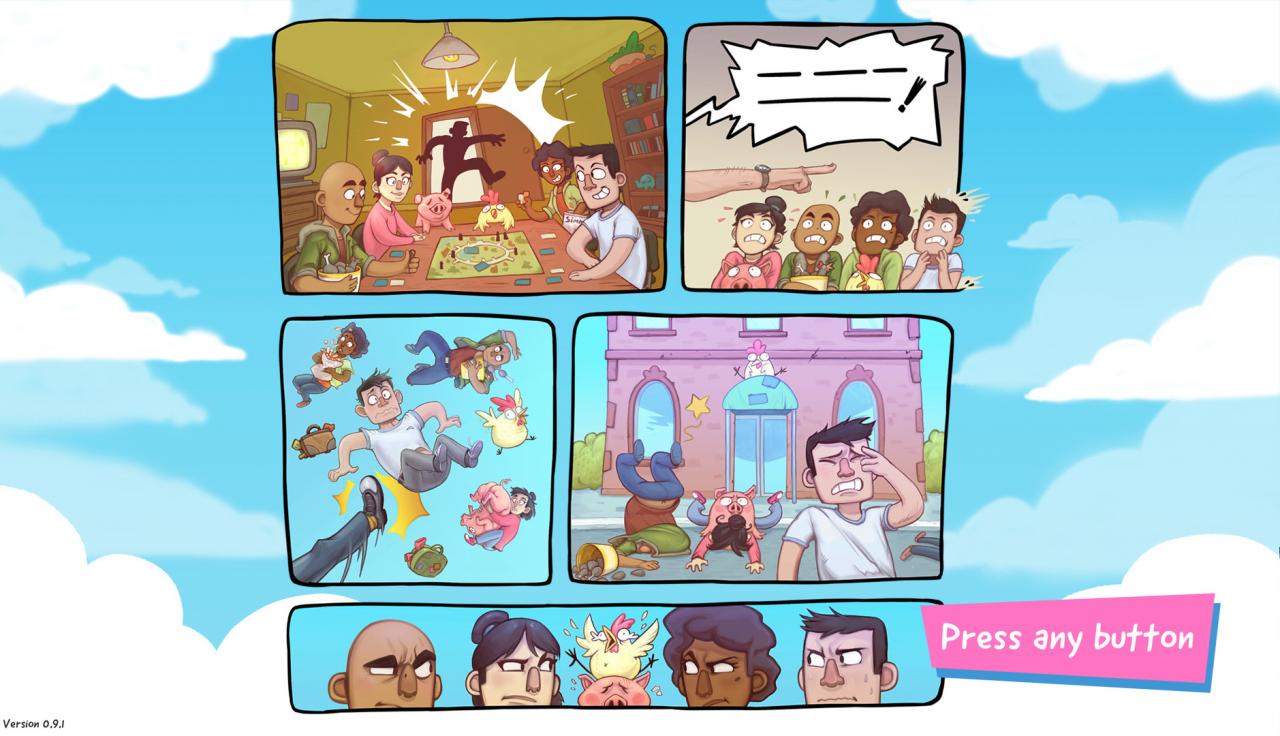
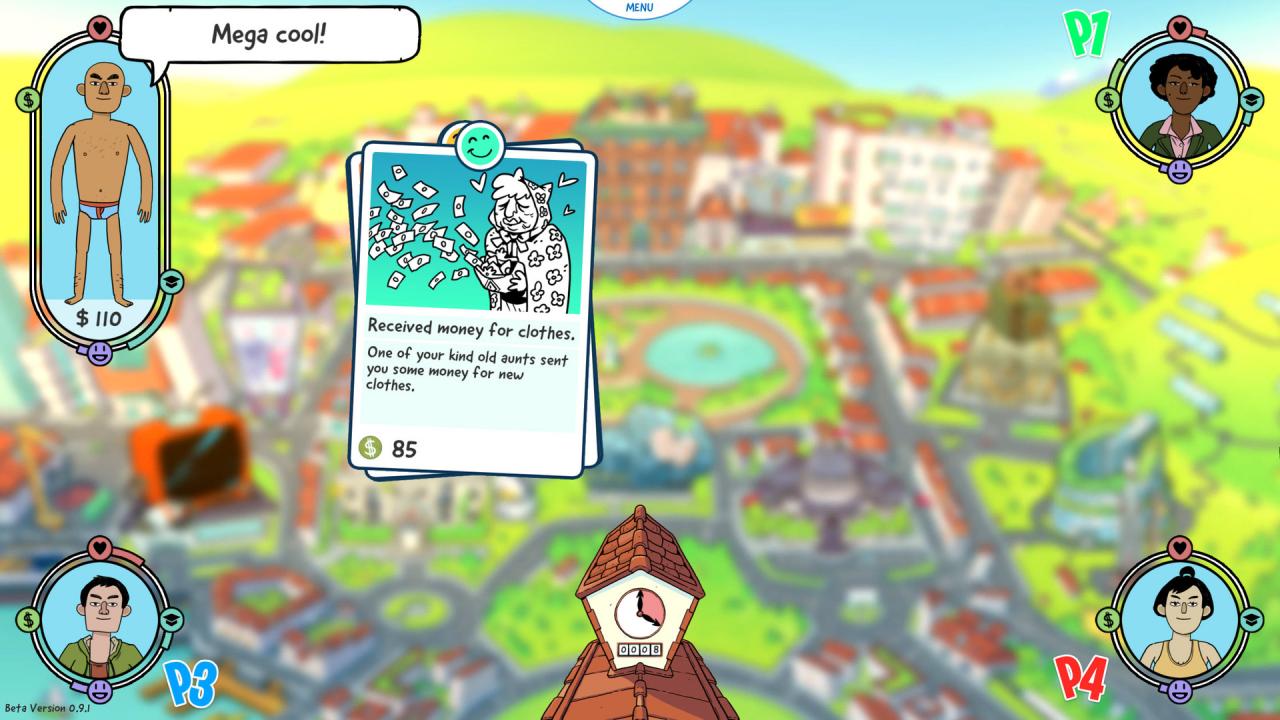
No Time to Relax is a life simulation game where up to 4 players online or locally compete against each other in the ultimate game of life. Features 4 PLAYER LOCAL AND ONLINE MULTIPLAYERPlay locally with friends or across the inter-webs. You won't have to leave the house anymore to experience life. A FUN AND SIMPLE LIFE SIMULATIONYou now have the ability to beat your more successful friends with this fake life simulator. To win the game, you have to work your way up the corporate ladder, educate yourself and keep your sanity. This might seem easy, but working and studying your ass off will strain even the most iron-willed of your friends. It almost seems like there is no time to relax! SINGLE PLAYER MODEBeat your high-score in single player mode or compete against a Computer Player. You'll be surprised and sad when even the computer is better at life than you are. Experience years of human life in mere weeks. It's like reliving a nightmare over and over again. CUSTOMIZE YOURSELF AND YOUR LIFESTYLEIndulge in a materialistic lifestyle. Money can't buy you love but it will buy that flat-screen TV and a sweet surround sound system. Nothing beats customizing your apartment with all kinds of fantastic items. Don't worry, no in game purchase required!

No Time to Relax screenshotNo Time to Relax screenshotNo Time to Relax screenshotNo Time to Relax screenshotNo Time to Relax screenshotNo Time to Relax screenshot

How to redeem

  1. 1Check your Steam account and the listed region before purchasing.
  2. 2Find your code and supplier activation instructions in your confirmed order.
  3. 3Open the redeem-code section on Steam, enter the code and follow the platform’s prompts.

Supplier instructions

Go to: http://store.steampowered.com/ and download STEAM client Click "Install Steam" (from the upper right corner) Install and start application, login with your Account name and Password (create one if you don't have). Please follow these instructions to activate a new retail purchase on Steam: Launch Steam and log into your Steam account. Click the Games Menu. Choose Activate a Product on Steam... Follow the onscreen instructions to complete the process. After successful code verification go to the "MY GAMES" tab and start downloading.

You might also like