Get 10% back in Relic Coins on every order
G-senjou no Maou - The Devil on G-String Voiced Edition cover

SteamGlobal· Key

G-senjou no Maou - The Devil on G-String Voiced Edition

€17.43

+€1.74 cashback eligibility in Relic Coins

Check before you play

Platform
Steam
Region
Global
Product type
Key
Developer
Akabeisoft2
Publisher
Sekai Project
Supplier release date
2015-05-11
Genres
Adventure, Casual, Visual Novel

About this product

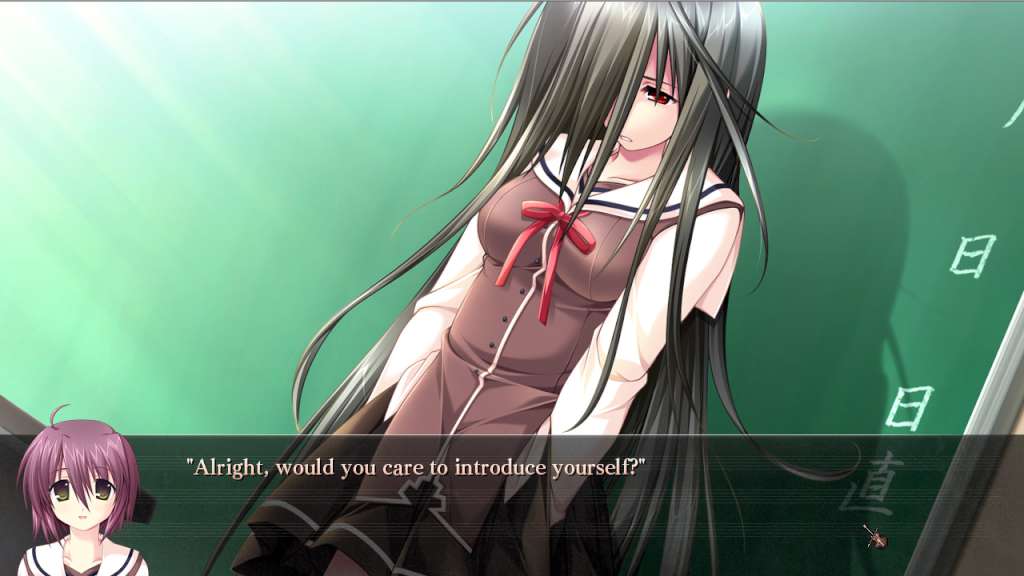
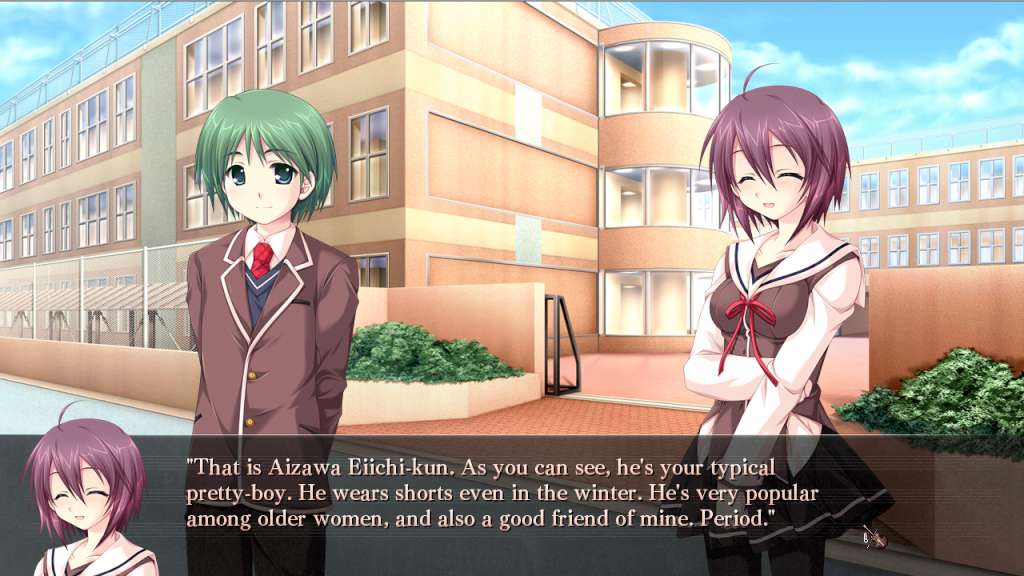
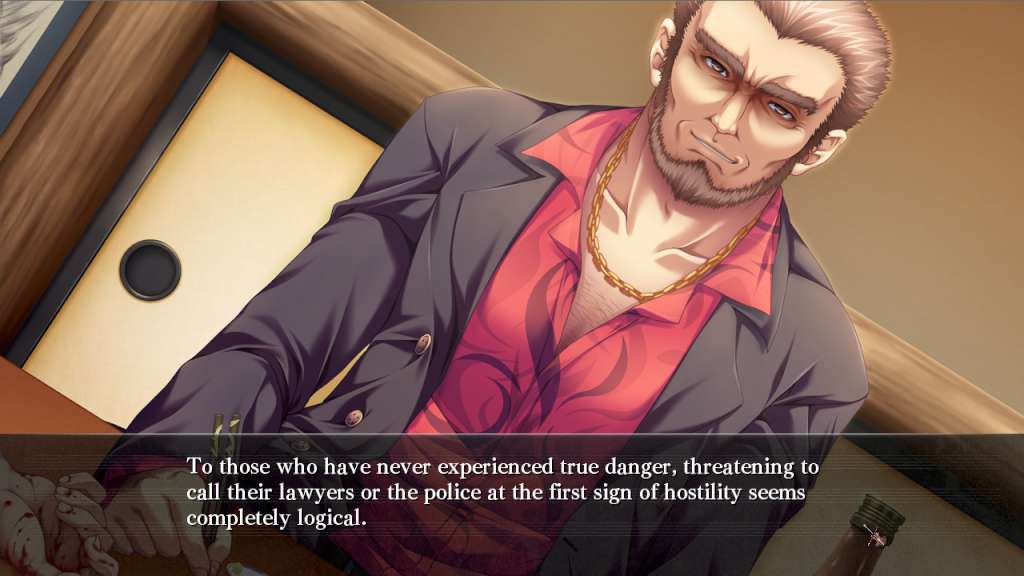
Includes: G-senjou no Maou - The Devil on G-String G-senjou no Maou - The Devil on G-String Japanese Voice Pack DLC You play as Azai Kyousuke, the son of an infamous gangster. Kyousuke knows what he likes and lets nothing stand in his way in getting what he wants. Referred to as God by his classmates, he often enjoys listening to Bach and "working" part time for his stepfather. But when a beautiful girl named Usami Haru appears in town along with an international criminal known as "Maou, " they bring with them their cat-and-mouse game of plotting and intrigue.

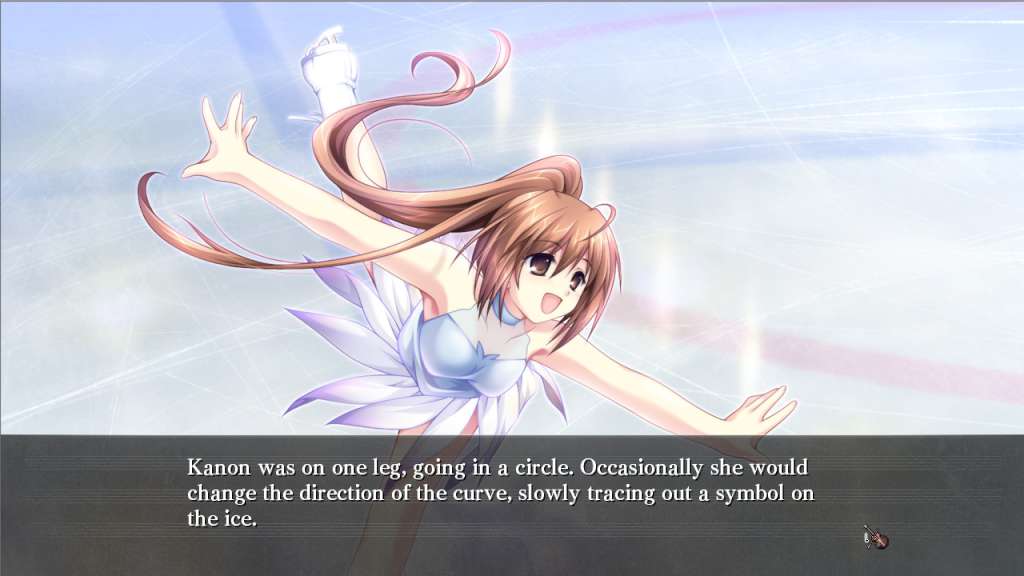
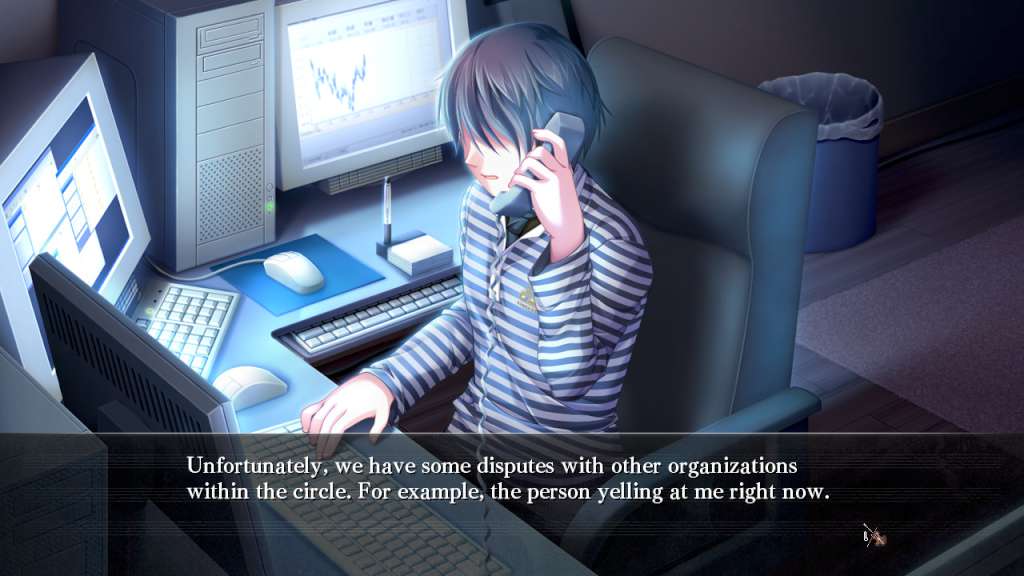
G-senjou no Maou - The Devil on G-String Voiced Edition screenshotG-senjou no Maou - The Devil on G-String Voiced Edition screenshotG-senjou no Maou - The Devil on G-String Voiced Edition screenshotG-senjou no Maou - The Devil on G-String Voiced Edition screenshotG-senjou no Maou - The Devil on G-String Voiced Edition screenshotG-senjou no Maou - The Devil on G-String Voiced Edition screenshot

How to redeem

  1. 1Check your Steam account and the listed region before purchasing.
  2. 2Find your code and supplier activation instructions in your confirmed order.
  3. 3Open the redeem-code section on Steam, enter the code and follow the platform’s prompts.

Supplier instructions

Go to: http://store.steampowered.com/ and download STEAM client Click "Install Steam" (from the upper right corner) Install and start application, login with your Account name and Password (create one if you don't have). Please follow these instructions to activate a new retail purchase on Steam: Launch Steam and log into your Steam account. Click the Games Menu. Choose Activate a Product on Steam... Follow the onscreen instructions to complete the process. After successful code verification go to the "MY GAMES" tab and start downloading.

You might also like