

SteamGlobal· Key
SHiRO 011
€4.65
+€0.47 cashback eligibility in Relic Coins
Check before you play
- Platform
- Steam
- Region
- Global
- Product type
- Key
- Supplier release date
- 2019-03-25
- Genres
- Action, Indie, Casual
SteamGlobal· Key
€4.65
+€0.47 cashback eligibility in Relic Coins
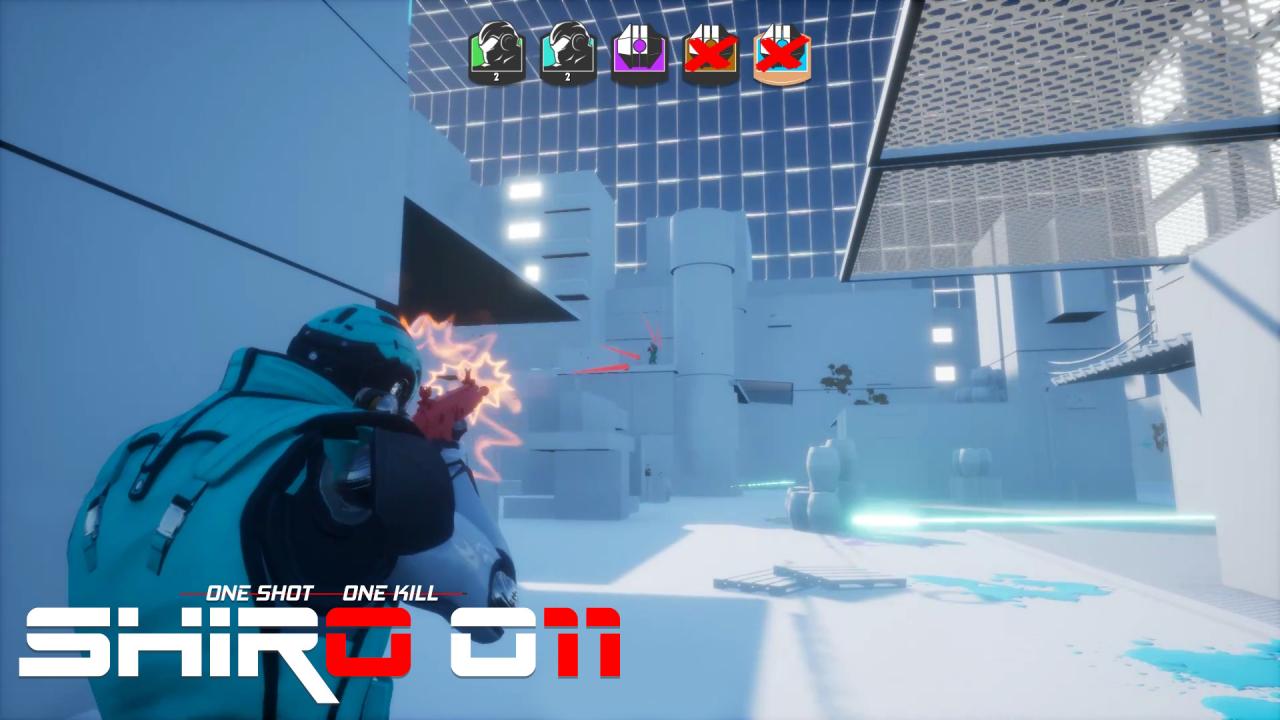
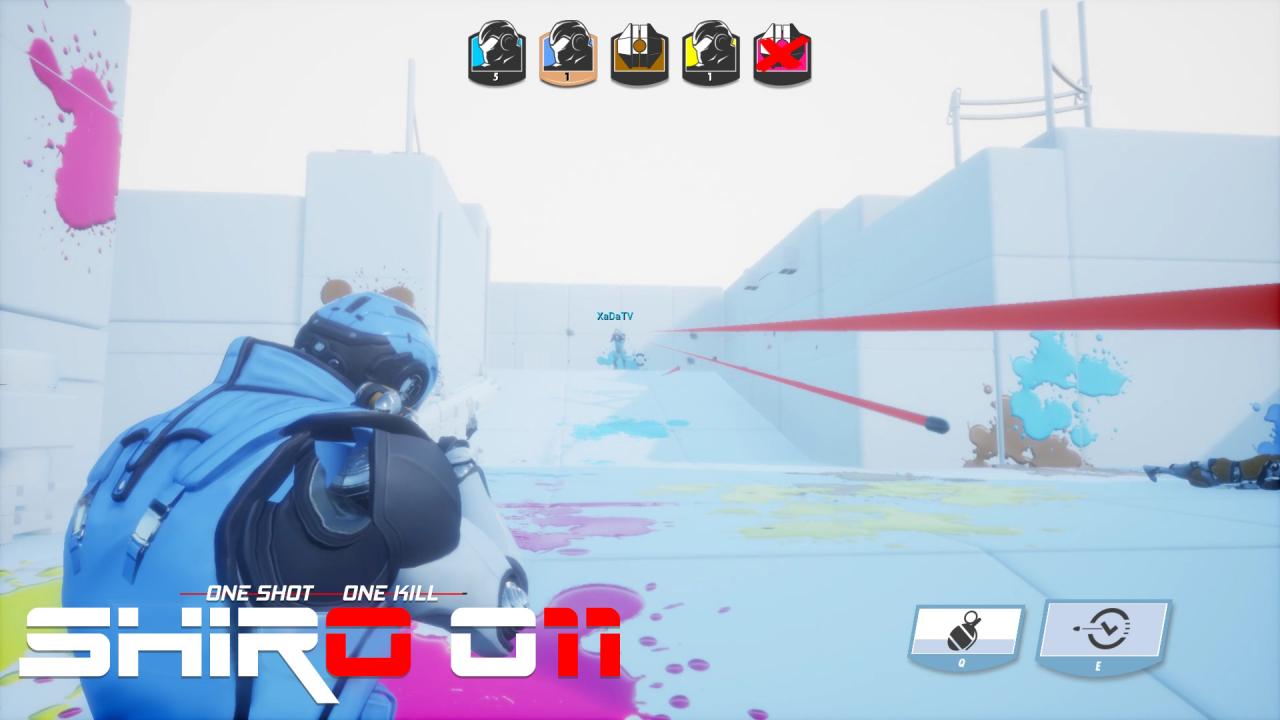
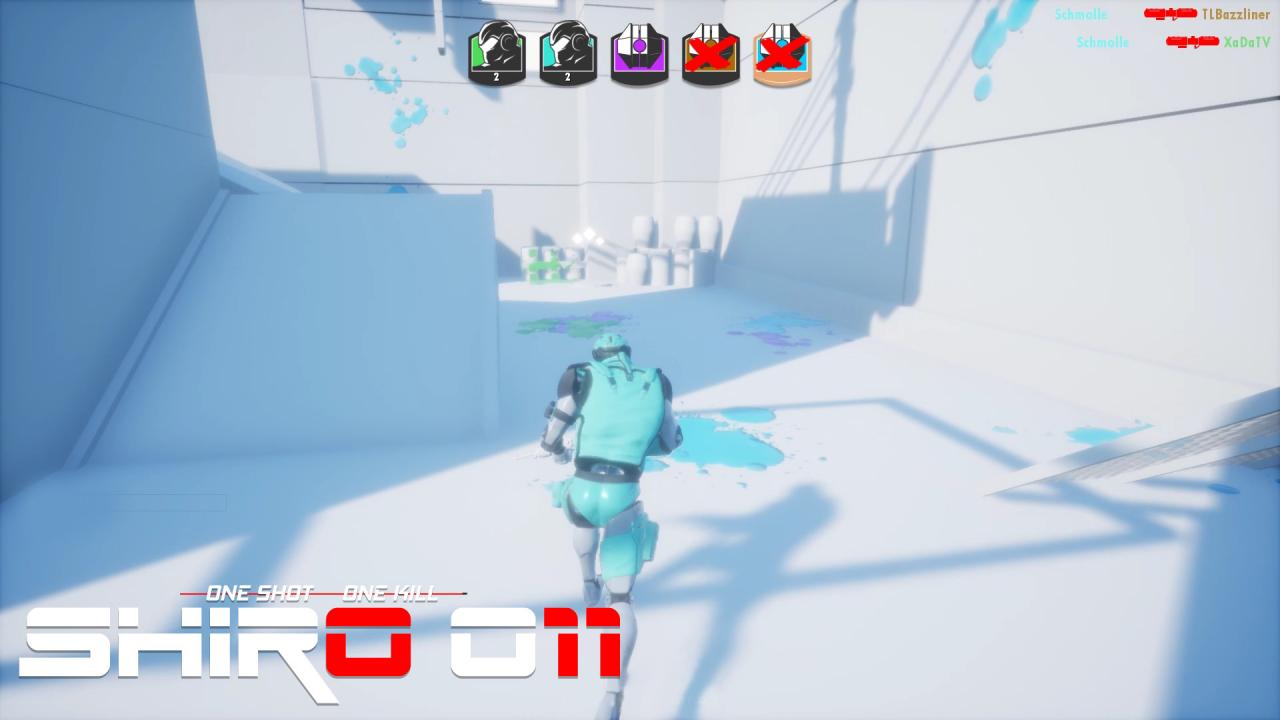
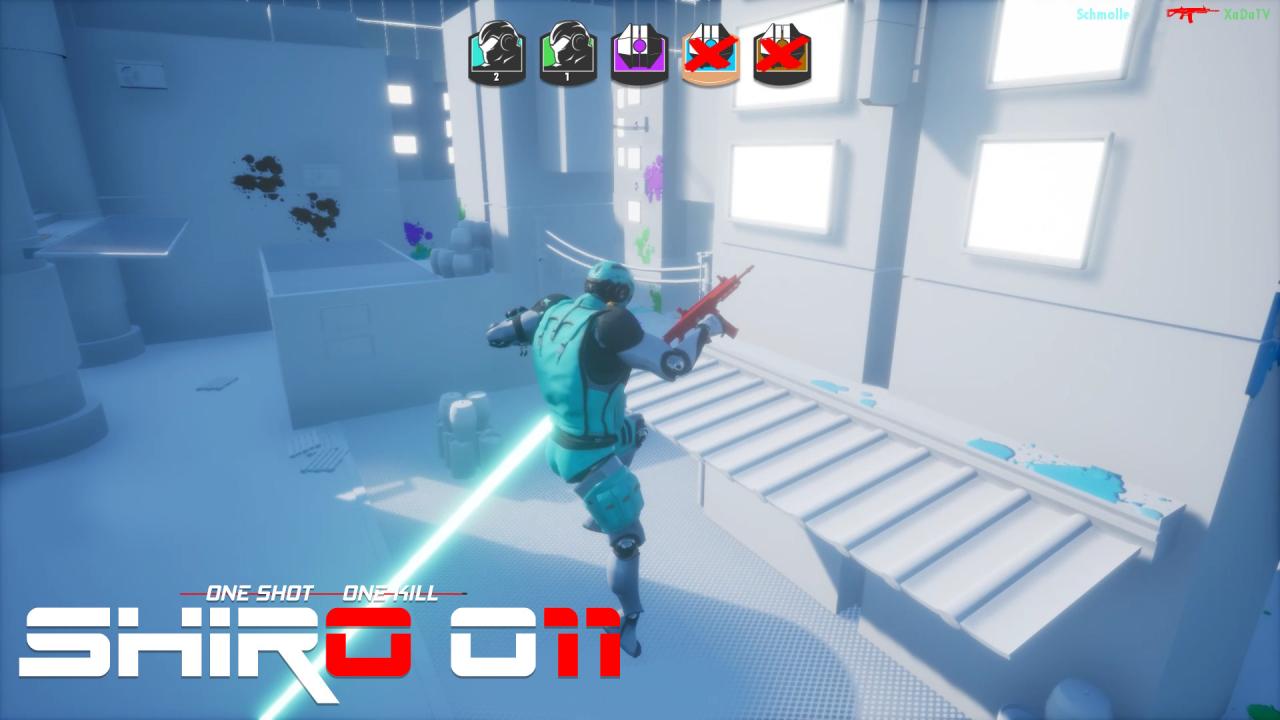
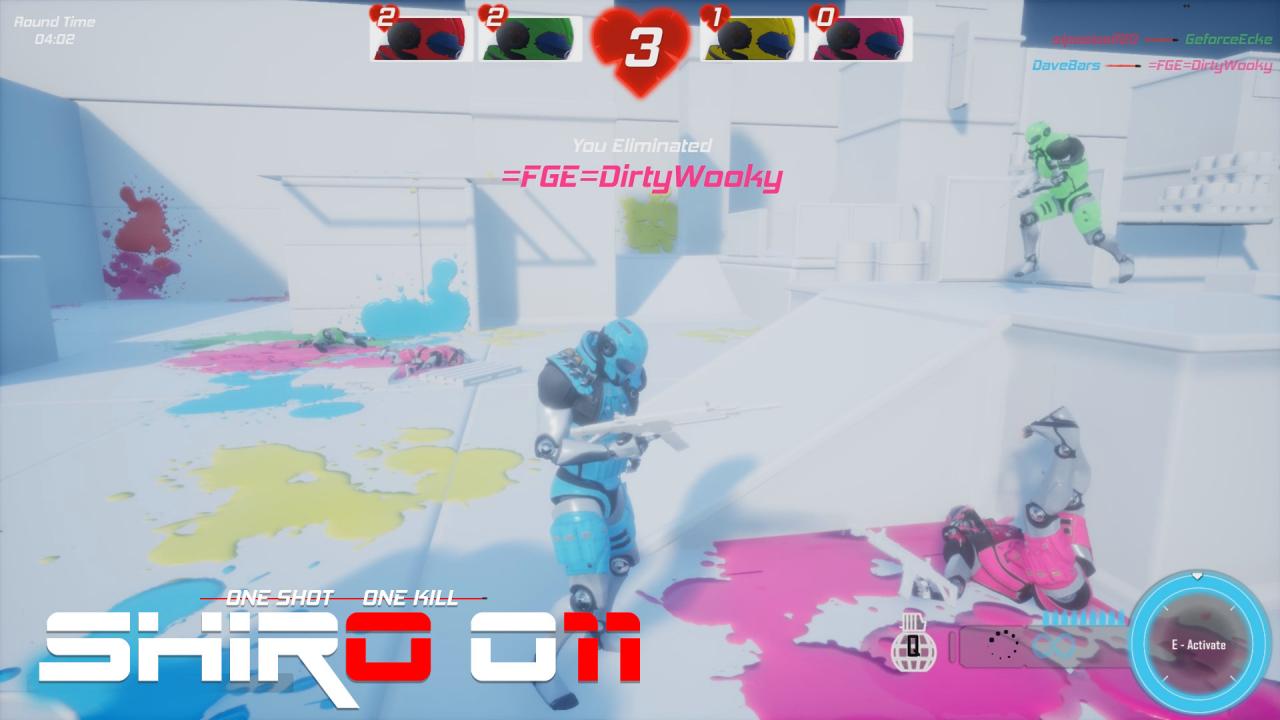
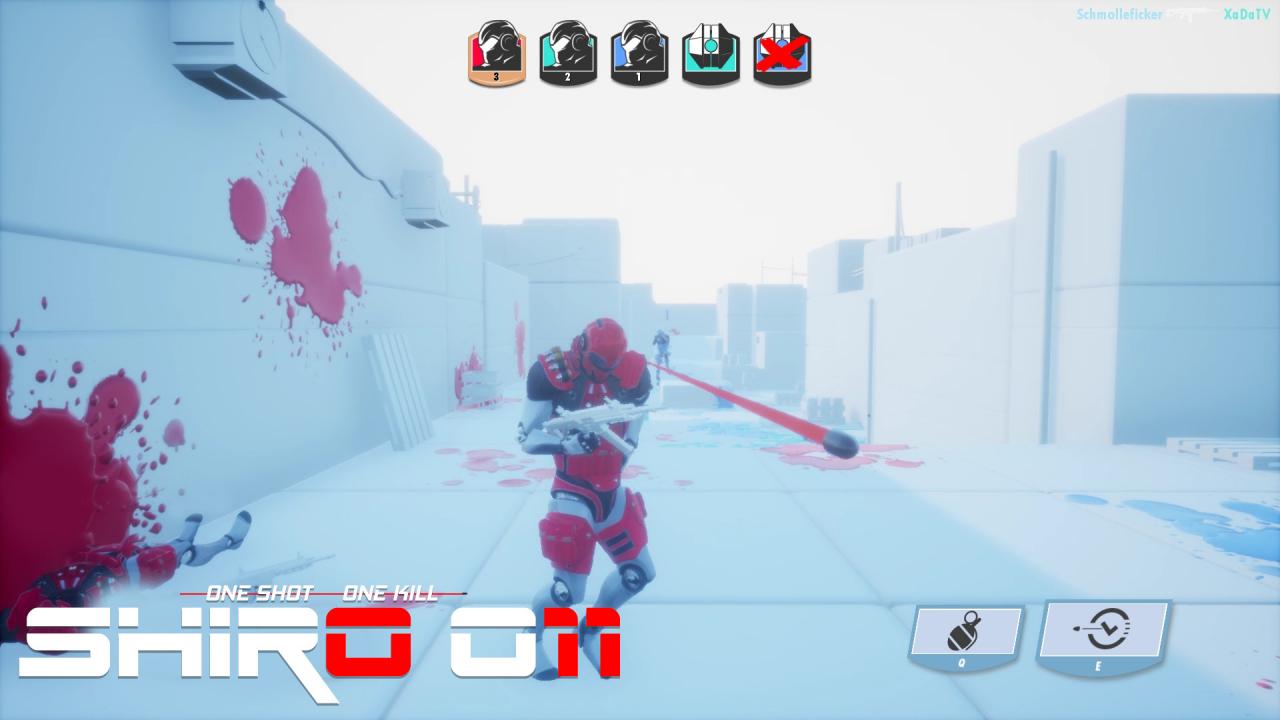
SHiRO 011 is a 3rd person arena shooter that lets you compete with up to 7 players in online and local multiplayer battles. Eliminate your friends one by one or work together as a team to ensure your victory. Other than the max amount of 8 players per match there's no limits regarding team formation. All vs all, 1v1, uneven teams, everything's possible. Features Watch the battleground turn from a plain white canvas to a full blown Jackson Pollock painting while never losing sight of your opponents. No matter where you hit your opponent, every hit is deadly, so get the timing right and the battlefield will be yours! Create a timesphere around you to slow down everything within. Hunting enemies and dodging bullets at the same time has never felt so good. Every player enters the arena with 10 lives. Only one player/team will make it out alive. FAST. CHAOTIC. FUN. WSHiRO 011 Steam CD Keyatch the battleground turn from a plain white canvas to a full blown Jackson Pollock painting while never losing sight of your opponents.
Go to: http://store.steampowered.com/ and download STEAM client Click "Install Steam" (from the upper right corner) Install and start application, login with your Account name and Password (create one if you don't have). Please follow these instructions to activate a new retail purchase on Steam: Launch Steam and log into your Steam account. Click the Games Menu. Choose Activate a Product on Steam... Follow the onscreen instructions to complete the process. After successful code verification go to the "MY GAMES" tab and start downloading.